Room Booking
Room Control
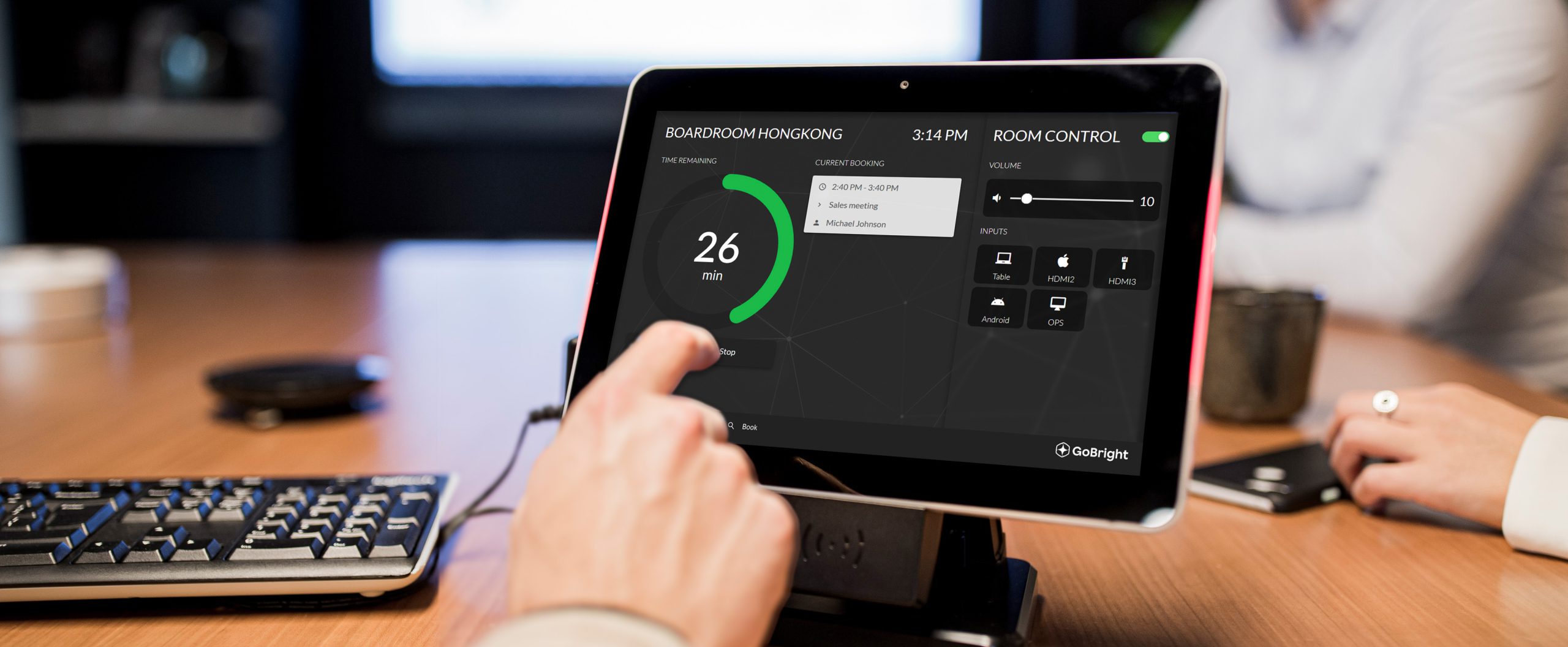
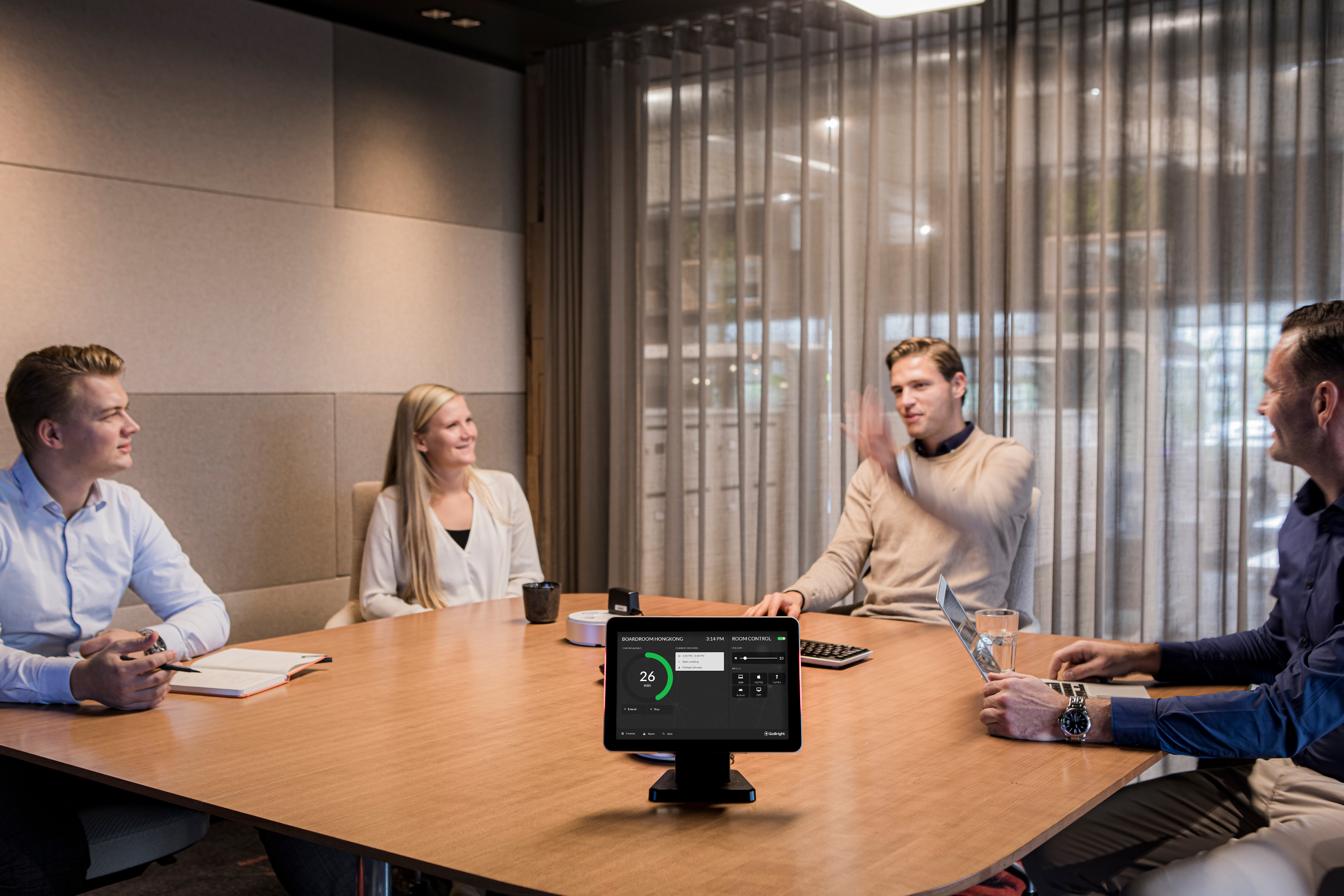
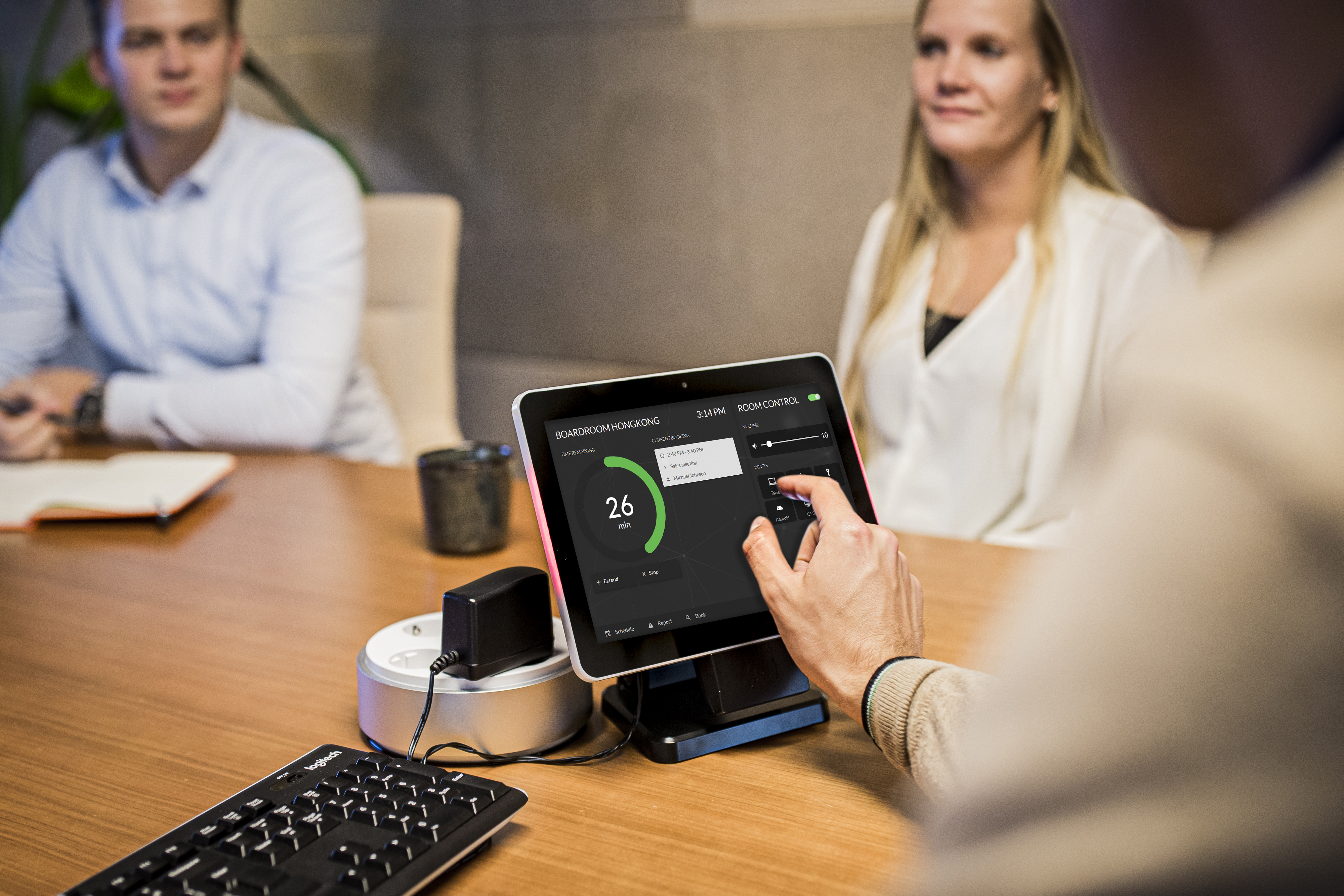
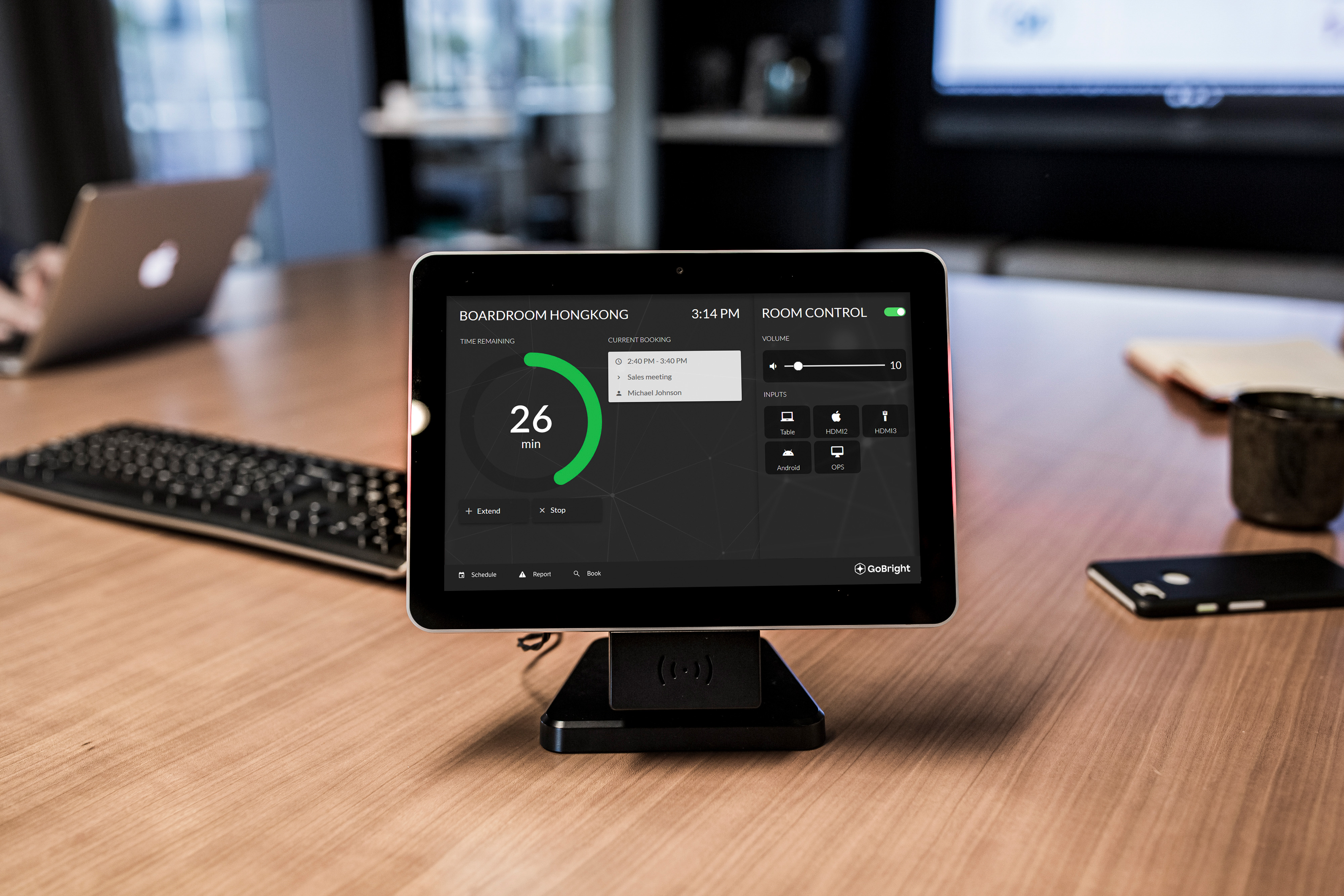
With GoBright Control you are in complete control of your meeting, the room and its facilities. Without any hassle.
ABOUT ROOM CONTROL
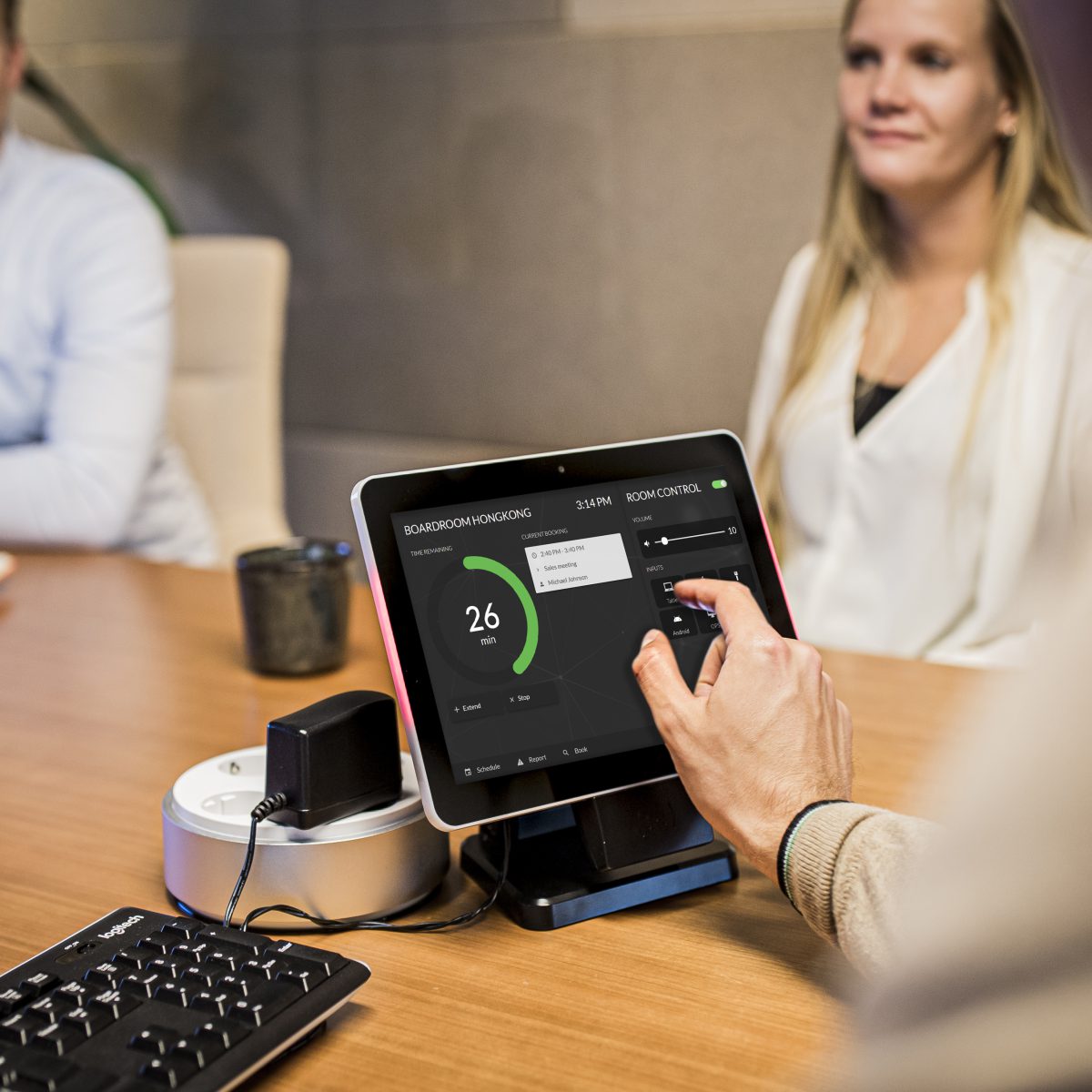
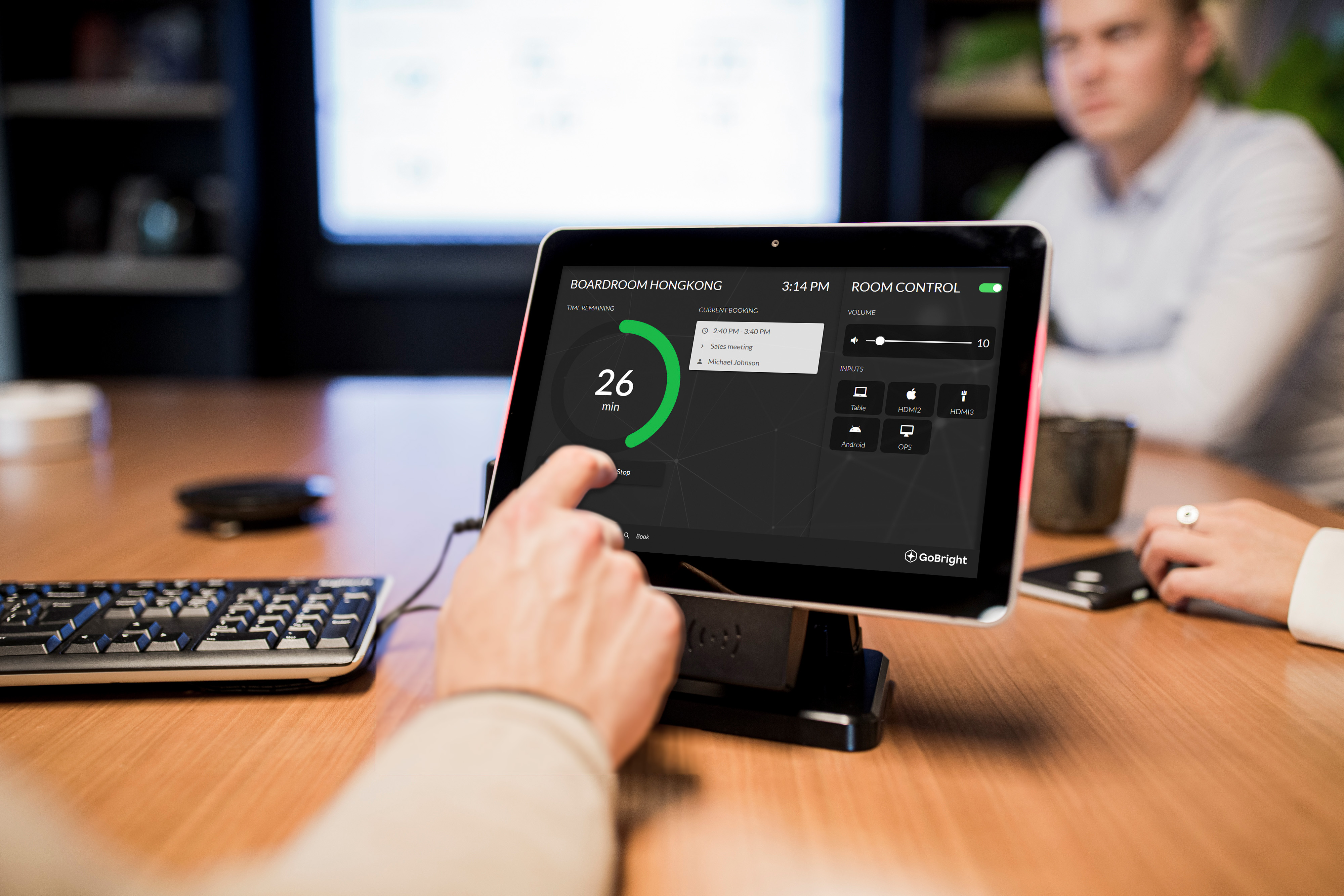
- When your meeting starts you can control the basic functions of your AV equipment. Turn on the tv screen, select different input sources and adjust the sound volume of your speakers;
- Is something missing in the room, or do you have problems with the equipment? Then simply report the malfunction via the Control screen and the facility manager or ICT manager will automatically receive a message that something is wrong. Depending on the problem he can help you immediately or fix the problem once the room is freed up again;
- The screen shows how long your meeting lasts. This will prevent you from running out of time. And, suppose you need more time, simply check if a meeting is scheduled after yours. If not, just extend your meeting in a few clicks;
- Of course the Control screen in the meeting room is connected to the Room Panel on the outside of the meeting room. And both are connected to the cloud-based portal, the app, mapping etc. So every change and every booking you make is visible everywhere;
Room Control
Ready for More?
Get in contact with Adam, our Customer Success Manager.