GoBright Reserva de habitaciones - Mapping
Preguntas frecuentes

How can I find my booked desk?

When you enter the office you can check your Mobile App, a feature of our desk sharing tool. You can see what desk is yours for that day. When you click on ‘Find my Desk’, the LED light of the GoBright Connect and Glow start flashing.

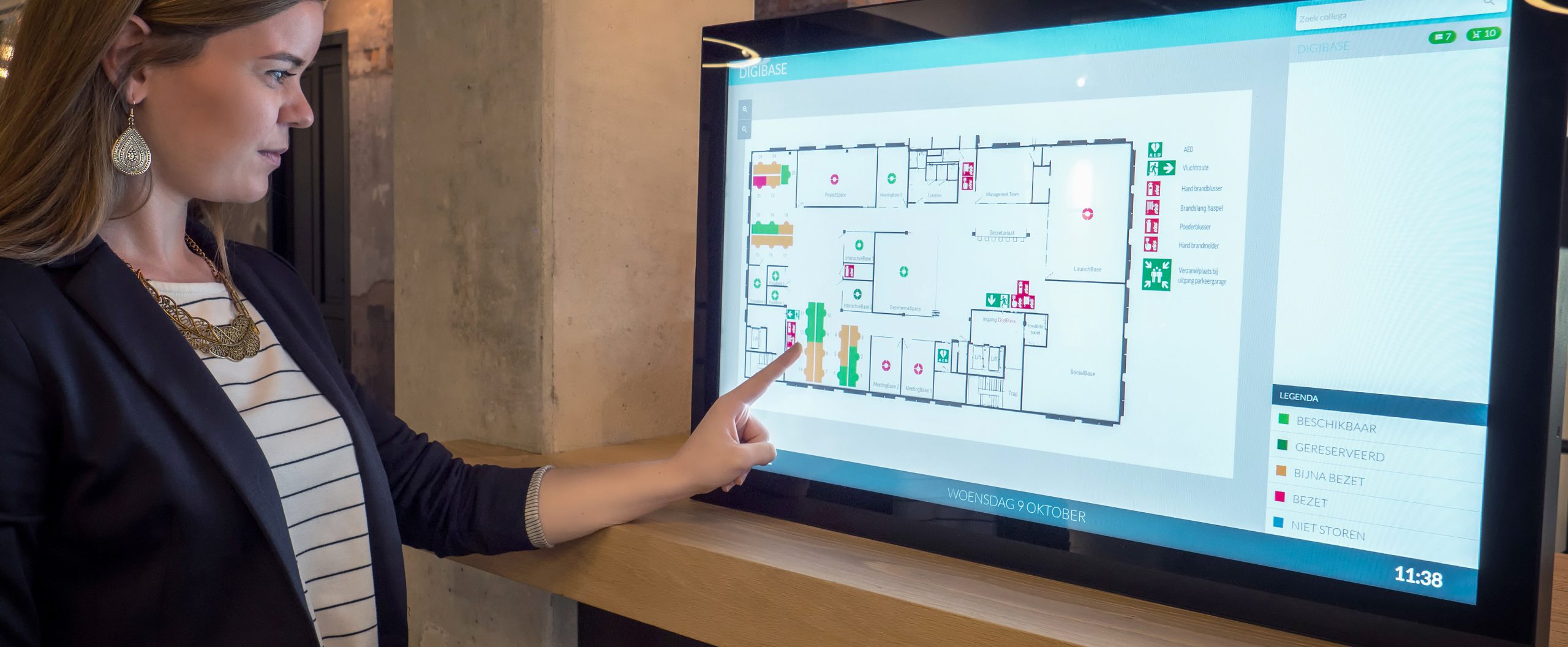
You could also use the Mapping screen that is located at the entrance of your department. Click on ‘Find my Desk’ and your desk will light up on the Mapping Overview.

What is Desk Booking?
¿Qué es un « sistema de reserva de escritorios »?
¿Cuáles son las ventajas de un « sistema de reserva de escritorios »?
Why do I need a Desk Booking solution?
¿Qué es « hot desking »?
Join us on the 3rd of December at 10:00 AM CET for our ‘Bright NEW Features’ Webinar!

Here we will present the latest updates, including new features, new product, and upcoming developments.

Sign up for Bright NEW Features Webinar
GoBright Bright New Features Quarterly Webinar - featured item image