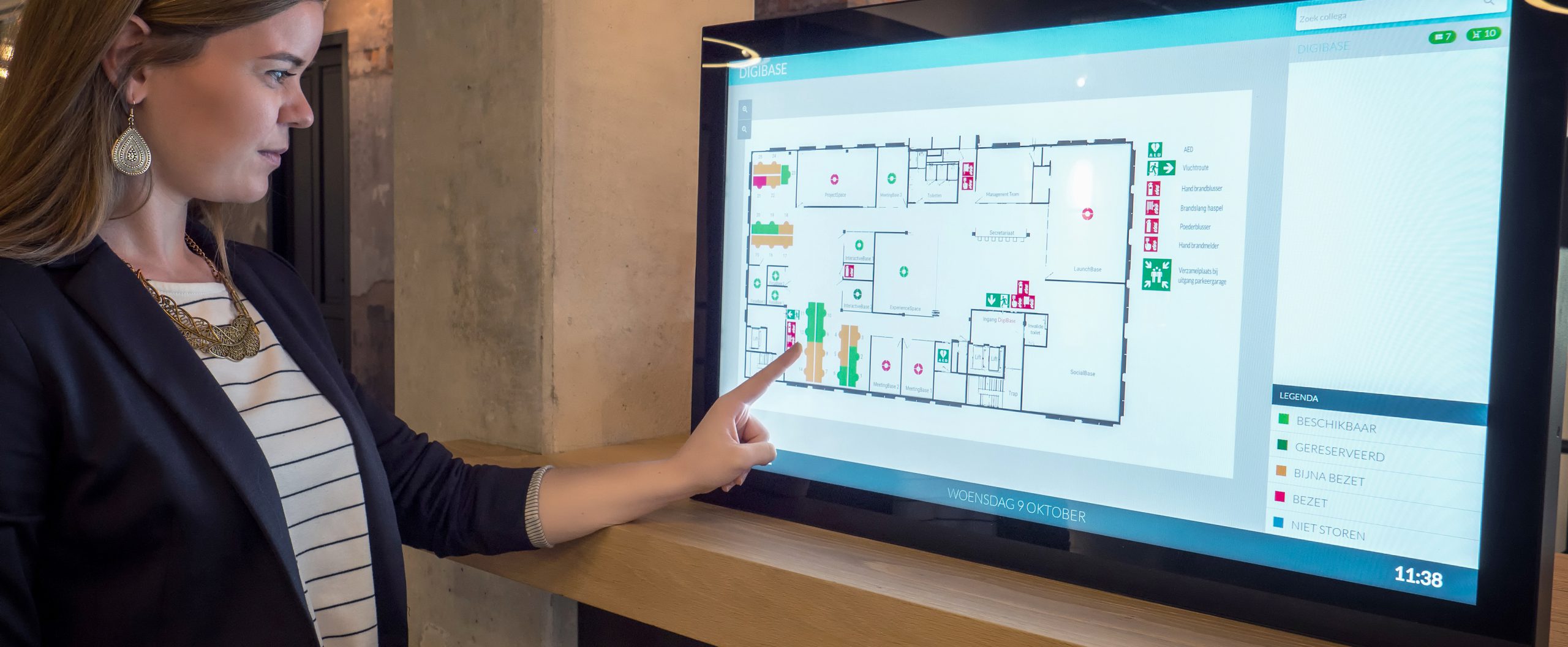
GoBright Room Booking - Mapping
FAQ

How can I find my booked desk?

When you enter the office you can check your Mobile App, a feature of our desk sharing tool. You can see what desk is yours for that day. When you click on ‘Find my Desk’, the LED light of the GoBright Connect and Glow start flashing.

You could also use the Mapping screen that is located at the entrance of your department. Click on ‘Find my Desk’ and your desk will light up on the Mapping Overview.

What is Desk Booking?
What is a Desk Booking System?
What are the benefits of a Desk Booking System?
Why do I need a Desk Booking solution?
What is hot desking?
GoBright @ the Integrated Systems Europe (ISE) 3-6 Feb 2026

Held at the Fira de Barcelona Gran Via, the ISE is the world’s leading event for the AV and systems integration industry.

Click here to read more and get your free registration code!
ISE thumbnail 01
