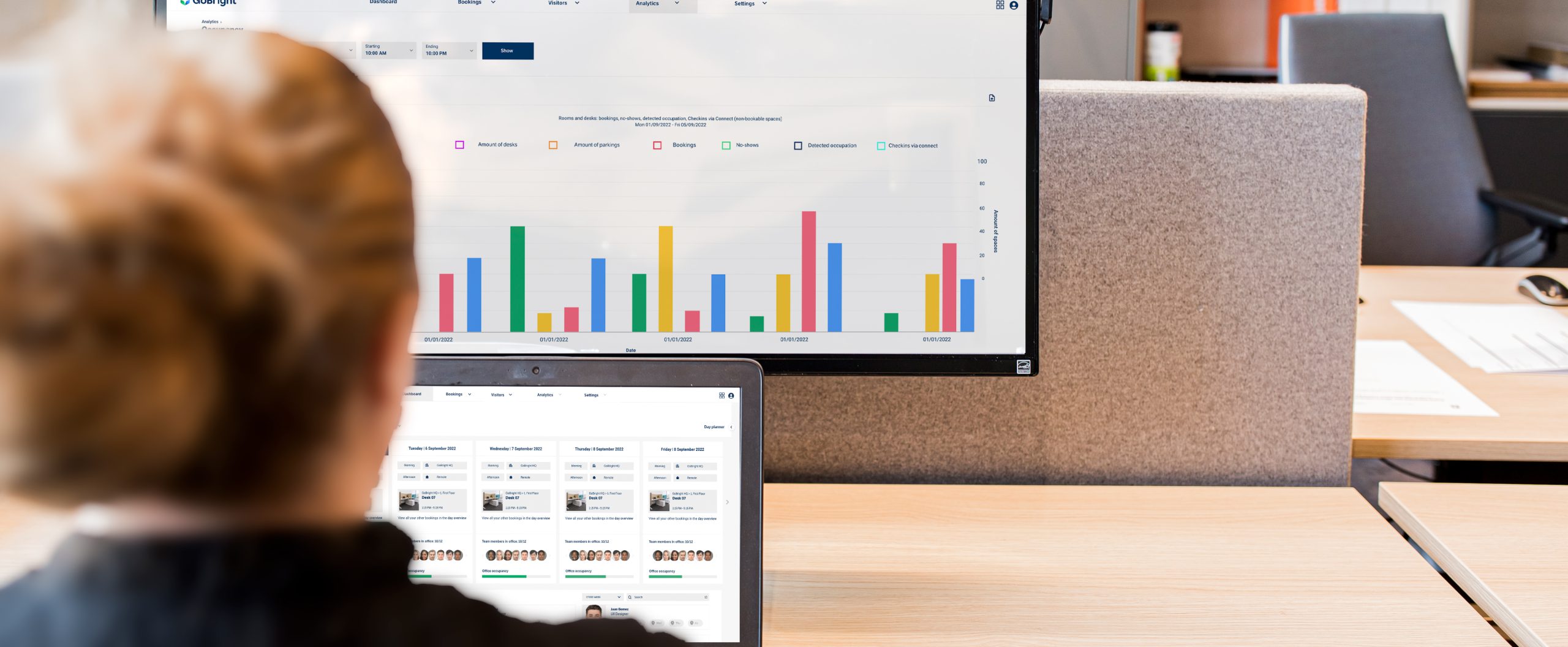
Sensores
Link your GoBright solutions to sensors that gather data on occupancy, people counts and room conditions, and display it where employees already look for it.
- Gain accurate, real-time occupancy data;
- See how many people are actually using a room, not just whether it's booked;
- Track CO2, humidity and temperature to keep spaces comfortable;
- Ensure efficient usage of the workplace.
The benefits of using sensors
Sensors make office life a better experience in two ways. First, they detect when spaces are being used without a prior booking, preventing others from mistakenly booking them. Second, they identify spaces that were booked but never used, freeing them up for someone else. This gives you accurate data to make office utilisation decisions based on fact, not assumption.
GoBright now offers three types of sensors: Room Sensors, Desk Sensors, and People Counting & Environmental Sensors. Room and Desk Sensors detect whether a space is in use. People Counting & Environmental Sensors go further, showing how many people are in a room and what the conditions are like inside.
Room Sensors
For GoBright Room Booking, we offer room-occupancy sensors based on ERS and RF technology. Both type sensors can be placed in meeting rooms, huddle spaces, and booths. When it detects motion, it signals the GoBright Platform, which marks the room as occupied. After a period without movement, the sensor tells the platform to release the room for others to book.
The GoBright Room Sensor runs on radio frequency, so it needs no Wi-Fi or PoE connection. That keeps your hardware infrastructure simple.

Sensores de escritorio
For GoBright Desk Booking, we offer wide range of sensors, which one you need depends on your office set-up.
RF sensor:
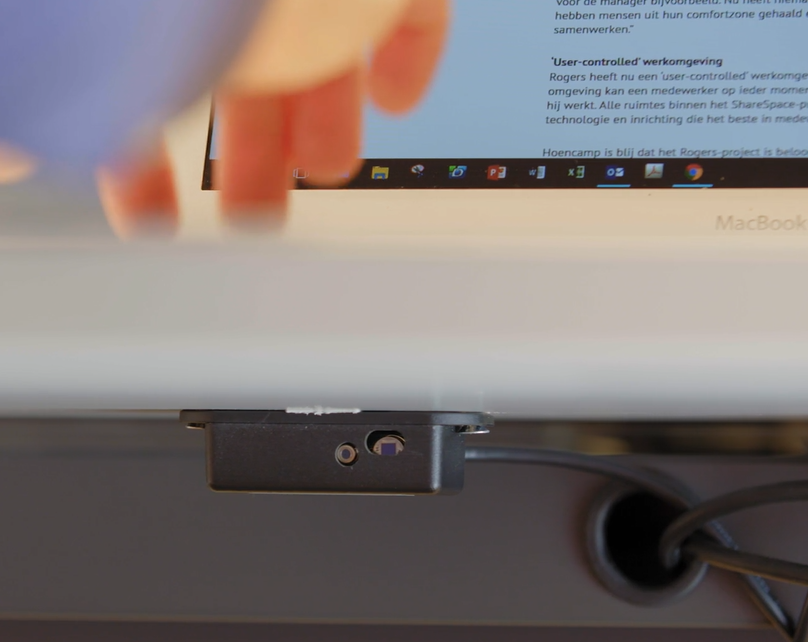
The RF sensor sits under the desktop and detects occupancy through motion and thermal measurement. It’s available in two power options: a battery-powered version, running on three AAA batteries, or a version that draws power from the GoBright Connect via cable. Both communicate wirelessly to a GoBright Gateway.
LoRa sensor:
The LoRa Room Occupancy Sensor (ERS series) uses infrared detection to sense body heat under the desk, giving automatic, real-time occupancy status without any wiring. It runs on a single AA battery, lasting at least five yearsunder normal use, and communicates via a GoBright Gateway, so there’s no PoE or Wi-Fi connection to install. Commissioning is done directly from the GoBright Mobile App by scanning the sensor’s NFC tag, and it fits well in offices already using LoRa-based sensors for rooms or environmental monitoring.
Internal sensor, Interact:
If you use the GoBright Interact, you generally don’t need a separate sensor, as the Interact has one built in. This sensor works on vibration and detects desk use directly.
External sensor for Interact:
In some set-ups, the Interact’s built-in sensor doesn’t fit the office layout, for example when two workspaces share a desktop. Because it works on vibration, it may register both as occupied when only one is in use. In these cases, an external sensor gives more accurate results. This sensor is now available.
For more technical information visit the Help Centre’s Sensor page.
People Counting
Beyond knowing whether a room is occupied, GoBright’s new sensors tell you how many people are in it and what the room conditions are like. They measure people counting alongside CO2, humidity and temperature, and the data appears on Room displays and in Mapviewer, so employees can see it before they book.
The sensors run on LoRaWAN, a low-power network with an indoor range of around 100 metres, communicating through a GoBright Gateway. Data works with GoBright’s own sensors and with certified sensors from Cisco, Pointgrab and bGrid, so existing hardware investments aren’t wasted.
This data feeds into GoBright’s analytics, helping facility teams understand not just whether a room is used, but how well it serves the people in it.

PREGUNTAS FRECUENTES sobre el lugar de trabajo basado en datos
Consulta nuestras preguntas frecuentes para encontrar respuestas rápidas a las dudas más habituales sobre nuestros productos, soluciones y servicios.
¿Qué es un lugar de trabajo basado en datos?
¿Cuáles son las ventajas de un entorno laboral basado en datos?
¿Qué es el análisis del entorno laboral?
¿Cuáles son las ventajas de medir la ocupación en el lugar de trabajo?
How do you monitor workplace occupancy?
Hagamos que tu lugar de trabajo
sea más inteligente, juntos
Ponte en contacto con Chris
nuestro director comercial


Participa en nuestro «seminario web sobre las NUEVAS y brillantes funciones»

GoBright en la AVTECH Summit 2026
GoBright Advanced Gateway (AGW): una red de sensores más sencilla y segura
Preinscripción y gestión de visitantes a través de la aplicación móvil « GoBright »

El modelo de trabajo híbrido: tipos, ventajas y ejemplos

GoBright en Orgatec 2026

GoBright en la Expo Real 2026
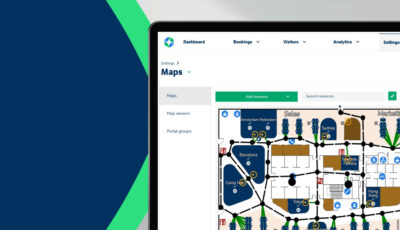
Editor de mapas: Dibuja tus propios planos de planta

GoBright en PropTech Connect Europe 2026

Ocupación de las oficinas: por qué los datos son importantes en un entorno de trabajo híbrido
