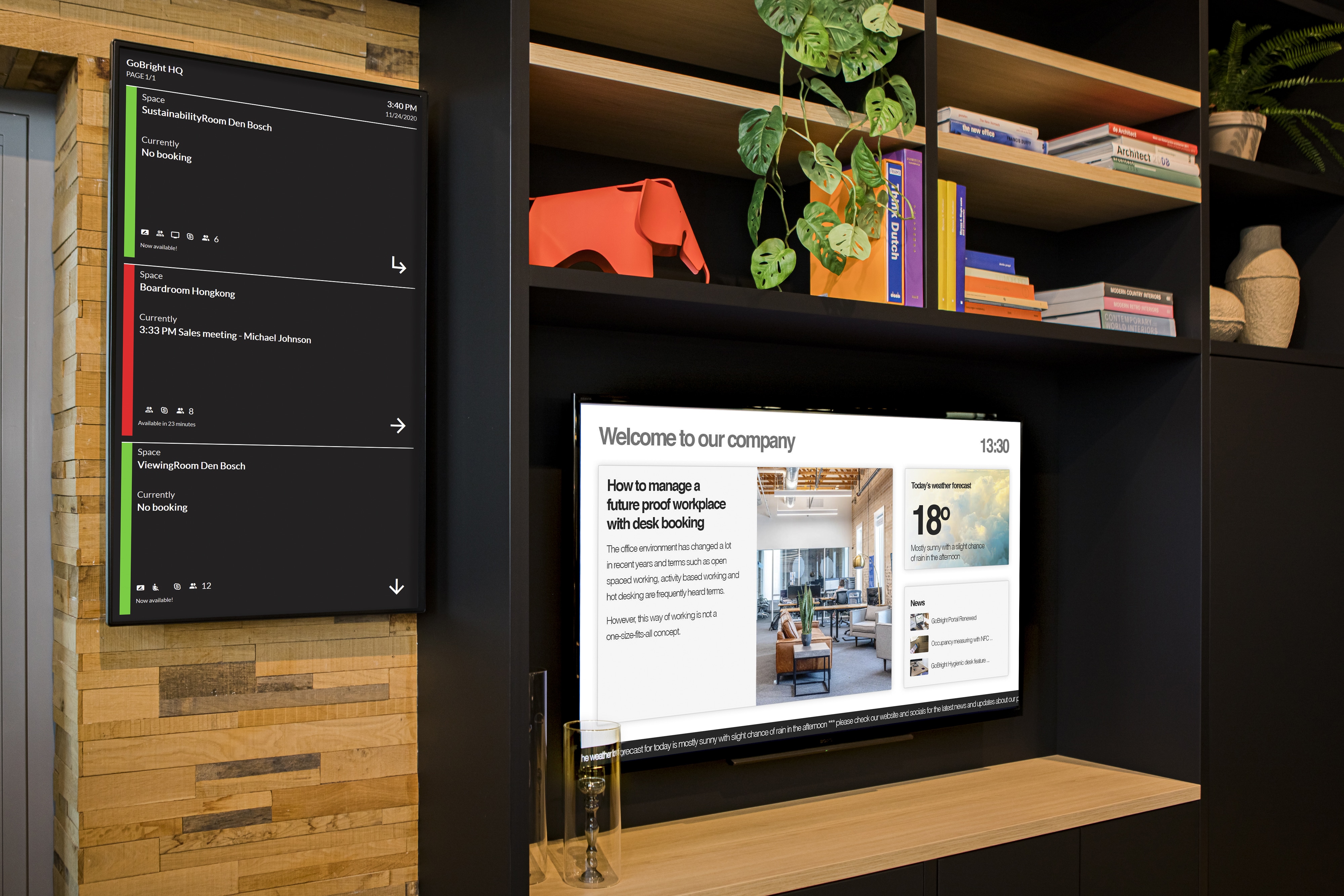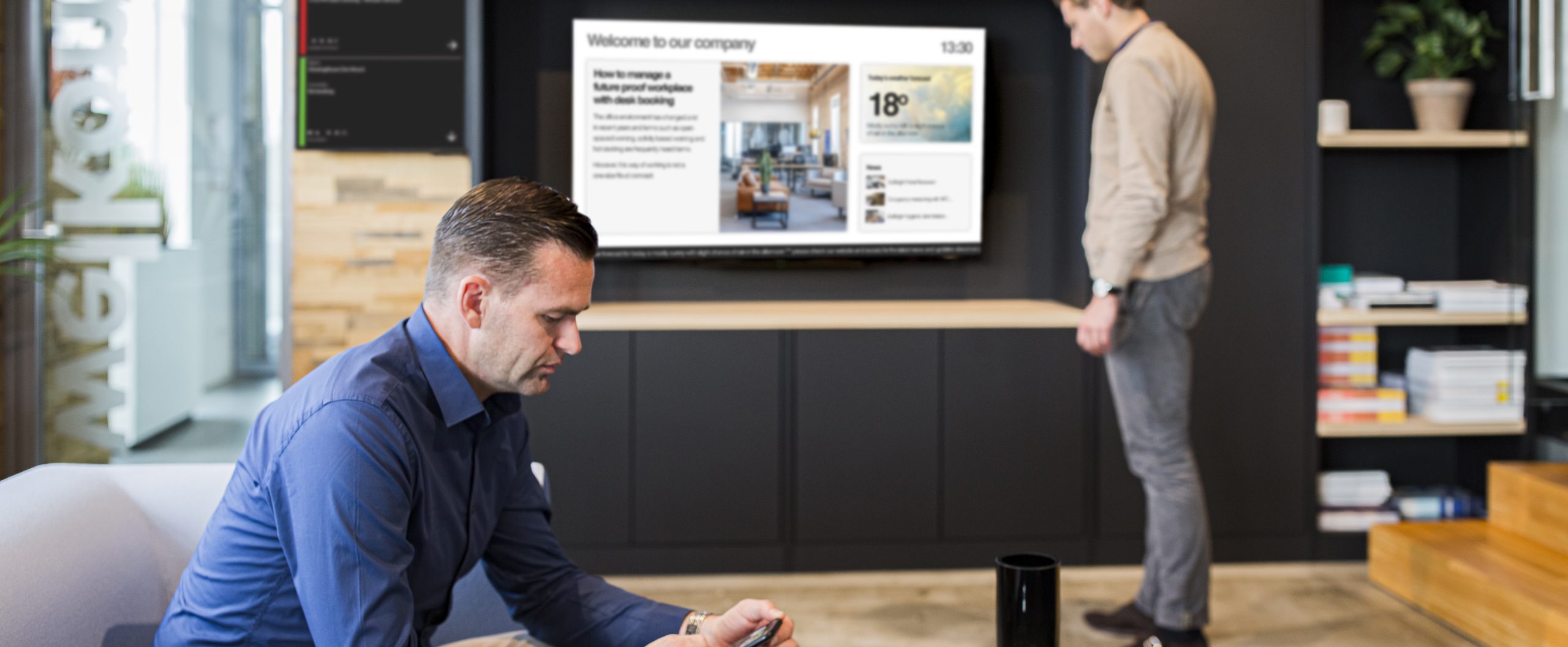
Digital Signage is becoming a standard element of the modern workplace. Not only is it used to show information to a specific target group, in the right place, at the right time, in the company’s corporate identity. But it can also be used to make your employees and visitors feel more welcome, engaged, and better informed. View, the GoBright Digital Signage system is an essential part of the modern communication strategy of every organisation.
So how can you use digital signage at the office floor?
1. Highlight employee contributions and celebrate milestones.
Celebrating success is important for a good spirit. Showing photos and videos of colleagues who did an exceptional performance on the job is a big morale-boost for every employee of the company. Show projects that have been completed or highlight the achieved milestones. Getting recognition for their work can motivate employees to do their absolute best. Seeing and sharing colleagues’ pride and joy provides extra solidarity, involvement and strengthens the ‘we-feeling’.
2. Show the company goals.
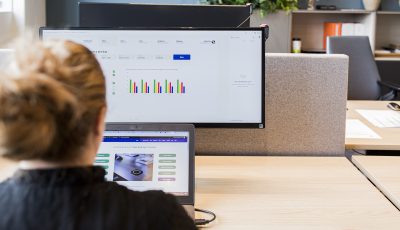
Setting goals and targets is a way to determine success. Those targets need to be shared with everyone in the company, so it is clear where the organisation is heading. By showing the KPI’s of the company, or even per department, you can easily motivate your team to aim for the sky and reach the company goals.
3. Connect multiple locations with each other.
Are you a multinational with offices around the world? Communicating with the different locations won’t be a problem with digital signage. Set up displays in different locations and buildings to provide everyone with the information they need. By doing so you can share experiences and knowledge across your worldwide network, and everyone remains involved. GoBright Digital Signage is a web-based solution. This will help you implementing your internal communication strategy for every location.
4. Help employees understand “How”, “What” and “Why”.
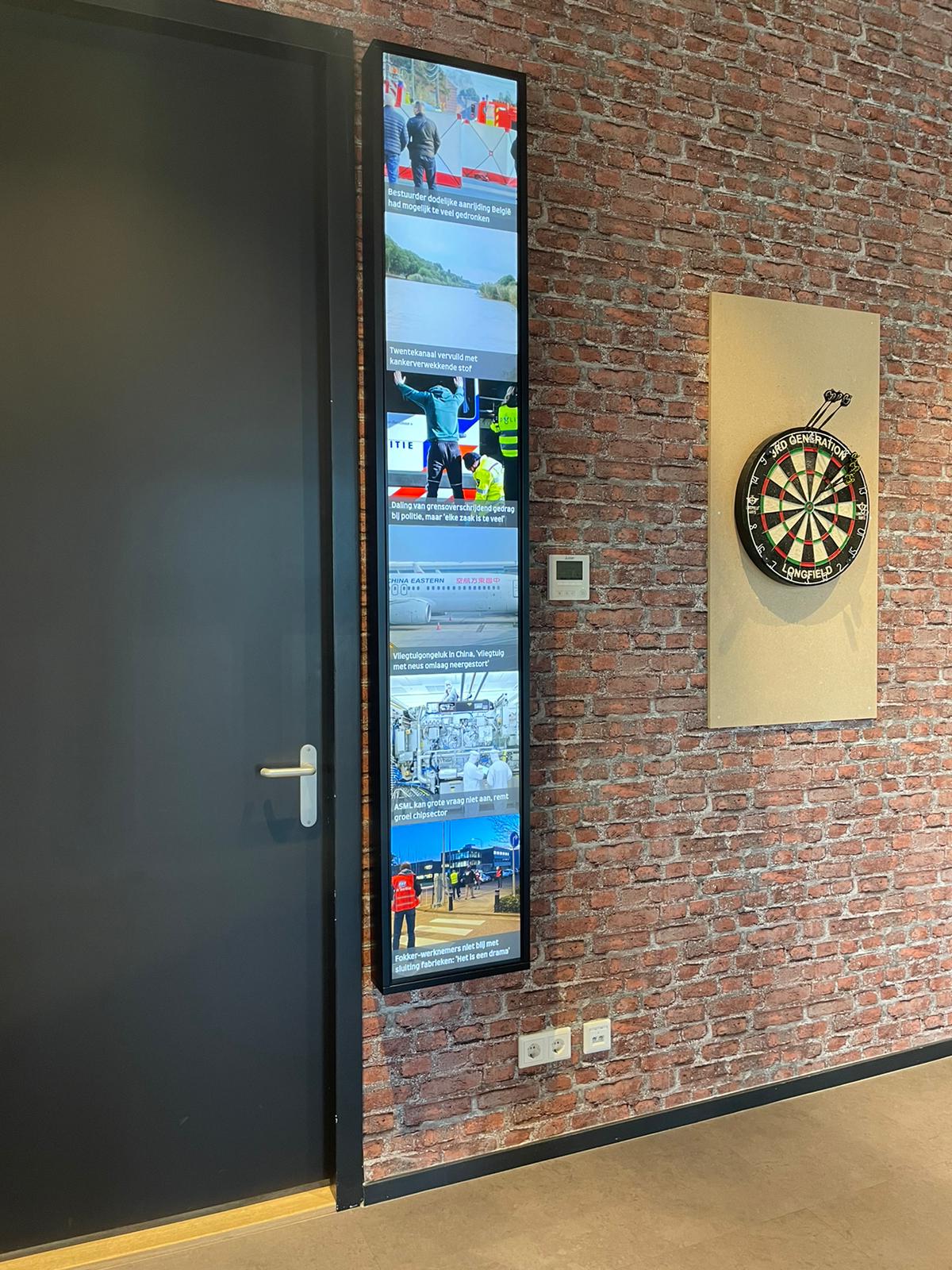
To keep everyone within your organisation up to date about what is going on within the company it is important to elaborate on the ‘How, What and Why’ of your business. Explain the mission and vision strategies as well as the core values via digital signage screens to get employees on the same page about the strategy of the company. Management can expose certain topics via short blogs or vlogs.
Share internally what you are working on externally. Show the trade fairs you attend, the commercials that are shown on TV, the advertisements that you can find in trade journals, the awards the company has won, the press releases that can be found etc. Show posts that also appear on the Socials. This increases visibility and gets the story going. Colleagues get enthusiastic to share this information themselves as well.
5. Help visitors and employees find their way within the building.
Sometimes it is hard to find your way through a big office when you are visiting a company or when you need to find a room at a location that you rarely visit. With Wayfinding you can easily find your way through the building to get to the location you need to be.
And when you are also using the GoBright Desk Booking and/or Room Booking solutions you can present a visual overview of each floor via Mapping. Or show the occupancy data via the digital signage screens.