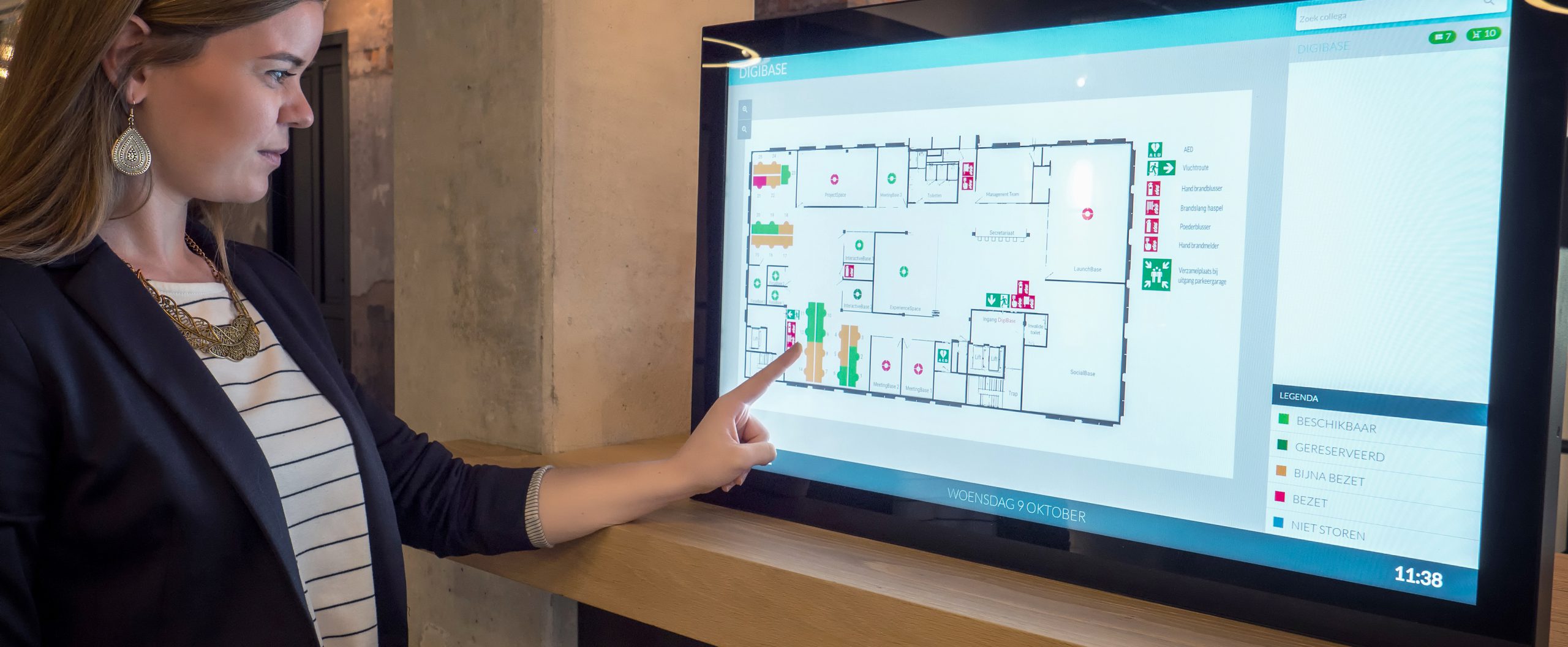
There are several ways to check the availability of a room. First, there is the Room Panel, outside of the meeting room. Here you can see the current and upcoming bookings. The Mapping Screen on the department floor (and Mapping in the Portal and App) also gives an accurate overview of the occupancy of meeting rooms. And if you wish to make a booking in the future, via Outlook, the Portal, or the App, you can also check the availability of rooms on the exact date you wish to make the booking.
And, when using Wayfinding, you can see which rooms are currently available or occupied on the wayfinding screen as well.
