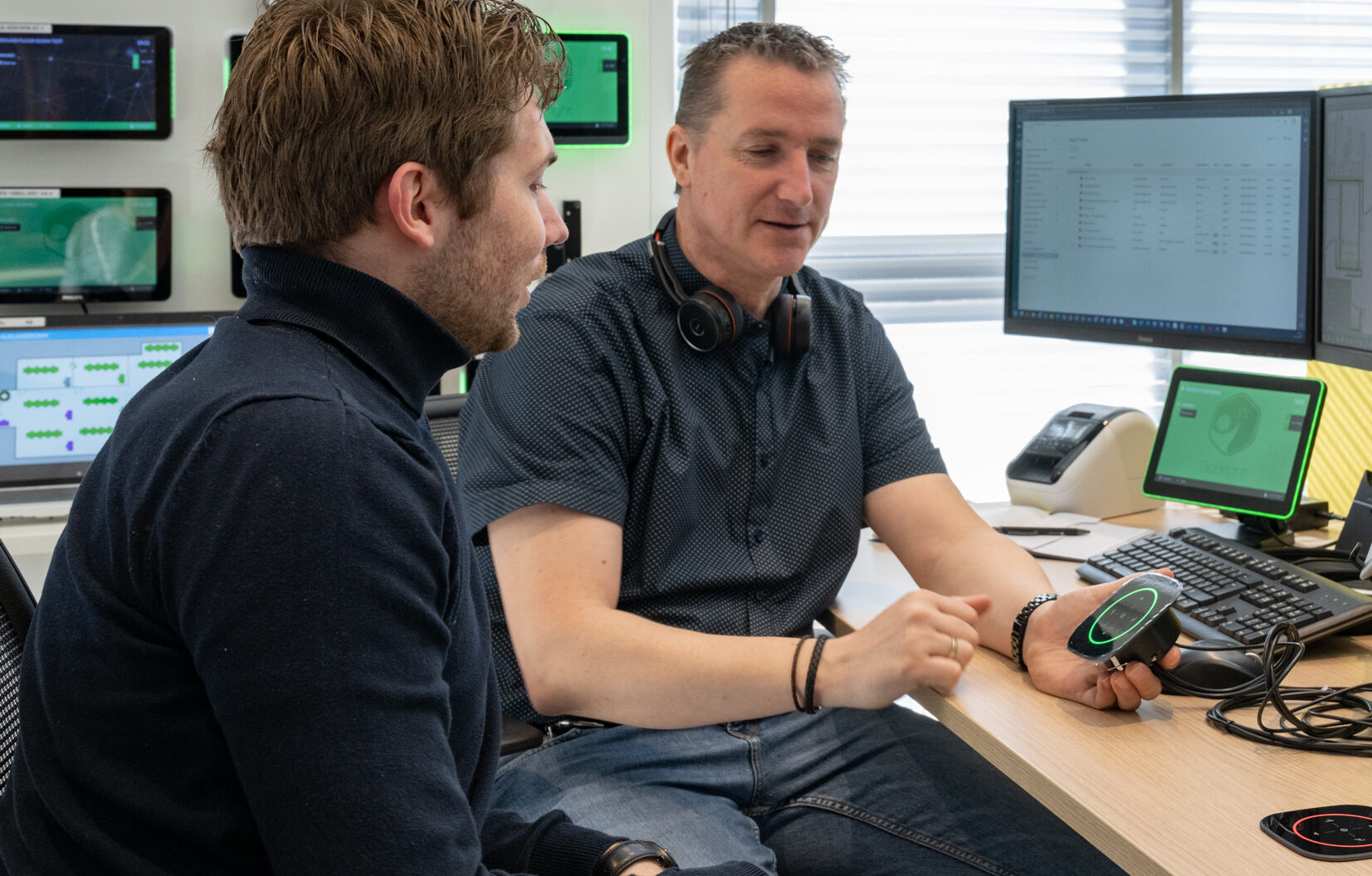
A Desk Booking can be made in various ways. First and foremost, you can use the Online Portal on your desktop. This portal is also available in GoBright’s Mobile App. This comes in handy when you want to book your desk from home or any other place other than the office.
If you haven’t booked your desk yet but have already arrived at the office, you can also book your desk at the interactive Mapping screen at your office. This screen provides an overview of occupied and available desks, and additionally allows you to click on an available desk and book it directly. Of course, you can also book your desk ad hoc by scanning the GoBright Connect and/or GoBright Interact with your mobile phone or NFC card.
