In the current corporate world, the face of the office has changed drastically. Where it used to be the cubicle at the company, the office is now designed by the user. People can work anywhere in the world, as long as they have a computer, a phone, and access to the internet. While the way of communicating has therefore changed, the importance of it has not. Now more than ever, with hybrid working showing an uprise, it is important for businesses to provide their employees with tools that ensure efficient and effective communication.
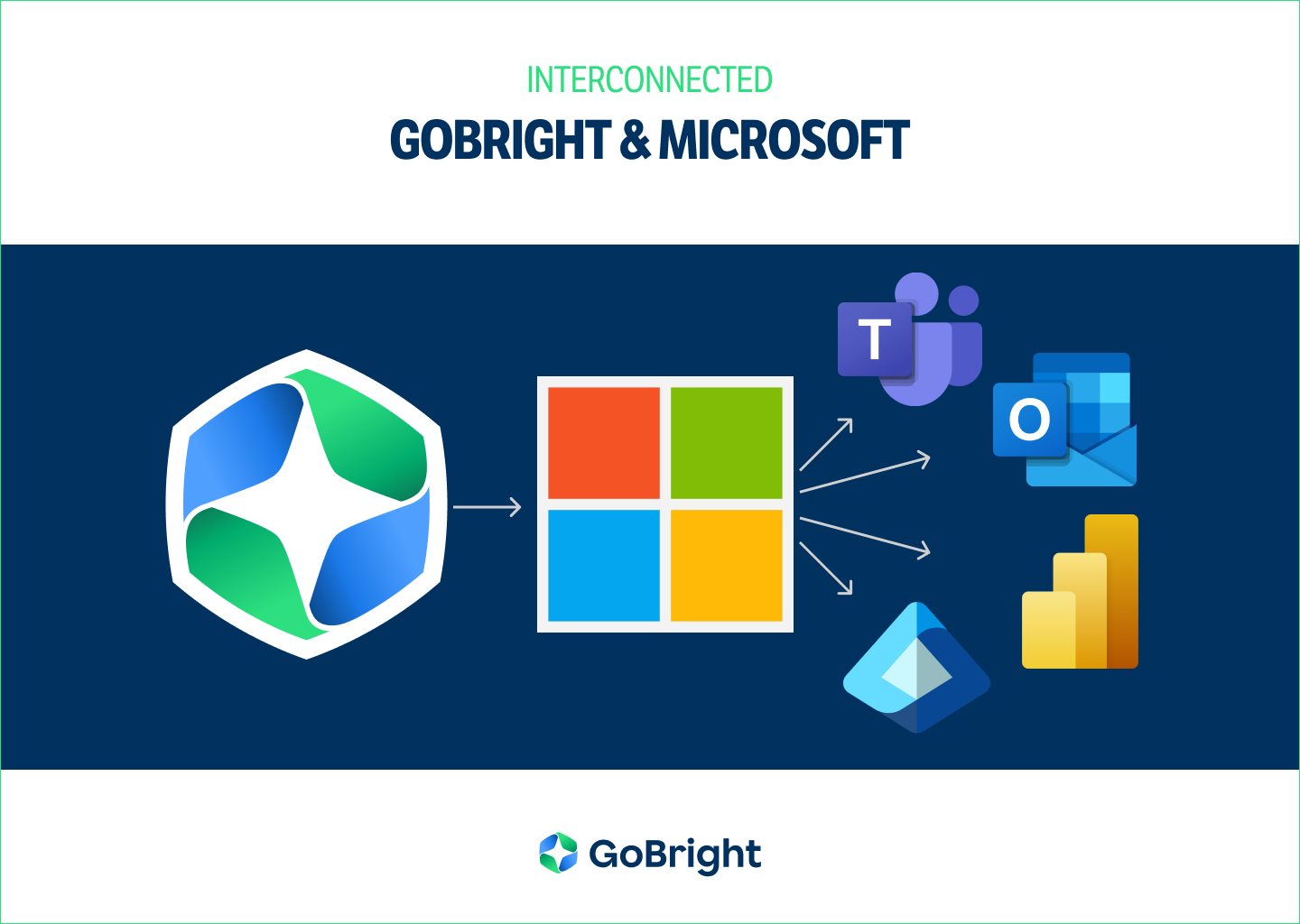
There is a lot to keep in mind when you want to collaborate with other people. Different people have different functions, authorisations, work schedules, communication styles, operating systems, time zones even, etc. To make sure that all of your employees are able to communicate with each other, you need to have tools that communicate, too. Having a tool with the right integrations is therefore key. GoBright has invested in integrations with common Microsoft tools, such as Teams, Entra ID, Outlook, and PowerBI.
GoBright and Microsoft Teams
Microsoft Teams is one of the most used conference tools for online meetings. This is especially useful for companies that operate internationally, have multiple locations, or where colleagues partly work from home. However, sometimes it is necessary to see each other in person. Room booking and Desk booking systems are helpful tools to organise a meeting or to book desks at the office. Nevertheless, it can be time-consuming when employees have to constantly switch between their booking system and their communication system.
GoBright is therefore fully integrated into Microsoft Teams. This means that the entire GoBright portal and its features can be accessed without closing the Teams environment. Not only meeting rooms, but also desks (including Team Bookings), lockers, and parking spaces can be reserved, all within Microsoft Teams. An important aspect of this integration is that existing bookings can be modified without a problem, automatically syncing with the other systems. Facilities such as Catering & Services automatically change accordingly.
How happy does it make you that you can stay in the Teams environment and still book your required workplace, or meeting room? And that this booking is also visible in Outlook, the Mapping screen on the office floor, or the workplace itself (Room Panel, or Desk Connect). The GoBright integration also applies to the Teams Mobile App.
GoBright and Microsoft Outlook
The GoBright Platform synchronises with Microsoft Outlook, in both ways. As a result, any room activity is synchronised across the GoBright Mobile App, the Online Portal, Microsoft Teams and Outlook, the Mapping Screen on the office floor, and the room itself. This includes, but is not limited to, bookings, check-ins and -outs, room occupation detected by room sensors, or changes in existing bookings.
The Outlook Plug-in
GoBright’s Outlook plug-in ensures that all GoBright functionalities are transferred to your Outlook environment. This way, it is no longer necessary to switch between GoBright and Outlook when you need both systems simultaneously. This is especially convenient when you need to book a suitable room, based on certain preferences. Simply invite colleagues, pre-register visitors, or arrange Catering & Services at the same time. The plug-in is located in the menu bar.
Does the date or location of the meeting change, or is it canceled completely? The booked catering and services change accordingly. And it all syncs with your personal calendar, the calendar of the meeting room, and the GoBright platform. One system, one action. Smart and simple.
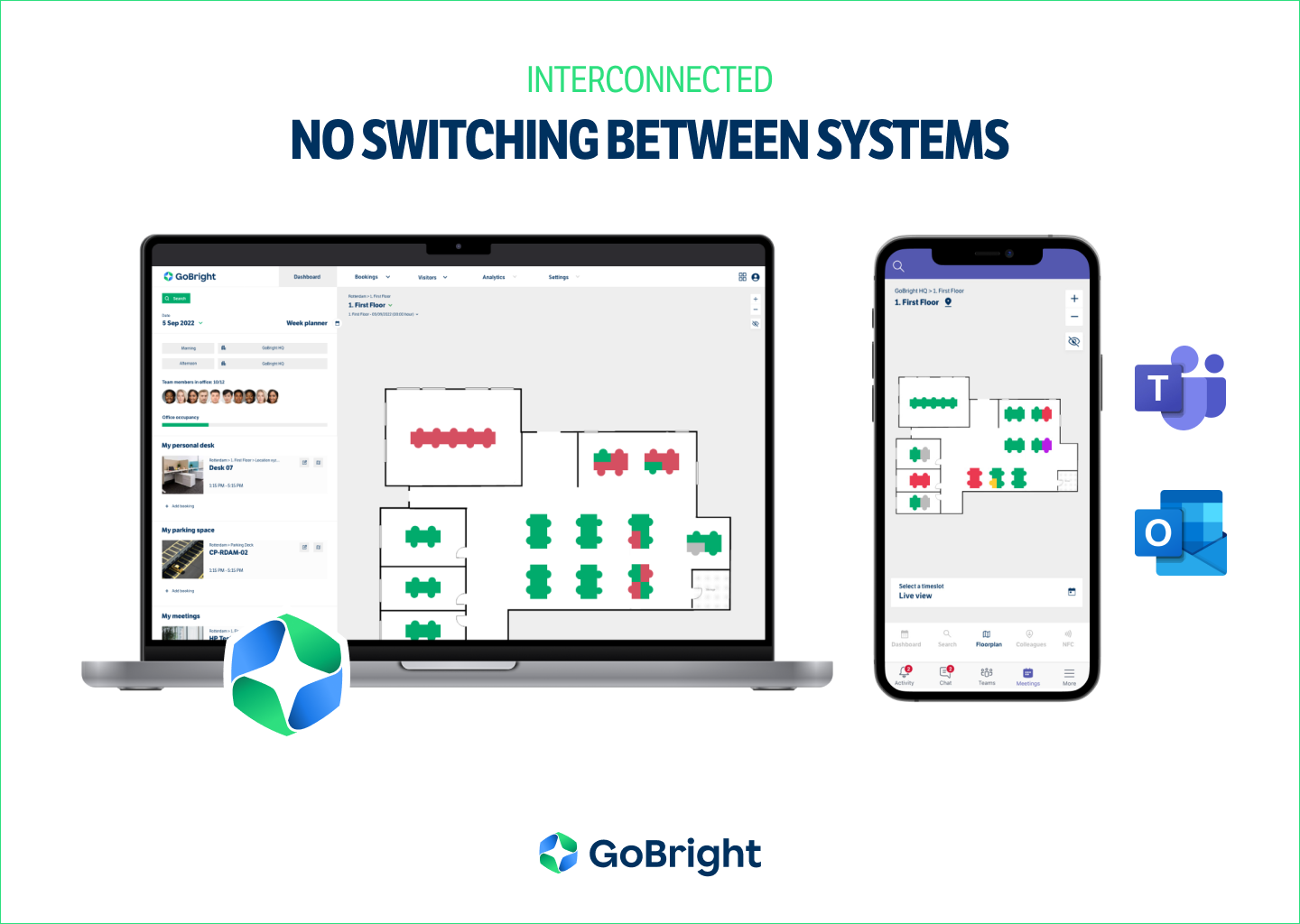
It does not matter if you book a (work)space in the GoBright Portal, Teams, Outlook, or at the workplace itself; via laptop, or mobile. Every booking is immediately synchronised with the other platforms as well. Making it a 100% accurate and reliable booking system.
GoBright and Microsoft Power BI
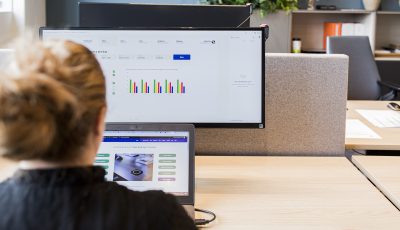
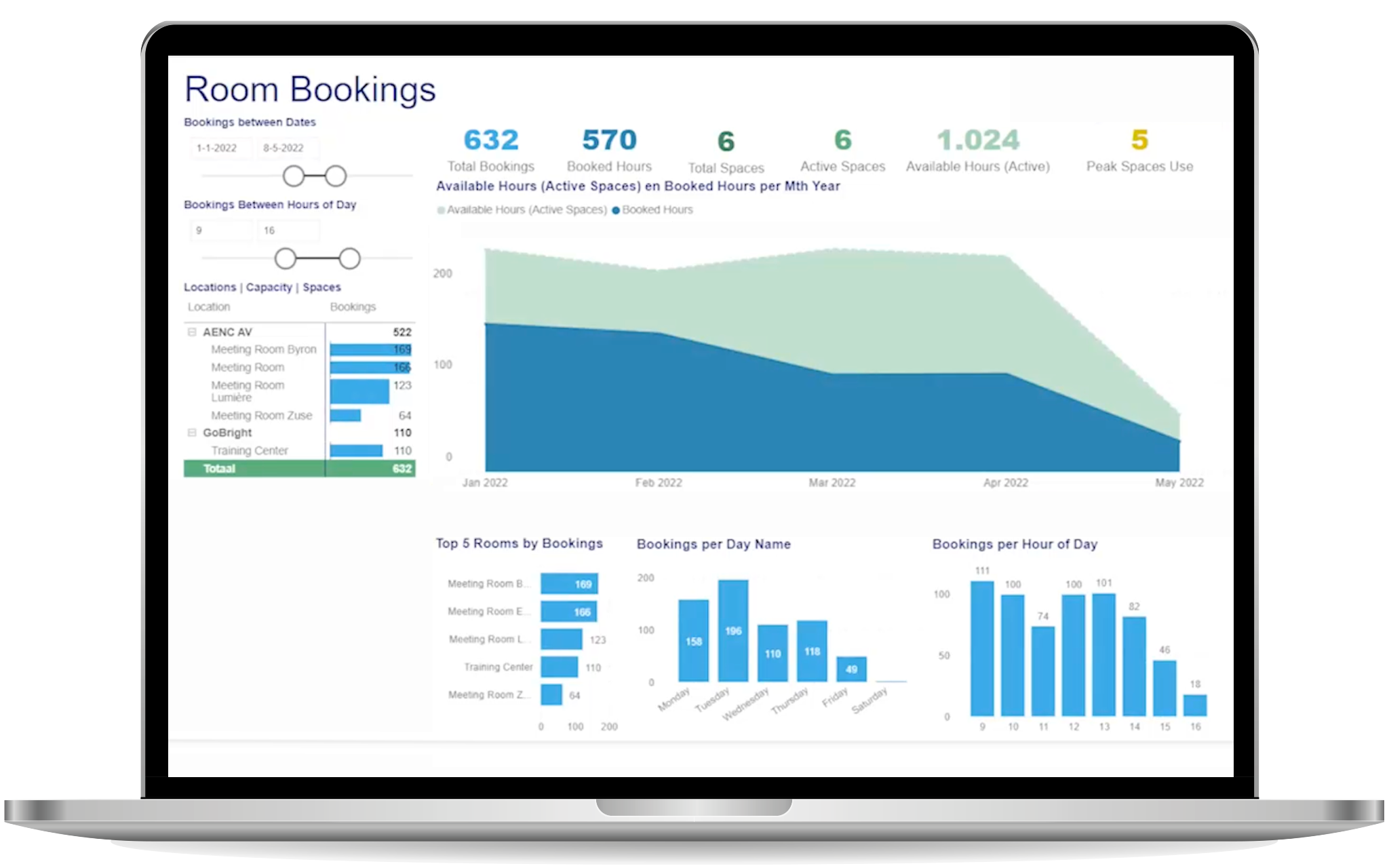
Data from GoBright’s Analytics can be imported to the Microsoft Power BI dashboards to create interactive reports and to provide inspiring insights. This provides you with valuable input concerning room and desk occupancy, which you can use when you want to redesign your office. You can also expand Analytics and Power BI with data from other sources, such as climate control and security. With Analytics, you can use factual evidence to aid in the decision-making process, suitable in a true data-driven workplace.
GoBright and Microsoft Entra ID
Entra ID is important for ensuring security within systems in your business. As data privacy and security is of great importance at GoBright, we are seamlessly integrated with Entra ID. Thanks to this integration, it is only necessary to use one set of login credentials to access the GoBright platform across all devices, with a Single Sign-On (SSO) authentication. This is also the case within the other Microsoft Tools, such as Teams and Outlook. By using Entra ID, you minimise the risk of data breaches and reduce the number of needed credentials.
We have developed a SCIM-integration to ensure seamless user synchronisation between your organisation’s data and the GoBright platform. If you would like to make use of this integration, please let us know. We will activate it for you.