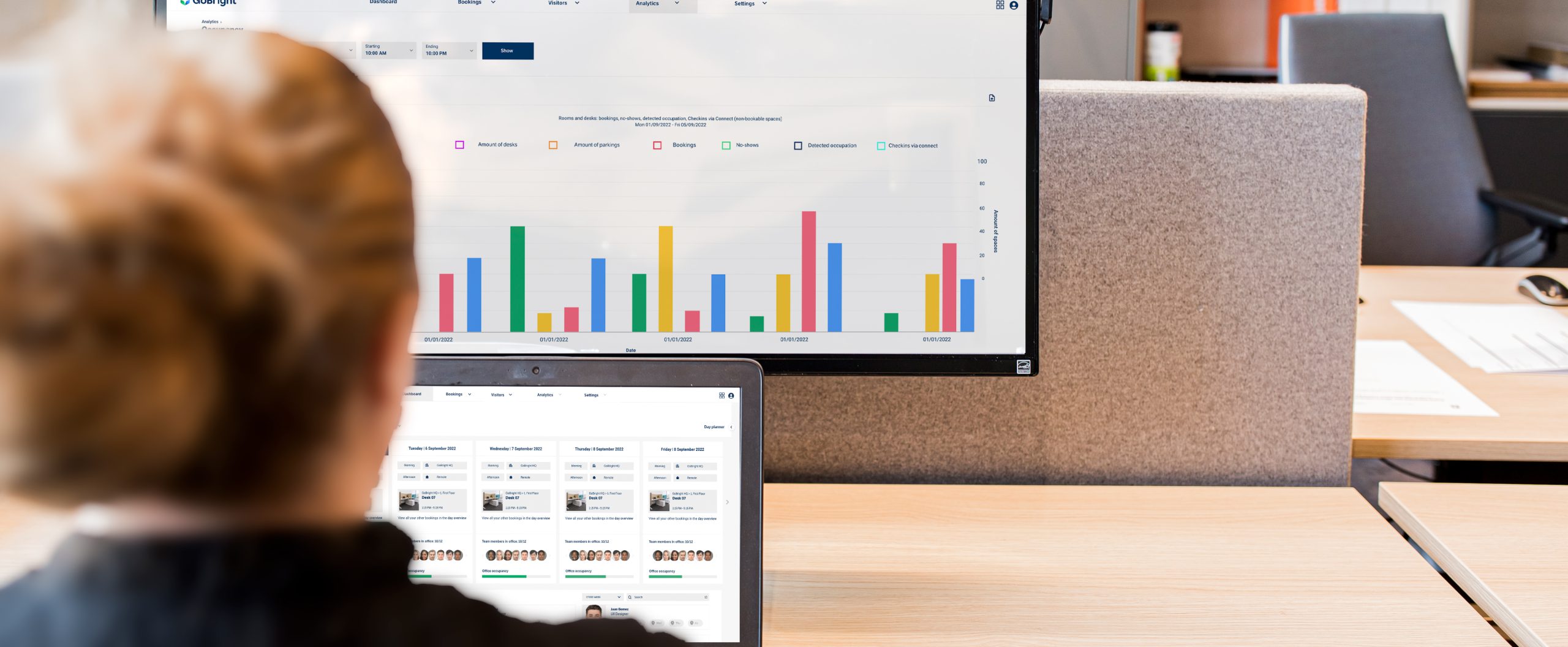
Sensoren
Koppel uwGoBright -oplossingen aan sensoren die gegevens verzamelen over bezetting, het aantal personen en de omstandigheden in de ruimte, en geef deze informatie weer op plekken waar medewerkers er vanzelf naar kijken.
- Verkrijg nauwkeurige, realtime bezettingsgegevens;
- Kijk hoeveel mensen er daadwerkelijk gebruikmaken van een ruimte, en niet alleen of deze is gereserveerd;
- Houd de CO₂-concentratie, de luchtvochtigheid en de temperatuur bij om ruimtes aangenaam te houden;
- Zorg voor een efficiënt gebruik van de werkplek.
De voordelen van het gebruik van sensoren
Sensoren zorgen op twee manieren voor een betere kantoorervaring. Ten eerste detecteren ze wanneer ruimtes worden gebruikt zonder dat er vooraf een reservering is gemaakt, waardoor wordt voorkomen dat anderen deze ruimtes per ongeluk reserveren. Ten tweede signaleren ze ruimtes die wel zijn gereserveerd maar nooit zijn gebruikt, waardoor deze weer beschikbaar komen voor iemand anders. Dit levert je nauwkeurige gegevens op om beslissingen over het kantoorgebruik te nemen op basis van feiten, niet op basis van aannames.
GoBright biedt nu drie soorten sensoren aan: ruimtesensoren, bureausensoren en sensoren voor het tellen van personen en het meten van omgevingsfactoren. Ruimtesensoren en bureausensoren detecteren of een ruimte in gebruik is. Sensoren voor het tellen van personen en het meten van omgevingsfactoren gaan een stap verder: ze geven aan hoeveel mensen er in een ruimte aanwezig zijn en hoe de omstandigheden daarbinnen zijn.
Ruimtesensoren
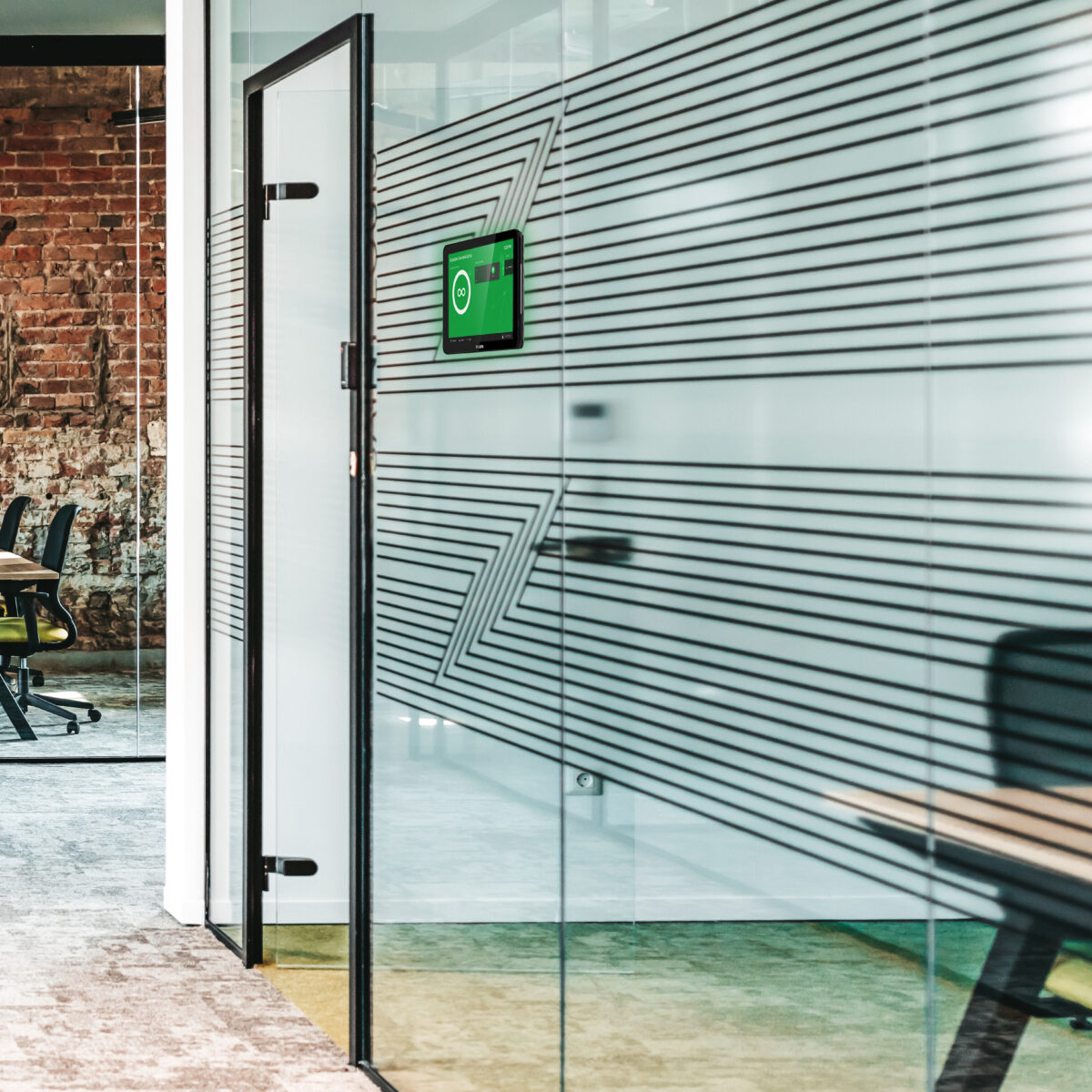
Voor GoBright Room Booking bieden we sensoren voor ruimtebezetting aan op basis vanERS- enRF-technologie. Beide soorten sensoren kunnen worden geplaatst in vergaderruimtes, huddle-ruimtes en cabines. Zodra de sensor beweging detecteert, stuurt hij een signaal naar hetGoBright -platform, dat de ruimte vervolgens als bezet markeert. Na een periode zonder beweging geeft de sensor het platform de opdracht om de ruimte weer vrij te geven, zodat anderen deze kunnen reserveren.
DeGoBright -kamersensor werkt via radiofrequentie en heeft dus geen wifi- of PoE-verbinding nodig. Zo blijft uw hardware -infrastructuur eenvoudig.
Werkplek sensoren
Voorde ‘ GoBright ’ Desk Bookingbieden wij een breed assortiment aan sensoren aan; welke u precies nodig hebt, hangt af van de inrichting van uw kantoor.
RF-sensor:
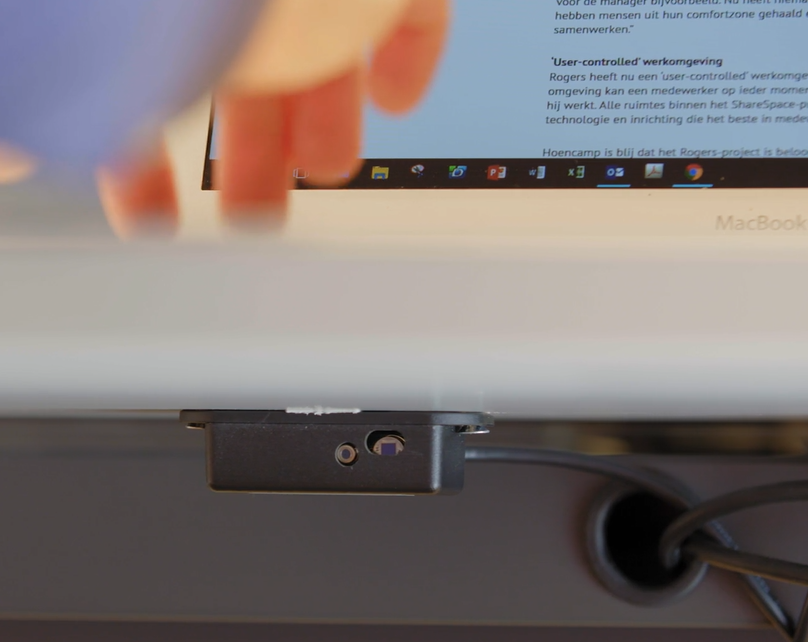
De RF-sensor wordt onder het bureau geplaatst en detecteert aanwezigheid aan de hand van bewegings- en warmtemetingen. Hij is verkrijgbaar in twee uitvoeringen wat betreft de stroomvoorziening: een versie op batterijen, die werkt op drie AAA-batterijen, of een versie die via een kabel stroom krijgt van de GoBright Connect . Beide communiceren draadloos met eenGoBright -gateway.
LoRa-sensor:
De LoRa-aanwezigheidssensor (ERS-serie) maakt gebruik van infrarooddetectie om lichaamswarmte onder het bureau te detecteren, waardoor automatisch en in realtime de aanwezigheidsstatus wordt weergegeven zonder enige bedrading. Het werkt op één AA-batterij, die bijbij normaal gebruik, en communiceert via een GoBright -gateway, zodat er geen PoE- of wifi-verbinding hoeft te worden geïnstalleerd. De inbedrijfstelling gebeurt rechtstreeks vanuit de GoBright mobiele app door de NFC-tag van de sensor te scannen, en de sensor past goed in kantoren waar al LoRa-gebaseerde sensoren worden gebruikt voor ruimte- of omgevingsmonitoring.
Interne sensor, Interact:
Als je de GoBright Interact gebruikt, heb je doorgaans geen aparte sensor nodig, aangezien de Interact er een ingebouwd heeft. Deze sensor werkt op basis van trillingen en registreert direct of het bureau in gebruik is.
Externe sensor voor Interact:
In sommige opstellingen past de ingebouwde sensor van de Interact niet bij de indeling van het kantoor, bijvoorbeeld wanneer twee werkplekken één bureau delen. Omdat de sensor op trillingen werkt, kan het gebeuren dat beide werkplekken als bezet worden geregistreerd, terwijl er slechts één in gebruik is. In dergelijke gevallen levert een externe sensor nauwkeurigere resultaten op. Deze sensor is nu verkrijgbaar.
Ga voor meer technische informatie naar de pagina ‘Sensor’ in het Helpcentrum.
Mensen tellen
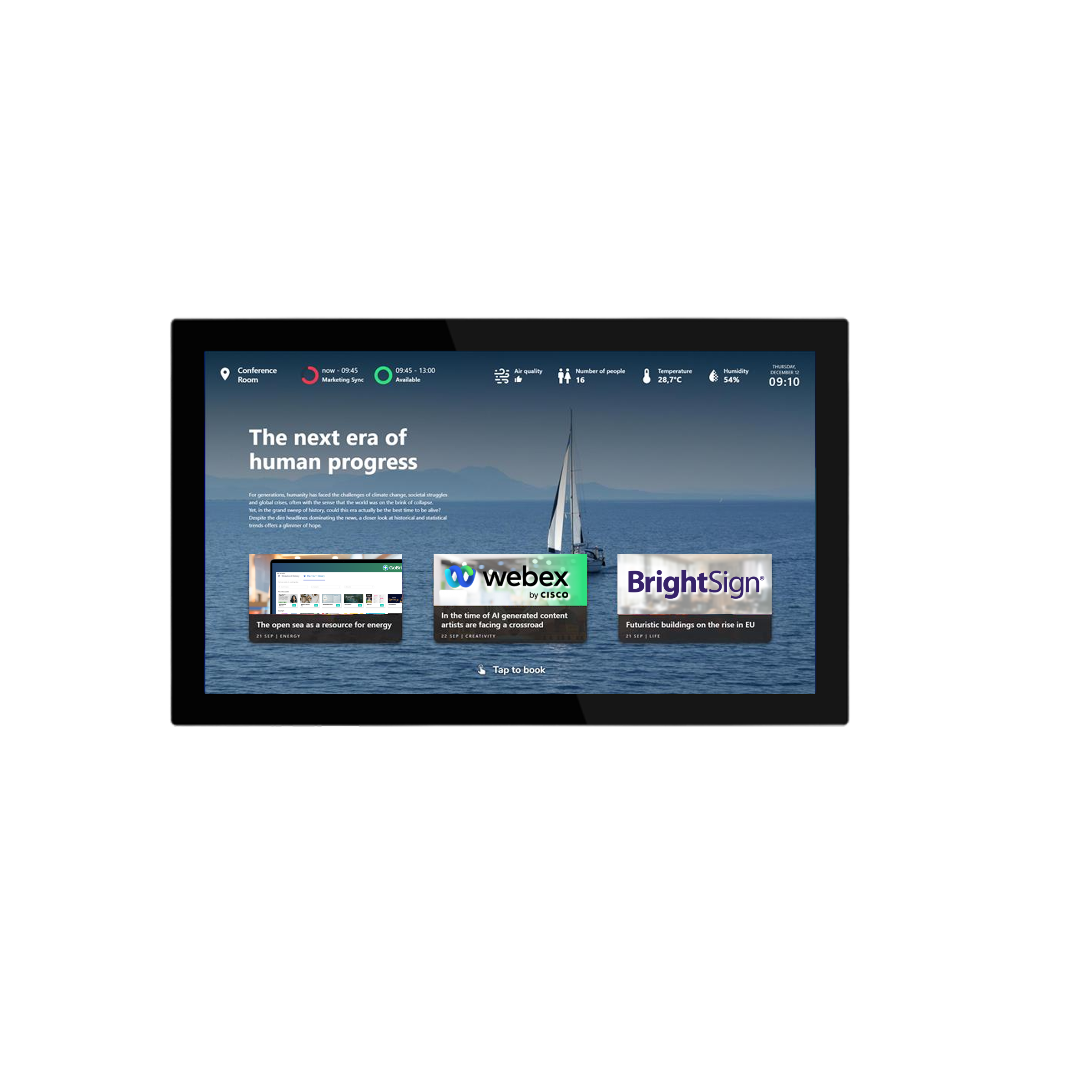
De nieuwe sensoren van GoBrightlaten niet alleen zien of een ruimte bezet is, maar geven ook aan hoeveel mensen erin aanwezig zijn en hoe de omstandigheden in de ruimte zijn. Ze meten zowel het aantal aanwezigen als de CO₂-concentratie, de luchtvochtigheid en de temperatuur. De gegevens worden weergegeven op de Room-schermen en in Mapviewer, zodat medewerkers deze kunnen bekijken voordat ze een ruimte reserveren.
De sensoren werken via LoRaWAN, een netwerk met laag stroomverbruik en een bereik binnenshuis van ongeveer 100 meter, en communiceren via een GoBright -gateway. Data werkt samen met de eigen sensoren van GoBrighten met gecertificeerde sensoren van Cisco, Pointgrab en bGrid, zodat bestaande investeringen in hardware niet verloren gaan.
Deze gegevens worden verwerkt in de analysefuncties van GoBright, waardoor facilitaire teams niet alleen inzicht krijgen in of een ruimte wordt gebruikt, maar ook in hoe goed deze voldoet aan de behoeften van de mensen die er verblijven.
veelgestelde vragen over de gegevensgestuurde werkplek
Bekijk onze FAQ's voor snelle antwoorden op veelgestelde vragen over onze producten, oplossingen en services.
Wat is een gegevensgestuurde werkplek?
Wat zijn de voordelen van een gegevensgestuurde werkplek?
Wat zijn Workplace Analytics?
Wat zijn de voordelen van werkplekbezettingsmeting?
Hoe bewaak je de werkplekbezetting?
Laten we uw werkplek
samen slimmer maken
Neem contact op met Chris
onze CCO


Doe mee aan onze "Bright NEW Features Webinar".

GoBright tijdens de AVTECH Summit 2026
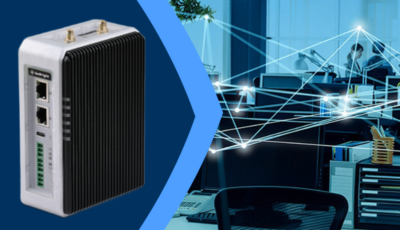
GoBright Advanced Gateway (AGW): een eenvoudiger en veiliger sensornetwerk
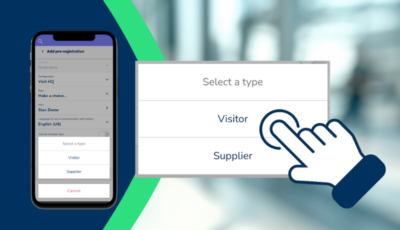
Bezoekers vooraf registreren en beheren via de mobiele app ‘ GoBright ’

Het hybride werkmodel: soorten, voordelen en voorbeelden

GoBright op Orgatec 2026
GoBright op Expo Real 2026
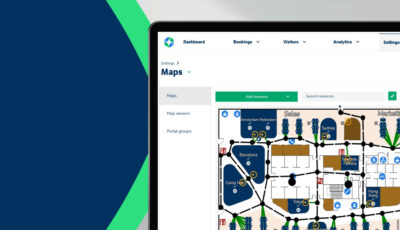
Kaarteditor: Teken je eigen plattegronden

GoBright PropTech Connect 2026
Kantoorbezetting: waarom gegevens belangrijk zijn in een hybride werkomgeving
