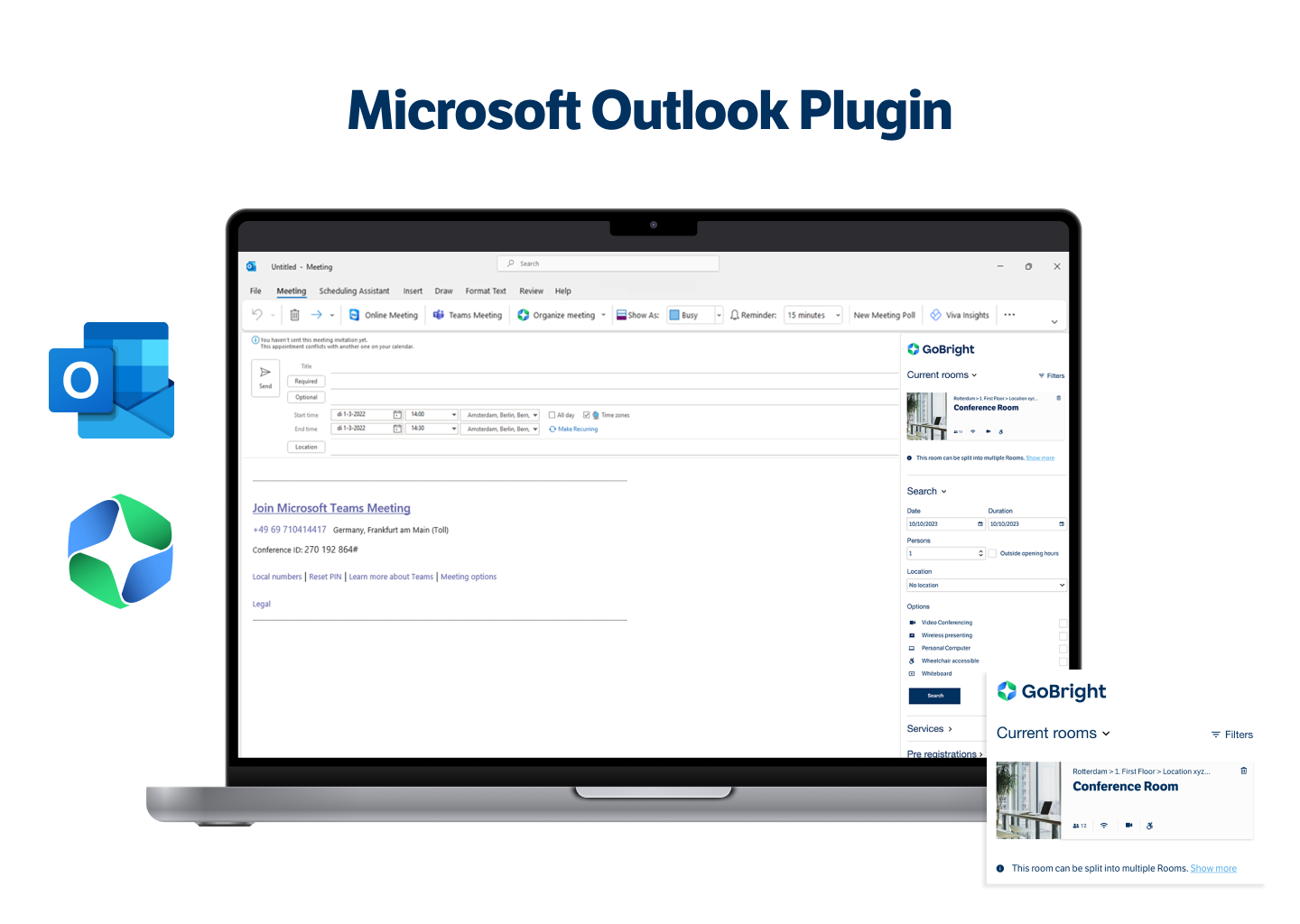
For years, our GoBright Outlook Plugin has empowered users with search and room booking capabilities directly within their Outlook calendars. However, we’re thrilled to announce a significant advancement for GoBright vs Microsoft Outlook – a two-way full integration.
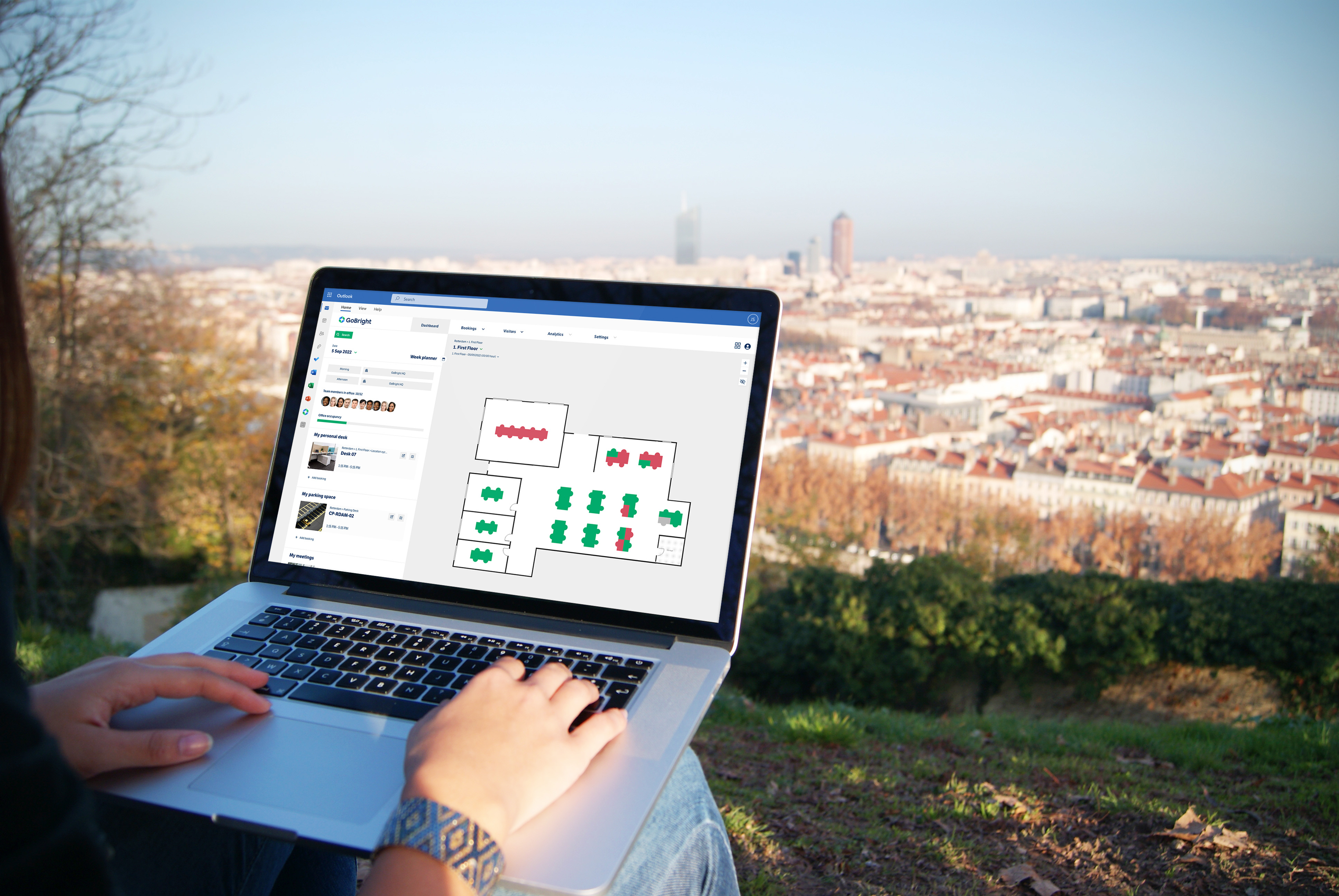
We are working on an upgrade that opens doors to the entire GoBright Platform within Outlook, improving the way users interact with our services. With just one click on the GoBright App in the Outlook app menu, users gain access to the complete GoBright Portal. This includes not only the familiar options for choosing meeting rooms based on preferences, booking catering, and inviting visitors but also a full integration with our solutions for desk booking, parking booking, visitor registration, and digital signage.
GoBright vs Outlook
Microsoft Outlook is a communication and collaboration platform which helps you to organise email and make you focus on the messages that matter most. You also manage and share your calendar to schedule meetings easily in Outlook. With the upcoming two-way integration the GoBright Portal is fully accessible within Outlook. Every booking made via GoBright is visible in Outlook and vice versa.
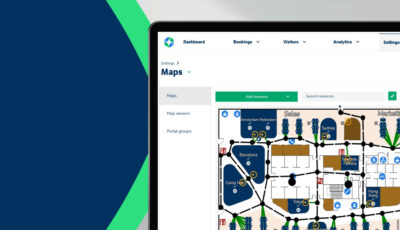
Open the GoBright Online Portal (app) directly from the Outlook environment. This way users do not have to switch between different systems. Stay within your familiar Outlook environment and simply click on the GoBright logo. The Online Portal opens directly and the booking process for rooms, desks, lockers, or parking spots remains unchanged. The integration also give you access to the interactive Mapping, the Week Planner and other user advantages to support collaboration such as Team Booking, or “Find my Colleague” options. This increases the user-experience, ease-of-use, and efficiency.
Why is that useful?
We strongly believe it is crucial to give access to different platforms in the smartest way possible. The beauty of this integration lies in its ability to keep users within the Outlook environment. There’s no need to navigate away, ensuring a streamlined and efficient workflow. Our two-way integration ensures that every action, whether it’s a booking, modification, or cancellation, are instantly synchronised across both platforms.
GoBright and Microsoft
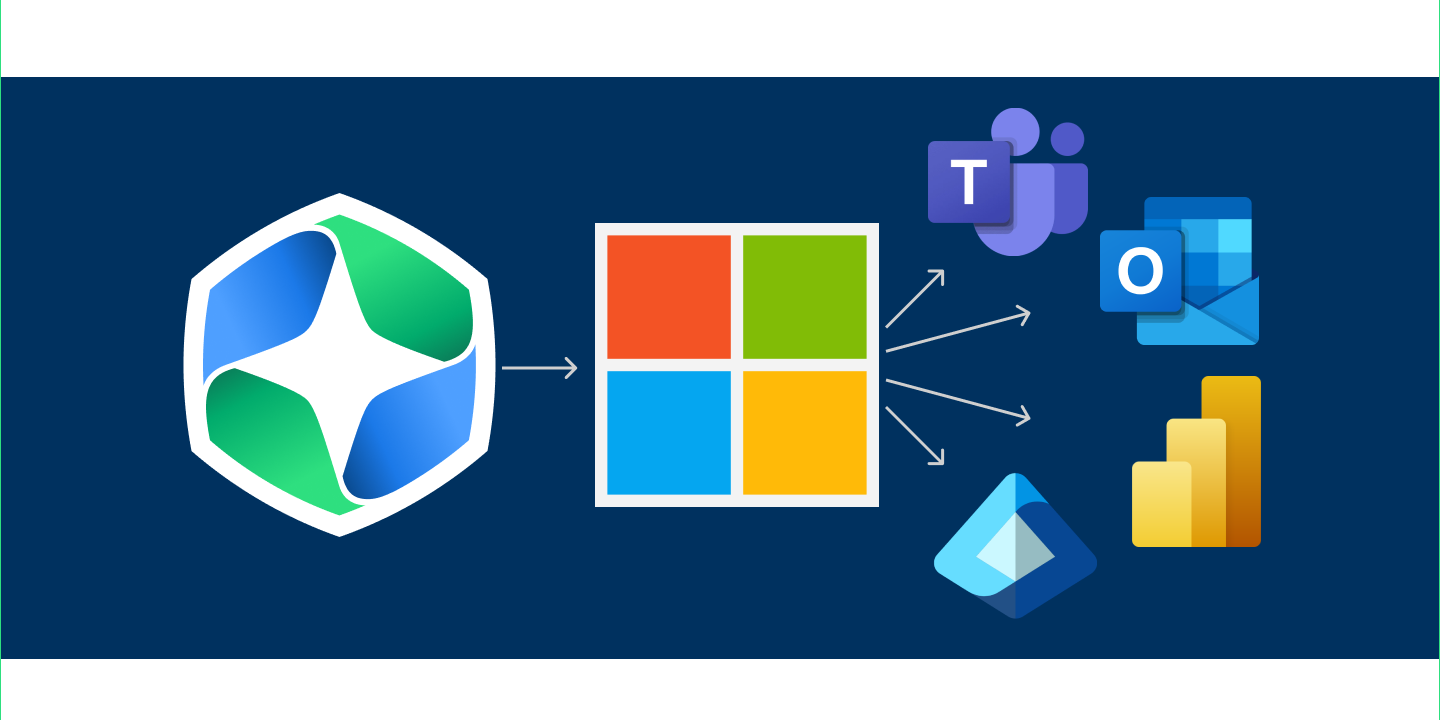
This isn’t our first integration with Microsoft products. Last year, we introduced the same level of integration with Microsoft Teams, strenghtening our position as a trusted partner for Microsoft users. This strategic integration means that GoBright functions consistently across Teams and Outlook, providing users with a uniform experience. Now, employees can choose the platform that suits them best without sacrificing the user experience they have come to expect from GoBright.
For example: suppose you book a room in Outlook, and later, you decide to change the date of this meeting using Teams. Not only will these alterations be visible in both Microsoft tools, but they will also be promptly updated within the GoBright Platform. All booked services, such as Catering or extra AV equipment, will change accordingly as well. The synchronisation works both ways, providing users with real-time updates and consistency across all integrated platforms.
Benefits
Empower your employees to efficiently plan their workday directly from Microsoft Outlook with the GoBright integration. They can easily book desks, meeting rooms, lockers, or parking spaces through the GoBright Portal while actively managing their schedules in Outlook.
This integration allows for flexible planning, and employees can schedule personal, team, or recurring bookings seamlessly within the Outlook interface. In addition, employees can access and modify existing bookings within Outlook, invite and pre-register visitors, and schedule digital signage playlists.
The integration eliminates the need to switch between different systems, ensuring a streamlined experience. It’s accessible from both desktop and mobile apps, with a visible GoBright App icon in the Microsoft Outlook menu bar.
Outlook Plugin vs full Outlook Integration?
In addition, the Outlook Plugin will remain to exist. The big difference between the GoBright Outlook Plugin and the Full GoBright Integration is like comparing having access to a single room in a hotel, to having access to the entire hotel. The integration gives you a real-time view of everything in our system, like interactive mapping, desk, locker, and parking bookings, visitor registration, the Week Planner, and even a way to report issues to Facility management.
On the other hand, the Outlook plugin is more like a built-in tool for planning meetings. You can pick a room, book it, add catering, and invite guests—all right from your Outlook calendar.
You can use both tools together if you want. But the new full integration is the real deal. It lets you use all the cool features GoBright has to offer in one go.