GoBright Website - Default Image 3
Article

Authorising User Access to the Digital Signage Media Library

New Features & Innovation

GoBright’s Digital Signage solution helps you show the right information, at the right time, to a specific target group. Using the best software is an essential part but having a good communication plan is just as important. By adding your own content to the media library in our signage solution, you can create personalised slides, add them to a zone and playlist, and start your signage around the office.

We have now developed more options to create new user-roles to make authorisation more detailed. This means it is possible to authorise to what specific content folders users have access. This upgrade gives our customers more flexibility in restricting users from classified content. And also manages various offices/teams from deleting, editing and accessing content not belonging to them.
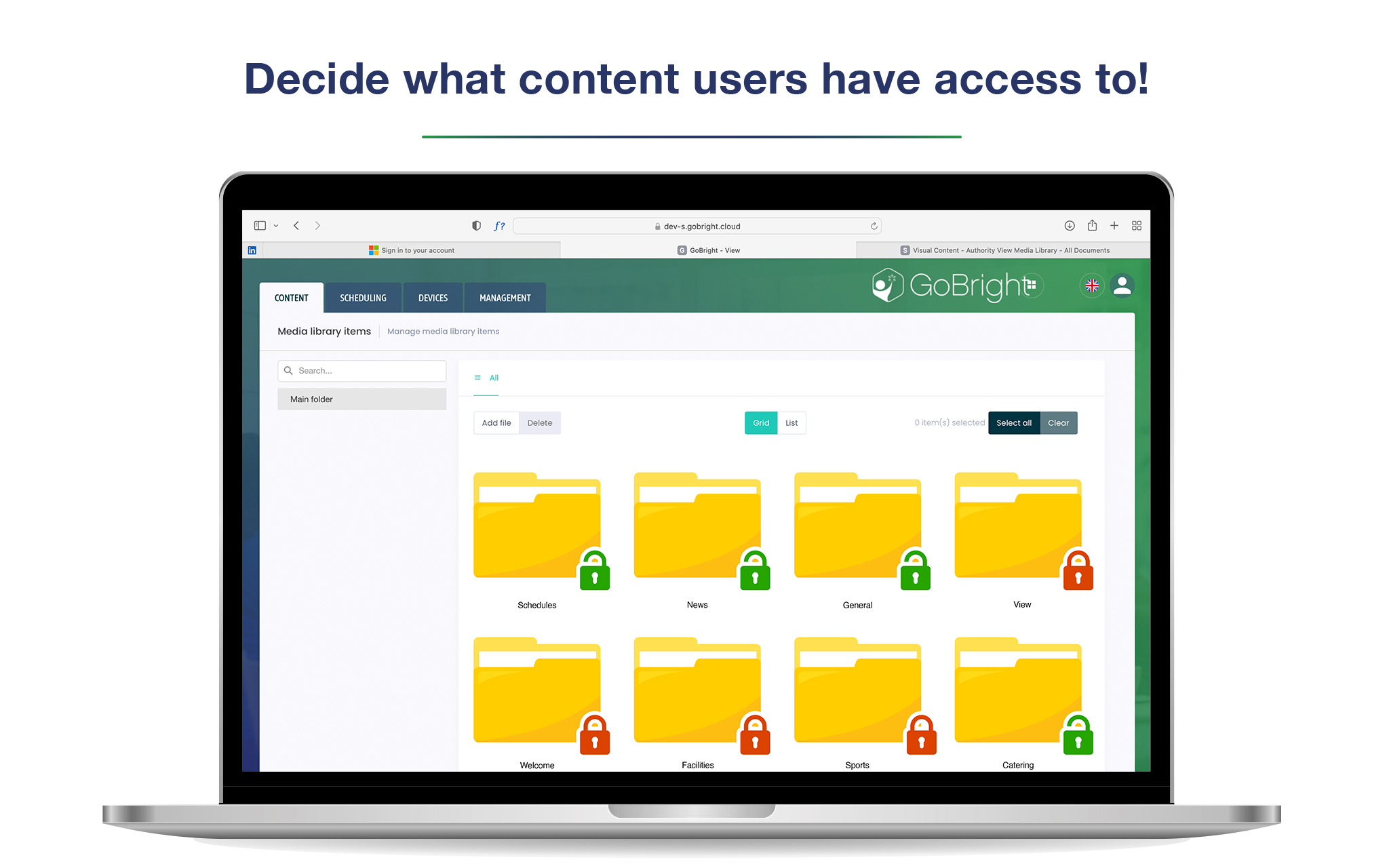

GoBright Digital Signage - Authorising User Access to Media Library
Design your own templates

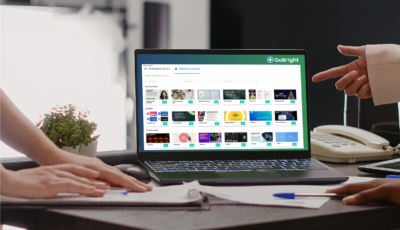
The Digital Signage media library is a collection of photos, videos, widgets, presentations and much more. Design your own templates using the corporate branding, colours, fonts, and tone of voice and use them as a basis for different slides. All content can be sorted into folders to create a structured and clean environment. Our Digital Signage solution is designed to be user-friendly, so no special training is required. Creating playlists and content has never been easier.

The signage solution can be used for different purposes. At GoBright, for example, we use our software to show information on trade fairs, in workshops, around our own office and in much more places. We understand the importance of managing the media library efficiently to ensure an effective use of the software.


We've got more where that came from

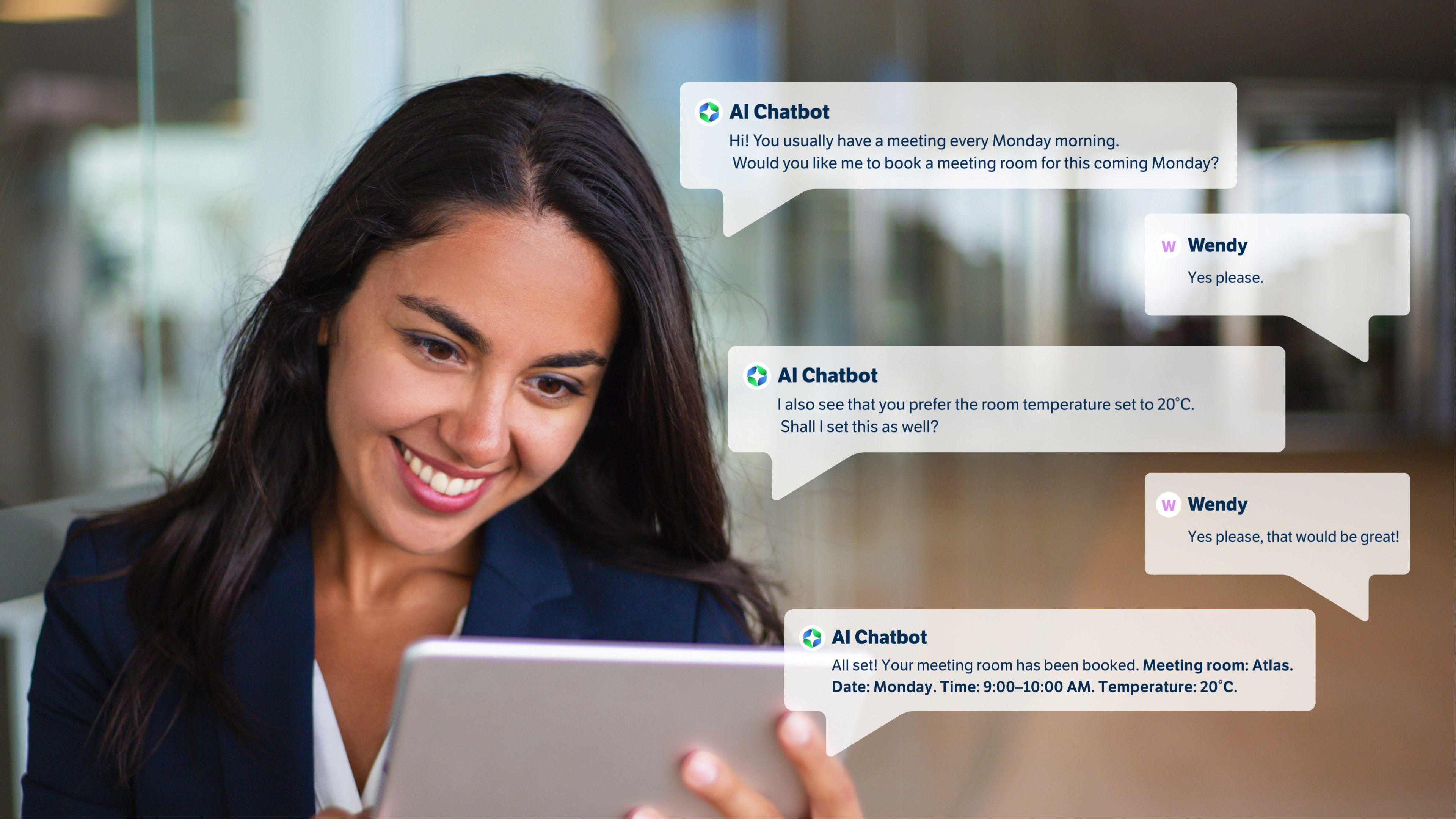
Feature GoBright Teams Chatbot - Smart Workspace Booking, Right Inside Microsoft Teams
Room Booking

GoBright AI Chatbot for easy room booking in Microsoft Teams

Article DS Templates partner — technology powering GoBright Template Store Premium for Digital Signage+
Digital Signage

DS TEMPLATES INTEGRATION | Creating great digital signage content just got a lot easier

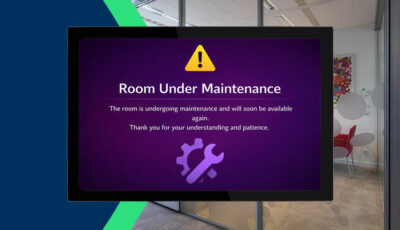
Feature GoBright Maintenance Mode feature thumbnail showing a meeting room panel displaying an out-of-service status
Desk Booking

GoBright Maintenance Mode for Rooms, Desks and Parking Spaces

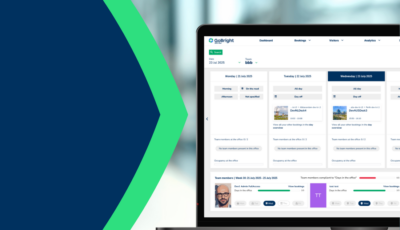
Feature GoBright Amount of Days in the Office – weekly attendance overview in the Week Planner
Week Planner

Amount of Days in the Office | New GoBright Week Planner Feature

Feature
Analytics

Behaviour Dashboard transforms workplace data into strategic decisions

Feature
Desk Booking

Zone Booking makes desk reservations simpler and more flexible.

Product
Digital Signage

In-Room Signage – Maximise Room Screens & Panels

Product GoBright - Template store premium
Digital Signage

Template Store Premium: 600+ Ready-Made Templates

Feature GoBright supports BrightSign Player for Digital Signage
Digital Signage

BrightSign Player Support for Digital Signage

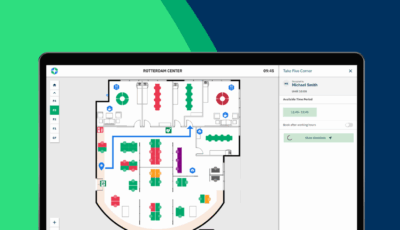
Feature GoBright - New feature: Routing in mappen
Digital Signage

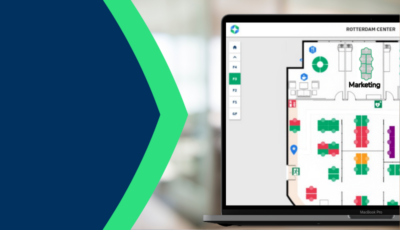
Routing for GoBright Mapping: A smarter way to navigate your office

Join us on 11th of June 10:00 AM CEST for our ‘Bright NEW Features’ webinar

Here we will present the latest updates, including new features, new product, and upcoming developments.

Sign up for Bright NEW Features Webinar
GoBright Quarterly Webinar - featured item image