GoBright - Microsoft Teams integration on laptop - Room Booking and Desk Booking
Article

GoBright Room Booking in Microsoft Teams

New Features & Innovation

Microsoft Teams is one of the most used online communication tools in offices. However, sometimes, an online meeting is just not enough to go over the points you want to discuss. You might want to host a face-to-face meeting at the office. So what do you do? You minimise Microsoft Teams, you open the Outlook Calendars to check availability, then you open your room booking system to book the room and additional services… Before you know it, you are using multiple systems for one simple task: hosting a meeting at the office.

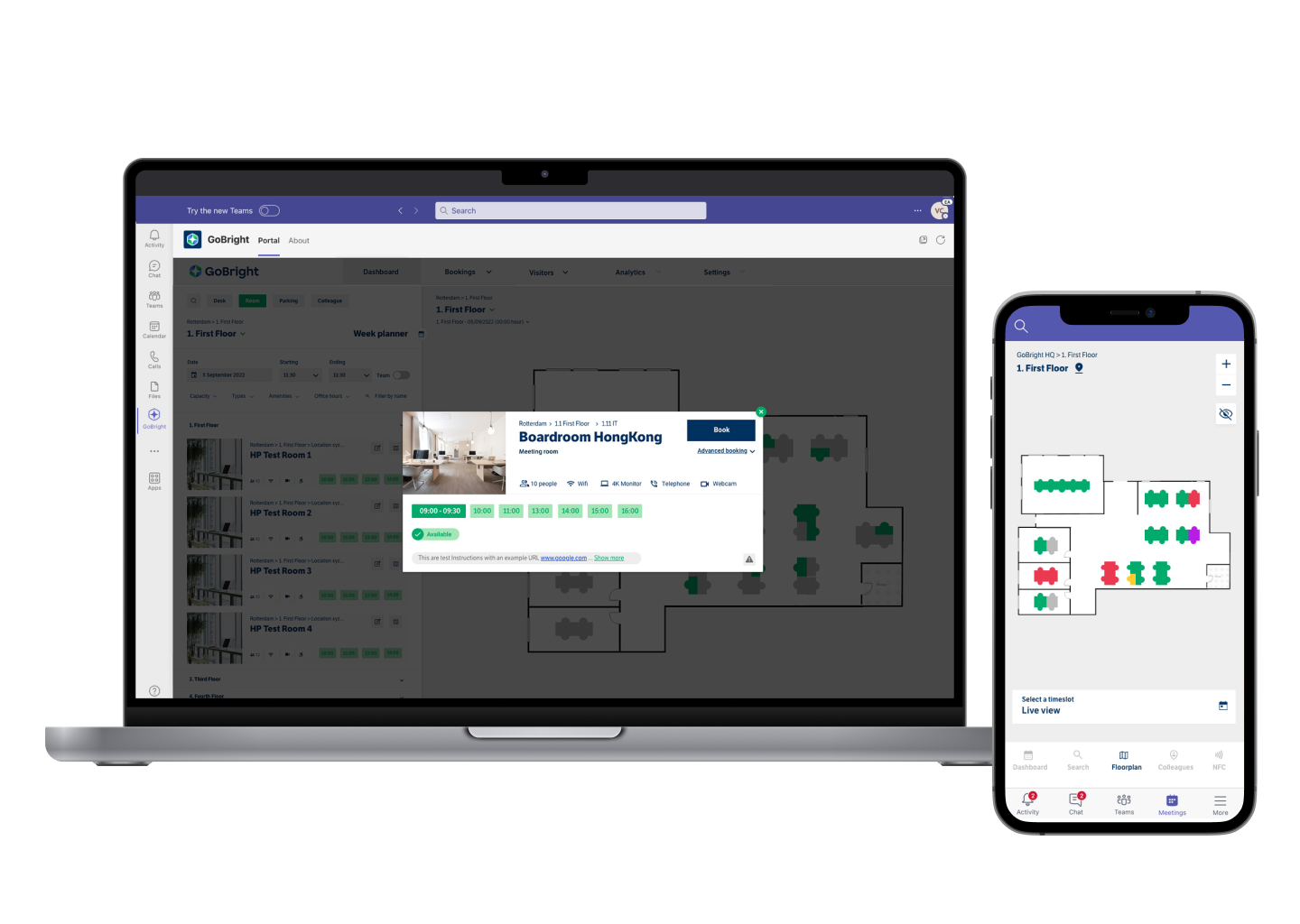
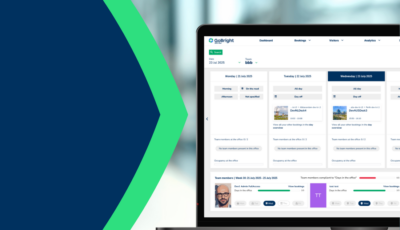
This is no longer necessary with GoBright. We are now fully integrated into Microsoft Teams, which means that the entire GoBright platform and all its unique features are accessible through Teams. This includes Room Booking and inviting and pre-registering visitors.


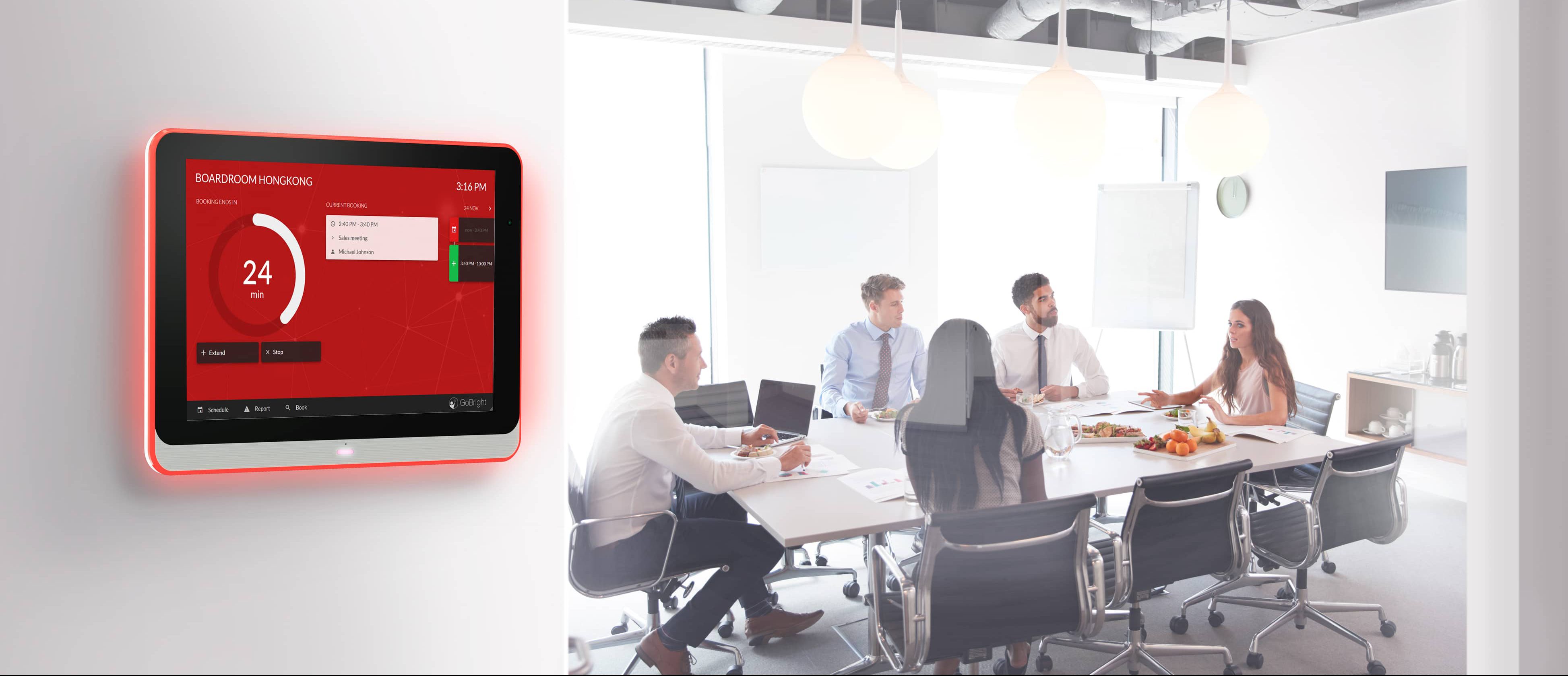
So, what is it that you can do in Microsoft Teams with GoBright’s integration? First and foremost: Room Booking. You can now open the GoBright Portal within your Microsoft Teams environment and select a suitable room for your next meeting, based on your preferences. One of the benefits of working with a Room Booking System such as GoBright’s is that all changes made regarding the booking are automatically visible to your colleagues. It does not matter whether you book the room in Teams, Outlook, or directly via the GoBright platform. All systems are in sync and automatically updated. This way, there is no confusion as to when a meeting is hosted, with whom, and whether the room may become available later.

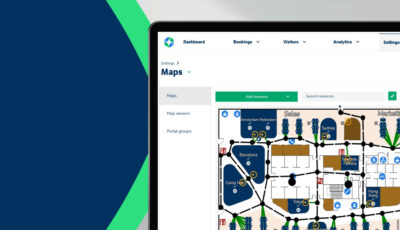
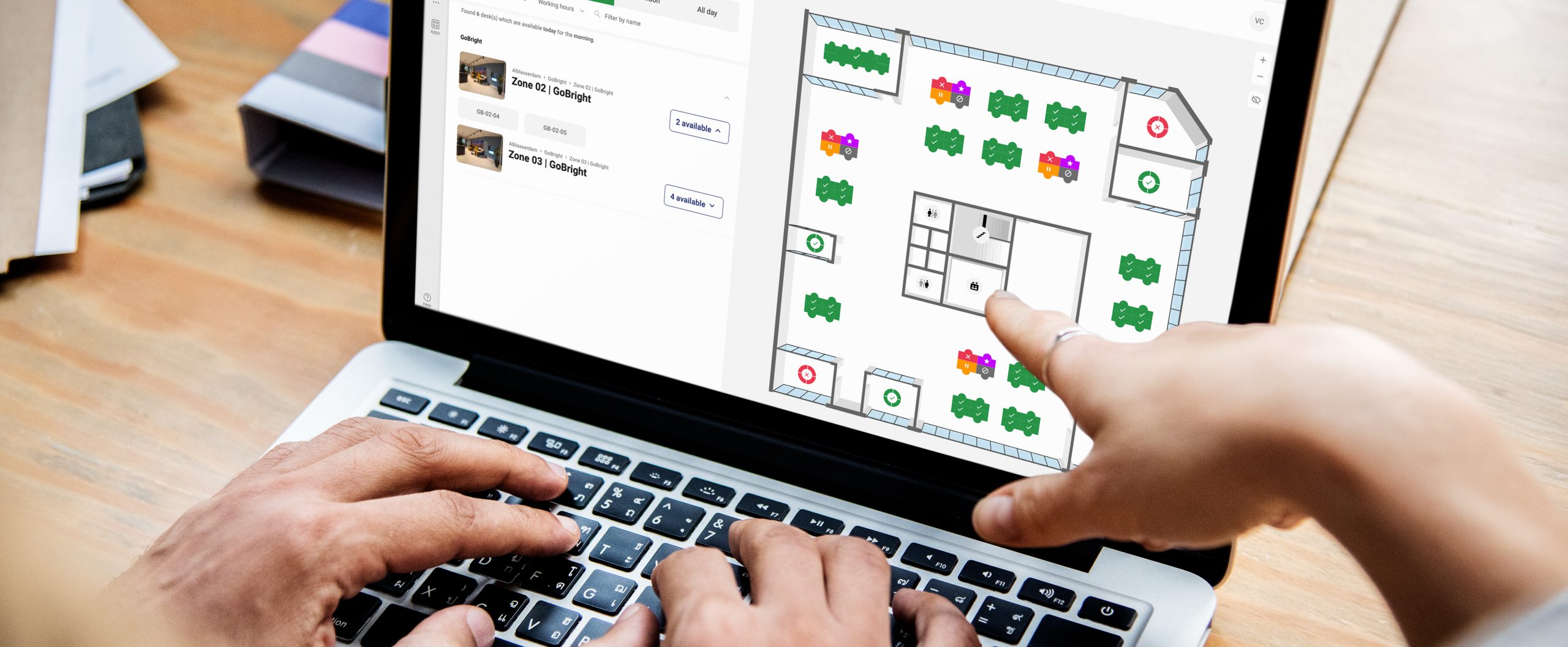
Another advantage of the GoBright Portal in Teams is that you can reserve a room via the Interactive Map. The Map shows which rooms are occupied or available and you can click on the Map directly to select the room you want to book.

In addition, via the Portal in Teams you can choose rooms based on the facilities you need and the preferences you have. And, you can invite and pre-register your visitors instantly.

GoBright RoomBooking - IAdea integrated displays - Certified Partner

You can enrich your GoBright experience by installing Mapping screens on the work floor, so all colleagues have a clear and complete overview of bookings. Lastly, it is possible to arrange any Catering & Services at the same time. Might the meeting be canceled or postponed, any facilities that were booked are automatically rescheduled or canceled, too.

All of these GoBright features can now be accessed and used, without leaving your Microsoft Teams environment. No better team than GoBright and Microsoft Teams!


GoBright - Room Booking - Microsoft Teams


We've got more where that came from

White motion sensor on office ceiling above smartphone displaying colorful calendar on wooden desk with natural light streaming through windows

How do you integrate smart office sensors with a calendar system?

Modern office floor plan with colorful heat map overlays on glass conference table, tablet showing real-time analytics, natural light streaming through windows

How do you design a hybrid work policy around real space utilisation data?

Modern office with standing desks and collaborative zones, smartphone showing desk booking app on marble surface in foreground

What is activity-based working and how does desk booking support it?

Tablet displaying colorful analytics on white standing desk with smart office devices, natural light streaming through windows in modern workspace

How do you measure employee adoption of smart office technology?

Product
General

Occupancy Measurement using your existing WiFi infrastructure

Two tablets on wooden desk displaying calendar scheduling and booking interface in modern office setting

What is the difference between scheduled and on-demand workspace booking?

Modern office desk with air quality monitor showing green readings, snake plant, and glass of water in golden sunlight

How does indoor air quality affect employee concentration?

Two sensor devices on modern office desk, one with blue LED indicators active, other dormant, beside laptop showing workplace analytics dashboards.

What is the difference between passive and active smart office monitoring?

Modern glass-walled conference room with touchscreen showing green

How does real-time room availability reduce meeting conflicts?

Modern office desk with integrated sensor devices including motion detector, temperature gauge, and occupancy sensor in bright contemporary workspace with natural lighting

What data does a smart office system collect?

GoBright will be present at InfoComm Las Vegas 17-19 June 2026 at booth C5010

Read what can you expect from us at the event!

Register now for free access!
GoBright at InfoComm 2026 in Las Vegas, highlighting booth C5010 and event dates 17–19 June.