Rombestilling i Microsoft Teams
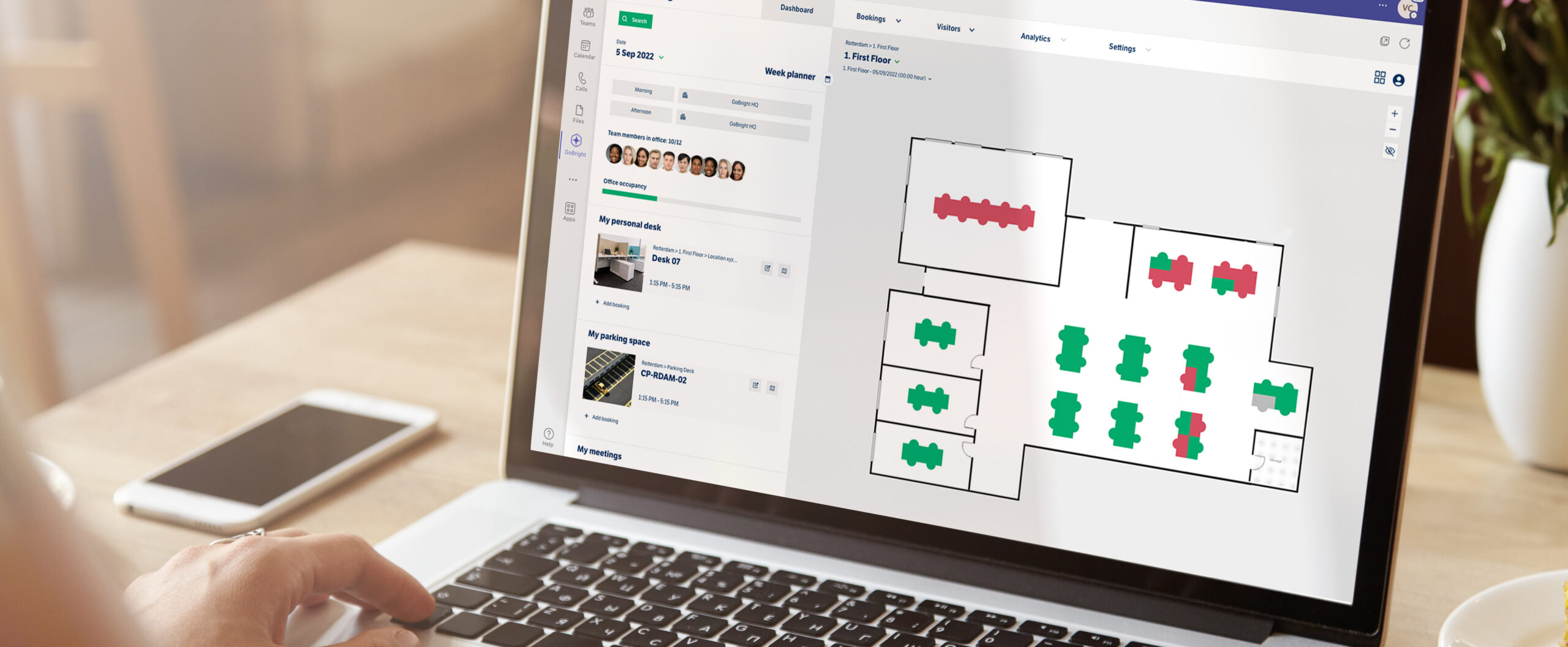
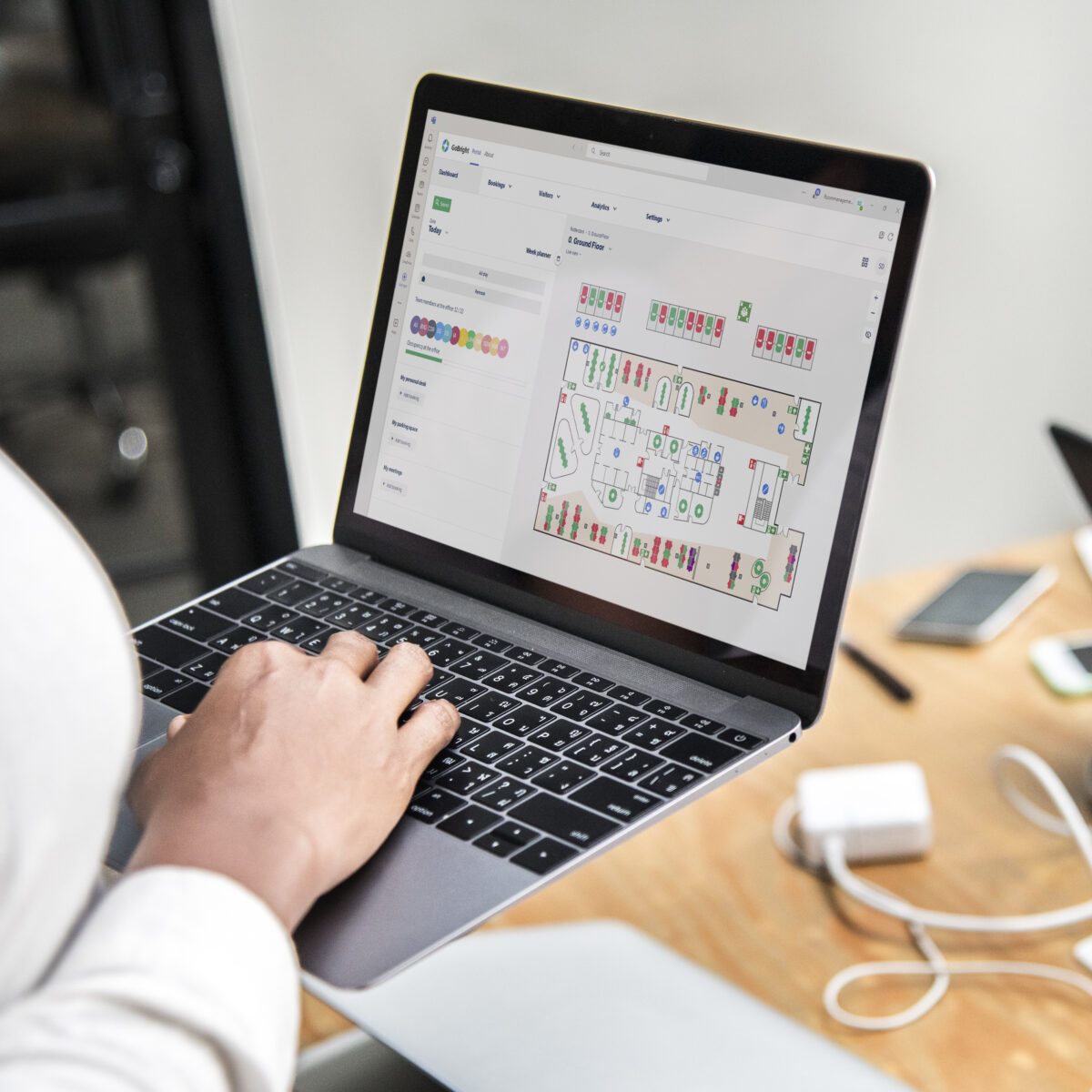
I dagens Hybrid Working-miljø er møterom avgjørende for at kollegaer kan etablere relasjoner og komme sammen ansikt til ansikt. Gjør rombestilling til en enklere prosess med GoBright sin Microsoft Teams-integrasjon.
- Jobber i GoBright Portal, mobilapp og kartlegging;
- Foreta rombestillinger;
- Toveis integrasjon.
Hva er rombestilling?
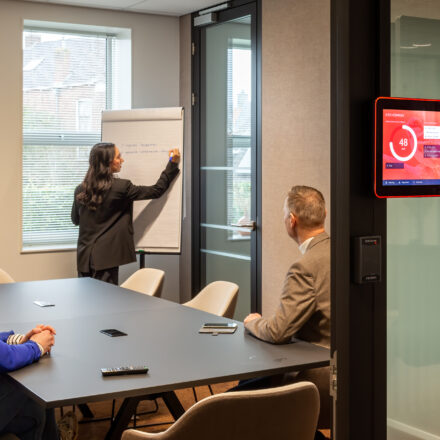
Bestilling av rom på forhånd for å være klar til et møte kalles Rombestilling. Med et rombestillingssystem kan folk søke etter og bestille møterom på forhånd, basert på deres behov og ønsker. Ansatte kan bestille møterom, og invitere kolleger og eksterne besøkende, sammen med deres ønsker til Catering & Tjenester .
Slik bestiller du et rom via Microsoft Teams
Du kan nå åpne GoBright Gå inn i Microsoft Teams-miljøet ditt og velg et passende rom for ditt neste møte, basert på dine preferanser. En av fordelene med å jobbe med et rombestillingssystem som f.eks GoBright 's er at alle endringer som gjøres angående bestillingen er automatisk synlige for dine kolleger. Det spiller ingen rolle om du bestiller rommet i Teams, Outlook eller direkte via GoBright plattform. Alle systemer er synkronisert og automatisk oppdatert. På denne måten er det ingen forvirring om når et møte arrangeres, med hvem og om rommet kan bli tilgjengelig senere.
Fordelene med rombestilling i team

Med GoBright Rombestilling i kombinasjon med Microsoft Teams, organisering av et møte er avslappet og bekymringsfritt. Alle GoBright funksjonene kan nås og brukes uten å forlate Microsoft Teams-miljøet. Ingen bedre lag enn GoBright og Microsoft Teams!
Interaktivt kart
Enkel oversikt over belegg og direktebestillingsmuligheter i Kartlegging.
Bestillingsmuligheter
Velg et møterom basert på fasilitetene og dine preferanser.
Besøk-sadministrasjon
Inviter og forhåndsregistrer besøkende uten å forlate Teams-miljøet.
Catering og tjenester
Arranger catering og tjenester som automatisk blir kansellert eller flyttet hvis møtet blir utsatt.
Ofte stilte spørsmål
Hva er rombestilling?
Hvorfor bør jeg bruke et rombestillingssystem?
Kan GoBright Rombestillingsprogramvare kobles til andre systemer?
Kan jeg bestille møterom i Microsoft Teams?
Utforsk våre vanlige spørsmål for å finne raske svar på vanlige spørsmål om GoBright Rombestilling.
la oss gjøre arbeidsplassen din
smartere, sammen
Ta kontakt med Chris
vår CCO

Annen GoBright integrasjoner