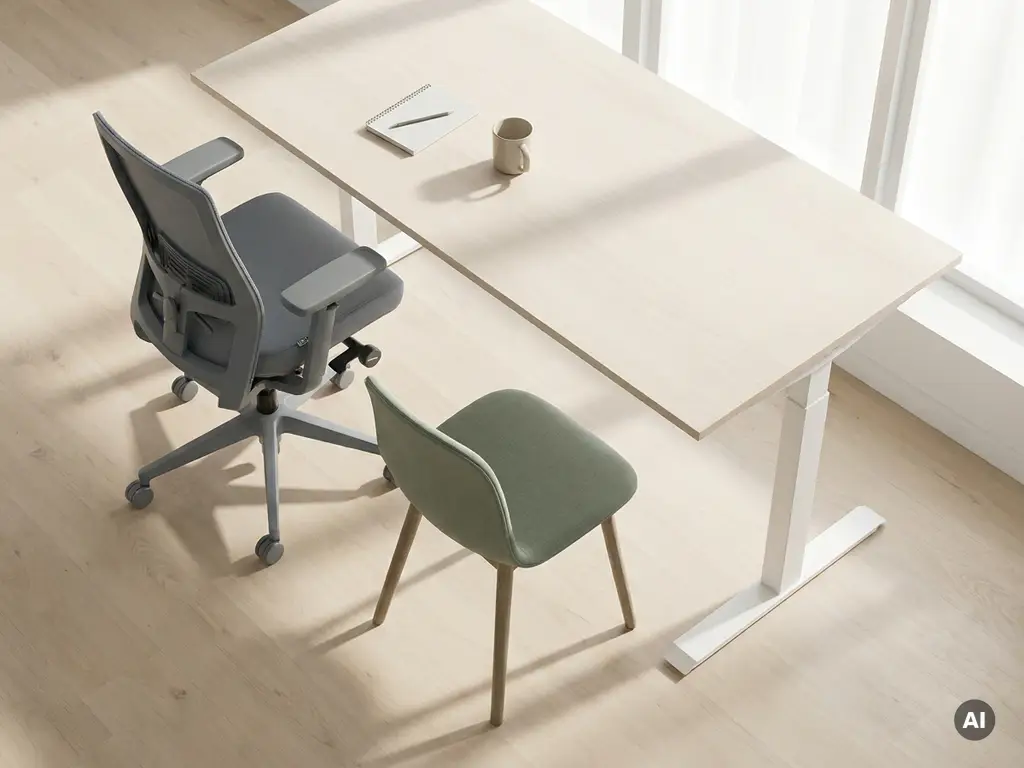
Ergonomics and general workplace comfort are related but distinct concepts. Ergonomics is the science of designing work environments to fit the physical and cognitive needs of the human body, with the goal of preventing injury and sustaining performance. General comfort, by contrast, is a subjective sense of ease or pleasantness that may or may not support long-term physical health. The difference matters because a workspace can feel comfortable while still causing cumulative physical harm. This article works through the most common questions about office ergonomics so you can make smarter decisions about how your workplace is set up.
How does ergonomics actually differ from general comfort?
Ergonomics is objective and evidence-based, while general comfort is subjective and personal. An ergonomic workspace is designed around measurable principles, such as neutral spine alignment, correct monitor height, and forearm support, that reduce physical strain regardless of whether the user notices the benefit immediately. Comfort, on the other hand, is simply how pleasant a space feels in the moment.
The practical difference shows up quickly. A plush, deeply cushioned chair might feel comfortable during the first hour of the workday, but if it encourages a slouched posture, it is not ergonomic. Conversely, a well-adjusted ergonomic chair with lumbar support might feel unfamiliar at first, yet it actively protects the spine over time. Ergonomics prioritises the body’s long-term functioning; comfort prioritises the immediate sensory experience.
Both matter in a well-designed office, but they serve different purposes. Ergonomics is a health and performance standard. Comfort is a quality-of-life factor. The smartest workplaces pursue both, but they never sacrifice one for the other.
What are the physical risks of prioritising comfort over ergonomics?
Prioritising comfort over ergonomics exposes employees to a range of musculoskeletal disorders that develop gradually and are often invisible until they become serious. The most common risks include repetitive strain injuries, chronic back and neck pain, carpal tunnel syndrome, and eye strain from poorly positioned screens. These conditions rarely appear overnight, which is exactly what makes them easy to overlook.
Consider a few of the most frequent patterns:
- Lower back pain caused by chairs that lack proper lumbar support, encouraging a forward slouch over long periods
- Neck and shoulder tension from monitors positioned too low or too far to one side, forcing the head into a sustained tilt
- Wrist and forearm strain when keyboards are placed at the wrong height, bending the wrist upward during typing
- Eye fatigue and headaches resulting from screens that are too bright, too close, or reflecting glare
- Hip compression from seats that are too deep or too hard, restricting circulation in the legs
Beyond individual discomfort, these risks carry real organisational costs: increased sick leave, reduced concentration, and lower overall productivity. For organisations running hybrid models where employees use multiple different desks throughout the week, inconsistent ergonomic standards across workstations compound the problem significantly.
What does a truly ergonomic workspace include?
A truly ergonomic workspace is one where the environment adapts to the person, not the other way around. The core elements are adjustable furniture, correctly positioned equipment, adequate lighting, and sufficient space to move. Each component addresses a specific physical risk and contributes to sustained comfort throughout the working day.
The essential elements of an ergonomic workstation include:
- Height-adjustable desk that allows both seated and standing work positions, reducing the strain of static posture
- Ergonomic chair with adjustable seat height, lumbar support, armrests, and seat depth to accommodate different body proportions
- Monitor at eye level, positioned roughly an arm’s length away, to keep the neck in a neutral position
- Keyboard and mouse placement at a height that keeps the forearms parallel to the floor and wrists straight
- Adequate lighting that minimises glare on screens and provides sufficient task illumination without creating harsh contrasts
- Sufficient legroom and desk depth to allow natural movement and avoid cramped positioning
Good office ergonomics also extends beyond the individual workstation. Break-out areas, phone booths, and collaborative spaces should all be designed with body-supportive principles in mind, not just aesthetic appeal.
Can a workplace be both ergonomic and comfortable at the same time?
Yes, a workplace can absolutely be both ergonomic and comfortable, and the best offices achieve exactly this. Ergonomics and comfort are not in conflict; they become complementary when the design process starts with human physical needs and layers in sensory quality from there. A well-adjusted ergonomic chair, for example, becomes more comfortable over time as the body is properly supported rather than compensating for poor alignment.
The key is sequencing. Ergonomic requirements should be established first as non-negotiable standards. Once those are met, comfort elements such as material quality, acoustic management, temperature control, and aesthetic warmth can be added to improve the overall experience. Skipping the ergonomic foundation and jumping straight to comfort features is where organisations go wrong.
In practice, employees who work in genuinely ergonomic environments often report feeling more comfortable by the end of the day than those in aesthetically appealing but poorly configured spaces. That is because physical fatigue and pain are themselves major sources of discomfort. Remove the pain, and comfort follows naturally.
How does hybrid working change ergonomic requirements?
Hybrid working significantly complicates ergonomic requirements because employees no longer have a single, personally configured workstation. In a hybrid model, the same desk might be used by three different people across a week, each with different height, posture, and equipment needs. This means ergonomics can no longer be a one-time setup; it needs to be a flexible, repeatable process that happens every time someone sits down.
The implications are practical and immediate:
- Desks and chairs need to be easily and quickly adjustable, not just technically adjustable
- Employees need to know how to configure a workstation correctly in under two minutes
- Organisations need to ensure that ergonomic equipment is consistently available across all desks, not just premium or fixed workstations
- Booking systems need to allow employees to find and reserve workstations that match their specific requirements
The shift to activity-based working adds another layer. Employees who move between focus desks, collaborative zones, and informal meeting areas throughout the day need each environment to support the physical demands of the tasks performed there. A standing counter used for quick conversations has different ergonomic requirements than a deep-focus workstation used for four hours of writing.
Who is responsible for ergonomics in the workplace?
Responsibility for workplace ergonomics is shared across several roles, but the employer carries the primary legal and moral obligation. In most European countries, occupational health and safety legislation requires employers to assess and address ergonomic risks in the workplace. This responsibility does not sit with employees alone, even though individual adjustments and habits play a significant role in day-to-day outcomes.
In practice, responsibility is distributed as follows:
- Facility managers are responsible for procuring ergonomic furniture, maintaining equipment, and ensuring workstations meet baseline standards
- HR and health and safety teams are responsible for training, risk assessments, and ensuring compliance with relevant regulations
- IT teams play a role in ensuring that screens, peripherals, and cables are set up in ways that support correct positioning
- Line managers should be equipped to spot signs of poor ergonomic setups and encourage employees to make adjustments
- Employees themselves are responsible for applying ergonomic principles, using the adjustments available to them, and reporting discomfort early
In hybrid environments, this distributed responsibility becomes harder to manage without the right data. Knowing which desks are being used, how frequently, and by whom is essential for identifying where ergonomic investment is most needed.
How GoBright supports better ergonomics in hybrid offices
Managing office ergonomics across a flexible, hybrid workplace is genuinely difficult without the right tools. When employees rotate between desks, book spaces on the fly, and work across multiple locations, ensuring consistent ergonomic standards requires more than good intentions. It requires data, visibility, and smart booking systems that put the right people in the right spaces.
Our workplace management solutions are built precisely for this challenge. Here is how we help:
- Desk booking with ergonomic preferences so employees can find and reserve workstations that match their specific needs, whether that is a height-adjustable desk, a monitor with a specific setup, or a quieter zone for focused work
- Occupancy analytics that reveal which desks and spaces are actually being used, helping facility managers prioritise ergonomic upgrades where they will have the most impact
- Find My Colleague and team booking features that reduce unnecessary desk-hopping and help employees settle into a properly configured space rather than grabbing the nearest available seat
- Integration with Microsoft Teams and Outlook so booking a suitable workstation is part of the daily workflow, not an extra step
- Energy-saving desk sensors that provide real-time occupancy data to support smarter space planning decisions
The result is a workplace where ergonomic standards are easier to uphold at scale, and where employees consistently have access to spaces that support their physical wellbeing. If you want to see how this works in practice for your organisation, get in touch with us and we will walk you through it.
