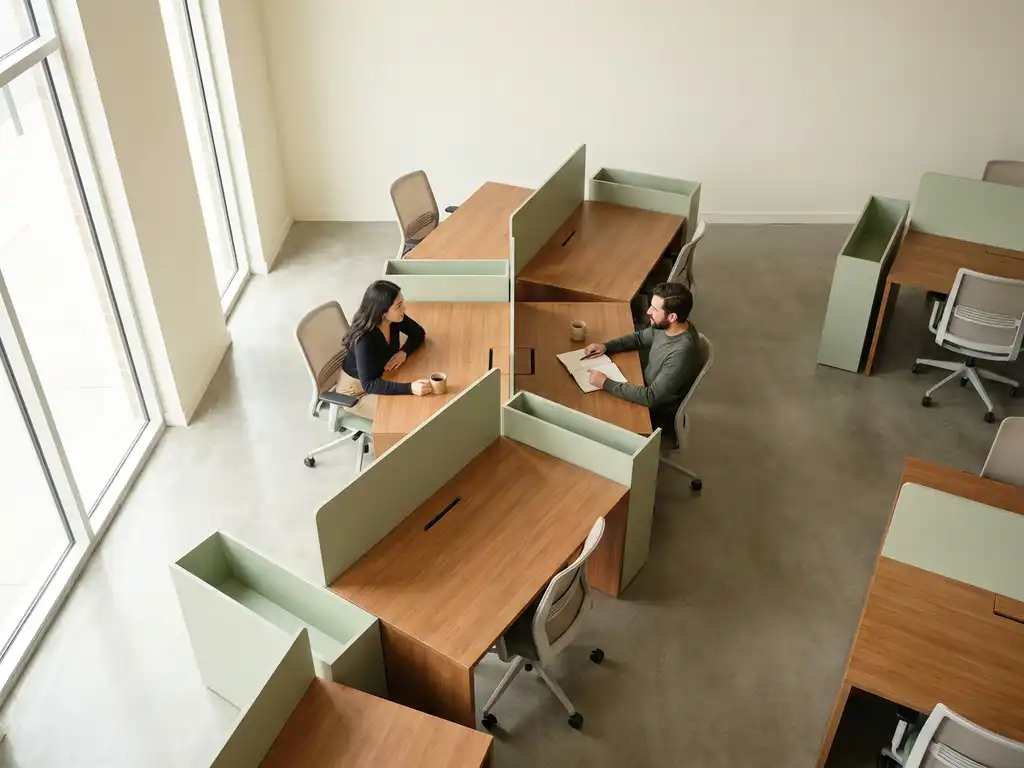
Desk booking features support collaborative workplace culture by giving employees the tools to find, sit near, and coordinate with colleagues rather than landing in a random seat and hoping for the best. The right desk booking system turns a flexible office into a genuinely connected one, where teams can plan their in-office days together and make the most of every visit. Below, we unpack the specific features that make that possible.
How does desk booking help colleagues find and sit near each other?
Desk booking helps colleagues find and sit near each other through interactive floor maps and colleague-locating features built directly into the booking interface. Instead of wandering the floor looking for a familiar face, employees can see in real time where their teammates have already booked a desk and reserve a nearby spot in seconds.
This kind of visibility removes one of the biggest friction points in a hybrid workplace: the uncertainty of whether your colleagues will even be in the office on the same day. When employees can see who is coming in before they decide to make the trip themselves, attendance becomes a more intentional, social decision rather than a solo commute.
Features like Find My Colleague and Team Booking take this a step further. Team Booking allows a group to reserve a cluster of desks at once, so the whole team lands in the same area without a complicated back-and-forth. These tools shift hot desking from a free-for-all into a coordinated experience that actively reinforces team cohesion.
What are neighborhood zones, and how do they support team collaboration?
Neighborhood zones are designated areas of the office pre-assigned to specific teams, departments, or working styles. Rather than making every desk equally available to everyone, neighborhood zoning gives teams a home base within the flexible office, preserving a sense of belonging while still supporting activity-based working.
In practice, a finance team might have a quiet zone on the third floor while a product team has a more collaborative, open area near the meeting rooms. Employees book desks within their neighborhood, which means they consistently sit near the same group of people even in a fully hot-desked environment.
The collaboration benefits are concrete:
- Spontaneous conversations happen more naturally when the same people share a physical zone
- Onboarding new employees is easier when they have a recognizable home area and familiar faces nearby
- Noise and working-style preferences are respected, reducing friction between teams with different needs
- Managers can coordinate team attendance without micromanaging individual schedules
Neighborhood zoning is especially effective in larger offices where an entirely open booking model can feel anonymous. It gives hybrid working a human layer that pure hot desking often lacks.
Can desk booking integrate with Microsoft Teams or Outlook to coordinate attendance?
Yes, desk booking can integrate natively with Microsoft Teams and Outlook, allowing employees to book desks, check colleague availability, and coordinate in-office attendance directly from the tools they already use every day. This removes the need to switch between platforms and makes booking a natural part of the workday rather than an extra administrative step.
Through a Microsoft Teams integration, employees can see their team’s planned office days inside the same app they use for chat and video calls. They can book a desk, invite colleagues to come in on the same day, and receive booking confirmations without leaving Teams. Outlook integration works similarly, connecting desk reservations to calendar events so that an in-office day is visible alongside meetings and commitments.
This kind of calendar-level coordination is what makes hybrid attendance genuinely collaborative. When a team can see that three colleagues are already planning to come in on Thursday, others are far more likely to join. The social signal embedded in shared calendar visibility turns individual booking decisions into collective ones.
For organizations already running on Microsoft 365 or Google Workspace, full native integration means there is no separate login, no new app to adopt, and no data living outside the existing IT environment.
What booking features prevent the ’empty office’ problem on collaboration days?
The empty office problem on designated collaboration days is prevented by features that make attendance visible, social, and easy to coordinate before employees decide whether to come in. When booking is invisible and individual, people default to staying home. When it is transparent and connected to their team, they are far more likely to show up together.
The most effective features for solving this problem are:
- Attendance visibility: Employees can see who else has booked a desk on a given day before committing, turning the office into a place worth traveling to.
- Team Booking: A single action reserves a cluster of desks for the whole team, eliminating the coordination overhead that often causes staggered or solo visits.
- Calendar sync: In-office days appear in shared calendars, creating social momentum and making it easy for managers to encourage aligned attendance.
- Booking reminders and check-in prompts: Automated reminders reduce no-shows and free up desks early if someone’s plans change, keeping availability accurate throughout the day.
- Interactive floor maps: Visual maps showing booked and available desks make the office feel alive rather than empty and encourage employees to cluster together rather than scatter.
The underlying principle is that collaboration days fail when they are treated as individual scheduling decisions. The right desk booking features make them a shared, visible, and easy-to-join event.
How do workplace analytics from desk booking data improve collaboration planning?
Workplace analytics from desk booking data improve collaboration planning by revealing which days teams actually come in together, which zones are underused, and where the gap between intended and actual attendance lies. This data transforms gut-feel decisions about office layout and policy into evidence-based ones.
When every desk booking generates a data point, facility managers and operations teams gain a clear picture of occupancy patterns over time. They can see whether collaboration days are delivering genuine team overlap, identify departments that rarely share the office at the same time, and spot zones that are consistently over- or under-booked.
This kind of insight supports collaboration planning in several practical ways:
- Identifying which teams need more neighborhood zone capacity on peak days
- Adjusting the ratio of collaborative to focus spaces based on actual usage rather than assumptions
- Giving managers data to have informed conversations with their teams about in-office attendance patterns
- Supporting real estate decisions with occupancy evidence rather than anecdote
Analytics also help organizations measure whether their hybrid workplace strategy is working. If the goal is to increase team co-presence on Tuesdays and Wednesdays, booking data shows whether that is actually happening, and by how much it has changed over time. Without that feedback loop, collaboration initiatives run on hope rather than information.
How GoBright supports collaborative desk booking
We built our Smart Office platform specifically to solve the coordination challenges that hybrid teams face every day. Our desk booking system includes all the features covered above, from Team Booking and Find My Colleague to full native integrations with Microsoft Teams, Outlook, and Google Workspace, combined with detailed workplace analytics that give facility and operations teams the data they need to plan smarter.
Here is what that looks like in practice:
- Interactive floor maps that show real-time desk availability and colleague locations
- Team Booking for coordinating group attendance in a single step
- Calendar-level integration with Microsoft 365 and Google Workspace
- Neighborhood zoning to give teams a consistent home base in a flexible office
- Occupancy analytics to track collaboration patterns and optimize space over time
- ISO 27001 certification and GDPR compliance with European data hosting for full peace of mind
We license per desk rather than per user, which means scaling up does not have to mean a proportional jump in cost. If you want to see how GoBright can help your organization build a more connected hybrid workplace, get in touch with us and we will walk you through it.
Frequently Asked Questions
How many desks or employees do you need before desk booking software becomes worth implementing?
Desk booking software starts delivering real value as soon as your office has more employees than permanent desks — even at 20–30 people in a hybrid setup. The coordination problem it solves (who is in, when, and where) exists at any scale, but the return on investment grows significantly as headcount and office footprint increase. For smaller teams, the primary benefit is social visibility and reduced friction; for larger organizations, the analytics and space optimization features become equally important.
What happens if an employee books a desk but doesn't show up? Does that block the space all day?
Most modern desk booking systems, including GoBright, handle this through automated check-in prompts and booking release rules. If an employee fails to check in within a set window after their booking start time, the desk is automatically released back into the available pool so a colleague can claim it. This prevents 'ghost bookings' from artificially reducing availability and keeps floor map data accurate throughout the day.
Can desk booking systems accommodate employees who prefer a consistent desk rather than hot desking every day?
Yes — most platforms support a mix of permanently assigned desks and hot-desked spaces within the same floor plan. Employees or managers can be granted a fixed desk assignment that is excluded from the general booking pool, while the rest of the office remains flexible. This hybrid approach lets organizations offer consistency to employees who genuinely need it (such as those with accessibility requirements or very fixed schedules) without sacrificing the flexibility benefits for everyone else.
How do you get employees to actually adopt and consistently use a desk booking system?
Adoption is almost always a change management challenge rather than a technical one. The most effective strategies are integrating booking into tools employees already use daily (like Microsoft Teams or Outlook), making the social benefit immediately obvious — such as being able to see where teammates are sitting before committing to the commute — and keeping the booking process to as few steps as possible. Mandating check-ins and releasing unoccupied desks also creates a natural habit loop, since employees quickly learn that booking early means better desk choices.
Is employee location data from desk booking systems a privacy concern, and how is it typically handled?
This is a legitimate concern and one that reputable providers address directly through data minimization, role-based access controls, and compliance with regulations like GDPR. Employees should only be locatable to colleagues at the level of a zone or floor — not tracked in real time throughout the day — and historical booking data should be anonymized or aggregated for analytics purposes. When evaluating a platform, look for ISO 27001 certification, clear data retention policies, and European data hosting if your organization operates under GDPR obligations.
How should a company structure its collaboration days to get the most out of desk booking features?
The most effective approach is to align designated in-office days at the team level rather than enforcing a company-wide policy, then use desk booking features to make those days self-reinforcing. When a team agrees on two anchor days per week, managers can use Team Booking to reserve a neighborhood cluster in advance, and attendance visibility does the rest — once a few people book in, colleagues are far more likely to follow. Reviewing occupancy analytics monthly to see whether team overlap is actually happening gives you the feedback loop needed to adjust the strategy over time.
What should you look for when comparing desk booking platforms to ensure they support collaboration and not just space management?
The key differentiator is whether the platform treats booking as a social and coordination tool or purely as a space management system. Look specifically for colleague-finding features, team or group booking functionality, real-time interactive floor maps, and native calendar integrations that make in-office attendance visible to the whole team. Analytics that measure team co-presence — not just overall occupancy — are also a strong indicator that the platform was designed with collaboration in mind, rather than bolted-on desk reservation software.
