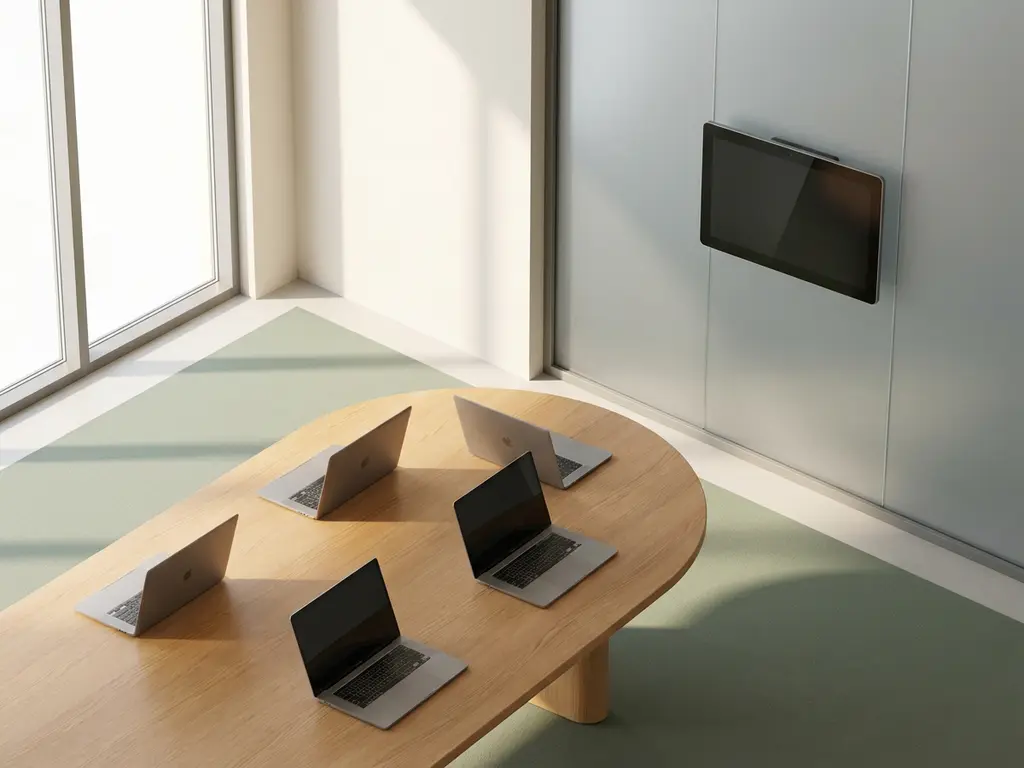
Smart offices enhance team collaboration by removing the invisible friction that hybrid work creates: not knowing where colleagues are, struggling to find available meeting rooms, and working in spaces that weren’t designed for how teams actually operate today. When the right technology is in place, the office becomes a place people actively choose to come to because it makes working together easier. Below, we unpack the specific features, mechanisms, and integrations that make that difference.
What features in a smart office actually drive collaboration?
The features that most directly drive collaboration in a smart office are real-time desk and room booking, presence visibility, interactive floor maps, and team-based scheduling tools. Together, these remove the guesswork from coordinating in-person time and make it straightforward for colleagues to find each other, book space together, and show up on the same day.
Most collaboration breakdowns in hybrid offices aren’t caused by a lack of willingness to work together. They’re caused by coordination overhead: nobody knows who’s in the office, rooms are blocked by no-shows, and booking systems don’t talk to each other. Smart office technology addresses each of these pain points directly.
The features that matter most for collaboration include:
- Desk booking with colleague locating so teams can sit near each other without pre-arranging it by email
- Team booking that lets groups reserve desks together in a single action
- Interactive floor maps that show live desk and room availability across the building
- Meeting room booking via familiar tools like Microsoft Teams or Outlook, so there’s no extra app to learn
- Touchscreen room panels that show real-time availability and allow instant booking or extension at the door
When these features work together on a single platform, the coordination overhead drops significantly. Teams can plan their in-office days around each other rather than around desk availability, which is a meaningful shift for hybrid collaboration.
How does real-time presence visibility improve teamwork?
Real-time presence visibility improves teamwork by letting employees see who is in the office before they arrive, so they can make informed decisions about when to come in. When colleagues can find each other on a live floor map and plan around each other’s presence, spontaneous collaboration becomes possible again, which is one of the key things hybrid work tends to reduce.
One of the most cited frustrations in hybrid offices is the “empty office” experience: you commute in for a day of collaboration, only to find that the colleagues you needed to work with are at home. Presence visibility tools solve this by surfacing that information before the decision to travel is made.
Features like “Find My Colleague” show where a specific person is sitting on any given day. When combined with the ability to book a nearby desk, it transforms a passive information display into an active collaboration tool. Teams naturally start clustering, which creates the kind of informal interaction that drives creative work and relationship-building.
For managers and facility teams, presence data also helps identify which days see the highest collaboration activity, making it possible to structure team days around real patterns rather than guesswork.
Why do ghost meetings block collaboration in hybrid offices?
Ghost meetings, where rooms are booked but never used, block collaboration in hybrid offices because they make available meeting space appear occupied. Teams that need a room for a spontaneous discussion or a last-minute video call can’t find one, even when rooms are physically empty. This friction discourages the kind of unplanned collaboration that hybrid offices need to support.
The problem is more widespread than most organizations realize. When there’s no mechanism to reclaim a room after a no-show, that space is lost for the rest of the booking window. In buildings where meeting rooms are already in short supply relative to the number of people on-site, even a small number of ghost meetings can create a bottleneck that affects the whole floor.
Smart office technology addresses this in a few concrete ways:
- Check-in prompts sent to the room booker shortly before the meeting starts, requiring confirmation that the meeting is actually happening
- Automatic release of rooms when no check-in is registered within a set window, freeing the space for others
- Sensor-based occupancy detection that can confirm whether a room is physically in use, independent of the booking system
- Real-time availability displays on room panels that show when a room becomes free ahead of schedule
These mechanisms don’t just recover lost space. They also build a culture of accountability around room bookings, which gradually reduces the ghost meeting problem at the source.
How can workplace analytics reveal collaboration bottlenecks?
Workplace analytics reveal collaboration bottlenecks by surfacing patterns in how space is actually used versus how it was planned to be used. Occupancy data, booking trends, and room utilization rates show where teams are struggling to find space, which days are overcrowded, and which areas of the office go consistently underused.
Without data, facility and operations managers are making decisions about space based on assumptions. Analytics replace those assumptions with evidence. For example, if booking data shows that collaboration rooms are fully booked every Tuesday and Wednesday but nearly empty on Thursday and Friday, that’s a signal to either redistribute capacity or influence team scheduling.
The insights that matter most for collaboration include:
- Peak occupancy days that reveal when teams are trying to collaborate and whether the office can support that demand
- Room utilization rates that show whether meeting spaces are being used effectively or are frequently booked but underused
- Desk clustering patterns that indicate whether teams are naturally sitting together or scattered across the floor
- No-show rates that quantify the ghost meeting problem and help prioritize where check-in enforcement is needed
This data also supports the business case for smart office investment. When leadership can see that 30% of meeting room bookings result in no-shows, or that certain floors are consistently over capacity while others sit empty, the argument for technology-driven space management becomes straightforward.
What’s the difference between activity-based working and traditional office setups for collaboration?
The key difference is that activity-based working (ABW) gives employees a range of spaces designed for specific types of work, including focused individual work, informal conversation, and structured collaboration, whereas traditional office setups typically assign fixed desks regardless of what kind of work is happening. For collaboration specifically, ABW creates dedicated environments that support it rather than leaving teams to improvise in spaces designed for something else.
In a traditional fixed-desk office, collaboration often means pulling chairs up to someone’s desk, booking a formal meeting room for a quick conversation, or finding a corner that isn’t too disruptive. None of these is ideal. ABW replaces this with a deliberate mix of space types.
For hybrid teams, ABW is particularly well-suited because the office is no longer the default location for individual focused work. That work happens at home. What the office needs to be excellent at is precisely the collaborative, social, and creative work that’s harder to do remotely. An activity-based layout acknowledges this and designs for it.
Smart office technology is what makes ABW operationally viable. Without booking systems, presence visibility, and floor navigation tools, an activity-based office becomes confusing rather than flexible. The technology ensures that employees can find the right kind of space for what they need to do, and that teams can coordinate around the spaces that suit their collaborative work.
Which integrations make a smart office most effective for teams?
The integrations that most directly improve team collaboration in a smart office are Microsoft 365 (including Teams and Outlook), Google Workspace, and single sign-on systems. These integrations matter because they allow employees to book desks, reserve rooms, and check colleague availability without leaving the tools they already use every day, which dramatically increases adoption.
The biggest risk with any workplace technology is that employees simply don’t use it. If booking a desk or a room requires opening a separate app, learning a new interface, or logging in with different credentials, many people will default to informal arrangements or avoid the system altogether. Native integrations eliminate that barrier.
When room booking works directly inside Microsoft Teams or Outlook, it becomes part of the meeting scheduling workflow rather than an extra step. When desk booking is accessible through a mobile app with single sign-on, employees can check in or reserve space in seconds. These aren’t minor conveniences: they’re the difference between a system that gets used and one that doesn’t.
Beyond the core productivity suite integrations, other connections that add meaningful value for collaboration include:
- Calendar sync that keeps room and desk bookings aligned with meeting invites automatically
- Digital signage integration for wayfinding and real-time room status displays throughout the building
- Visitor management systems that ensure guests can be received smoothly without disrupting the team
- Energy management and sensor data that feed into occupancy analytics without requiring manual input
How GoBright helps teams collaborate in a smart office
We built our smart office platform specifically for organizations navigating the complexity of hybrid work. Every feature described in this article, from presence visibility and ghost meeting prevention to workplace analytics and deep Microsoft 365 integration, is part of a single unified platform that works out of the box without stitching together separate tools.
Here’s what that means in practice for collaboration:
- Employees use Team Booking and Find My Colleague to coordinate in-office days and sit near the people they need to work with
- Automatic room release and check-in prompts keep meeting spaces available for spontaneous collaboration
- Live floor maps and touchscreen room panels make it easy to find and claim the right space in seconds
- Occupancy analytics give facility and operations teams the data they need to optimize space for how teams actually work
- Full Microsoft Teams and Outlook integration means employees never need to leave their existing workflow to book a desk or a room
We license per desk and room rather than per user, which makes scaling straightforward and keeps costs predictable as your organization grows. Our platform is ISO 27001 certified, GDPR-compliant, and hosted on European servers, so security and data governance are built in rather than bolted on.
If you’re evaluating how to make your office work better for hybrid teams, we’d be glad to show you what’s possible. Get in touch with us and let’s talk through your specific situation.
Frequently Asked Questions
How long does it typically take to implement a smart office platform, and what does the rollout process look like?
Implementation timelines vary depending on the size of your office and the integrations required, but most organizations are fully operational within a few weeks rather than months. The process typically involves mapping your floor plans, configuring desk and room resources, connecting to your existing tools like Microsoft 365 or Google Workspace, and running a brief onboarding session for employees. Because platforms like GoBright integrate natively with tools teams already use, the learning curve is minimal and adoption tends to be fast.
What if only some of our employees are willing to use the booking system — does it still work?
Partial adoption does reduce the effectiveness of presence visibility and space optimization, but the system still delivers value for the employees who do use it. The more impactful approach is to remove friction from the booking experience itself — if booking a desk takes less than 30 seconds inside Microsoft Teams, resistance tends to drop significantly. It also helps to start with the teams that have the strongest need for coordination, let them experience the benefit firsthand, and allow adoption to grow organically from there.
Can smart office technology help us decide whether we need more or less office space?
Yes, and this is one of the most tangible business cases for workplace analytics. Occupancy data and booking trends give you an evidence-based picture of how much space is actually being used, on which days, and by which teams — which is exactly what you need to make informed decisions about lease renewals, floor consolidations, or expansions. Many organizations discover through analytics that they don't need more space, they just need to redistribute what they already have, or address ghost meetings that are making available space appear scarce.
How do we handle employees who prefer assigned desks in a hot-desking or activity-based working environment?
Most smart office platforms allow you to configure a mix of bookable and assigned desks within the same system, so you don't have to take an all-or-nothing approach. A common strategy is to reserve assigned desks for roles that genuinely require them — such as those handling sensitive materials or specialized equipment — while making the rest of the floor flexible. Giving employees visibility into where their colleagues are sitting each day also reduces the anxiety that often drives the preference for fixed desks in the first place.
What's the best way to structure team days so the office actually enables collaboration rather than just co-presence?
The key is aligning scheduling with space, not just attendance. Use team booking features to ensure the right people are in on the same day and seated near each other, and pair that with pre-reserved collaboration spaces for any structured work sessions. It also helps to anchor team days around activities that genuinely benefit from being in person — workshops, onboarding, planning sessions, or creative work — rather than defaulting to individual tasks that could just as easily be done at home. Presence data from your smart office platform can show you which days already see natural clustering, giving you a baseline to build intentional team schedules around.
How do we protect employee privacy when using presence visibility and occupancy tracking features?
Reputable smart office platforms are designed with privacy controls that let organizations configure exactly what information is visible and to whom. Employees typically opt in to presence sharing, can control their own visibility status, and are never tracked beyond their voluntary check-in. Sensor-based occupancy data is generally anonymized and used only in aggregate for analytics purposes, meaning it shows that a room is occupied without identifying who is in it. Verifying that your platform is GDPR-compliant and ISO 27001 certified is the clearest way to ensure data governance is built into the system rather than handled as an afterthought.
We already use Microsoft Teams for meetings — do we really need a separate smart office platform on top of that?
Microsoft Teams handles video meetings and messaging well, but it doesn't manage physical space — it can't show you which desks are free, prevent ghost meetings by auto-releasing rooms, surface where your colleagues are sitting, or give facility managers occupancy analytics. A smart office platform fills that gap and, crucially, does so from within Teams itself through native integration, so employees aren't switching between tools. Think of it less as a separate system and more as the physical-space layer that makes your existing Microsoft 365 investment work harder for hybrid teams.
