Microsoft Teams is een van de meest gebruikte online communicatiemiddelen op kantoor. Soms is een online vergadering echter niet genoeg om de punten te bespreken die je wilt bespreken. Misschien wil je een persoonlijke vergadering op kantoor organiseren. Wat doe je dan? Je minimaliseert Microsoft Teams, je opent de Outlook agenda's om de beschikbaarheid te controleren, vervolgens open je het reserveringssysteem om de ruimte en aanvullende diensten te boeken... Voor je het weet gebruik je meerdere systemen voor één simpele taak: het organiseren van een vergadering op kantoor.
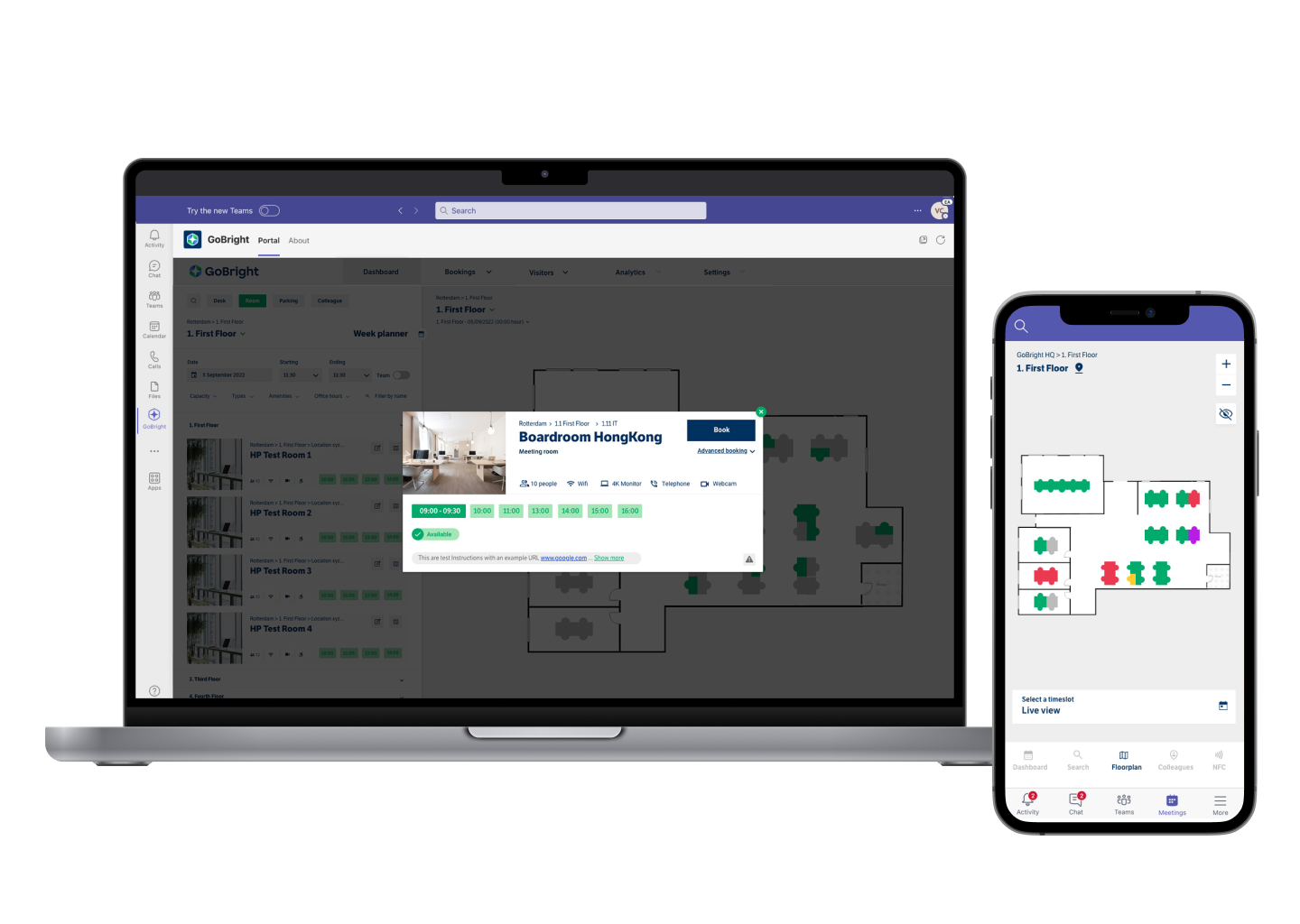
Dit is niet langer nodig met GoBright. We zijn nu volledig geïntegreerd in Microsoft Teams, wat betekent dat het hele GoBright platform en alle unieke functies toegankelijk zijn via Teams. Dit is inclusief Room Booking en het uitnodigen en vooraf registreren van bezoekers.
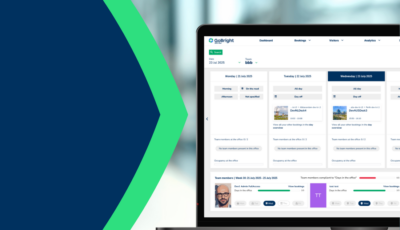
Dus, wat kun je doen in Microsoft Teams met de integratie van GoBright? Eerst en vooral: Kamerreservering. Je kunt nu de GoBright Portal openen binnen je Microsoft Teams omgeving en een geschikte ruimte selecteren voor je volgende vergadering, gebaseerd op jouw voorkeuren. Een van de voordelen van het werken met een Room Booking System zoals dat van GoBrightis dat alle wijzigingen die gemaakt worden met betrekking tot de boeking automatisch zichtbaar zijn voor je collega's. Het maakt niet uit of je de ruimte boekt of niet. Het maakt niet uit of je de ruimte boekt in Teams, Outlook of direct via het GoBright platform. Alle systemen zijn gesynchroniseerd en worden automatisch bijgewerkt. Op deze manier is er geen verwarring over wanneer een vergadering wordt gehost, met wie, en of de ruimte later beschikbaar komt.
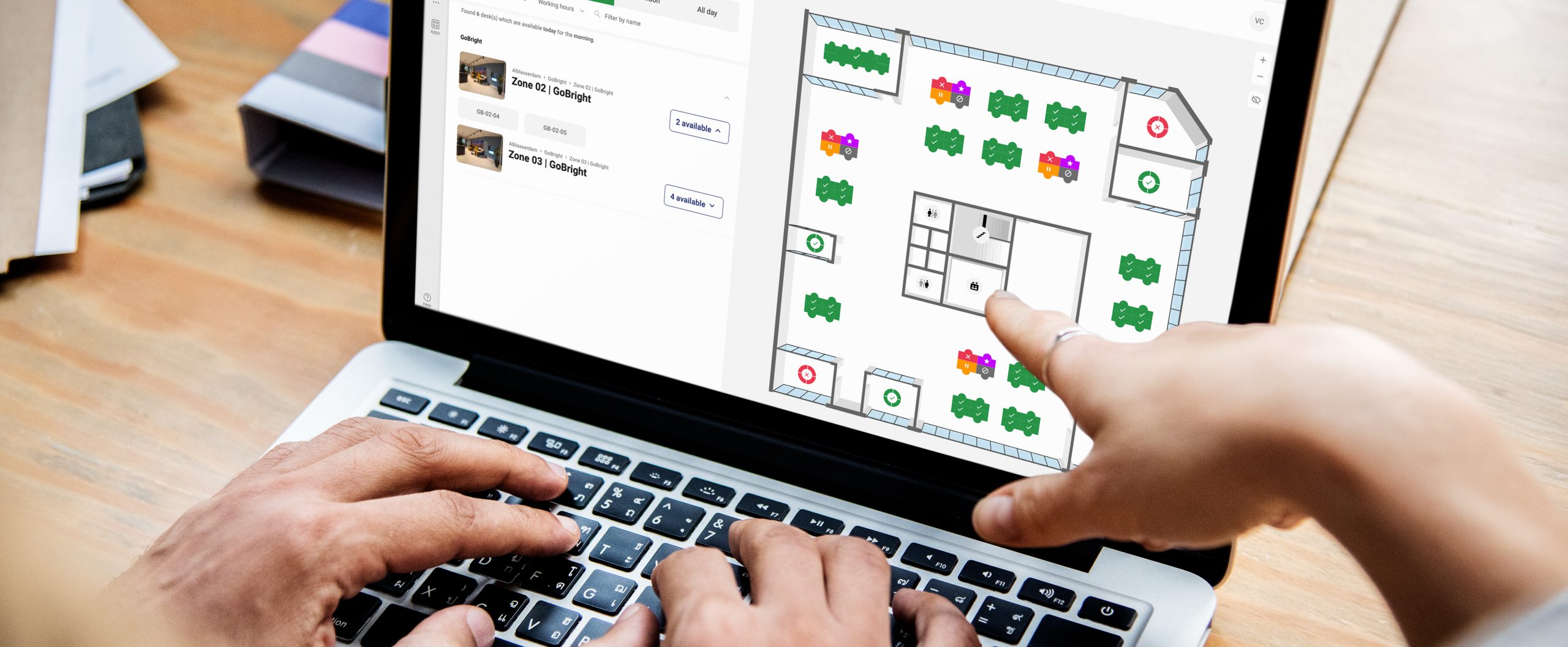
Een ander voordeel van de GoBright Portal in Teams is dat je een kamer kunt reserveren via de Interactieve Kaart. De kaart laat zien welke kamers bezet of beschikbaar zijn en je kunt direct op de kaart klikken om de kamer te selecteren die je wilt reserveren.
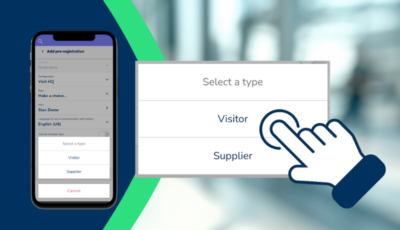
Bovendien kun je via de Portal in Teams ruimtes kiezen op basis van de faciliteiten die je nodig hebt en de voorkeuren die je hebt. En je kunt jouw bezoekers direct uitnodigen en voorregistreren.
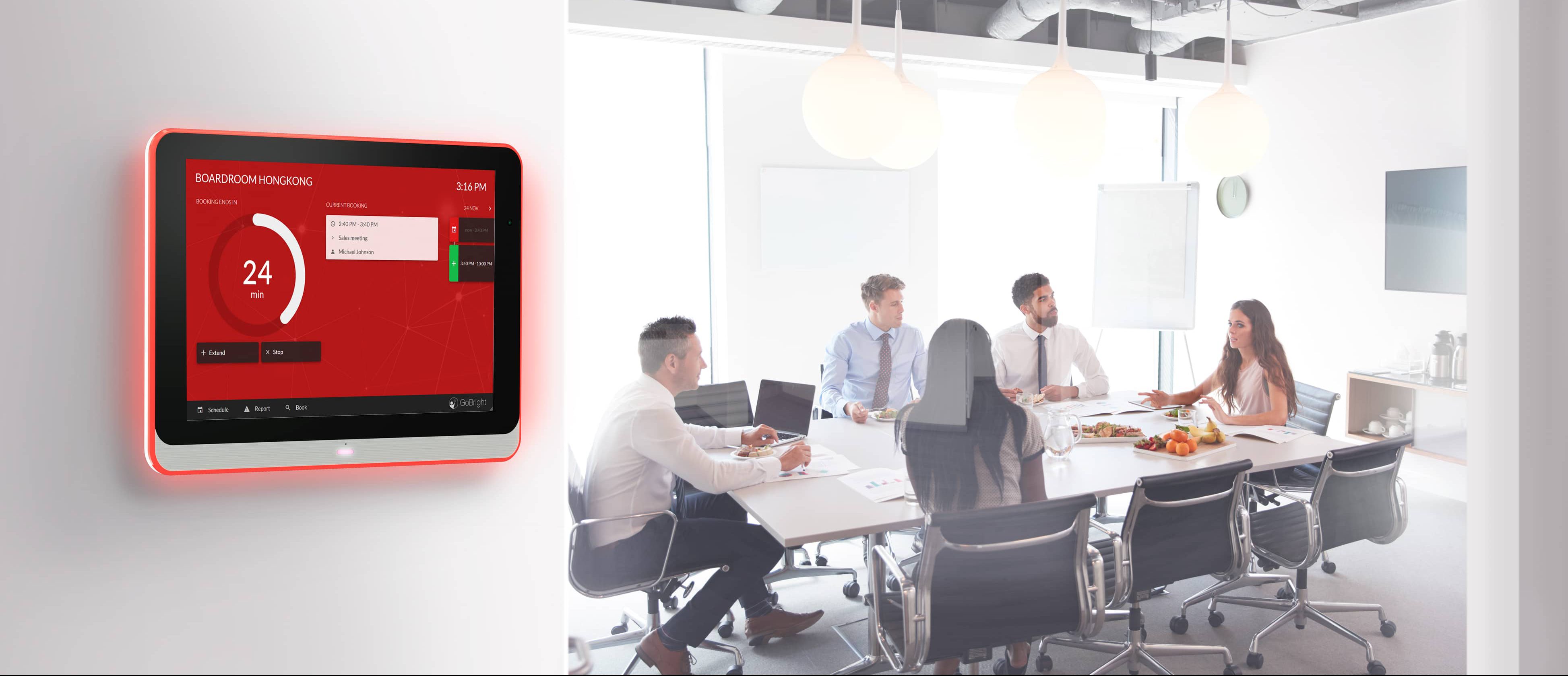
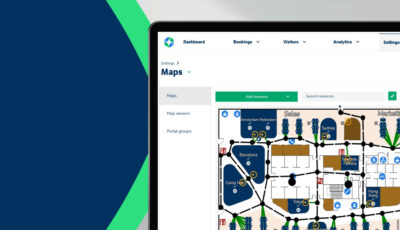
U kunt uw GoBright verrijken door Mapping op de werkvloer te installeren, zodat alle collega’s een duidelijk en volledig overzicht hebben van de reserveringen. Tot slot is het mogelijk om tegelijkertijd catering en diensten te regelen. Mocht de vergadering worden geannuleerd of uitgesteld, dan worden de gereserveerde faciliteiten automatisch ook verplaatst of geannuleerd.
Al deze GoBright functies zijn nu toegankelijk en bruikbaar, zonder de Microsoft Teams omgeving te verlaten. Geen beter team dan GoBright en Microsoft Teams!