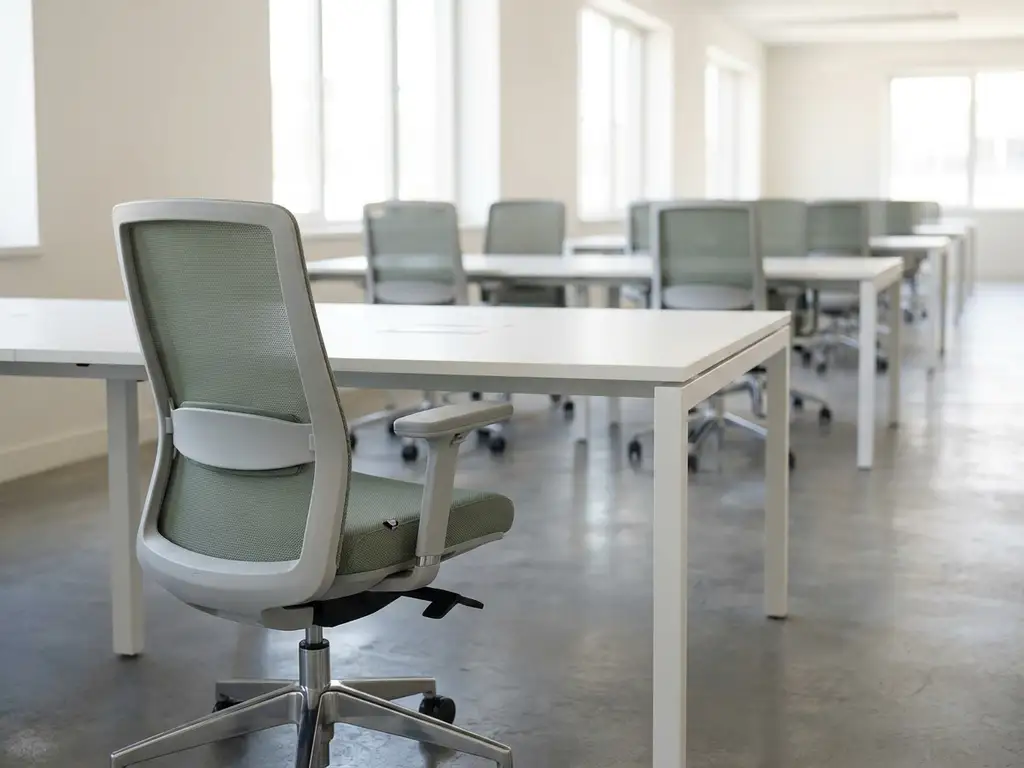
Yes, a desk booking system can significantly reduce or even eliminate the need for assigned seating in most hybrid workplaces. When employees only come into the office a few days per week, permanently reserving a desk for each person wastes space and budget. A desk booking system replaces that fixed allocation with flexible, on-demand reservations that match actual attendance patterns.
This shift works best for organizations already operating a hybrid work model, where not everyone is in the office at the same time. The sections below unpack the practical questions that come up when making this transition.
What problems does assigned seating actually cause in a hybrid office?
In a hybrid office, assigned seating creates a mismatch between the space you pay for and the space you actually use. When employees split their time between home and office, a desk assigned to one person sits empty for a significant portion of the working week. That idle space still costs money in rent, utilities, and maintenance.
Beyond the financial waste, assigned seating creates several practical friction points in a flexible workplace:
- Uneven occupancy: Mondays and Fridays are often quiet while midweek days are overcrowded, creating an uncomfortable experience regardless of how many desks exist.
- Siloed teams: Fixed seating locks people into one spot, making spontaneous cross-team collaboration harder to facilitate.
- No visibility: Employees arriving at the office have no way of knowing where their colleagues are sitting, making it difficult to coordinate on the day.
- Difficult capacity planning: Facility managers cannot make data-driven decisions about space without knowing actual usage patterns.
The result is an office that feels either too empty or too full depending on the day, with no reliable way to balance demand against supply.
How does a desk booking system work?
A desk booking system allows employees to reserve a workspace in advance or on arrival through an app, web portal, or integrated calendar tool like Microsoft Outlook or Google Calendar. Desks are shown on an interactive floor map with real-time availability, so employees can choose a spot, book it instantly, and release it when they leave.
Most modern systems include several layers of functionality beyond a simple reservation:
- Interactive maps: Employees see a visual layout of the office and can filter by floor, zone, or desk features such as standing desks or quiet areas.
- Check-in and auto-release: If an employee does not check in within a set window, the booking is automatically canceled and the desk becomes available again, preventing ghost reservations.
- Colleague locating: Features like “Find My Colleague” allow employees to see where teammates are sitting, making coordination on hybrid days straightforward.
- Occupancy sensors: Hardware sensors track actual desk usage and feed data into analytics dashboards for facility managers.
- Calendar integration: Bookings sync with existing tools so employees do not need to learn a separate workflow.
The system creates a continuous feedback loop between employee behavior and space management, giving organizations live and historical data on how their office is actually being used.
What’s the difference between hot desking and desk booking?
Hot desking and desk booking are often used interchangeably, but they describe meaningfully different approaches to flexible office seating. Hot desking means employees simply take any available desk on a first-come, first-served basis with no reservation. Desk booking means employees reserve a specific desk in advance through a system that manages availability and tracks usage.
The distinction matters in practice. Hot desking without a system can feel chaotic. Employees arrive unsure whether they will find a seat, cannot plan their day around who they will be sitting near, and have no guarantee that a desk will be available when they need one. This uncertainty is one of the most common reasons employees resist returning to a flexible office.
Desk booking solves this by adding structure and predictability to the flexible model. Employees retain the freedom to choose where they sit while having the certainty of a confirmed reservation. For organizations, the booking layer generates the usage data that hot desking alone cannot provide, making workspace management far more informed.
How much office space can a desk booking system save?
The amount of space a desk booking system can save depends on your actual attendance patterns, but organizations operating hybrid work models typically discover that their real peak occupancy is substantially lower than their total desk count. Industry experience consistently shows that hybrid offices operate at average occupancy rates of around 25 to 40 percent, meaning a significant portion of desks sit unused on any given day.
A desk booking system makes this gap visible. Once you have reliable occupancy data, you can make a rational decision about your desk-to-employee ratio. Many organizations move to a ratio of around 0.6 to 0.8 desks per employee after implementing a booking system, rather than maintaining a 1:1 or higher ratio based on headcount alone.
The practical savings come from being able to consolidate space, reduce your office footprint when leases come up for renewal, or repurpose underused areas into collaboration zones, focus rooms, or amenity spaces that make the office more attractive. A smart office platform with built-in analytics makes this kind of evidence-based planning possible without relying on estimates or manual counts.
When should an organization keep some assigned desks?
A desk booking system does not have to mean zero assigned seating. Some roles, individuals, or operational requirements genuinely benefit from a dedicated workspace, and a well-designed flexible office accounts for this.
Consider keeping assigned desks for the following situations:
- Employees with accessibility needs: Individuals who require specific ergonomic setups or assistive technology should not have to navigate a booking system to access the adjustments they need every day.
- Full-time on-site roles: Reception staff, IT support, or operational roles that require a physical presence every day gain little from a booking system and may benefit from a fixed home base.
- Highly confidential work: Certain legal, finance, or compliance roles that involve sensitive physical documents or screens may require a secure, dedicated workspace.
- Leadership desks in specific zones: Some organizations maintain a small number of dedicated desks for senior roles while opening the rest of the floor to flexible booking.
The key principle is to assign desks based on genuine operational need rather than seniority or habit. A hybrid-first organization can run most of its floor plan on a booking model while carving out a small percentage of assigned spaces for roles where flexibility creates real friction.
What do employees need for desk booking to feel as comfortable as assigned seating?
For desk booking to genuinely replace the comfort of assigned seating, employees need predictability, personalization, and visibility. The anxiety that comes with flexible seating is almost always rooted in uncertainty: Will I find a spot? Will I be near my team? Will the desk have what I need?
A well-implemented desk booking system addresses each of these concerns directly. Predictability comes from being able to reserve a desk in advance, so employees arrive knowing exactly where they are sitting. Personalization comes from systems that remember individual preferences, such as preferred desk type, floor, or ergonomic settings, so employees can replicate their ideal setup without starting from scratch each day. Visibility comes from tools that show where colleagues have booked, making it easy to coordinate on shared office days.
Beyond the technology, the physical environment matters too. Lockers or personal storage remove the need for employees to carry everything back and forth. Clear desk policies that ensure spaces are clean and ready for the next user build trust in the system. And team agreements about which days to come in together create the social predictability that assigned seating used to provide by default.
When these elements are in place, most employees find that a desk booking system gives them more control over their workday than a fixed desk ever did.
How GoBright helps with flexible workspace management
We built our Smart Office platform specifically to help organizations move away from assigned seating without creating the chaos that poorly managed hot desking can bring. Our desk booking system gives employees a reliable, intuitive way to reserve the right workspace for any given day, while giving facility managers the data they need to make smart decisions about space.
Here is what that looks like in practice:
- Interactive floor maps with real-time desk availability, so employees always know what is open before they arrive
- Find My Colleague to locate teammates and book nearby, making hybrid coordination effortless
- Team Booking to reserve desks for a group on shared office days
- Occupancy sensors and analytics that turn real usage data into actionable insights for space optimization
- Full integration with Microsoft 365 and Google Workspace, so booking fits into the tools employees already use
- ISO 27001 certification and GDPR compliance, with data hosted on European servers
- Licensing per desk rather than per user, making it cost-efficient as your organization scales
Whether you are reducing your office footprint, rethinking your desk-to-employee ratio, or simply trying to make the office a place people actually want to come to, we can help you build a flexible workplace that works. Get in touch with us to talk through what the right setup looks like for your organization.
Frequently Asked Questions
How long does it typically take to implement a desk booking system?
For most organizations, a cloud-based desk booking system can be up and running within a few weeks. The technical setup — including floor map configuration, calendar integration, and user onboarding — is usually straightforward, but the bigger investment is in change management: communicating the new policy, training employees, and setting team agreements about office days. Organizations that pair the technology rollout with a clear communication plan tend to see faster adoption and less resistance from employees who are used to assigned seating.
What happens if two employees try to book the same desk at the same time?
Modern desk booking systems handle simultaneous booking attempts in real time, so only one employee can successfully reserve a specific desk at any given moment — the second request is automatically declined and the employee is prompted to choose another available spot. This is similar to how airline seat booking works. The real-time availability shown on interactive floor maps is continuously updated, so what you see when you book is what is actually available, eliminating double-booking conflicts.
How do you handle employees who resist giving up their assigned desk?
Resistance to losing an assigned desk is almost always rooted in the fear of uncertainty — not knowing whether they will find a good spot, be near their team, or have the setup they need. The most effective approach is to address those specific concerns directly rather than simply mandating the change. Demonstrating the booking system before the transition, involving skeptical employees in the pilot phase, and establishing team-level agreements about which days to come in together can dramatically reduce pushback. It also helps to highlight what employees gain: more choice, better visibility of colleagues, and a more purposefully designed office environment.
What desk-to-employee ratio should we start with when moving away from assigned seating?
A common starting point for hybrid organizations is a ratio of around 0.7 desks per employee, meaning roughly 7 desks for every 10 people. However, the right number depends on your actual attendance patterns, which you may not know accurately until you have a few weeks of booking data. A practical approach is to start conservatively — for example at 0.8 — and use occupancy analytics to refine the ratio over time as real usage data accumulates. Avoid making aggressive space reductions before you have evidence to back them up, as running out of desks on a busy day will quickly erode employee trust in the system.
Can a desk booking system integrate with the access control or visitor management tools we already use?
Most enterprise-grade desk booking platforms are designed to integrate with a broader smart office ecosystem, including access control systems, visitor management tools, room booking software, and HR platforms. These integrations allow you to do things like automatically grant building access when a desk is booked, align visitor arrivals with available workspace, or sync occupancy data across multiple workplace tools. When evaluating a system, it is worth mapping out the integrations your organization needs upfront and confirming compatibility before committing to a platform.
How do we make sure desks are actually clean and ready to use in a shared seating model?
A clear desk policy is the foundation: employees are expected to leave their workspace completely clear at the end of each session, with no personal items left behind. Many organizations reinforce this with visible reminders, dedicated storage lockers for personal belongings, and cleaning supplies kept at each desk or zone. Some desk booking systems can also flag desks for a cleaning cycle between bookings, particularly useful in high-traffic areas or post-illness scenarios. Consistency in enforcing the policy — especially in the early weeks — sets the standard and builds the mutual trust that makes shared seating work long term.
Is a desk booking system suitable for smaller companies, or is it mainly for large enterprises?
Desk booking systems are genuinely useful at a range of organization sizes, including smaller companies with as few as 20 to 30 employees, provided those employees are working in a hybrid model. For smaller teams, the primary benefit is less about large-scale space optimization and more about removing the daily friction of uncoordinated office attendance — ensuring people can sit near their teams, avoid arriving to find no available desks, and plan their office days with confidence. Many platforms, including per-desk licensing models, are structured to be cost-effective for smaller organizations rather than requiring enterprise-level budgets.
