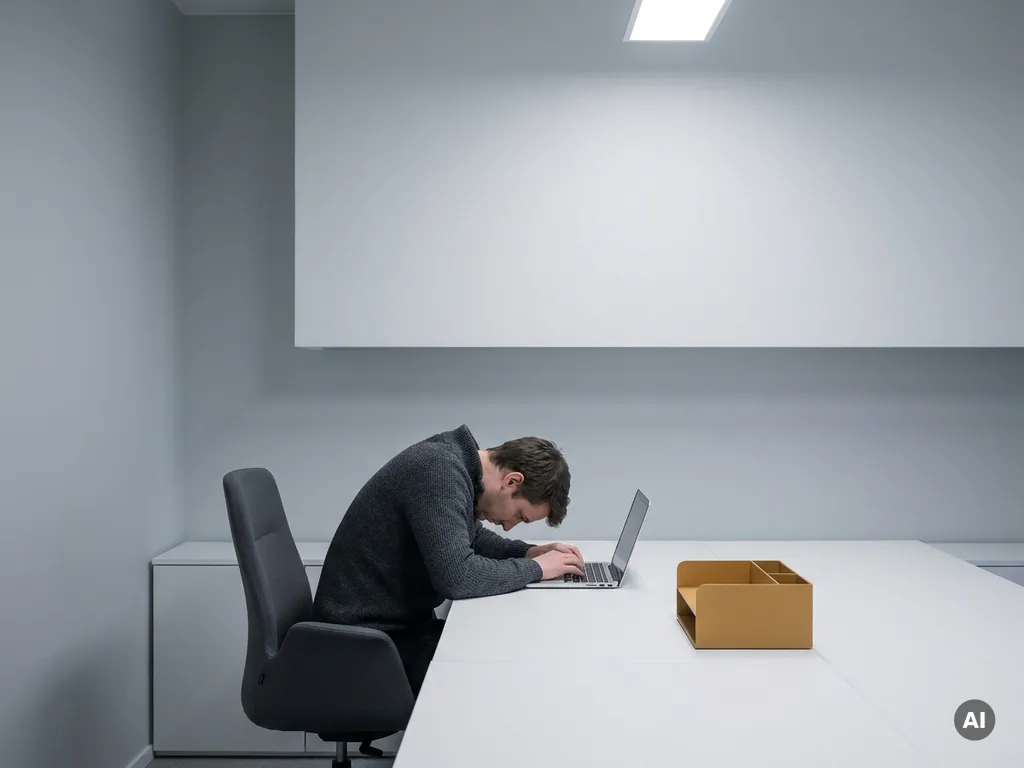
Poor office ergonomics directly harms both employee productivity and health. Discomfort from poorly designed workstations forces the body into unnatural postures, leading to musculoskeletal strain, fatigue, and chronic pain over time. These physical effects reduce concentration, increase error rates, and drive up absenteeism. The following questions unpack exactly how this happens and what organizations can do about it.
What are the most common ergonomic problems in offices?
The most common ergonomic problems in offices include poorly adjusted chairs, monitor screens positioned too high or too low, inadequate desk height, insufficient lighting, and keyboards placed at angles that strain the wrists. These issues are widespread because most office furniture is designed for an average user rather than for individual body types and working styles.
In practice, many employees spend their day in chairs that offer no lumbar support, staring at screens that cause them to crane their necks, or typing on keyboards that force their wrists into awkward bends. Over a typical eight-hour workday, these small misalignments accumulate into real physical stress.
- Chair height and back support: Seats set too high or too low prevent feet from resting flat on the floor, putting pressure on the thighs and lower back
- Monitor placement: Screens positioned above eye level force the neck into a sustained upward tilt, a leading cause of neck and shoulder tension
- Keyboard and mouse positioning: Placing input devices too far away or at the wrong height causes shoulder elevation and wrist extension
- Lighting and glare: Overhead lighting or uncovered windows create screen glare that leads to eye strain and headaches
- Sedentary posture: The absence of sit-stand desk options or movement breaks encourages prolonged static sitting, which compounds all other ergonomic risks
How does poor ergonomics affect employee health over time?
Over time, poor office ergonomics causes musculoskeletal disorders (MSDs), including repetitive strain injuries, chronic lower back pain, carpal tunnel syndrome, and cervical spine problems. These conditions develop gradually, often going unnoticed until they become serious enough to require medical intervention or extended time off work.
The body is remarkably adaptive in the short term, which is part of why ergonomic damage is so insidious. An employee might feel mild discomfort for months before it escalates into a condition that limits their ability to work at all. Sustained poor posture compresses spinal discs, tightens muscles, and reduces circulation, all of which contribute to chronic inflammation.
Beyond physical conditions, there is a clear link between physical discomfort and mental wellbeing. Persistent pain is a significant contributor to stress, anxiety, and reduced job satisfaction. Employees dealing with ongoing discomfort are more likely to disengage, take sick days, and ultimately leave their roles. From an organizational perspective, the downstream costs in healthcare, recruitment, and lost output are substantial.
How does an uncomfortable workspace reduce productivity?
An uncomfortable workspace reduces productivity by diverting cognitive resources away from work tasks toward managing physical discomfort. When employees are in pain or physically strained, concentration suffers, error rates increase, and the ability to sustain focused work over long periods diminishes significantly.
The mechanism is straightforward: pain demands attention. Even low-level discomfort acts as a persistent distraction, making it harder to enter a state of deep focus. Tasks that require precision, creative thinking, or sustained concentration are particularly affected. Employees may also take more frequent breaks, shift positions constantly, or leave early to relieve discomfort.
There is also a motivational dimension. When the physical environment signals that an organization does not invest in employee comfort, it subtly communicates a lack of care. That perception erodes engagement and discretionary effort over time, which is harder to measure than sick days but equally damaging to organizational performance.
What’s the difference between ergonomic risk in fixed and hybrid offices?
In a fixed office, each employee typically uses the same desk and chair every day, making it practical to configure a workstation to individual needs. In a hybrid office, employees share desks through hot-desking arrangements, meaning no single workstation is set up for any one person. This significantly increases ergonomic risk because employees must readjust their setup every time they come in, and many simply do not.
The shift to hybrid working has introduced a new layer of ergonomic complexity. When a desk is used by multiple people across a week, the chair height, monitor position, and keyboard placement are almost never in the right configuration for the next person who sits down. Without a straightforward way to adjust and remember personal settings, most employees default to whatever they find and work through the discomfort.
There is also a consistency problem at home. Employees working from kitchen tables, sofas, or makeshift home setups face ergonomic conditions that organizations have little visibility into or control over. The result is that hybrid workers may accumulate ergonomic risk from multiple poorly configured environments simultaneously, which makes the problem harder to address than in a purely fixed-office model.
What should a basic ergonomic office setup include?
A basic ergonomic office setup should include a height-adjustable chair with lumbar support, a desk at elbow height, a monitor positioned at arm’s length with the top of the screen at or just below eye level, a keyboard and mouse placed to keep wrists neutral, and adequate task lighting that eliminates screen glare.
Getting these fundamentals right does not require expensive specialist furniture. Many improvements are achievable with simple adjustments to existing equipment. Here is a practical starting checklist:
- Adjust chair height so feet rest flat on the floor and thighs are roughly parallel to the ground
- Set lumbar support to fill the curve of the lower back, reducing the tendency to slouch forward
- Position the monitor at arm’s length, with the top of the screen at eye level or slightly below
- Place the keyboard and mouse close enough that elbows stay at roughly 90 degrees and wrists remain flat
- Check lighting conditions and reposition the monitor to avoid glare from windows or overhead lights
- Introduce movement by using a sit-stand desk or scheduling short movement breaks every hour
For organizations with shared desks, the challenge is ensuring employees can quickly restore their personal settings each time they sit down. This is where desk booking technology with ergonomic memory functions becomes genuinely useful rather than a luxury.
How can workplace technology help manage office ergonomics at scale?
Workplace technology helps manage office ergonomics at scale by giving employees the tools to book and configure their preferred workstation in advance, and by giving facility managers the data they need to understand how desks and spaces are actually being used. This combination reduces the friction of finding and adjusting a suitable workspace in a shared office environment.
In a hybrid office with dozens or hundreds of shared desks, manual ergonomic management is not realistic. Technology bridges that gap by enabling personal preferences to follow the employee rather than being tied to a fixed desk. When integrated with desk booking systems, employees can locate a desk that matches their requirements, and hardware with ergonomic memory functions can automatically recall height and position settings for returning users.
Occupancy data also helps facility managers identify which areas of the office are most heavily used and whether the physical setup of those zones is fit for purpose. If analytics consistently show that certain desks or rooms are avoided, that is a signal worth investigating, and ergonomic conditions are often part of the answer.
How GoBright helps improve office ergonomics at scale
Managing ergonomics across a hybrid office is one of those challenges that sounds simple until you try to do it for fifty or five hundred people rotating through shared desks. That is exactly where we come in.
Our smart workplace solutions are built for organizations navigating the realities of flexible and hybrid work. Here is how we directly support better ergonomic outcomes:
- Desk Booking with personal preferences: Employees can book their preferred desk in advance through the GoBright app, Outlook, or Microsoft Teams, reducing the daily scramble and the ergonomic compromises that come with it
- Interactive office maps: Features like Find My Colleague and Team Booking make it easy to choose a desk in the right zone, near the right people, with the right setup
- Occupancy analytics: Real-time and historical data on how desks and spaces are used gives facility managers the insight to optimize the physical environment based on actual behavior rather than assumptions
- Energy-saving desk sensors: These detect presence and usage patterns, supporting both sustainability goals and smarter space planning
- Single unified platform: All bookings, preferences, and data are managed in one place, reducing the IT complexity that often causes these tools to go unused
A well-designed hybrid office should not force employees to choose between flexibility and physical comfort. We help organizations offer both. If you want to see how this works in practice, get in touch with us and we will walk you through it.
