Managing and maintaining your GoBright platform is about to become even easier.
We’re introducing the new Bulk Update function, allowing admin users to update all connected Digital Signage screens at once – instead of having to update each screen individually.
This improvement saves valuable time, reduces manual effort, and ensures that all your screens run on the same software version for maximum stability and performance.
How does it work?
With the Bulk Update improvement, administrators will soon be able to:
- Select multiple Digital Signage screens in the GoBright Admin Portal.
- Trigger a software or firmware update for all selected devices in one go.
- Monitor update progress and completion status directly within the portal.
No more repetitive manual updates; with one simple action, you’ll keep every GoBright screen up to date and consistent across your workplace.
Why is this improvement important?
Keeping screens up to date is crucial for security, performance, and reliability. Previously, each screen had to be updated separately, which is a time-consuming task for IT and facility teams, especially in large environments.
The new Bulk Update improvement makes system management faster, more efficient, and less error-prone.
It’s another example of how GoBright continues to simplify smart workplace management and listen to customer feedback to make everyday operations smoother.
How does it work?
With the Bulk Update improvement, administrators will soon be able to:
- Select multiple Digital Signage screens in the GoBright Admin Portal.
- Trigger a software or firmware update for all selected devices in one go.
- Monitor update progress and completion status directly within the portal.
No more repetitive manual updates; with one simple action, you’ll keep every GoBright screen up to date and consistent across your workplace.
Why is this improvement important?
Keeping screens up to date is crucial for security, performance, and reliability.
Previously, each screen had to be updated separately — a time-consuming task for IT and facility teams, especially in large environments.
The new Bulk Update improvement makes system management faster, more efficient, and less error-prone.
It’s another example of how GoBright continues to simplify smart workplace management and listen to customer feedback to make everyday operations smoother.
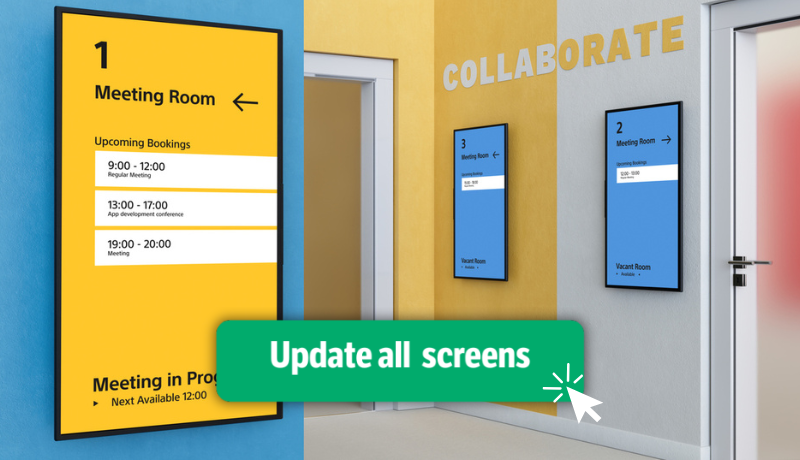
Available week 47
The Bulk Update improvement will be rolled out to all GoBright admin users week 47.