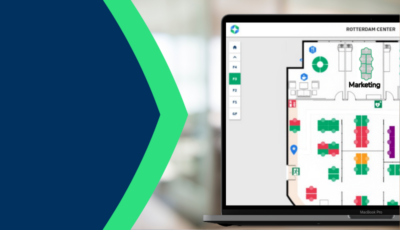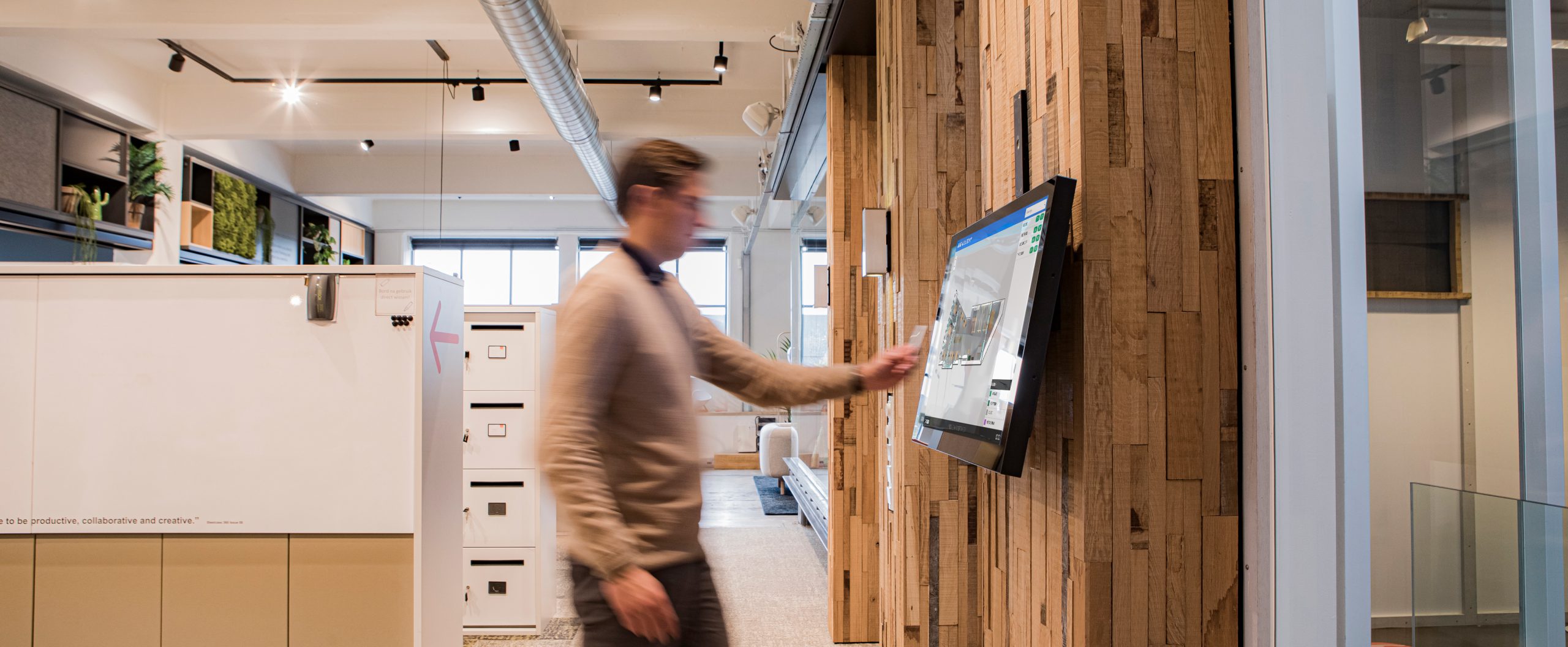
An accurate and up to date floor plan makes the workplace easier and more efficient. It shows people where a room actually is, not just that it exists. Until now, getting that accuracy meant briefing a designer, waiting for a file, and hoping nothing changed before it landed back in your inbox.
GoBright has changed that. With the updated Map Editor, administrators can now draw interactive floor plan elements directly inside the GoBright Portal. No design software. No waiting on our Support team to build it for you. Just open your map and start drawing.
This update is part of GoBright Mapping, which gives employees a live, interactive view of room and desk availability across the office. Read more about how Mapping brings your office floor plan to life on the product page.
How Does It Work
Previously, custom room shapes had to be created as layers in Adobe Illustrator and uploaded to the portal. In most cases, that meant asking the GoBright Support team to build them for you.
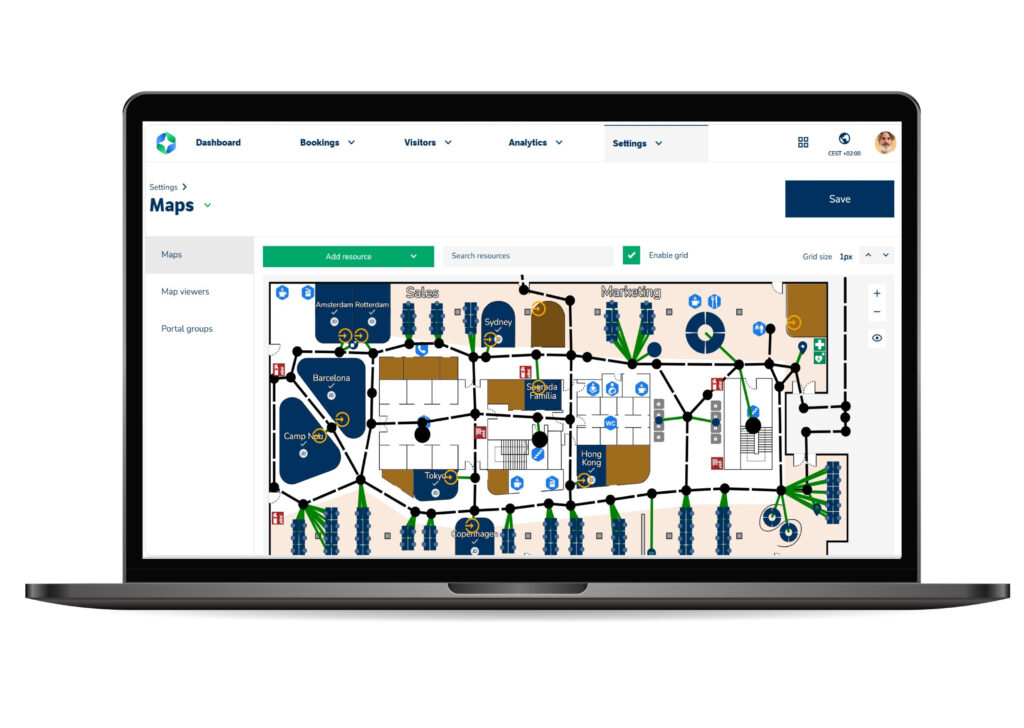
The Map Editor removes that step for your bookable spaces. Here’s how it works:
- Open a map in the GoBright Portal and select Draw Resource.
- Draw the outline of a room or desk by clicking points directly on your floor plan. Hold Shift to keep lines straight and aligned with walls.
- Link the shape to an existing meeting room, desk, or parking space. Standard booking functionality applies immediately; the space is live as soon as it’s linked.
- Refine the shape at any time. Drag points to adjust the outline, or double-click to add a new point for more detail. You can use up to 60 points per shape.
The result is a floor plan that shows real room status at a glance, with coloured, interactive shapes rather than generic icons. And these drawn layers aren’t limited to meeting rooms; you can use them for any space, zone, or area on your floor plan.
Your base floor plan background still needs to be uploaded as an SVG or PNG file, and Adobe Illustrator remains one option for building that background. What’s changed is the bookable resource shapes on top of it: those, you can now draw and edit yourself, without external software or a Support ticket.
Why Do You Need It
The core benefit is control. You no longer need to depend on design software or wait for someone else to build your floor plan. You draw it, link it, and adjust it, all within the GoBright Portal, in the same session.
That matters in practice:
- Faster changes. Office layouts shift. Walls move, rooms get renamed, desks get added. Update the map yourself the moment it happens, instead of raising a request and waiting.
- No dependency on Support. Creating and editing shapes no longer requires a design tool or a ticket. Your team owns the floor plan end to end.
- More accurate, more visual floor plans. Shapes that match your actual room layout, showing live occupancy in colour, give employees a floor plan they can trust and act on.
- One tool for every space. The same drawing tools work for meeting rooms, desks, parking spaces, and general zones, so your whole floor plan stays consistent.
For any organisation managing a floor plan that changes more often than its design resource allows, that’s a meaningful shift from occasional project to everyday task.
Want to Know More
Our Smart Workplace Experts can show you the feature in action and help you get started.