TOPdesk flexible office space
Feature

Accessible for everyone – making smart workplace technology easier

New Features & Innovation

At GoBright, we design our interfaces with every user in mind. By focusing on clarity, ease of use, and intuitive navigation, we ensure that everyone can interact with our technology effectively. With the introduction of the new WCAG 2.2 standards, we are taking active steps to improve our interfaces and make them more accessible.


Why is accessibility important?
Accessibility is a key part of creating inclusive workplaces. Ensuring that all users can easily navigate and use our technology benefits not only individual employees but the organisation as a whole. While we are still on the journey towards full compliance, we’ve already made significant progress and continue to evolve our designs to align with the latest accessibility standards.

How does it work?
We are improving accessibility across our interfaces through several key updates:

  1. Accessibility icons – to clearly show the status of resources in our system.
  2. Tab navigation – allowing users to move smoothly through the portal and app using their keyboard.
  3. Focus states – highlighting buttons when selected for better orientation and usability.
  4. Screen reader support – enabling all content to be read aloud for visually impaired users.
  5. Approved color contrasts – ensuring text and elements are easy to see and read for everyone.

These updates, guided by the new WCAG 2.2 standards, make our technology more inclusive and easier for all users to interact with.
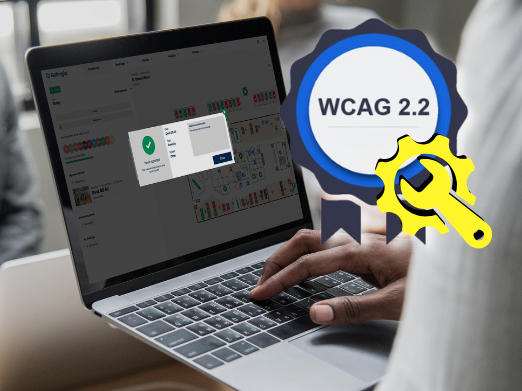
GoBright WCAG 2.2


We remain committed to making our technology more inclusive for everyone – and we will continue to improve as accessibility standards develop.

We've got more where that came from

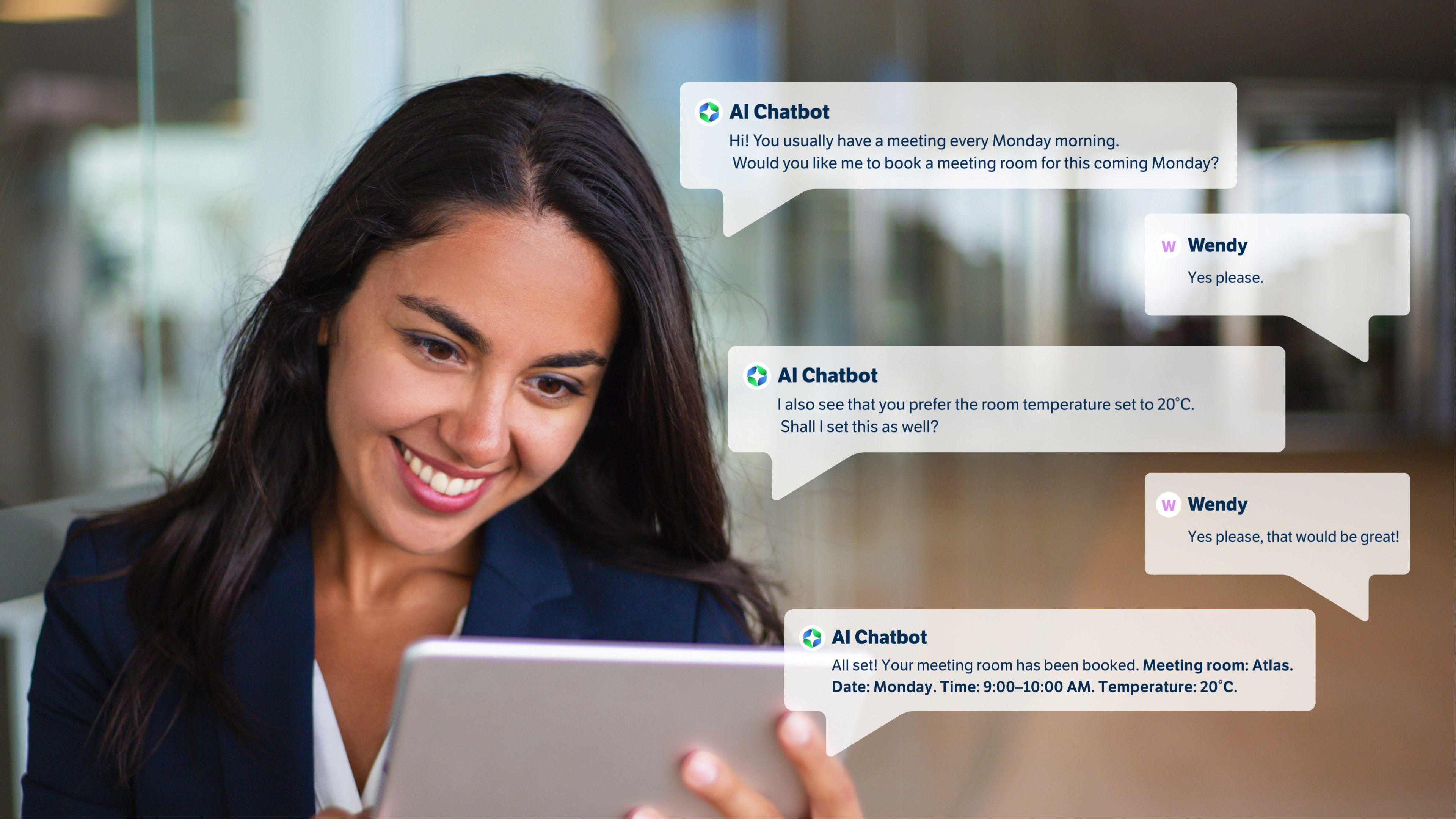
Feature GoBright Teams Chatbot - Smart Workspace Booking, Right Inside Microsoft Teams
Room Booking

GoBright AI Chatbot for easy room booking in Microsoft Teams

Article DS Templates partner — technology powering GoBright Template Store Premium for Digital Signage+
Digital Signage

DS TEMPLATES INTEGRATION | Creating great digital signage content just got a lot easier

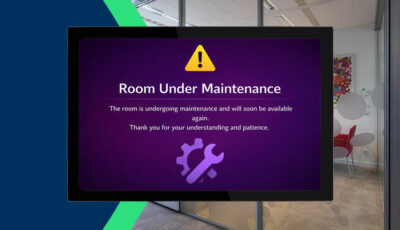
Feature GoBright Maintenance Mode feature thumbnail showing a meeting room panel displaying an out-of-service status
Desk Booking

GoBright Maintenance Mode for Rooms, Desks and Parking Spaces

Feature GoBright Amount of Days in the Office – weekly attendance overview in the Week Planner
Week Planner

Amount of Days in the Office | New GoBright Week Planner Feature

Feature
Analytics

Behaviour Dashboard transforms workplace data into strategic decisions

Feature
Desk Booking

Zone Booking makes desk reservations simpler and more flexible.

Product
Digital Signage

In-Room Signage – Maximise Room Screens & Panels

Product GoBright - Template store premium
Digital Signage

Template Store Premium: 600+ Ready-Made Templates

Feature GoBright supports BrightSign Player for Digital Signage
Digital Signage

BrightSign Player Support for Digital Signage

Feature GoBright - New feature: Routing in mappen
Digital Signage

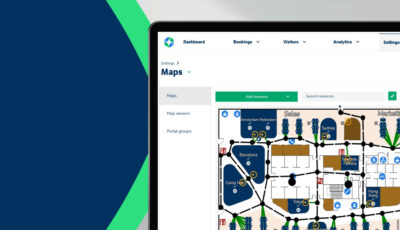
Routing for GoBright Mapping: A smarter way to navigate your office

Join us on 11th of June 10:00 AM CEST for our ‘Bright NEW Features’ webinar

Here we will present the latest updates, including new features, new product, and upcoming developments.

Sign up for Bright NEW Features Webinar
GoBright Quarterly Webinar - featured item image