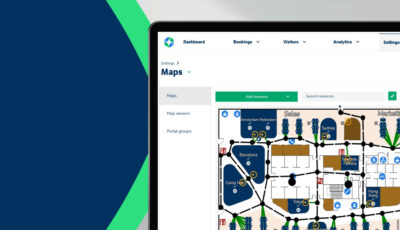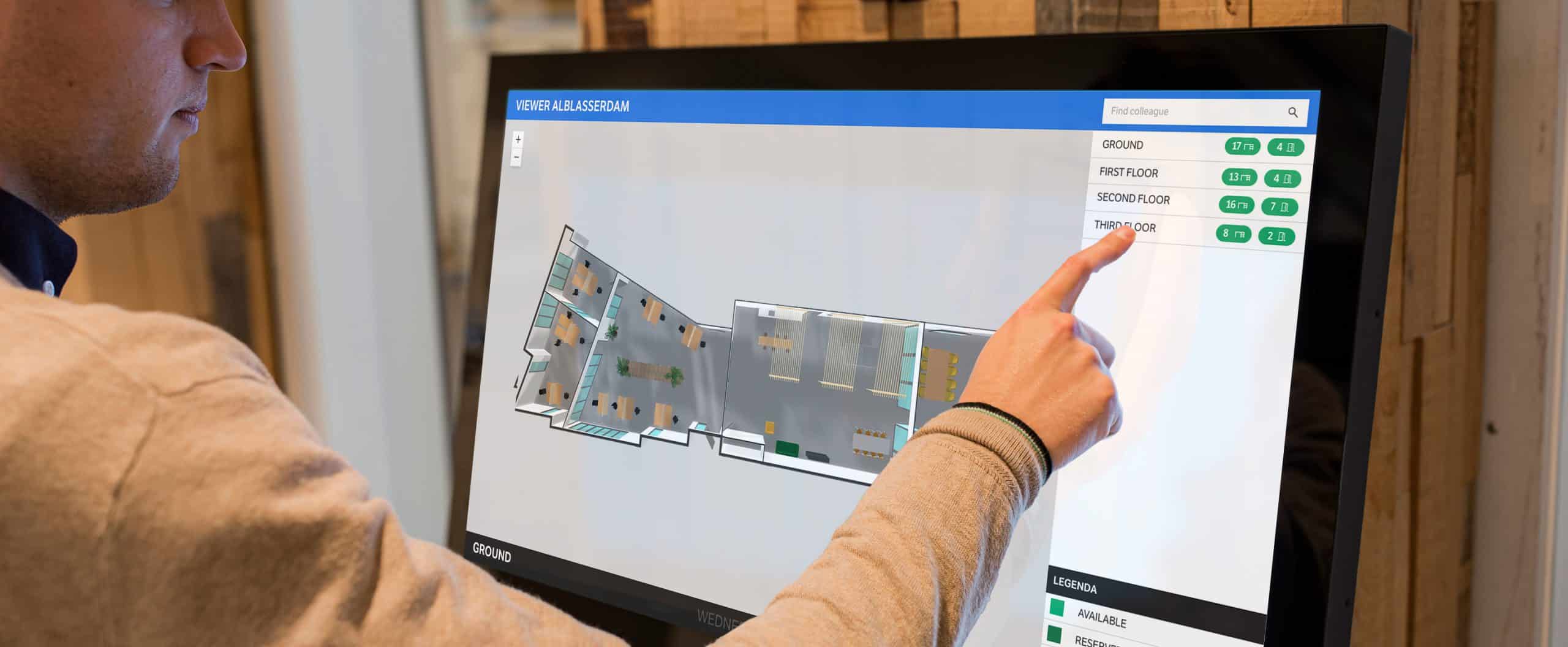
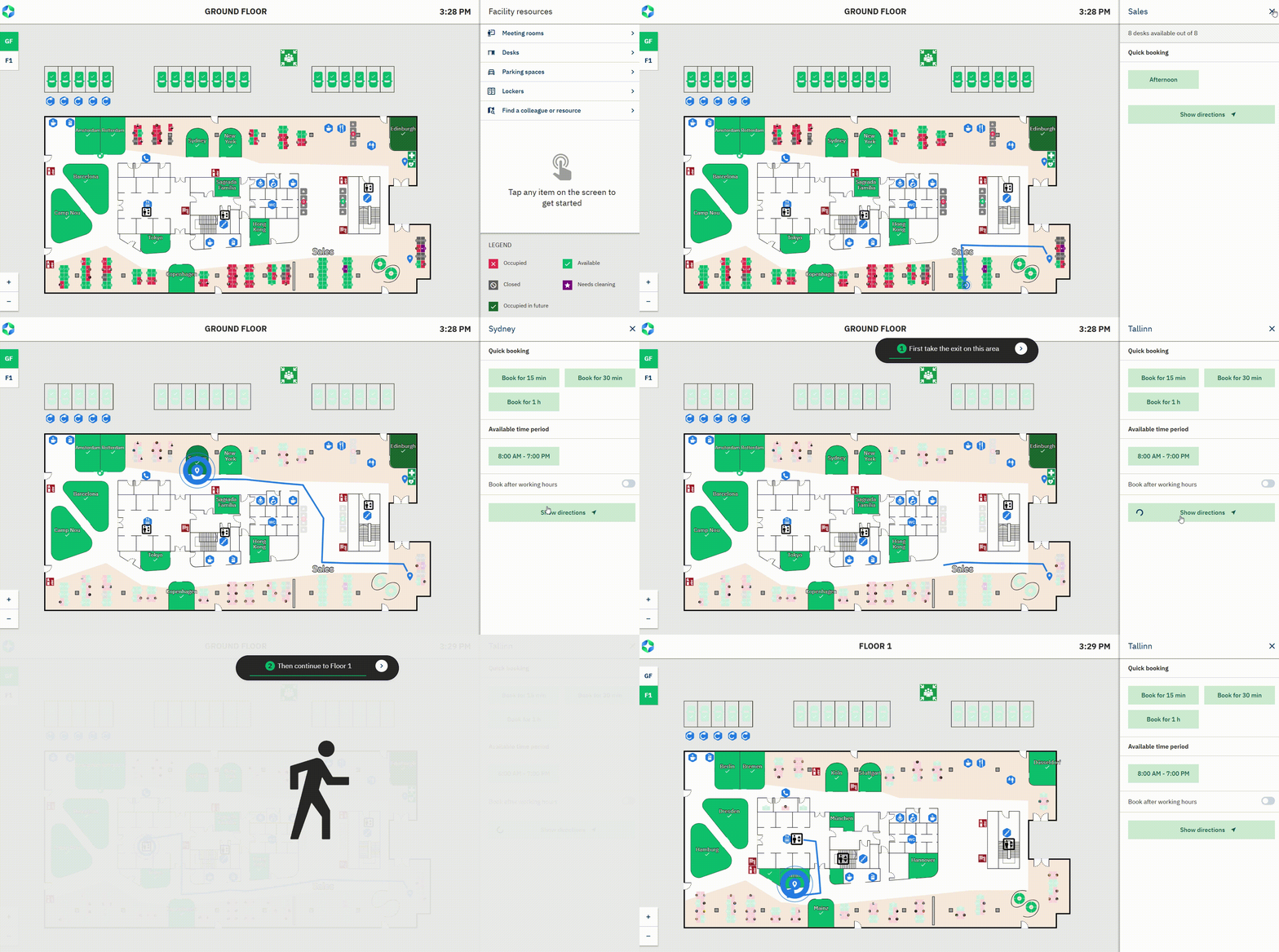
Routing is now available as part of the GoBright Mapping licence. It gives every user a smooth and intuitive way to find their colleagues and booked resources on the map viewer. The animated route shows the exact path to take through the building and even supports navigation across multiple floors. This makes it much easier for employees, guests, and new colleagues to move through the workplace with confidence and without losing time.
How does it work
Routing is set up in the GoBright Map Editor. Once the routes and connections are created, the map viewer can guide users to any resource they select. When a desk, meeting room, colleague, or other point of interest is chosen, the map automatically displays the most suitable route. The instructions show clear turn by turn guidance and can include stairs, lifts, and other vertical connections. If the destination is located on another floor, the viewer presents a seamless cross floor route so users always know exactly where to go.
The result is a smooth and reassuring navigation experience that brings clarity to every step in the office journey.
Why is Routing important
Clear wayfinding makes the workplace feel effortless. With more flexible working patterns and employees no longer sitting in the same place every day, it becomes essential to help people find each other and understand where resources are located.
Routing ensures that users always know where they need to go and how to get there. It removes uncertainty, reduces time spent searching for colleagues or meeting rooms, and helps visitors feel more welcome. It also supports smoother building flow, which improves overall workplace efficiency. Whether the user is moving to a different floor or simply trying to locate the quickest path, Routing provides clarity, convenience, and confidence.
Want to know more?
Check our out Support centre article or ask for a