Mapping
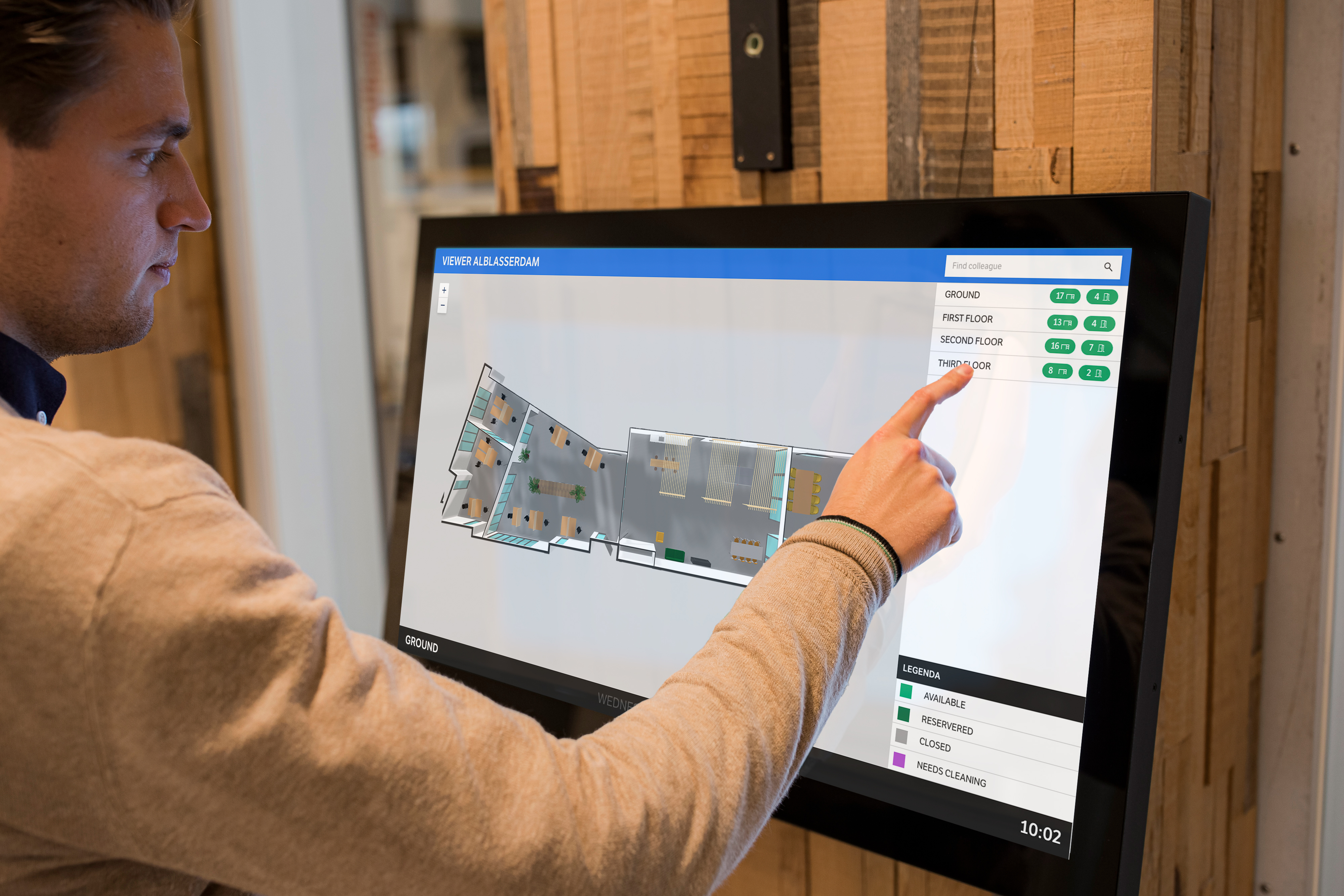
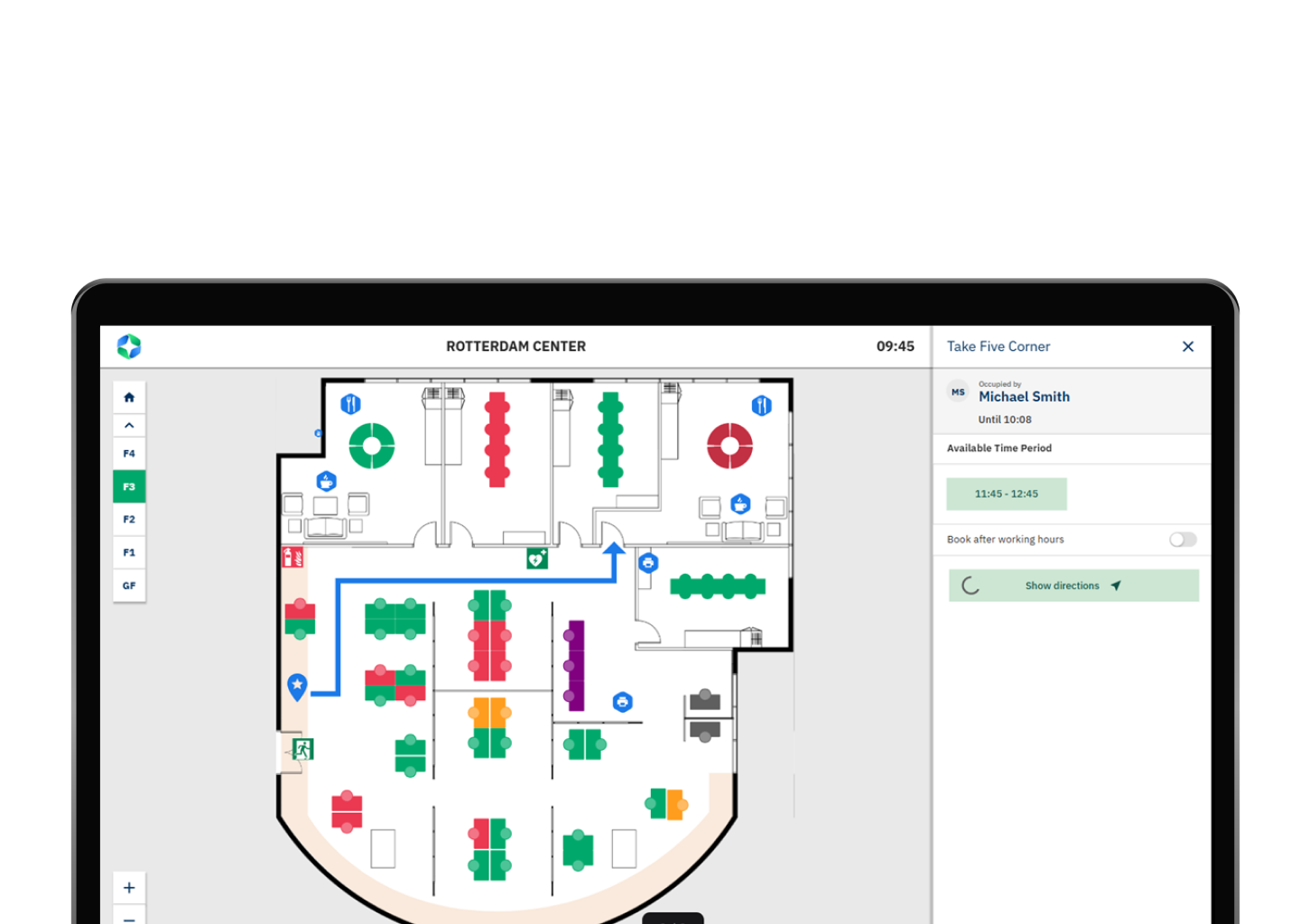
With GoBright Mapping, you get a real-time, interactive view of your entire workplace – look up people, rooms, or other facilities with the convenience of a large, interactive, user-friendly screen.
ABOUT MAPPING
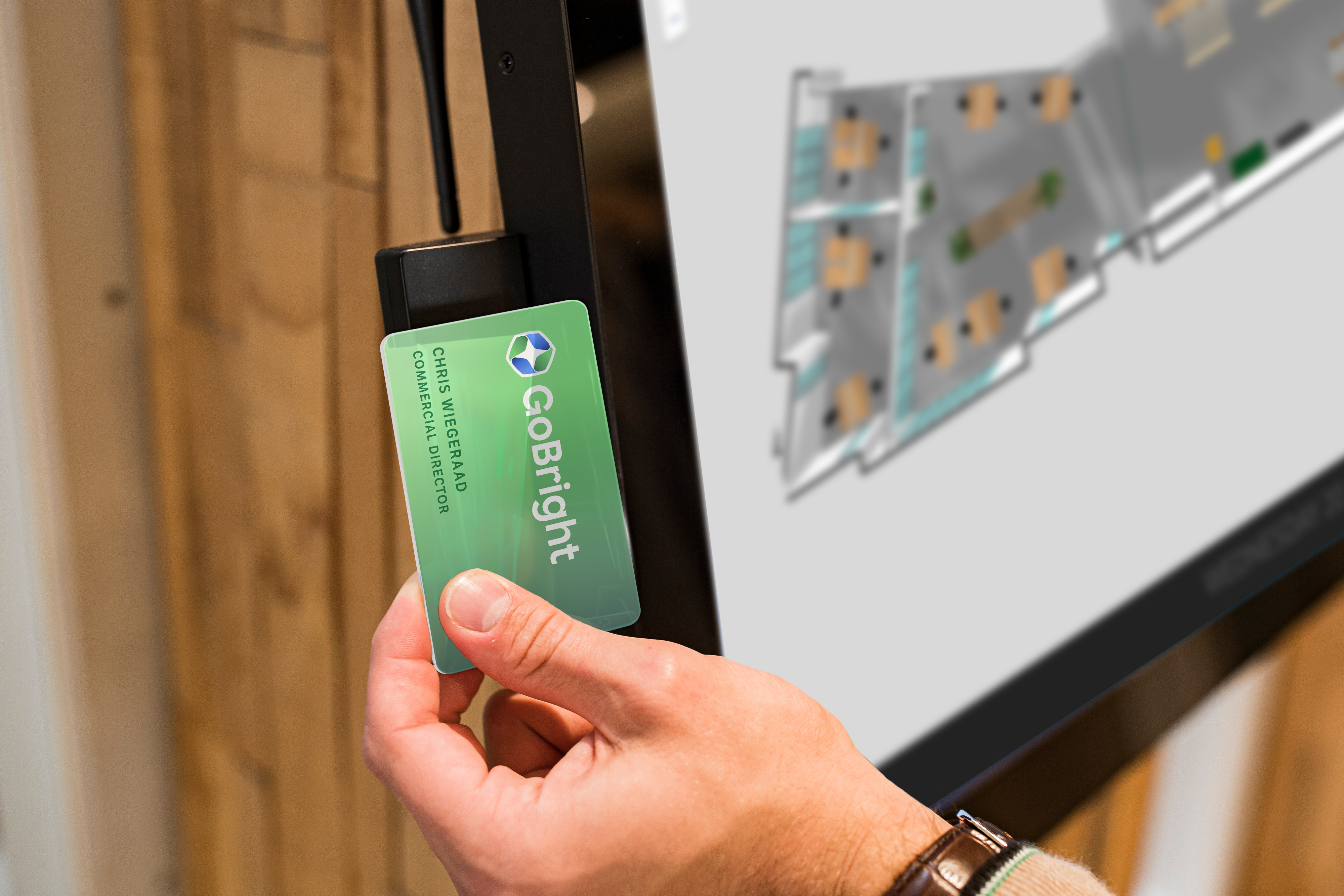
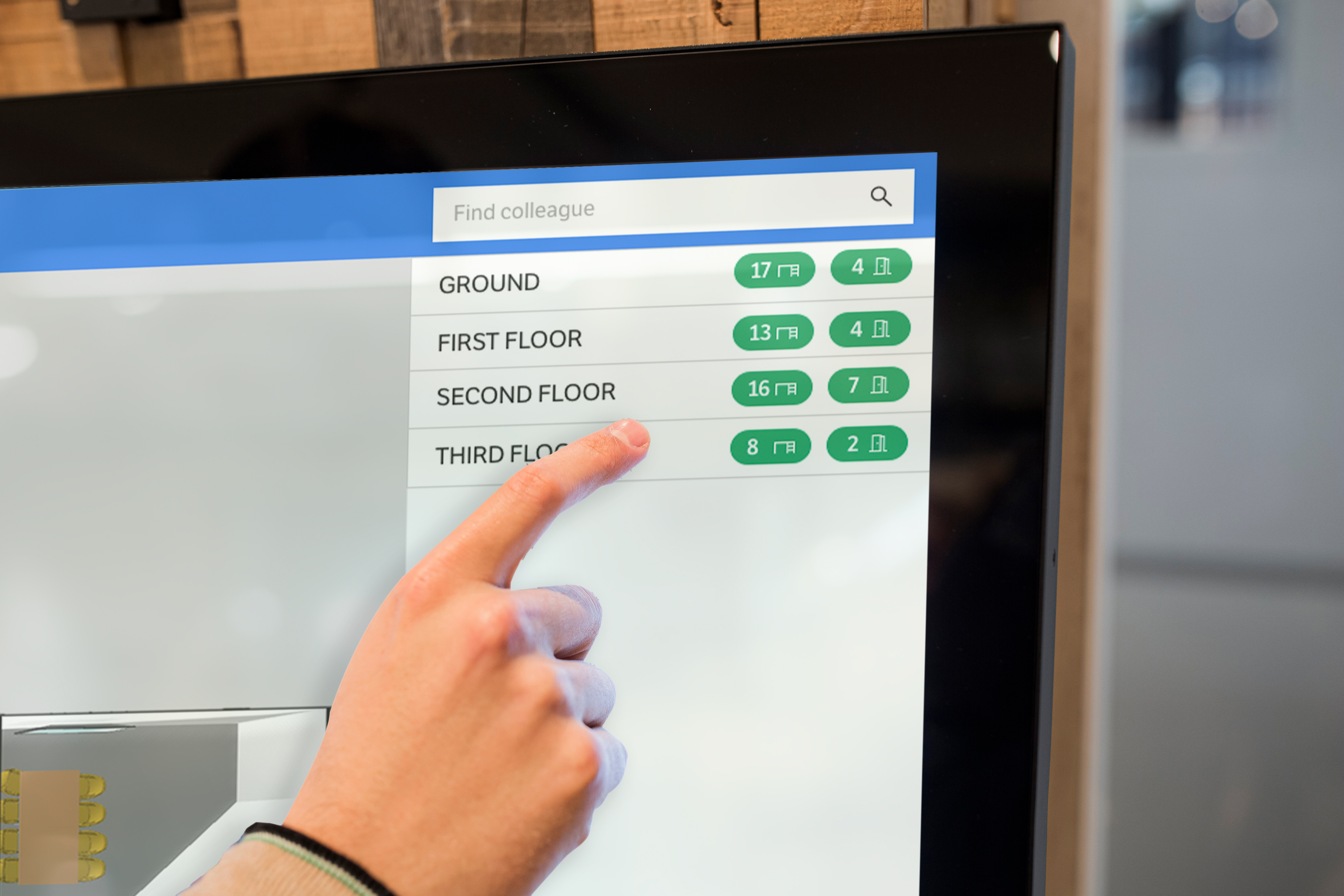
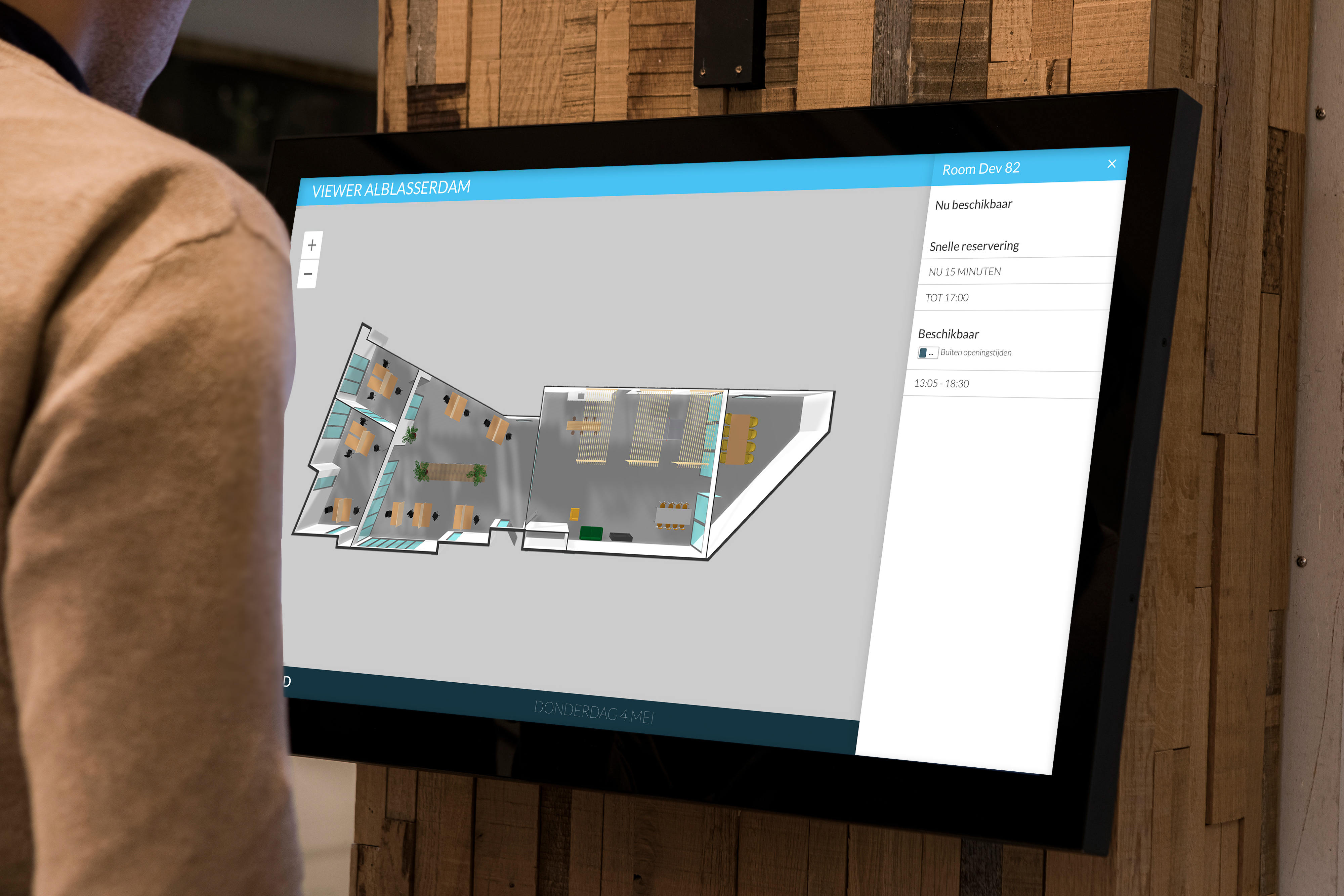
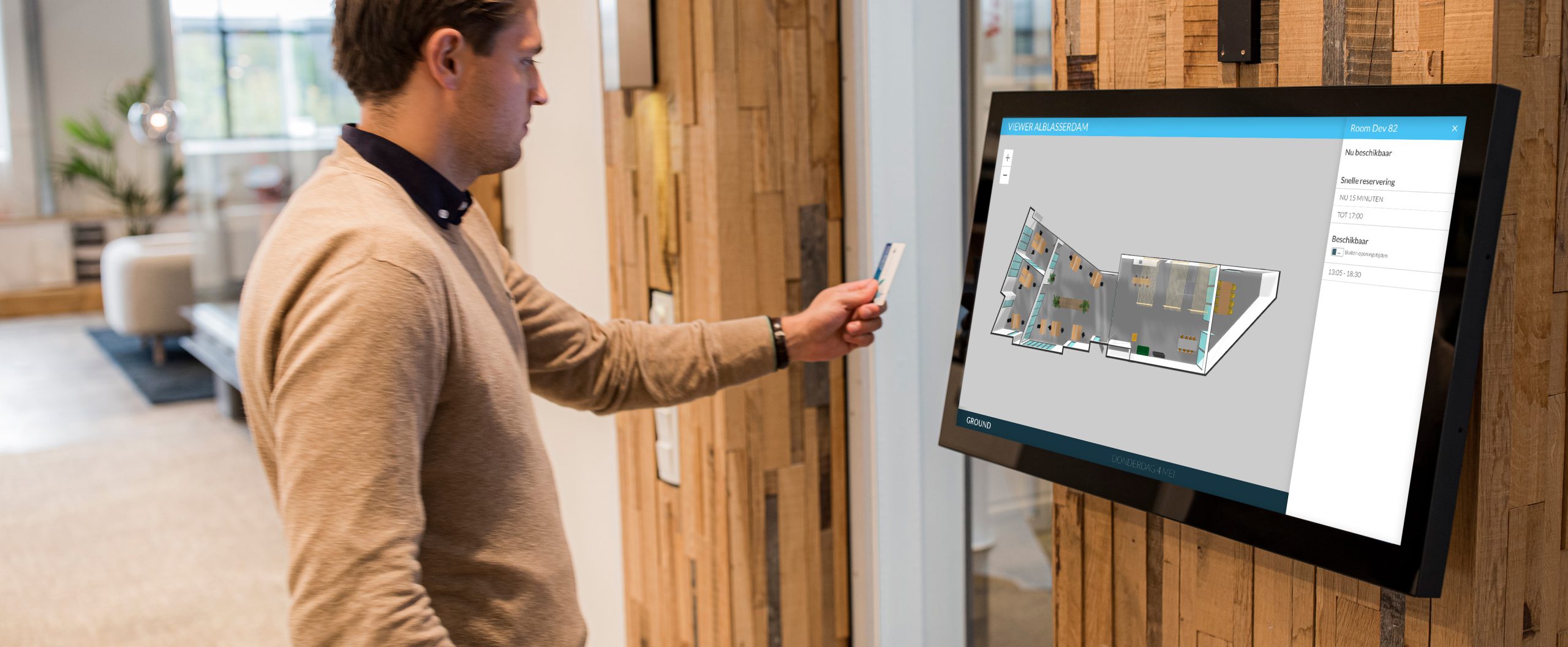
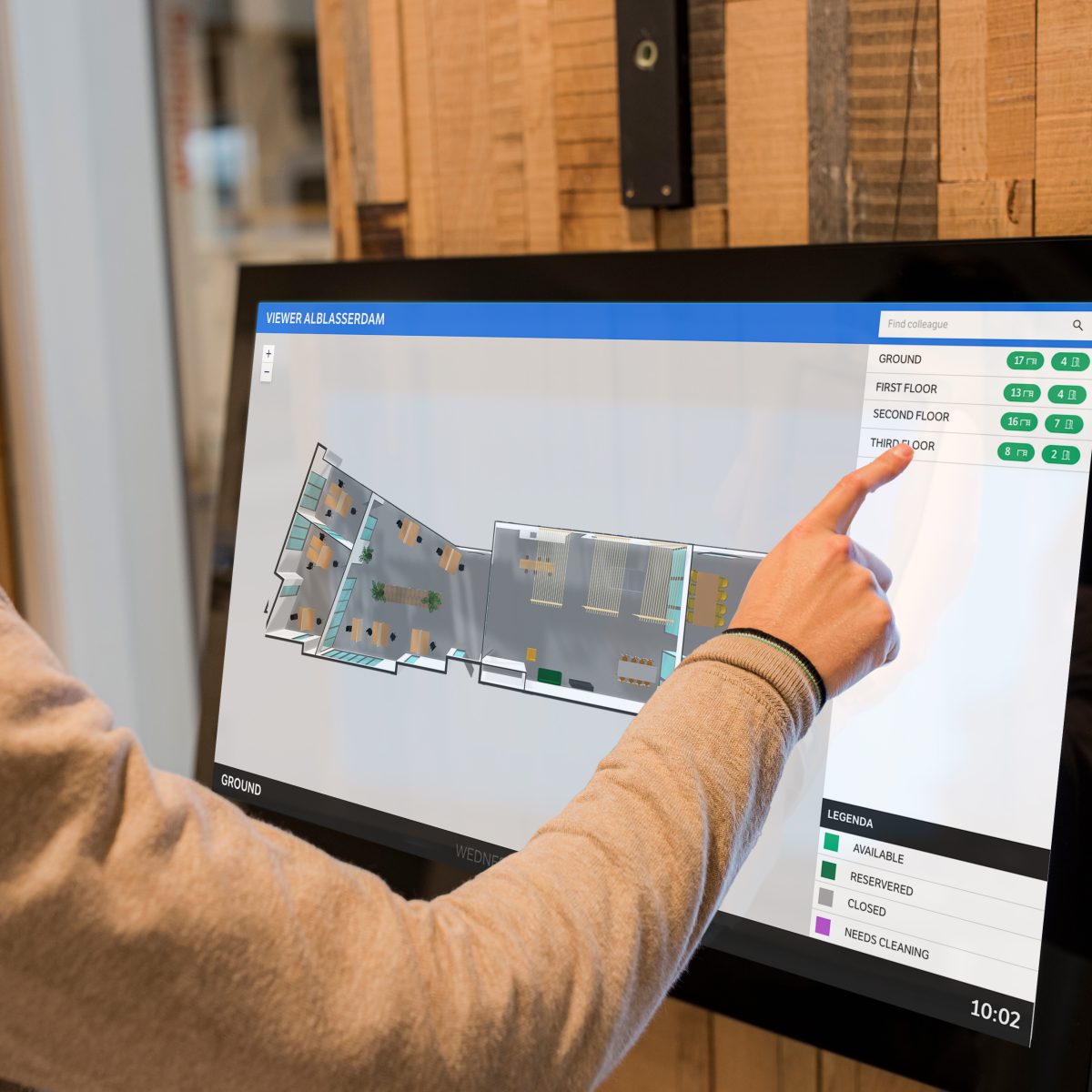
Access GoBright Mapping via a touch screen at the office floor, GoBright Portal or Mobile App. Mapping gives employees a visual display of the entire office. Check the availability of meeting rooms and desks on each floor. Or find an available workplace closest to you, that suits your needs. It is an interactive map that provides up-to-date information, based on desk/room bookings, check-ins and desk/room detection. You can also add points of interest to the Map, such as toilets, elevators, emergency exits etc.
- Make instant bookings via Mapping.
- Check out where your colleague is located and book a workplace nearby;
- Use ‘Find my Desk’ to see where your booked desk is located at the office floor;
- Book your locker via Mapping;
- Create and adjust your own floor maps in the Portal.
Routing in GoBright Mapping
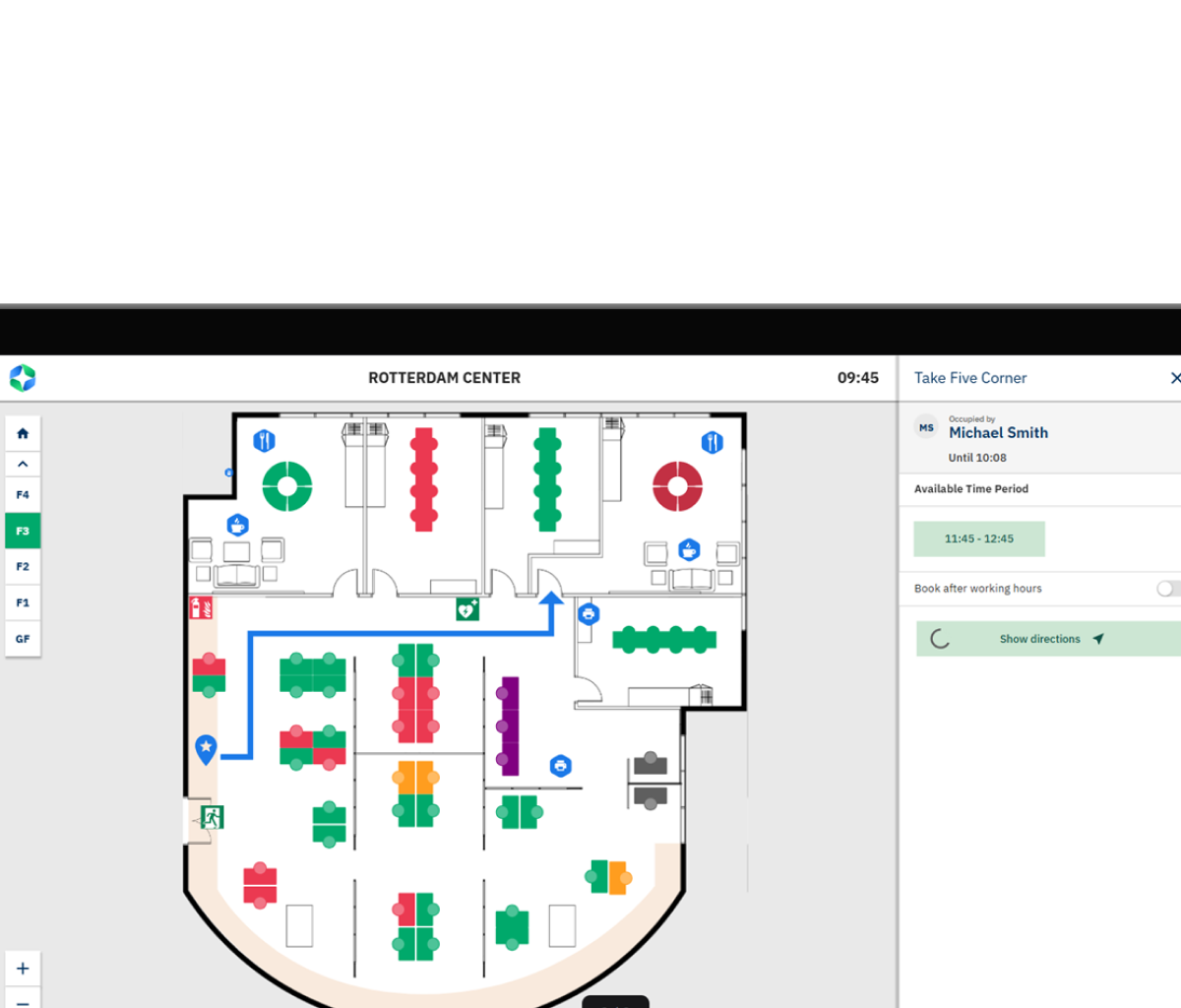
In addition to providing a real-time, interactive map of your workplace, GoBright Mapping now features Routing; a smart navigation tool that helps users easily find their way around the office.
With Routing, you can search for colleagues, meeting rooms, workspaces, or other points of interest and see a clear route from your current location to your chosen destination.
How it works:
Once a destination is selected, the interactive map automatically shows the most efficient route. The route animation provides step-by-step guidance, including navigation between floors, taking stairs, elevators, and other connections into account.
Why it matters:
This feature ensures that employees, visitors, and new team members can navigate the office with confidence and without wasting time. It reduces uncertainty when locating colleagues or rooms and contributes to a more efficient and enjoyable workplace experience.
let’s make your workplace
smarter, together
Reach out to Chris
our CCO

Mapping