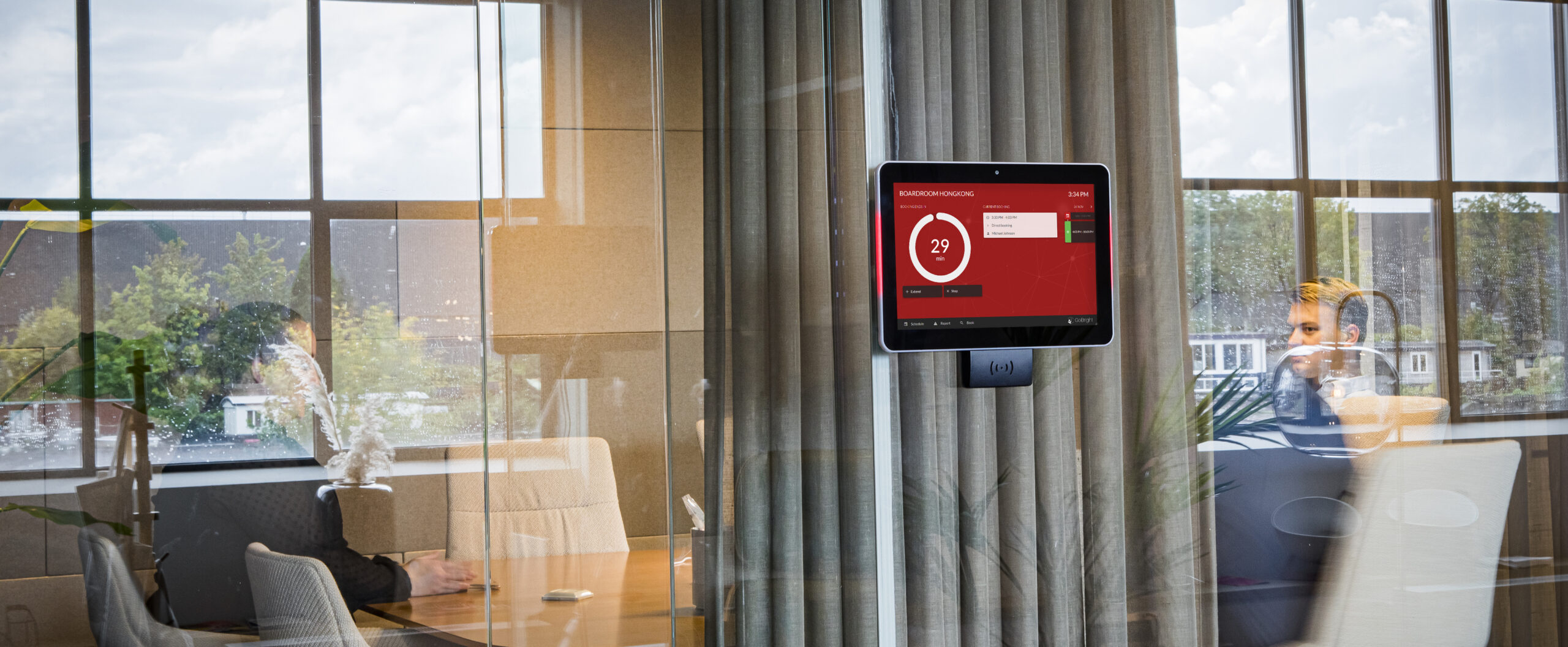
An organisation thrives on collaboration. Therefore, it is more important than ever to have a room booking system that ensures the optimal use of meeting rooms. By incorporating the option to add buffer time to certain meeting rooms, GoBright aims to ensure there is enough time to prepare the spaces for meetings and to clean up afterwards, without compromising valuable collaboration time. This new feature is live now and will enhance your Room Booking System.
How does it work?
It is now possible to determine per meeting room whether it needs buffer time before or after each meeting. It will be a standard setting – Only admins can change this setting. Here’s how it works:
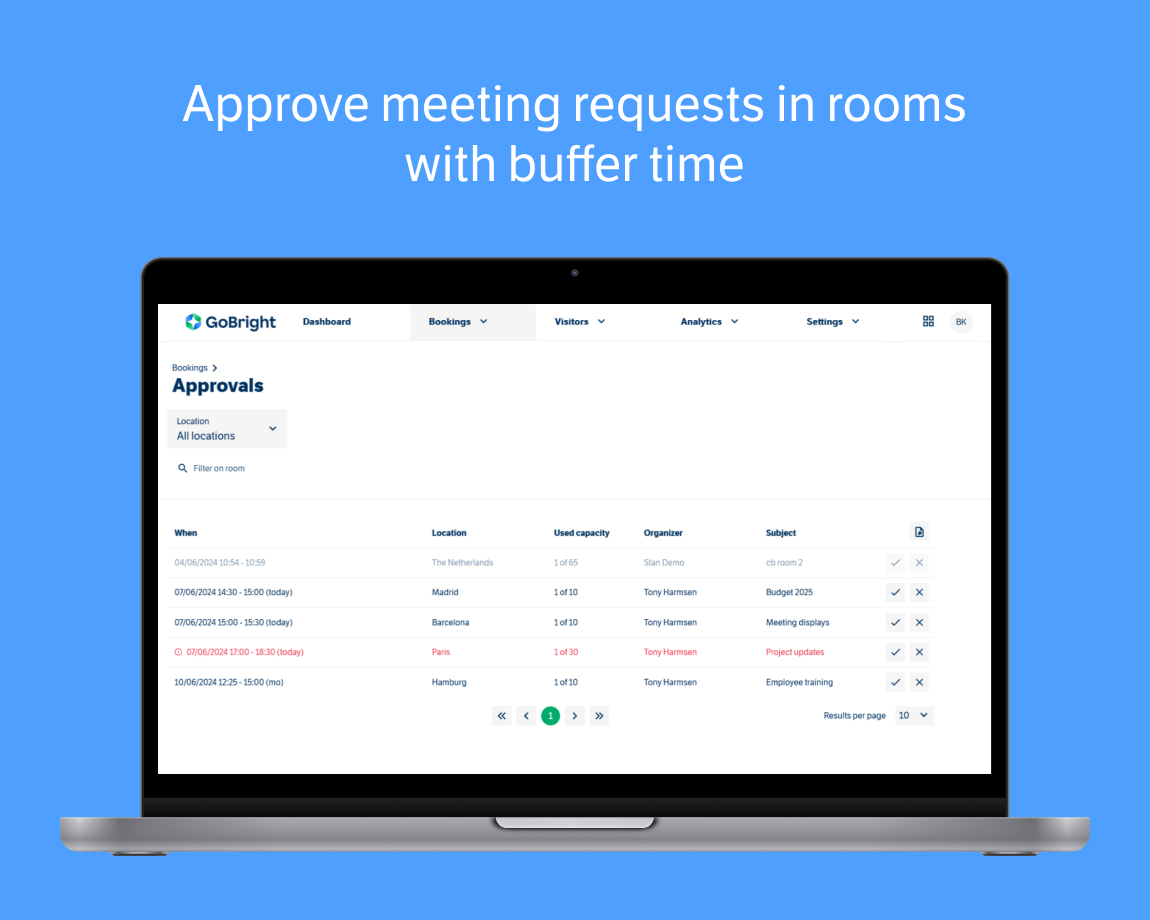
Users can book a meeting room that fits their preferences like they are used to. However, if they select a meeting room for which buffer time is activated, they will get a notification that their booking is awaiting approval. This approval can be done by one or more people within the organisation, as long as they are appointed to manage buffer time approvals. Different people can be assigned to different meeting rooms.
Why is buffer time important?
It is important that meeting rooms that have buffer time activated, work with approvals. This way, someone from the organisation can determine whether buffer time is actually necessary at that exact moment, to ensure optimal usage of the available meeting rooms.
This new feature can be useful for a variety of reasons, for example in combined meeting rooms. Employees don’t want to lose valuable meeting time by having to rearrange the entire room to fit the right number of attendees. With an added buffer time, you can ensure that there is more than enough time to set the room up without other planned meetings being in the way.
Another instance in which buffer time could be helpful, is when a meeting incorporates an arranged lunch. Catering would appreciate some time before the meeting to prepare the room for displaying the lunch, and after the meeting to properly clean up.
Or, when people need special audiovisual facilities for a presentation with multiple speakers that have to be installed by Facility Management.
In short, implementing a buffer time for your meeting rooms can be beneficial in a variety of situations. Optimise your workspace and make office life a better experience with GoBright.