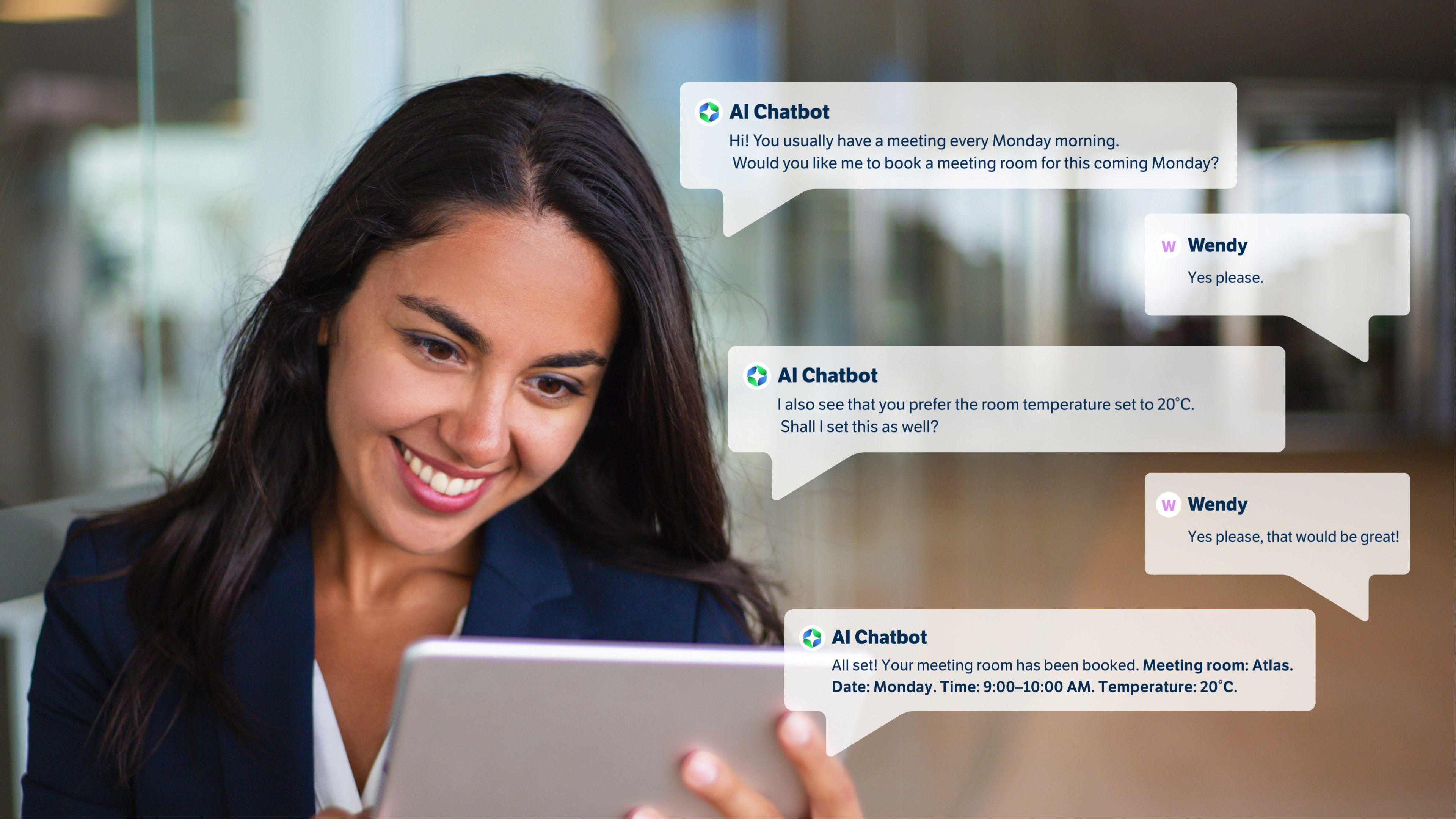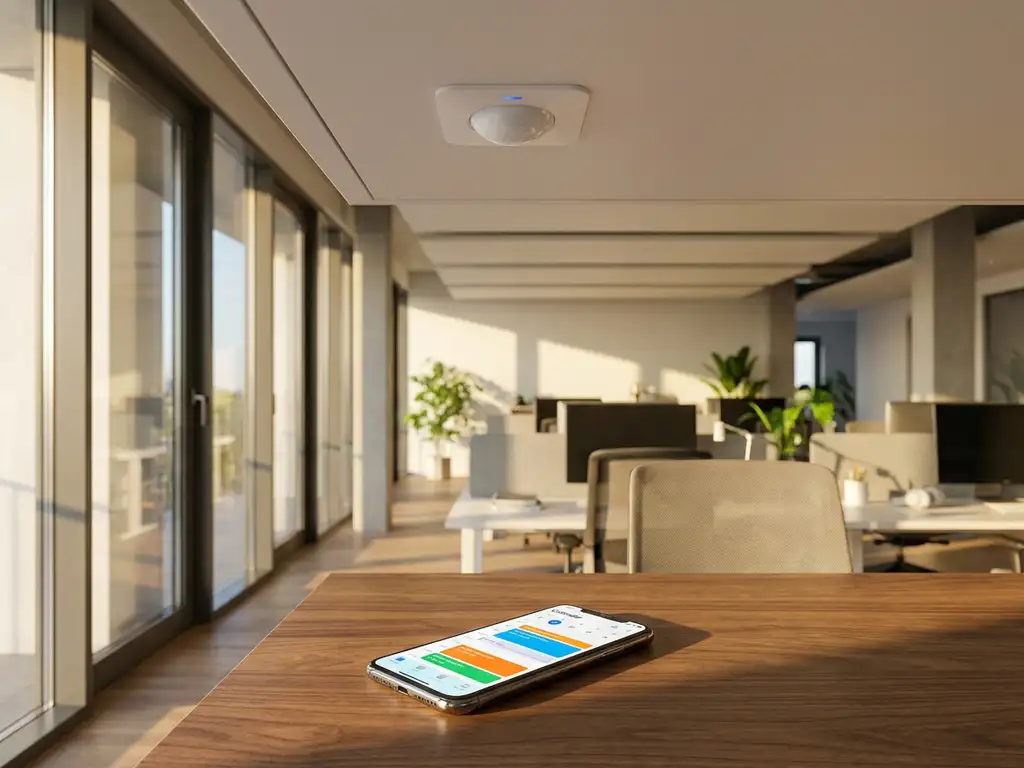
Smart office sensors integrate with calendar systems through real-time data synchronization that automatically updates room and desk availability based on actual occupancy. When sensors detect someone using a workspace, this information flows directly into your calendar platform, ensuring bookings reflect reality and preventing double bookings or ghost meetings that waste valuable office resources.
Why are phantom bookings costing you more than you think?
Phantom bookings happen when meeting rooms or desks remain reserved in your calendar system but sit empty because people don’t show up or leave early. This invisible problem typically affects 30-40% of all workspace reservations, meaning nearly half of your office capacity gets wasted while employees struggle to find available spaces. The cost compounds quickly: wasted real estate expenses, frustrated employees who can’t find workspace, and facility managers making decisions based on inaccurate occupancy data. Smart office sensors eliminate phantom bookings by detecting actual occupancy and automatically releasing unused spaces back into your booking system, turning dead capacity into productive workspace that employees can actually use.
What does poor calendar accuracy signal about your workplace efficiency?
When your calendar system shows different availability than what’s actually happening in your office, it reveals deeper inefficiencies in how your workplace operates. Employees waste time hunting for spaces that appear occupied but are actually empty, leading to decreased productivity and workplace frustration. Meanwhile, facility managers struggle to understand true space utilization, often leading to poor decisions about office layouts, cleaning schedules, and future space planning. Sensor integration solves this by creating a single source of truth where calendar data matches physical reality, enabling data-driven decisions that optimize both employee experience and operational efficiency.
What are smart office sensors and how do they work with calendars?
Smart office sensors are intelligent devices that detect occupancy, movement, and environmental conditions in workspaces, then transmit this data to your calendar and booking systems in real time. These sensors use various technologies, including infrared detection, ultrasonic measurement, and computer vision, to accurately determine whether a desk, meeting room, or other workspace is actually being used.
The integration works through API connections that allow sensors to communicate directly with calendar platforms like Microsoft Outlook, Google Workspace, or specialized workplace management software. When a sensor detects occupancy in a booked space, it confirms the reservation. If a space remains empty after a grace period, the system can automatically release the booking and make the space available for others to reserve.
Modern smart office platforms create a unified ecosystem where sensor data, calendar information, and booking systems work together seamlessly. This integration ensures that your digital workplace tools reflect the physical reality of your office environment, creating more efficient space utilization and better employee experiences.
Which types of sensors can integrate with calendar systems?
Several types of sensors can integrate effectively with calendar systems, each serving different purposes in the smart office ecosystem. Occupancy sensors are the most common, using passive infrared (PIR) technology or computer vision to detect when someone is present in a room or at a desk. These sensors work particularly well for meeting rooms where presence indicates active use of the booked space.
Desk sensors represent a specialized category designed for hot-desking and flexible workspace environments. These devices can detect when someone sits down, places items on the desk, or connects devices to workstation power outlets. Some advanced desk sensors also include environmental monitoring for temperature and air quality.
Environmental sensors monitor conditions like temperature, humidity, air quality, and noise levels, which can integrate with calendar systems to automatically adjust room settings based on bookings or suggest optimal spaces based on current conditions. Badge and proximity sensors work with employee ID cards or mobile devices to confirm check-ins and provide more granular data about who is using which spaces.
The key to successful integration lies in choosing sensors that provide the right level of data granularity for your specific use cases while maintaining employee privacy and system reliability.
How does sensor-to-calendar integration actually work?
Sensor-to-calendar integration operates through a multi-layered data flow that connects physical sensors to software platforms via secure APIs and cloud-based processing systems. The process begins when sensors continuously monitor workspace conditions and transmit occupancy data through wireless networks to a central management platform.
This platform processes the sensor data and applies business rules to determine appropriate actions. For example, if a meeting room sensor detects no occupancy 15 minutes after a scheduled meeting start time, the system might send a notification to the meeting organizer or automatically release the room for other bookings. The processed decisions then flow back to calendar systems through established integrations.
Real-time synchronization ensures that calendar updates happen within seconds of sensor detection. Modern workplace management platforms like ours use native integrations with Microsoft Teams, Outlook, and Google Workspace to ensure seamless data exchange without disrupting existing workflows.
The integration also includes feedback loops where calendar events can trigger sensor-based actions. For instance, when someone books a desk through the calendar system, connected sensors can activate power outlets, adjust lighting, or prepare ergonomic settings based on user preferences stored in the system.
What are the benefits of connecting sensors to your calendar system?
Connecting sensors to your calendar system delivers immediate improvements in space utilization efficiency and employee satisfaction. Automated space management eliminates the frustration of arriving at a booked room only to find it occupied or empty, while ensuring maximum utilization of your valuable office real estate.
Real-time availability updates mean employees can find and book available spaces instantly, reducing time wasted searching for workspace and improving overall productivity. This becomes particularly valuable in hybrid work environments where office capacity fluctuates daily.
Data-driven facility management emerges as sensor integration provides detailed analytics about actual space usage patterns. Facility managers gain insights into peak usage times, preferred workspace types, and areas that might be underutilized, enabling informed decisions about office layout, cleaning schedules, and future space planning.
Enhanced employee experience results from personalized workspace settings that automatically adjust based on individual preferences stored in the system. Advanced integrations can prepare desk height settings, lighting preferences, and even temperature controls when employees check in through the calendar system.
Improved workplace analytics help organizations understand how their hybrid work policies actually play out in practice, providing concrete data to optimize workplace strategies and support employee well-being initiatives.
How do you set up smart sensor calendar integration?
Setting up smart sensor calendar integration requires careful planning and a phased approach to ensure successful deployment. Assessment and planning should begin with mapping your current calendar systems, identifying integration requirements, and determining which types of products best serve your specific workplace needs.
Infrastructure preparation involves ensuring adequate network connectivity, whether through WiFi or Power-over-Ethernet (PoE) connections, and establishing secure data pathways between sensors and your calendar platforms. This phase also includes configuring user permissions and data privacy settings to comply with organizational policies.
Sensor deployment works best when approached systematically, starting with a pilot area to test functionality and gather user feedback. Professional installation ensures optimal sensor placement for accurate detection while maintaining aesthetic appeal and employee privacy.
Software configuration includes establishing API connections between sensors and calendar systems, setting up business rules for automated actions, and configuring user interfaces for easy employee interaction. Modern workplace management platforms typically provide guided setup processes that simplify this technical integration.
User training and adoption ensures employees understand how to interact with the integrated system, from booking spaces through familiar calendar interfaces to understanding how sensor feedback improves their workplace experience. Ongoing support and feedback collection help optimize system performance over time.
What challenges might you face when integrating sensors with calendars?
Technical compatibility represents the most common initial challenge, as legacy calendar systems may require additional middleware or custom API development to communicate effectively with modern sensor networks. Organizations often need to balance upgrading existing systems with maintaining familiar user experiences.
Privacy and data security concerns require careful attention to employee communication and system design. Successful implementations focus on occupancy detection rather than individual tracking, ensuring compliance with privacy regulations while providing valuable workplace insights. Transparent communication about us and data usage and storage helps build employee trust.
Sensor accuracy and reliability can vary based on environmental factors, sensor placement, and technology choices. False positives or missed detections can frustrate users and undermine system adoption. Professional installation and ongoing calibration help maintain accuracy, while choosing enterprise-grade sensors reduces reliability issues.
Change management often proves more challenging than the technical integration itself. Employees may resist new booking processes or worry about workplace monitoring. Successful implementations emphasize benefits like improved space availability and personalized workspace settings while addressing concerns through clear communication and gradual rollout strategies.
Integration complexity increases with the number of existing systems that need to work together. Organizations with multiple calendar platforms, various sensor types, or complex IT environments may require more extensive planning and professional implementation support to ensure seamless operation across all workplace technologies. If you’re facing these challenges, contact GoBright for expert guidance on implementing sensor-calendar integration solutions.
How GoBright helps with smart office sensor calendar integration
GoBright provides a comprehensive solution for seamless smart office sensor calendar integration that eliminates phantom bookings and maximizes workspace efficiency. Our platform offers:
- Plug-and-play sensor integration that works with existing calendar systems including Microsoft Outlook, Google Workspace, and Teams
- Real-time occupancy detection with enterprise-grade sensors that automatically update availability and release unused spaces
- Unified workplace management dashboard providing complete visibility into space utilization and booking accuracy
- Automated business rules that handle no-shows, early departures, and space optimization without manual intervention
- Professional implementation support including assessment, installation, and user training to ensure successful adoption
Transform your workplace efficiency with GoBright’s proven sensor-calendar integration solution. Contact us today to schedule a consultation and discover how our smart office technology can optimize your workspace utilization and enhance employee experience.