Designing a hybrid work policy around real space utilisation data means using actual workplace occupancy information to create flexible working arrangements that match how your employees truly use the office. Instead of making assumptions about desk and room needs, you collect data on when spaces are occupied, by whom, and for what purposes, then use these insights to establish policies that optimise both employee satisfaction and space efficiency.
Why is guessing at space needs costing you thousands in wasted overhead?
When organisations design hybrid policies based on assumptions rather than actual usage data, they often maintain far more office space than necessary. Many companies discover their meeting rooms sit empty 40-60% of the time while paying full rent, utilities, and maintenance costs. Without real occupancy insights, you might be supporting desk space for 200 employees when only 120 actually come to the office on peak days. This mismatch between assumed needs and reality translates directly into unnecessary property costs, often representing tens of thousands of pounds annually for mid-sized organisations. The solution starts with implementing occupancy sensors and booking systems that track actual space usage patterns, giving you concrete data to right-size your office footprint and redirect savings toward employee experience improvements.
What does low space utilisation signal about your hybrid work strategy?
Consistently low occupancy rates often indicate that your current hybrid policy isn’t aligned with how employees actually prefer to work. If your data shows certain days have minimal office attendance or specific areas remain consistently unused, this suggests your policy may be too rigid or not addressing what draws people to the office. Low utilisation might signal that employees don’t see value in coming to the office for individual work they can do remotely, or that your space layout doesn’t support the collaborative activities that benefit from in-person interaction. The key is using this data to pivot your strategy toward creating policies that designate office time for high-value collaborative work while ensuring remote work options for focused individual tasks.
What is space utilisation data and why does it matter for hybrid work policies?
Space utilisation data encompasses real-time and historical information about how your workplace is actually being used. This includes desk occupancy rates, meeting room booking patterns, peak usage times, and employee movement throughout the office. The data comes from various sources, including occupancy sensors, booking systems, and check-in devices that track when spaces are reserved versus actually occupied.
For hybrid work policies, this data matters because it reveals the gap between what you think employees need and what they actually use. Traditional office planning often assumes 80-90% occupancy rates, but hybrid workplaces typically see 30-50% daily occupancy with significant variation across days and areas. Understanding these patterns allows you to create policies that match real behaviour rather than outdated assumptions about office usage.
Space utilisation data also helps identify which work activities truly benefit from office presence. You might discover that certain teams consistently book collaborative spaces on specific days, while individual workstations remain largely unused. This insight enables you to design hybrid policies that encourage office attendance for high-value collaborative work while supporting remote work for focused individual tasks.
How do you collect accurate space utilisation data in a hybrid workplace?
Collecting accurate space utilisation data requires a combination of smart office products and systematic tracking methods. Occupancy sensors provide the most reliable baseline data by detecting actual presence at desks and in meeting rooms, regardless of whether spaces were formally booked. These sensors can differentiate between a reserved but empty space and genuine occupancy, giving you true utilisation rates.
Desk and room booking systems offer another crucial data layer by tracking reservation patterns and showing the relationship between bookings and actual usage. When employees book spaces through integrated platforms that connect with Microsoft Teams or Google Workspace, you can analyse booking frequency, cancellation rates, and no-show patterns to understand demand and behaviour trends.
Interactive devices at workstations and meeting rooms enhance data accuracy by enabling real-time check-ins and status updates. Employees can confirm their presence, extend bookings, or release spaces early, providing granular data about how long spaces are actually used versus how long they were reserved. This combination of sensor data, booking analytics, and user interaction creates a comprehensive picture of space utilisation that accounts for both planned and spontaneous usage patterns.
What does good space utilisation data tell you about employee work patterns?
Quality space utilisation data reveals distinct patterns in how employees structure their hybrid work. You’ll typically see clustering around certain days, with Tuesday through Thursday showing higher occupancy than Mondays and Fridays. This pattern suggests employees prefer mid-week for collaborative office work while using the beginning and end of the week for remote focused work.
The data also shows activity-based preferences, such as meeting rooms being heavily used for team sessions while individual workstations have lower occupancy rates. This indicates employees come to the office primarily for collaboration and social interaction rather than individual tasks they can accomplish remotely. Peak usage times often align with core collaboration hours, typically 10 AM to 3 PM, while early morning and late afternoon see reduced occupancy.
Team-based patterns emerge clearly in utilisation data, showing which departments tend to coordinate their office days and which work more independently. Some teams book adjacent desks consistently, indicating a preference for proximity during in-office days, while others show more distributed patterns. Understanding these preferences helps identify which teams benefit most from coordinated hybrid schedules and which can operate with more flexible individual arrangements.
How do you translate space utilisation insights into hybrid work policy rules?
Translating utilisation insights into policy rules starts with identifying your peak demand patterns and setting capacity guidelines accordingly. If your data shows maximum occupancy of 60% on the busiest days, you can confidently implement policies allowing more flexible scheduling without overcrowding concerns. This might translate to rules like allowing unlimited booking flexibility rather than requiring advance reservations for certain days.
Create activity-based guidelines that align with usage patterns. If data shows meeting rooms are in high demand but individual desks are underutilised, establish policies that prioritise office attendance for collaborative work while explicitly supporting remote work for focused individual tasks. This might include rules requiring certain types of team meetings to happen in-office while allowing individual project work to be completed remotely.
Implement dynamic policies that adjust based on real-time data. If certain areas consistently show low utilisation, you can create policies that temporarily repurpose these spaces or adjust cleaning and maintenance schedules accordingly. For high-demand periods, establish clear booking protocols and backup options to ensure employees can access the spaces they need when they need them.
What are the common mistakes when using space data for hybrid policies?
One of the most common mistakes is focusing solely on cost reduction rather than employee experience optimisation. While space utilisation data can reveal opportunities to reduce office footprint, using this information only to cut costs often backfires by creating overcrowded conditions during peak times or eliminating spaces that support important but infrequent activities.
Another frequent error is implementing policies based on average utilisation rates rather than peak demand patterns. If your average occupancy is 40% but peak days reach 70%, setting policies based on the average will create shortage situations that frustrate employees and undermine hybrid work adoption. Always design policies around peak usage scenarios to ensure adequate capacity when needed most.
Many organisations also make the mistake of treating all space types equally in their policy decisions. Conference rooms, individual workstations, and collaborative areas serve different functions and show different utilisation patterns. Creating blanket policies without considering these distinctions often leads to shortages in high-demand space types while maintaining excess capacity in others.
How GoBright helps with data-driven hybrid work policies
GoBright provides a comprehensive solution for organisations looking to implement space utilisation data into their hybrid work strategies. Our platform delivers real-time insights through:
- Advanced occupancy sensors that track actual space usage across desks, meeting rooms, and collaborative areas
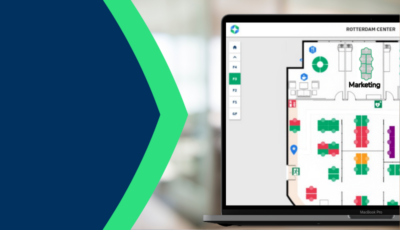
- Integrated booking systems that connect seamlessly with Microsoft Teams and Google Workspace
- Interactive displays that enable real-time check-ins and space status updates
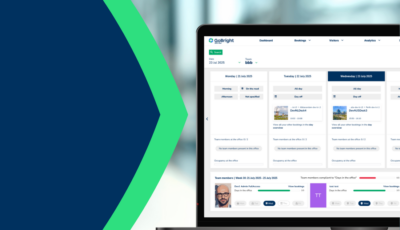
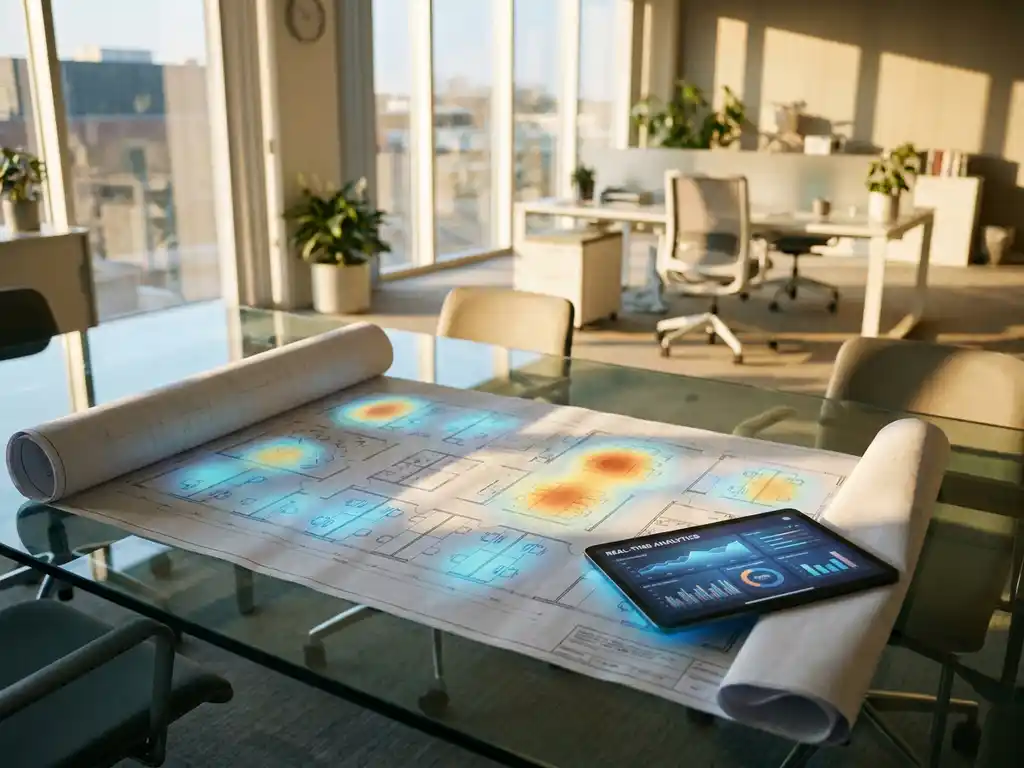
- Analytics dashboards that transform raw data into actionable insights for policy development
- Flexible reporting tools that help you identify usage patterns and optimise space allocation
Ready to transform your hybrid work policy with data-driven insights? Contact us to learn more about optimising your workplace for the future of work and discover how our smart office solution can help you create policies that truly match how your employees work. Understanding your organisation’s unique space utilisation patterns is crucial, and learning more about our approach to workplace optimisation can help you make informed decisions about your hybrid work strategy.