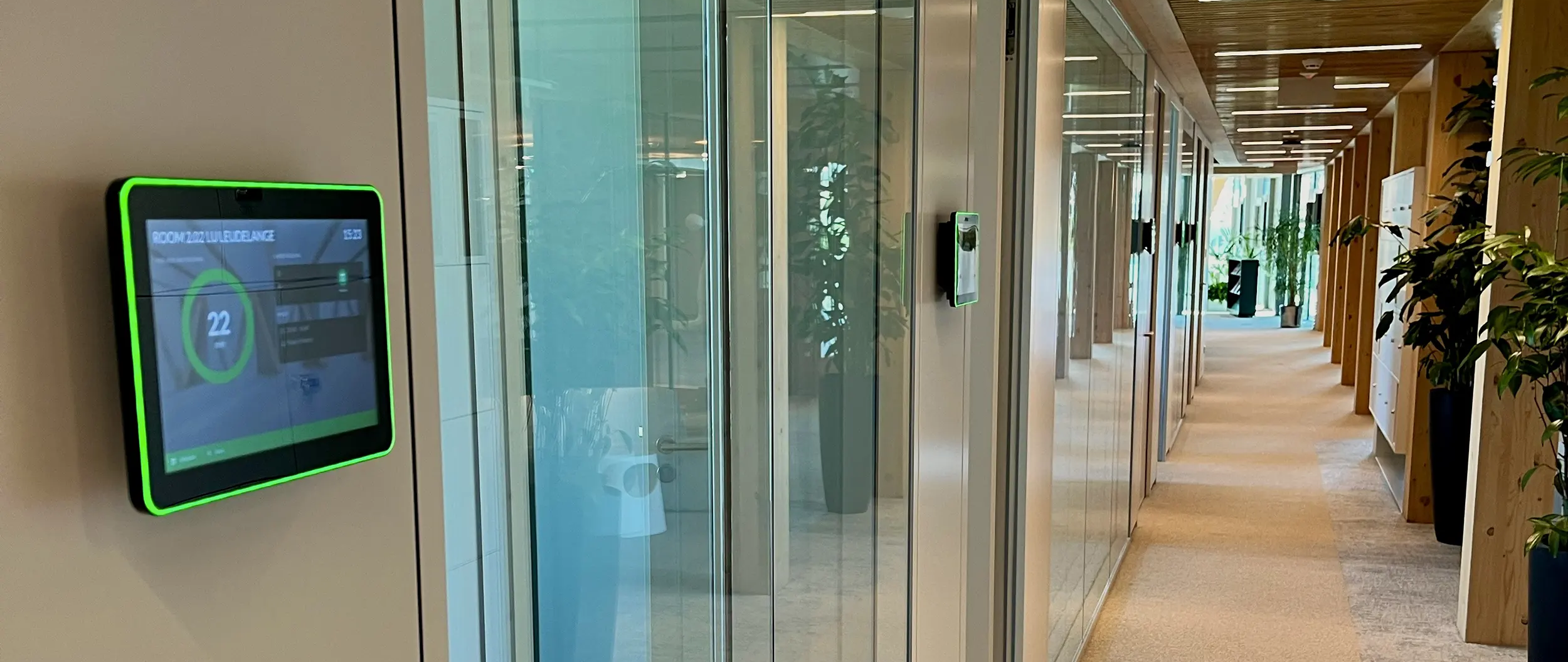
We are excited to introduce our latest innovation in the GoBright Room Booking system: Meeting Types. This new feature provides a clear and immediate overview of all your meetings by allowing you to categorise them visually, using both text labels and colours. With Meeting Types, you can see at a glance what type of meeting is scheduled, making it easier than ever to understand priorities and manage your spaces efficiently.
How does it work?
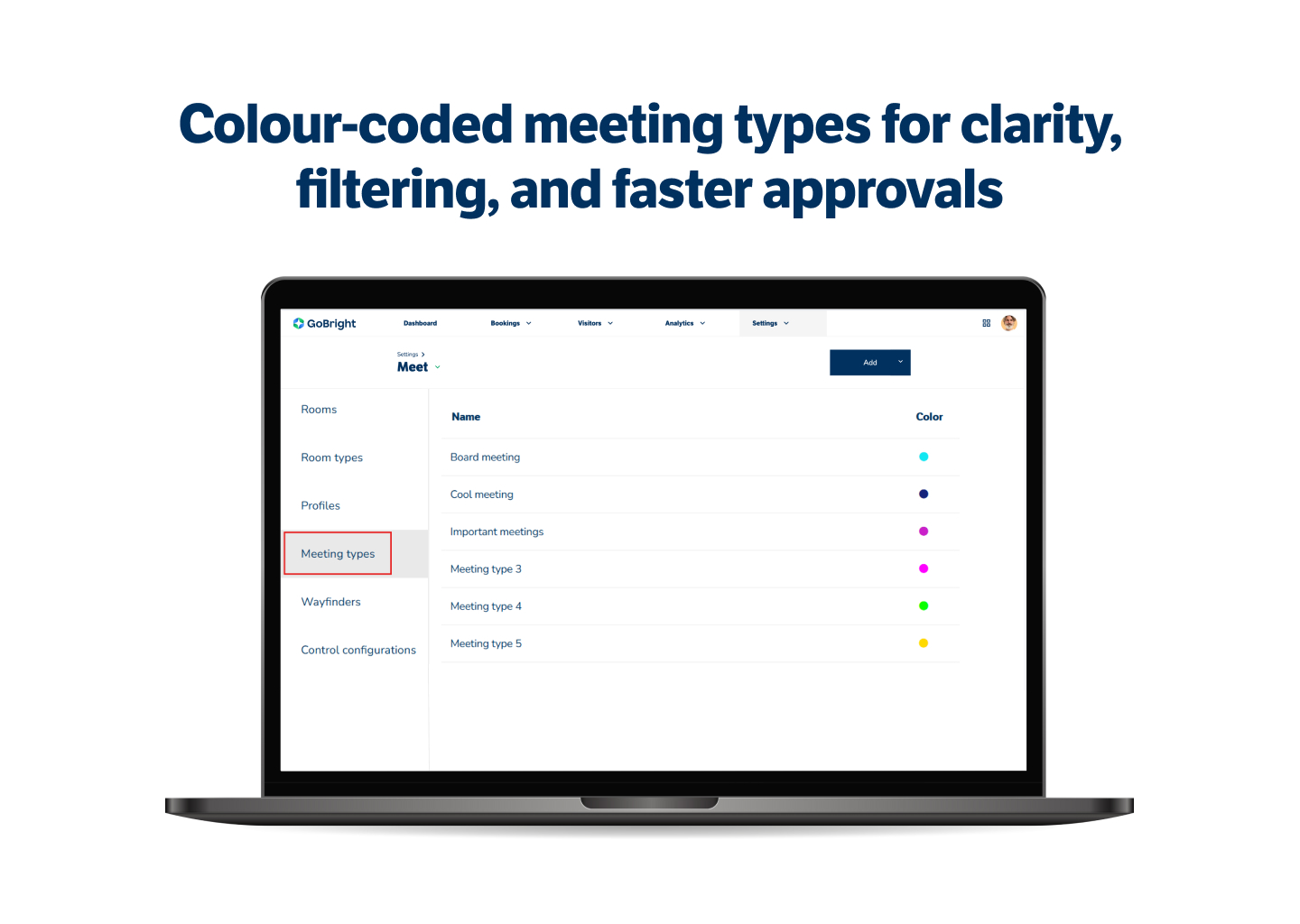
The Meeting Types feature allows you to define different categories for your meetings — such as board meetings, brainstorming sessions, hybrid catch-ups, interviews, or client presentations. Each meeting type can be assigned a unique text label and colour, making them easy to recognise instantly.
For example, internal meetings in a lighter colour, while high-priority meetings dark colours to signify the importance. This makes it clear which meetings are most important, and which meetings can be easily rescheduled in case of last-minute changes or urgent bookings.
Receptionists, facility managers, and team assistants often manage bookings for colleagues and need to quickly understand which meetings are essential. Instead of opening each booking individually to check details, Meeting Types provides a straightforward visual overview on timelines and booking lists.
Admins can decide which meeting types to create and whether selecting a type is optional or mandatory when booking a room. You can also customise meeting types per office location, building, or even per individual meeting room, giving you complete flexibility to match your organisation’s needs.
Why is Meeting Types important?
In busy office environments, it can be challenging to quickly see which meetings are critical and which are more flexible. Meeting Types makes this much easier, helping teams to save time, avoid mistakes, and improve the overall booking experience.
It also supports better room usage and more efficient workflows. For example, if a high-priority board meeting needs to be scheduled urgently, it’s immediately clear which existing meetings can potentially be moved.
Meeting Types is another step forward in our mission to make office management smarter, simpler, and more efficient — all while responding directly to your feedback and needs.
Meeting Types is available to all existing GoBright Room Booking licence holders at no extra cost.
Want to know more?
Contact us for more information or to book a demo.