Room Booking in Microsoft Teams
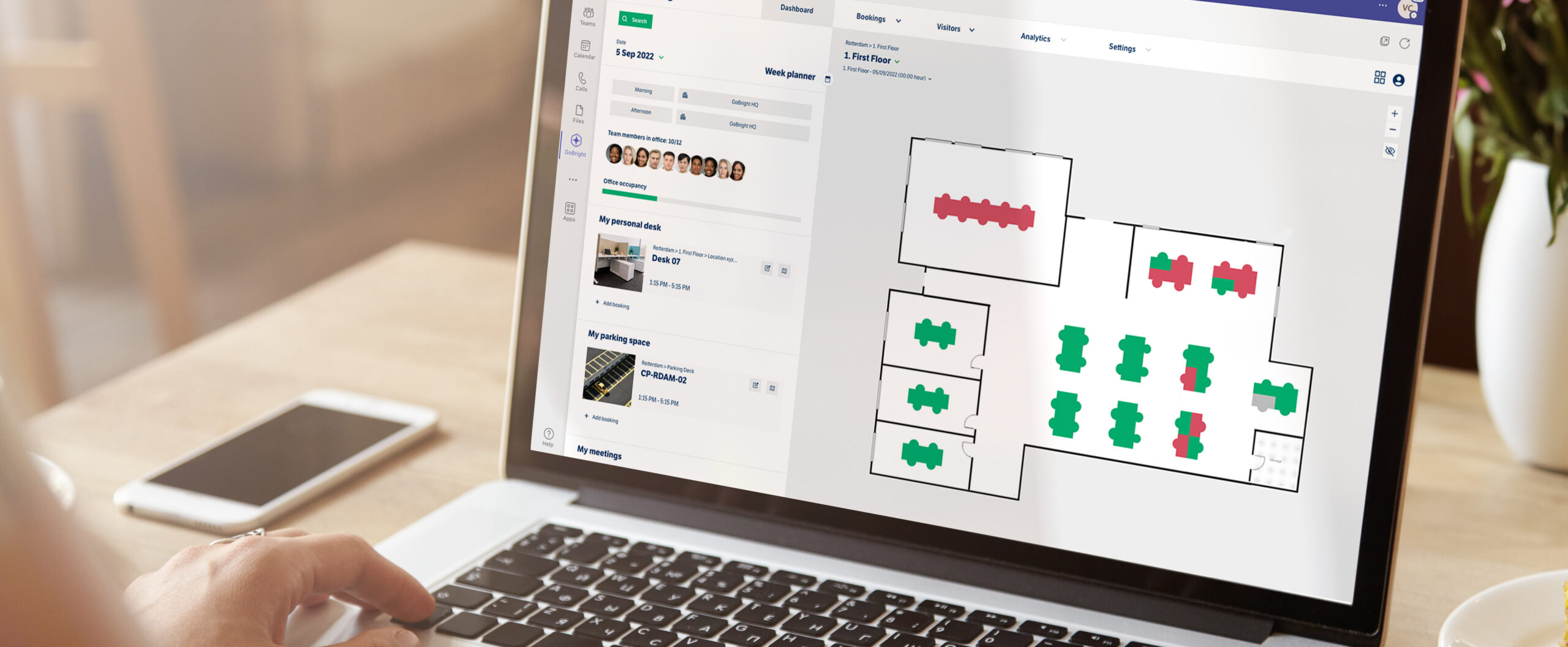
In today’s Hybrid Working environment, meeting rooms are essential for colleagues to establish relationships and to come together face-to-face. Make Room Booking an easier process with GoBright’s Microsoft Teams integration.
- Works in the GoBright Portal, Mobile App, and Mapping;
- Make room bookings;
- Two-way integration.
What is Room Booking?
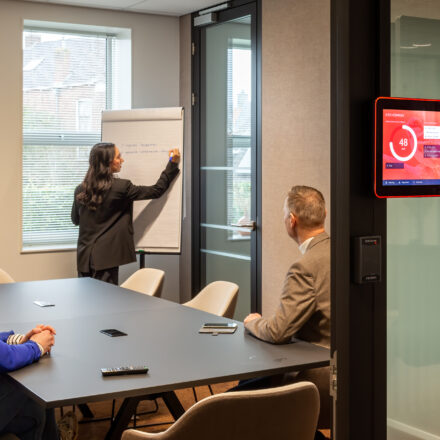
Booking rooms in advance to be ready for a meeting is called Room Booking. With a room booking system, people are able to search for and book a meeting room in advance, based on their needs and wishes. Employees can book meeting rooms, and invite colleagues and external visitors, together with their wishes for Catering & Services.
How to book a room via Microsoft Teams
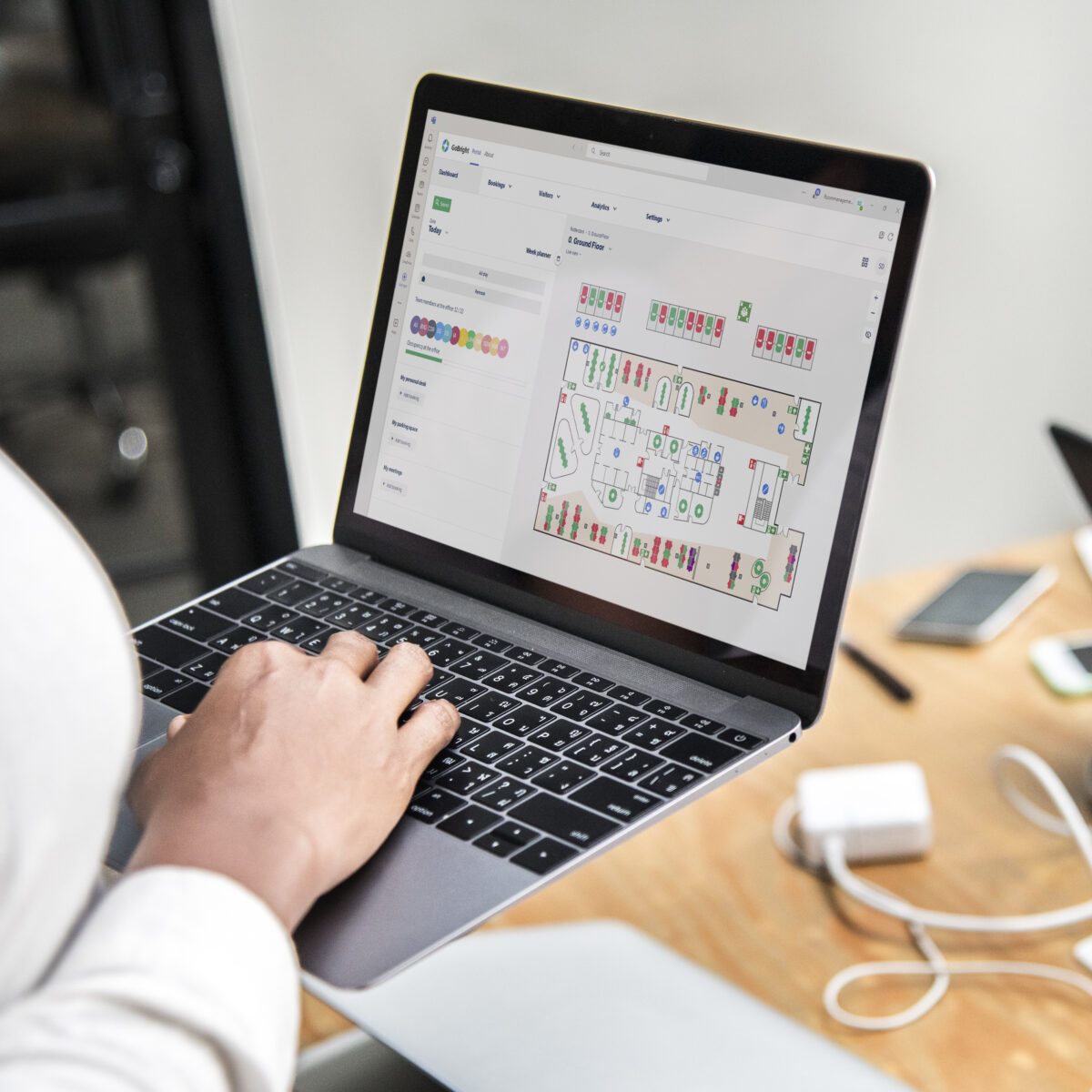
You can now open the GoBright Portal within your Microsoft Teams environment and select a suitable room for your next meeting, based on your preferences. One of the benefits of working with a Room Booking System such as GoBright’s is that all changes made regarding the booking are automatically visible to your colleagues. It does not matter whether you book the room in Teams, Outlook, or directly via the GoBright platform. All systems are in sync and automatically updated. This way, there is no confusion as to when a meeting is hosted, with whom, and whether the room may become available later.
The benefits of Room Booking in Teams

With GoBright Room Booking in combination with Microsoft Teams, organising a meeting is relaxed and worry-free. All GoBright's features can be accessed and used, without leaving your Microsoft Teams environment. No better team than GoBright and Microsoft Teams!
Interactive Map
Easy overview of occupancy and direct booking options in Mapping.
Booking options
Choose a meeting room based on its facilities and your preferences.
Visitor Management
Invite and pre-register your visitors without leaving your Teams environment.
Catering & Services
Arrange Catering & Services that automatically get cancelled or rescheduled if the meeting is postponed.
Frequently Asked Questions
What is Room Booking?
Why should I use a Room Booking system?
Can the GoBright Room Booking Software be linked to other systems?
Can I book meeting rooms in Microsoft Teams?
Explore our FAQ's to find quick answers to common queries about GoBright Room Booking.
let’s make your workplace
smarter, together
Reach out to Chris
our CCO

Other GoBright integrations