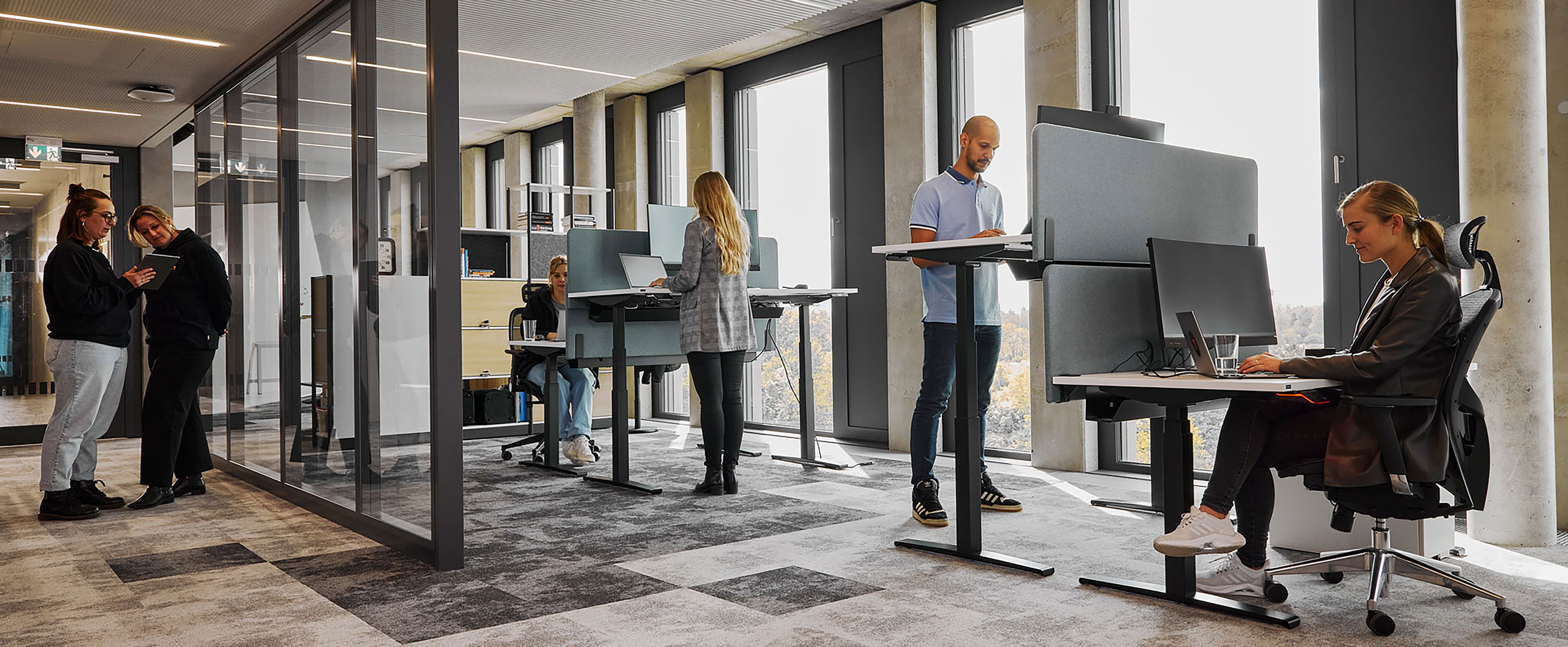
Most people don’t think “I need desk #127 tomorrow.” They think “I’ll be in the office with my team.” Zone Booking bridges this gap by letting employees book a zone rather than a specific seat, making desk reservations feel natural and removing unnecessary friction. Employees simply indicate they’ll be in a certain area and choose their exact desk when they arrive based on what suits them best in the moment.
How Zone Booking Works
Zone Booking introduces a more intuitive booking experience. Instead of hunting for a specific desk location, employees select an entire zone, such as the sales department or marketing team area.
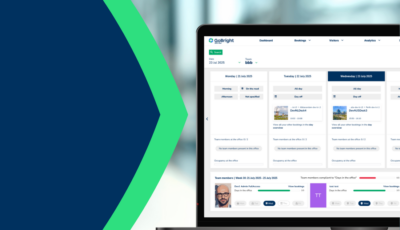
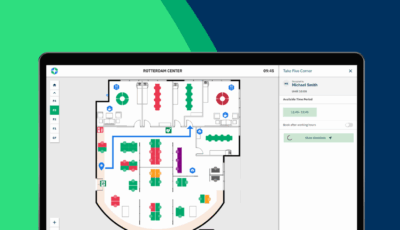
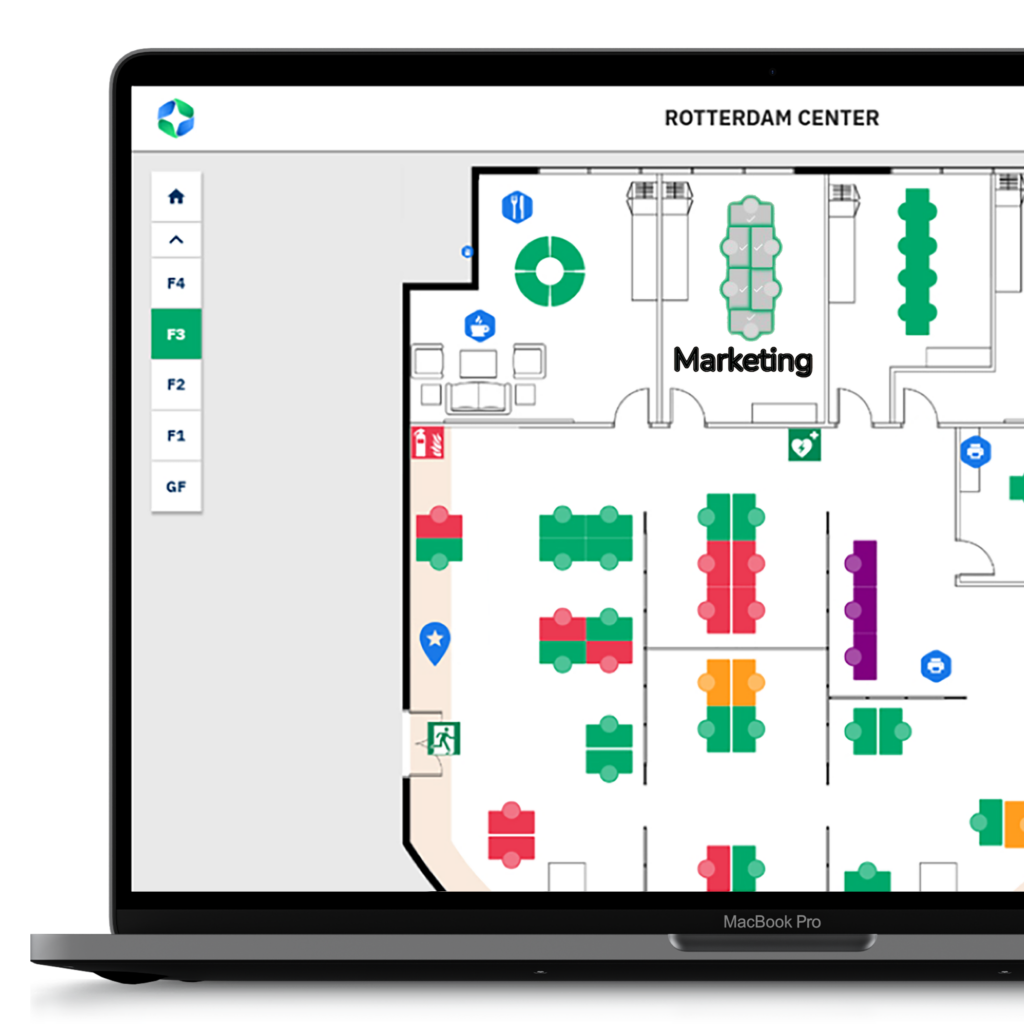
When browsing the floor plan, employees see zones with their total capacity. For example, the sales zone might show “8 desks available.” The employee simply books within that zone, and the system reserves one of those eight desks.
Upon arrival, employees choose whichever desk suits their needs that day, like near a window, close to colleagues, or in a quiet corner for focused work. Once they check in, the system updates to show exactly where they’re working, so colleagues can find them easily.
For administrators, zones are simple to configure in the GoBright portal. Facilities managers designate any group of desks as a zone, whether that’s a department, project team area, or any other logical grouping.
Throughout the day, the floor plan maintains real-time visibility. Colleagues can see someone is working in the sales zone and, once checked in, their exact desk location.
Why Zone Booking Matters
Zone Booking addresses several persistent challenges that organisations face with traditional desk booking systems.
Reducing No-Shows and Ghost Bookings
When employees must commit to a specific desk location hours or days in advance, they often book “just in case” or cancel at the last minute. Zone Booking eliminates this hesitation. Employees feel more confident making reservations because they know they’ll have the flexibility to choose their exact spot based on their needs when they arrive. This increased confidence translates directly into fewer cancelled bookings and more accurate occupancy data.
Saving Time for Everyone
The traditional approach to desk booking often involves searching through floor plans, comparing different desks, and trying to remember which area is near which amenities or colleagues. Zone Booking cuts through this complexity. Employees can book a zone in seconds, without the mental overhead of choosing a specific location they may not even remember when they arrive. Facilities teams also save time, as zone-based reporting provides clearer insights into which areas of the office are truly in demand.
Supporting Natural Collaboration
Teams work better when they can sit together. With traditional seat-specific booking, coordinating adjacent desks becomes a logistical puzzle. Zone Booking makes collaboration effortless. Team members simply book the same zone, knowing they’ll be able to sit near each other when they arrive. This organic approach to workspace selection supports the spontaneous interactions and teamwork that make office days valuable.
More Realistic Workplace Insights
Understanding how your office space is actually used requires accurate data. Zone Booking provides a more truthful picture of workplace occupancy because bookings better reflect genuine intent. When employees book zones with the flexibility to choose their exact desk, your analytics show which areas of the office people actually want to work in, not just which specific desks they happened to click on days ago. These insights enable smarter decisions about office layout, zone sizing, and resource allocation.
Zone Booking represents a shift in thinking about workplace management. Rather than trying to force employee behaviour to fit rigid systems, it adapts the system to match how people naturally work. The result is a desk booking experience that feels less like navigating bureaucracy and more like simply coming to the office to work.
Want to know more?
Discover how Zone Booking can transform desk reservations in your workplace. Our Smart Workplace Experts can show you the feature in action and help you configure zones that match your organisation’s needs.