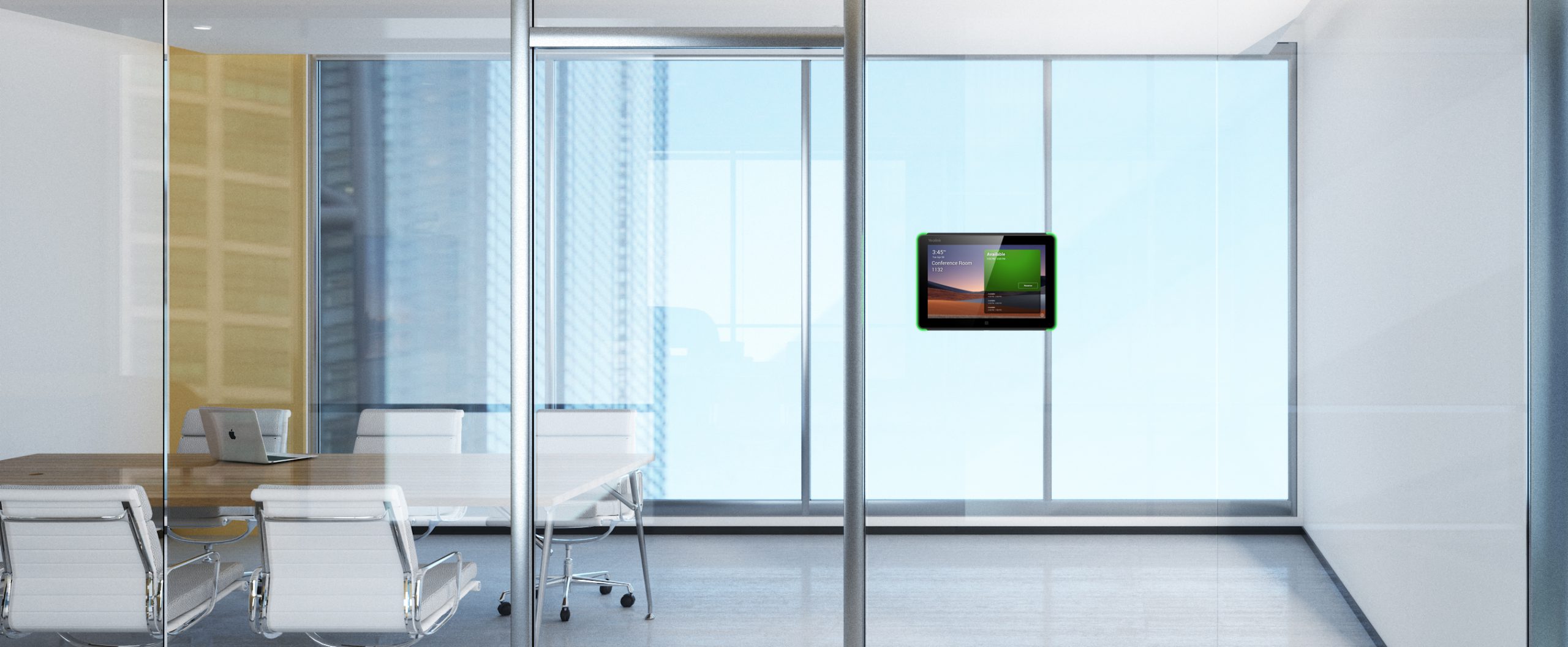
Room Booking in Microsoft Outlook
In flexible workplaces, the office remains a central hub for collaboration, communication, and connection. Make Room Booking an easier process with GoBright’s Microsoft Outlook integration.
- No more switching between systems;
- Plug-in or integration;
- Improve efficiency and employee experience.
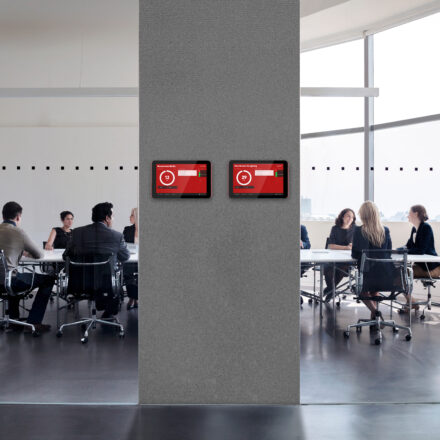
How to book rooms in Microsoft Outlook
Microsoft Outlook is a communication and collaboration platform which helps you to organise email and schedule meetings. You also manage and share your calendar with others in Outlook. Since we offer both a plug-in and an integration, there are two ways in which you can book a meeting or conference room within Microsoft Outlook with GoBright.
Booking meeting or conference rooms with the Outlook integration
Thanks to GoBright’s integration with Outlook, you can easily open the full GoBright Portal by clicking on the GoBright logo, and the booking process for meeting or conference rooms, desks, lockers, and parking spaces works the same as always. The integration also gives you access to the interactive Mapping, the Week Planner and other user advantages.
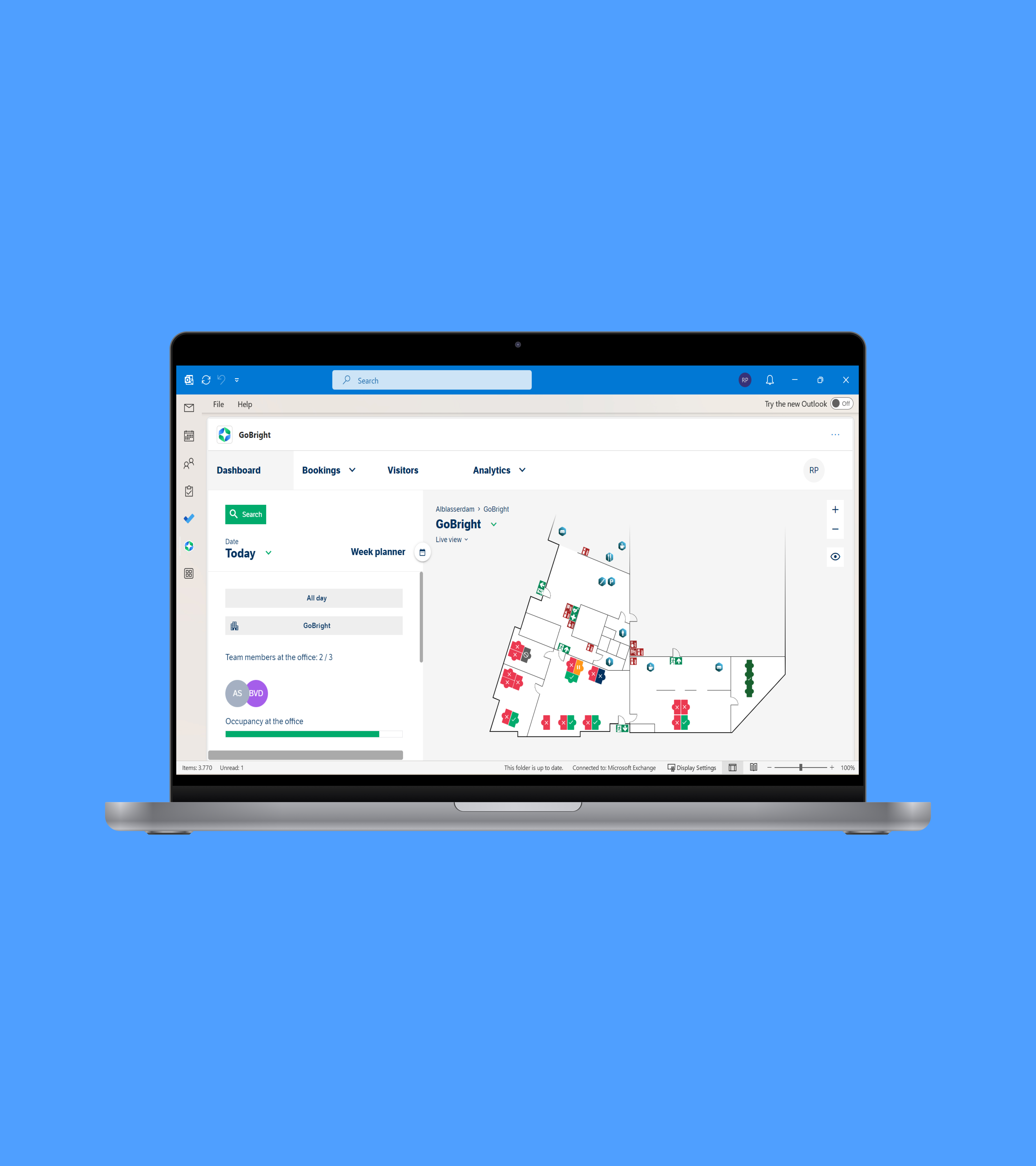
Booking a meeting or conference room with the Outlook plug-in
The Outlook plug-in gives you access to GoBright Room Booking features within your Outlook environment. When arranging a meeting in Outlook, simply click on ‘Manage meeting’-button in your taskbar. This opens the GoBright Plug-in. From here, you have access to powerful search and room booking possibilities, directly in your personal Outlook calendar.

Want to know more?

The benefits of Room Booking in Outlook
With our Outlook integration, we help organise new ways of working in the smart office and make office life a better experience.
No switching
Thanks to the Outlook integration and plug-in, users no longer have to switch between systems to finish setting up a meeting.
Advanced options
Search for a meeting room based on your preferences, reserve catering and book extra room services.
All types of bookings
Book meeting rooms, desks, lockers, and parking spaces within Outlook.
Office Analytics
View your office’s occupancy reports and make strategic data-driven decisions.
Managing visitors
Invite and pre-register your visitors while booking a room.

FREQUENTLY ASKED QUESTIONS
What is Room Booking?
How can I book a meeting room?
How do I book a meeting room in Outlook?
How to book a meeting room using GoBright and Outlook?
Can the GoBright Room Booking Software be linked to other systems?
Explore our FAQ's to find quick answers to common queries about our Products, Features and Services.
Dive into our 'Room Booking' resources
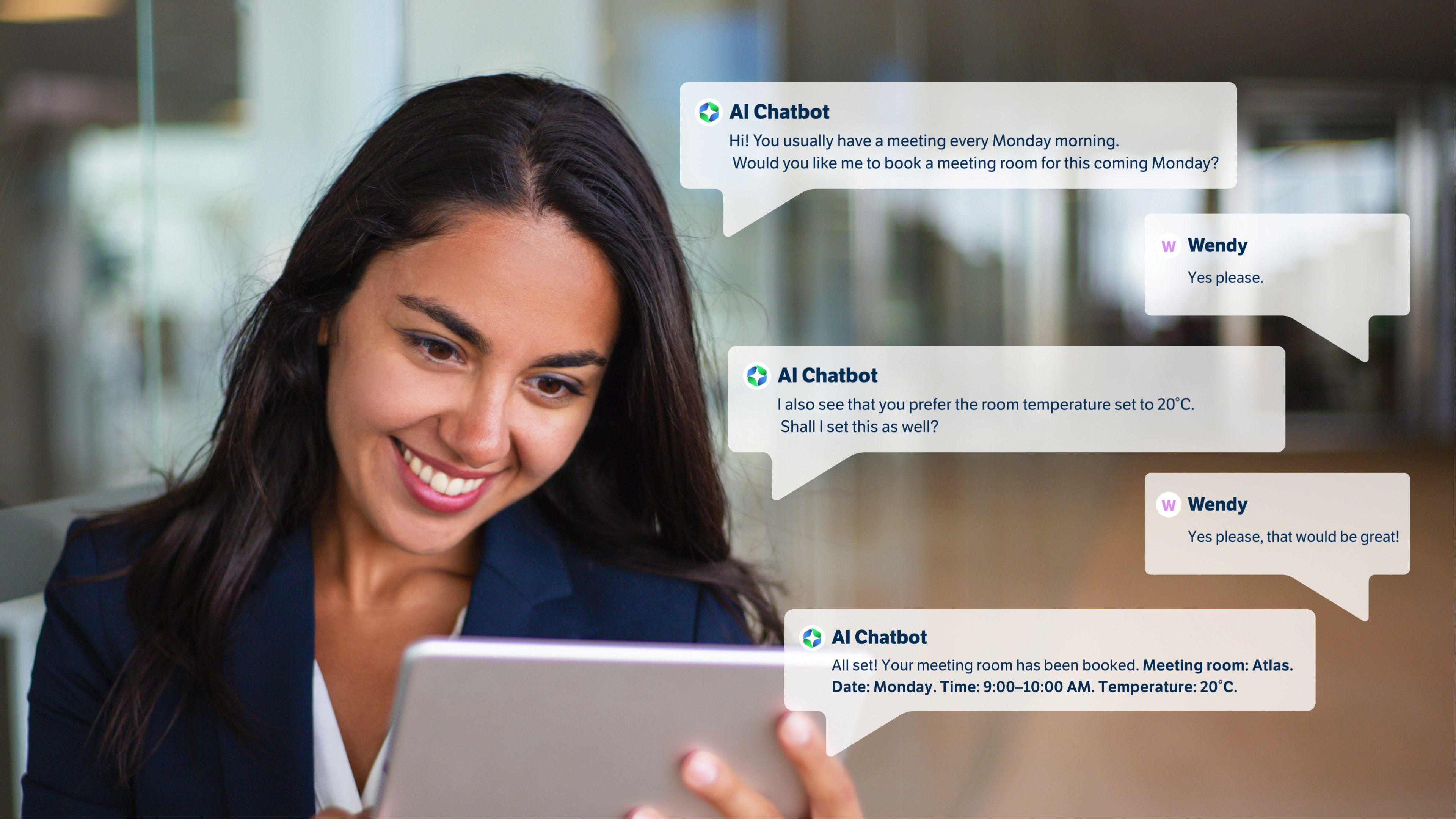
GoBright AI Chatbot for easy room booking in Microsoft Teams
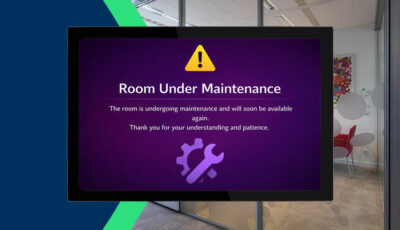
GoBright Maintenance Mode for Rooms, Desks and Parking Spaces

Cisco Integration for Smarter Workplaces
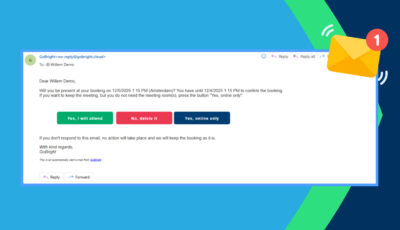
New Feature: Rooms Early Presence Confirmation
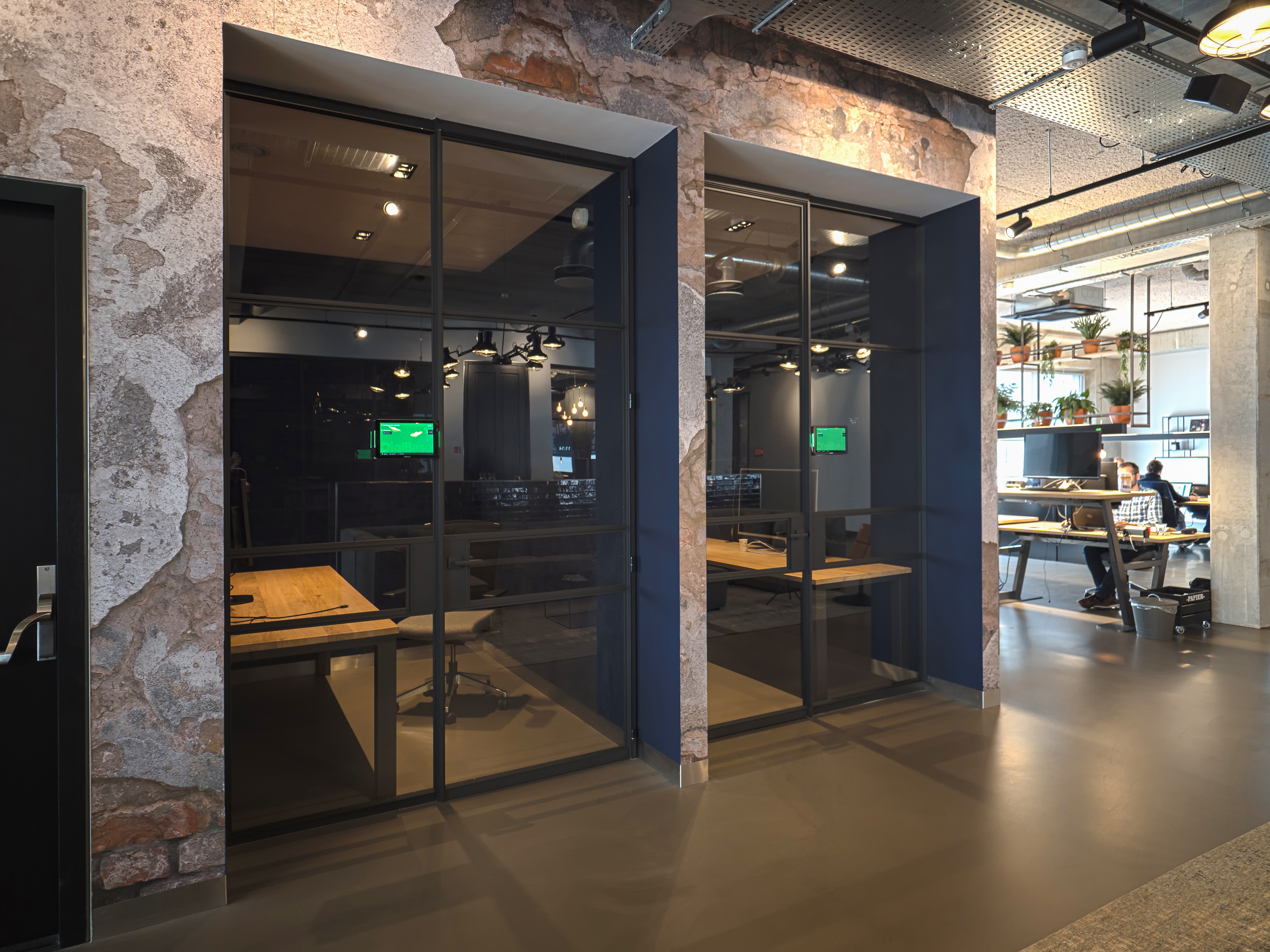
New feature: Book a meeting room on behalf of a colleague
New feature: Customising your Meeting Types
What is Hot desking and how you can implement it successfully?

High-end workplaces with Spiralis & GoBright at The Workplace Event Birmingham
Business cost saving ideas; reduce your company costs efficiently

GoBright Kicks Off New Partnership with Neat at ISE 2025

Optimise your Google Workspace with the GoBright Integration
Space utilization; what is it, why do you need it?

Simplify Your Facility Management with GoBright

Managing Remote Workers
New feature: Adding a buffer time to meeting rooms
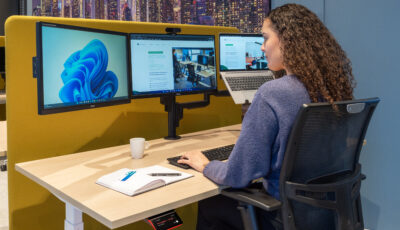
What is space management?
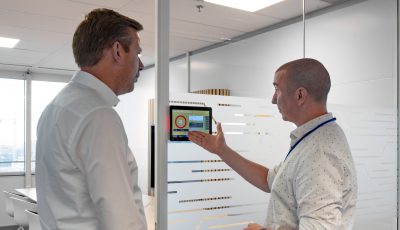
Watch our newest vlog now: the Dutch Railways success story
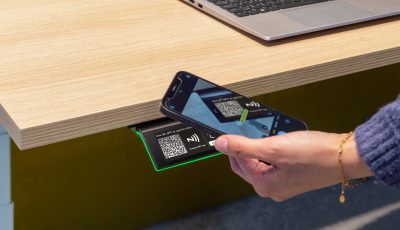
The Ins and Outs of the GoBright Interact – and upcoming upgrades
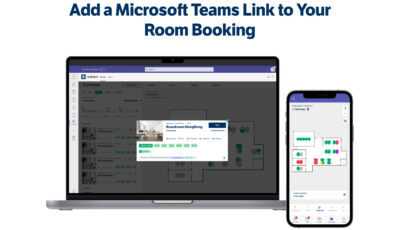
Add a Microsoft Teams Link to Your Room Booking
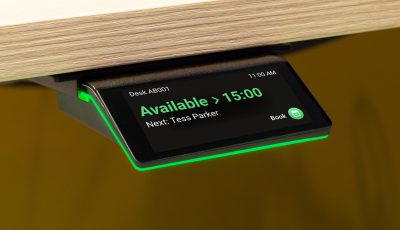
GoBright Interact: a revolutionary NEW hardware device for room and desk booking
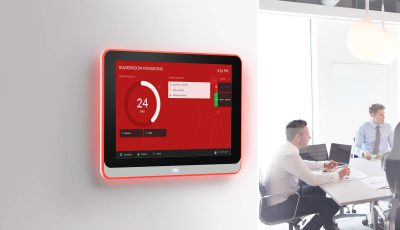
GoBright Room Booking in Microsoft Teams
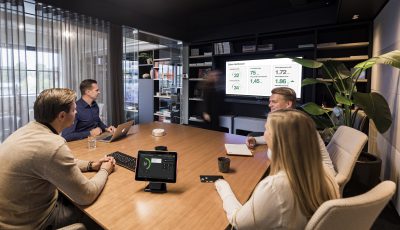
GoBright Room Booking System, Microsoft Outlook & Microsoft Teams

5 Facts about the Smart Hybrid Future Office
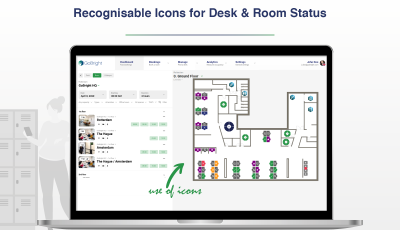
Accessibility Improvement: Desk & Room Status Icons
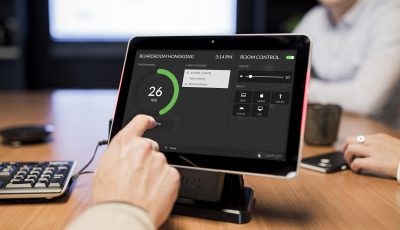
Room Management in the Hybrid Workplace
GoBright Outlook Plugin Upgrade

Create a Sustainable Office using Smart Office Technology

What role does technology play in the modern office evolution?
GoBright is ISO 9001 and ISO 27001 certified
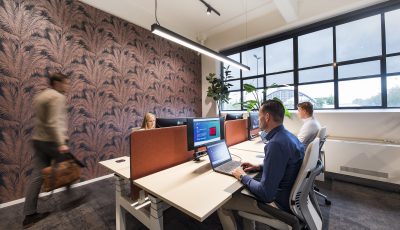
Smart Office: Make Smarter Use of Your Office Space
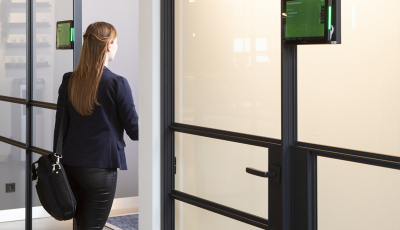
The best user experience with GoBright’s Certified Hardware

Room Management partnership between TOPdesk and GoBright

A meeting is more than just talking (Catering and Services)
Ready For More?
Get in contact with Gonnie, our Channel Development Manager.