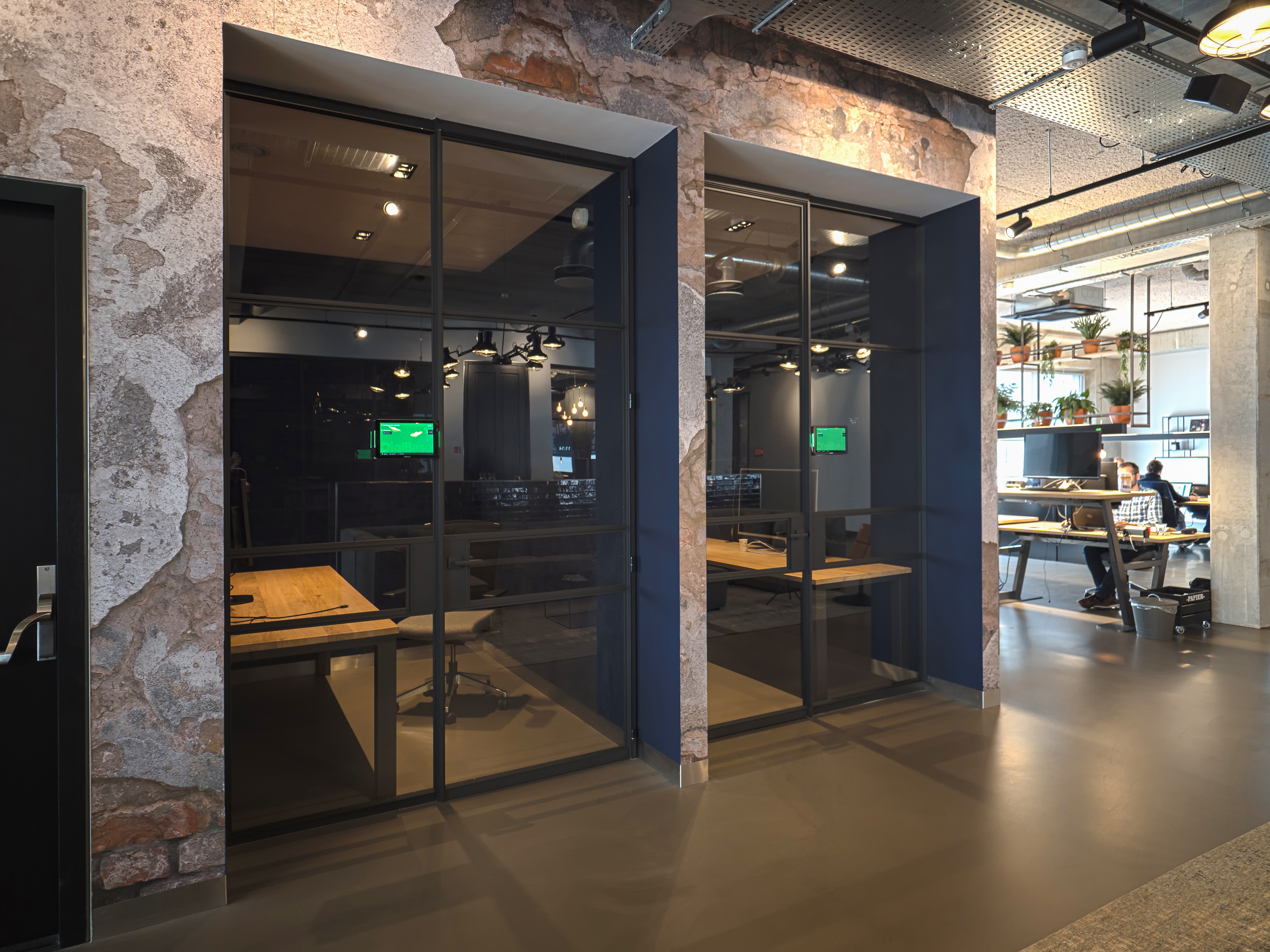
This new feature makes it possible to book a meeting room for a colleague directly in the GoBright platform — without needing Outlook delegated permissions. It’s designed to make workplace planning even more flexible and clear. We are excited to introduce our latest Room Booking innovation: On-behalf booking for meeting rooms.
How does it work?
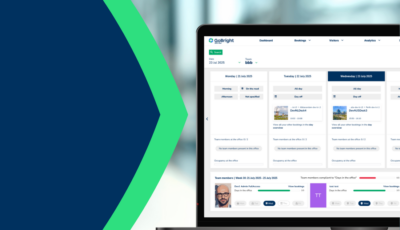
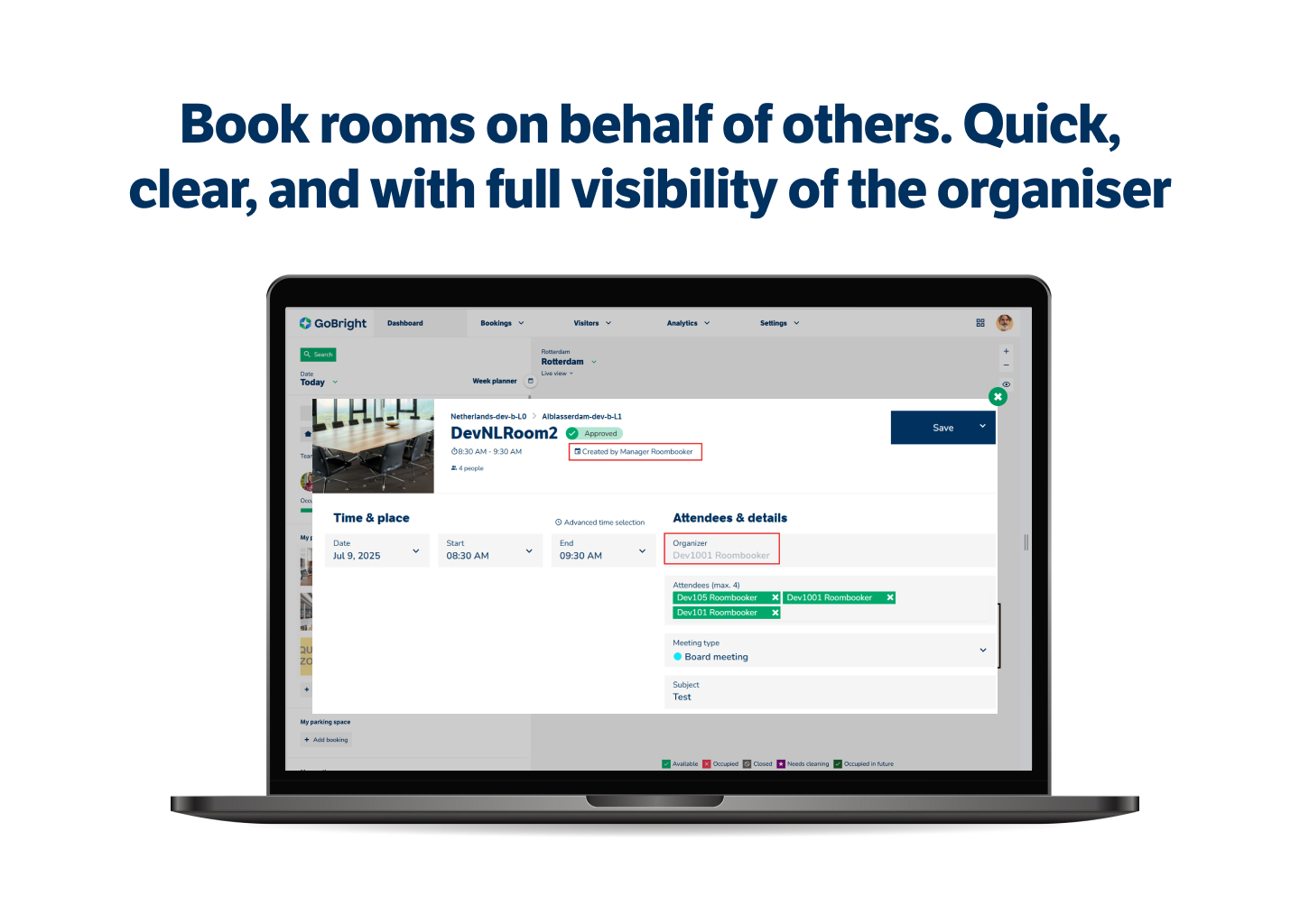
The On-behalf booking feature allows you to book a meeting room for another person, who will appear as the organiser of the meeting. When creating the booking, it is clearly shown who made the booking and who the organiser is. This transparency is especially useful for supporting services such as catering, visitor reception, or facility management. Everyone involved can see exactly who to contact if adjustments are needed. Admins can decide which users are allowed to make bookings on behalf of others, giving you full control over who can use this functionality.
This feature is fully integrated into the GoBright platform and is available free of charge to all customers.
Why is Meeting Types important?
We noticed that many customers arrange meetings for colleagues using delegated access via Outlook. While this works, it can be complex and often lacks clear insight into who created the booking.The On-behalf booking feature solves this by allowing you to manage everything directly within GoBright, with full visibility and better control.
This not only improves internal workflows and saves time but also helps avoid miscommunication. For example, catering services no longer have to guess who ordered lunch for a meeting, and your CEO won’t be unnecessarily approached about a booking they didn’t create.
On-behalf booking is another step forward in our mission to make hybrid working and office management smarter, simpler, and more efficient — all while responding directly to your needs and wishes.
On-behalf booking is available to all existing GoBright Room Booking licence holders at no extra cost.
Want to know more?
Contact us for more information or to book a demo.