Bordbestilling i Microsoft Teams
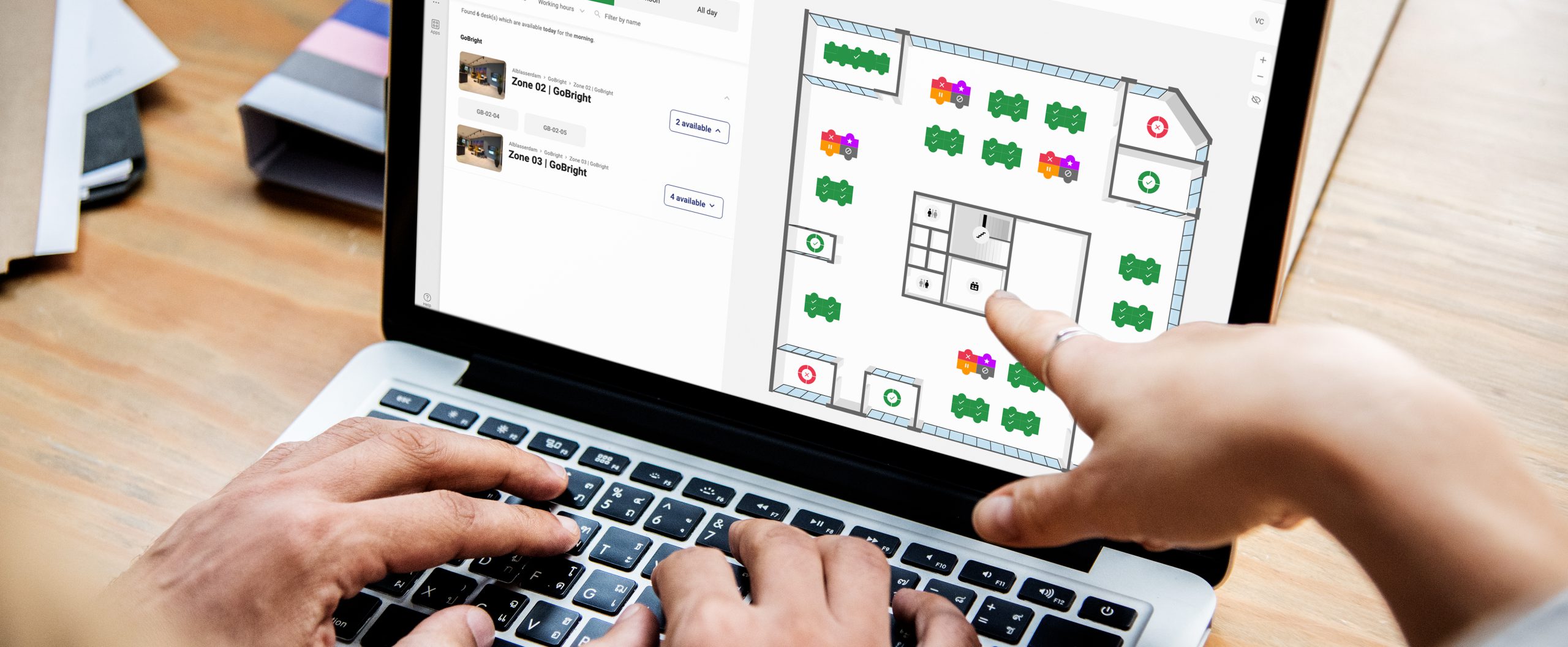
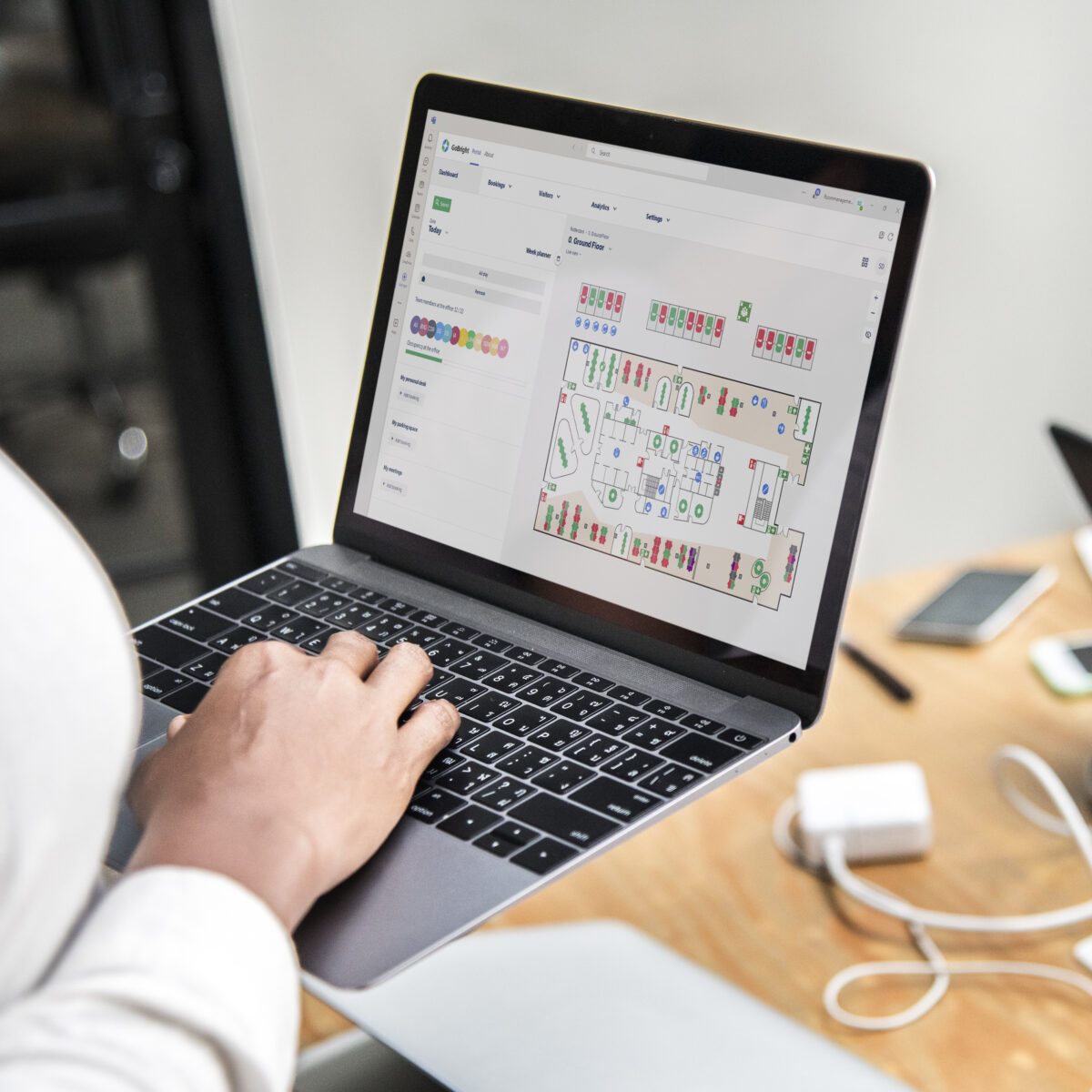
GoBright har integrert med Microsoft Teams for å gjøre den generelle brukeropplevelsen av arbeid til en mer sentralisert og enhetlig opplevelse. Åpne GoBright Portal i Microsoft Teams og planlegg og organiser dagen din basert på dine preferanser.
- Jobber med GoBright Portal, App og Kartlegging;
- Foreta bordbestillinger;
- Toveis integrasjon.
Hva er Desk Booking?
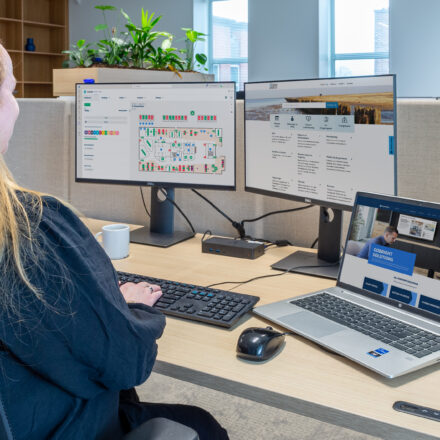
Moderne måter å jobbe på, som hot desking eller aktivitetsbasert arbeid, krever bordbestillingsprogramvare for å lette ulike typer ansatte. Med GoBright 's Desk Booking-programvare ansatte kontrollerer sin egen arbeidsplass og -dag. Dette har vist seg å forbedre samarbeidet og kommunikasjonen mellom ansatte i høy grad, da det ikke er usikkerhet om hvem de kan kommunisere med og hvordan.
Hvordan bestille en pult via Microsoft Teams
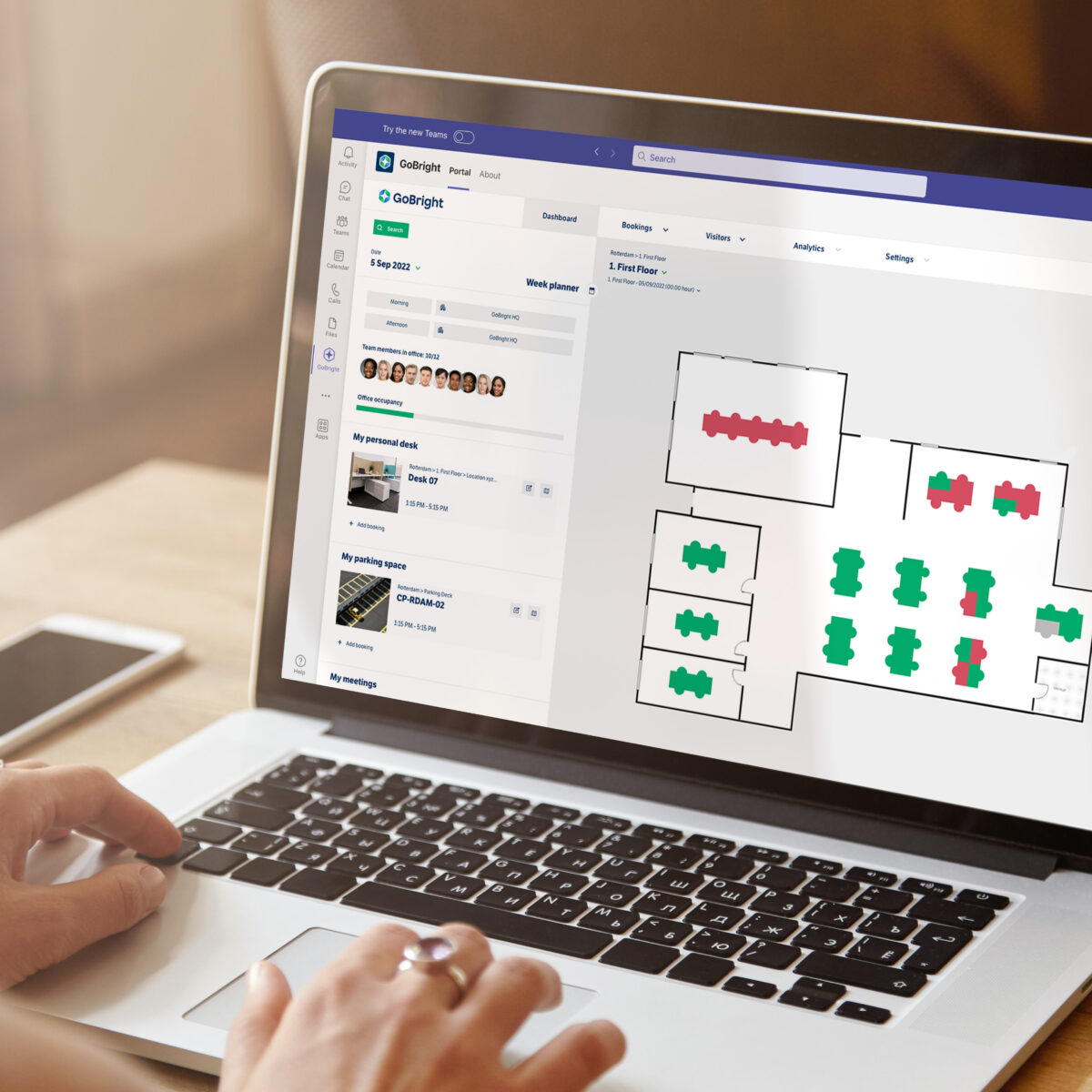
Det er utrolig enkelt å bestille skrivebord via Teams GoBright Bordbestilling . Du kan finne og bestille ledige pulter direkte i GoBright portal med bare noen få klikk. Takket være sømløs integrasjon med Teams er det ikke nødvendig å bytte mellom ulike apper, noe som gjør bestillingsprosessen rask. Med et tydelig grensesnitt kan du enkelt se tilgjengelighet på skrivebordet, angi preferanser og foreta bestillinger umiddelbart. Dette gjør planleggingen av arbeidsdager uanstrengt og effektiv, slik at du kan fokusere på oppgavene dine uten problemer med skrivebordsjakt.
GoBright gjør fleksibelt arbeid på kontoret mulig med smarte og innovative programvareløsninger. Denne integrasjonen gir deg enda mer brukervennlige og smarte måter å designe din perfekte balanse mellom arbeid og privatliv. Tilpass deg enkelt til en mer fleksibel måte å jobbe på og bygg en smart hub av løsninger med fokus på Human Office.
Vil du vite mer?

Fordelene med Desk Booking i Teams
Integrasjonen med Microsoft Teams gir mange fordeler for moderne arbeidsplasser. Du får direkte tilgang til Desk Booking innen Teams, og forbedrer arbeidsflyten ved å ha alt på ett sted. Denne sømløse integrasjonen sikrer at alle bestillinger gjøres inn GoBright er synlige i Microsoft Teams-kalenderen, og omvendt. Dette forbedrer synlighet og koordinering. Ved å bringe Desk Booking sammen med andre verktøy som videosamtaler og fildeling, øker integrasjonen effektiviteten og produktiviteten. Du kan enkelt planlegge arbeidsdagene dine, kommunisere med kolleger og bestille favorittpulten din, alt på ett sted. Dette gjør GoBright Desk Booking via Teams utrolig enkelt med Microsoft Desk Booking System .
Arbeidsgivergoder

Å administrere skrivebord er ikke bare fordelaktig for ansatte, men også for avdelingen din. Ved å bruke et Desk Booking System med Microsoft får du innsikt i hvordan arbeidsplasser brukes, hva ansattes preferanser er, og hvordan du kan omforme kontormiljøet deretter. Til syvende og sist vil bruk av et bordbestillingssystem forbedre samarbeidet og kommunikasjonen mellom ansatte.
ANALYTIKK
Det er viktig i fleksible arbeidsmiljøer å holde oversikt over kontorarealutnyttelsen. Hvor mange ansatte jobber på kontoret dag for dag? Har du nok arbeidsplasser? Alle disse spørsmålene kan besvares basert på data. Arbeidsplassanalyse av bestillinger, innsjekkinger og manglende oppmøte gjør datadrevne valg for mer effektivitet og bærekraft mulig. Etterspørselen etter skrivebordsadministrasjon fortsetter å vokse eksponentielt. I Smart Office kan ansatte administrere arbeidsdagene sine og jobbe raskere, bedre og smartere.
Ofte stilte spørsmål
Hva er Desk Booking?
Hva er fordelene med et bordbestillingssystem?
Hva er et bordbestillingssystem?
Hvorfor trenger jeg en Desk Booking-løsning?
Utforsk våre vanlige spørsmål for å finne raske svar på vanlige spørsmål om GoBright Bordbestilling.
Klar for mer?
Ta kontakt med Jan-Maurice, vår kanalutviklingssjef.