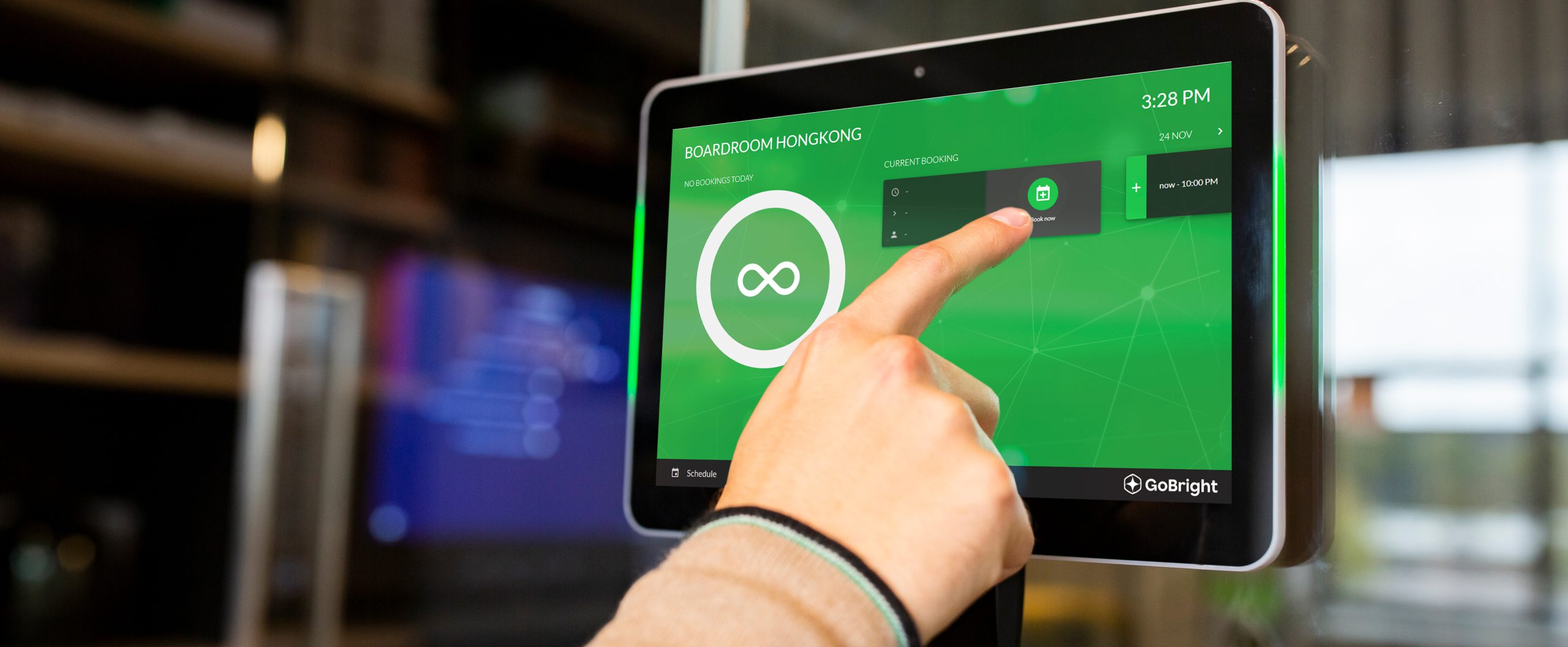
You can book a room in different ways. Firstly, rooms can be booked in your personal calendar, in for example Microsoft Outlook, Microsoft Teams, or Google Workspace. But rooms can also be booked through GoBright’s Portal and the Mobile App. Lastly, rooms can be booked ad hoc at the Room Display which is placed outside of the meeting room.
You can choose to book a room via the interactive Mapping screen or choose to use the search filter in the GoBright Portal or Mobile App.
Your booking, from wherever you have requested it, will be directly visible on all platforms, so it is visible to everybody which rooms are available and which are occupied for a certain time slot. It, therefore, doesn’t matter which way of booking you prefer.
