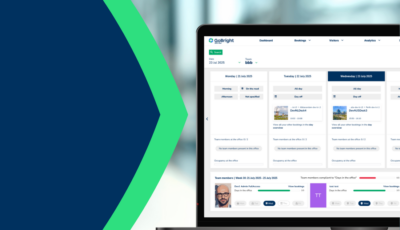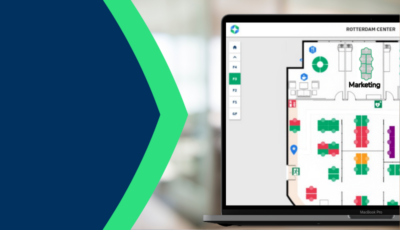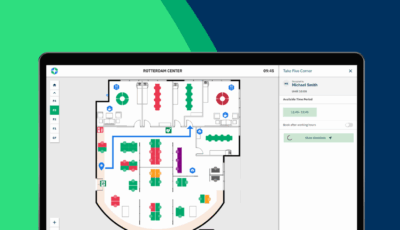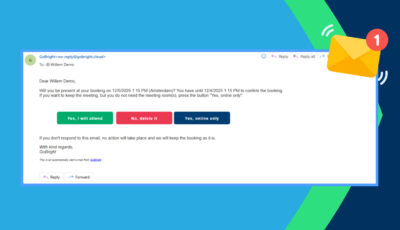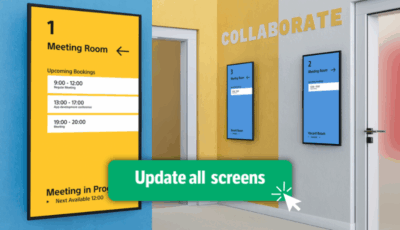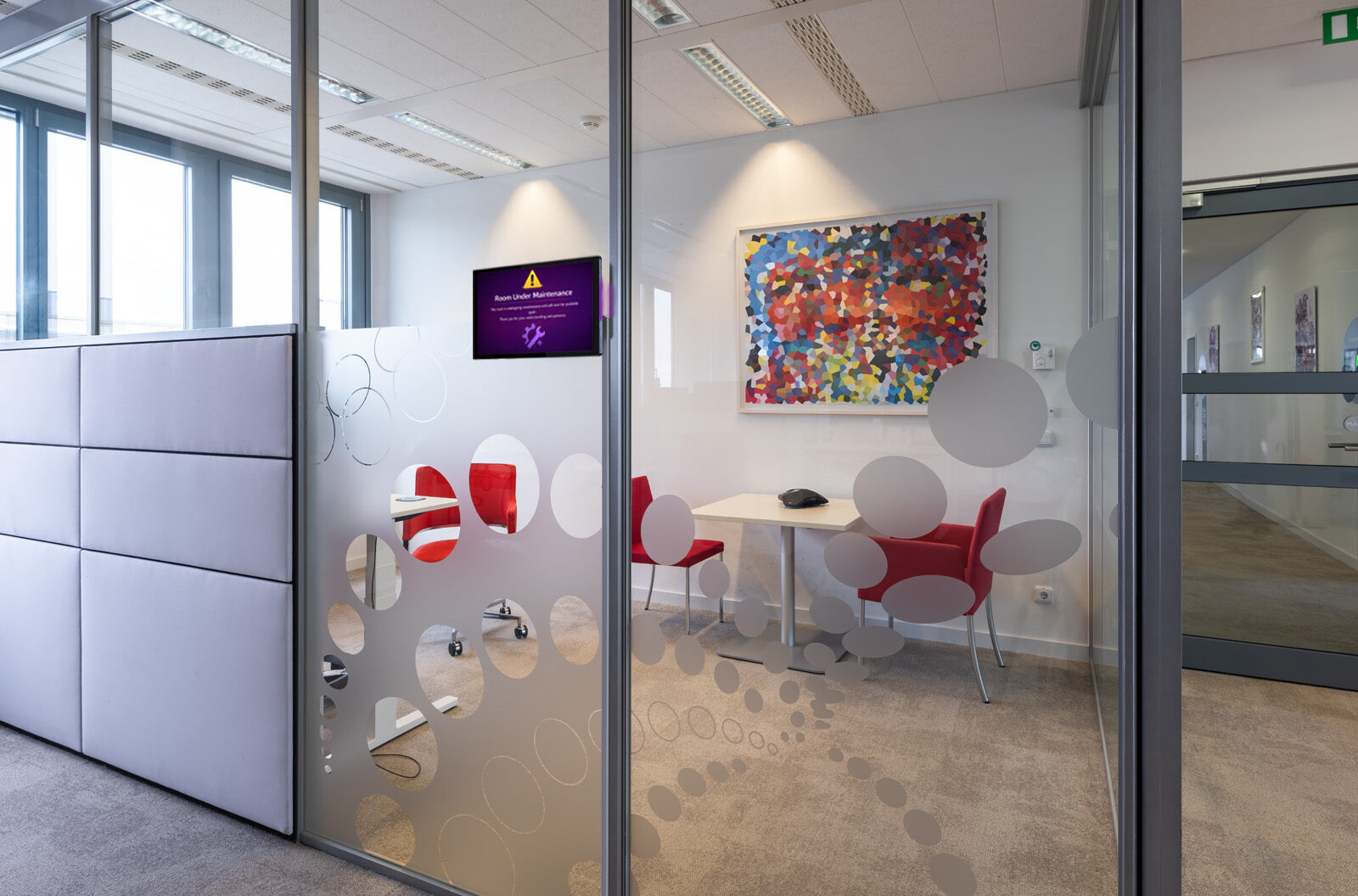
Rooms go offline. Desks get taken out of use. Parking spaces need maintenance too. When any space becomes unavailable, the last thing you need is employees turning up to find it out of action. GoBright’s new Maintenance Mode handles it proactively — activate it for a meeting room, desk or parking space, and it becomes unbookable immediately. Anyone with an existing booking is notified automatically. No manual chasing, no confusion. This feature is part of the GoBright Room Booking System.
How Does It Work?
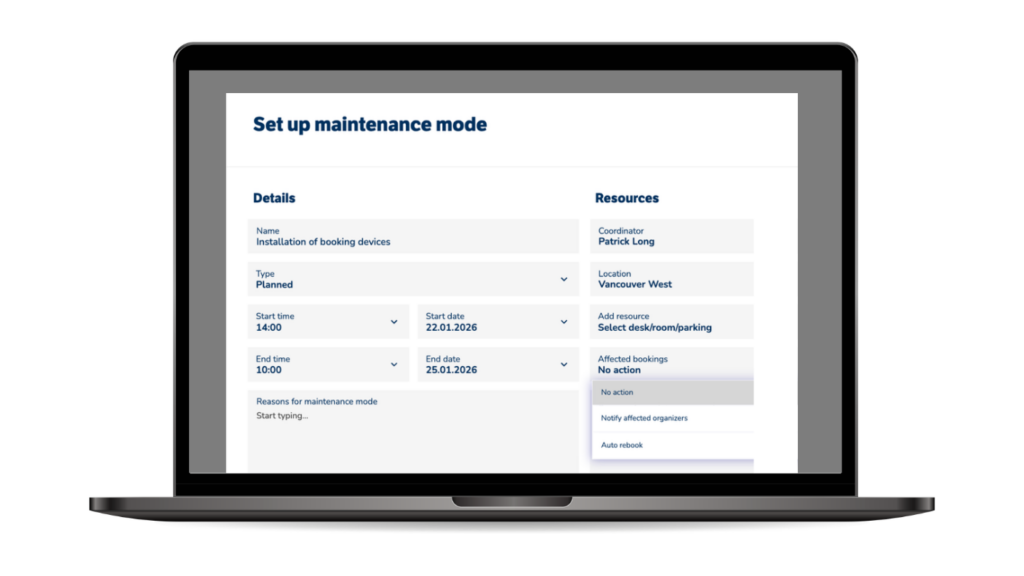
An admin or facilities manager activates Maintenance Mode directly in the GoBright platform. It works across meeting rooms, desks and parking spaces. Once activated, the space is immediately removed from the booking system — no one can reserve it until Maintenance Mode is turned off. Anyone who already has a booking receives an automatic notification straight away.
Coming in Q2: automatic rebooking, which routes affected users to an available alternative without them having to search themselves.
Why Do You Need It?
Reactive space management creates friction. When a meeting room, desk or parking space goes offline without warning, the knock-on effects spread fast — missed meetings, wasted time, frustrated employees. Facilities teams end up firefighting.
Maintenance Mode shifts that. Planned downtime is handled with confidence. Unexpected issues are dealt with the moment they arise. This matters especially in hybrid workplaces, where employees often travel in specifically for a booked space — whether that is a desk, a room or a parking spot. Automatic notifications mean people find out immediately, not when they arrive at a locked door. That reliability is what keeps trust in your booking system intact.
Want to Know More?
GoBright Maintenance Mode is available now. If you want to see exactly how it works, our Smart Workplace Experts can show you the feature in action. Or explore the full GoBright product range to see what else is possible.