Smart office infrastructure consists of interconnected technology systems that automate and optimise workplace operations through IoT sensors, software platforms, and networking solutions. These integrated components work together to enhance productivity, reduce operational costs, and improve the employee experience through real-time data insights and automated processes. Understanding each component helps organisations build comprehensive smart office transformation strategies.
What exactly is smart office infrastructure and why does it matter?
Smart office infrastructure is an interconnected ecosystem of technology systems that automate and optimise workplace operations through data collection, analysis, and intelligent responses. This infrastructure combines hardware devices, software platforms, and networking solutions to create responsive environments that adapt to user needs and organisational requirements.
The primary purpose centres on enhancing productivity by eliminating manual processes and providing employees with intuitive tools for workspace management. Smart office digitisation reduces operational costs through optimised space utilisation, energy management, and predictive maintenance capabilities. These systems deliver an improved employee experience by offering seamless booking processes, personalised workspace settings, and efficient resource allocation.
Modern organisations rely on smart office insights to make data-driven decisions about space planning, occupancy patterns, and resource allocation. The infrastructure provides facility managers with real-time visibility into workplace usage, enabling strategic planning for hybrid work models and activity-based working environments. This foundation supports the smart office future by creating adaptable spaces that respond to changing work patterns and employee preferences.
What are the essential hardware components of a smart office system?
Essential hardware components include IoT sensors for occupancy detection, smart displays for information and booking management, access control systems, environmental monitoring devices, and connectivity infrastructure that enables communication between all system elements.
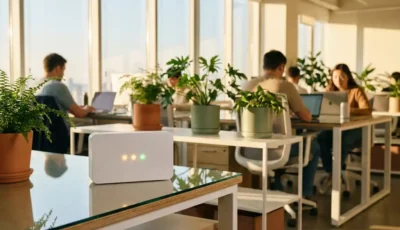
Occupancy sensors form the foundation of smart office monitoring, detecting presence at desks, in meeting rooms, and in common areas. These sensors provide accurate data for space utilisation analytics and automated booking systems. Environmental monitoring devices track temperature, humidity, air quality, and lighting conditions to optimise comfort and energy efficiency.
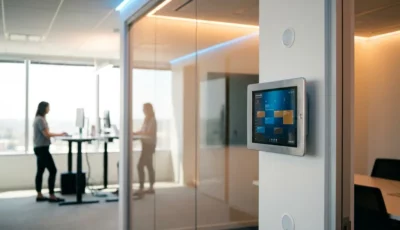
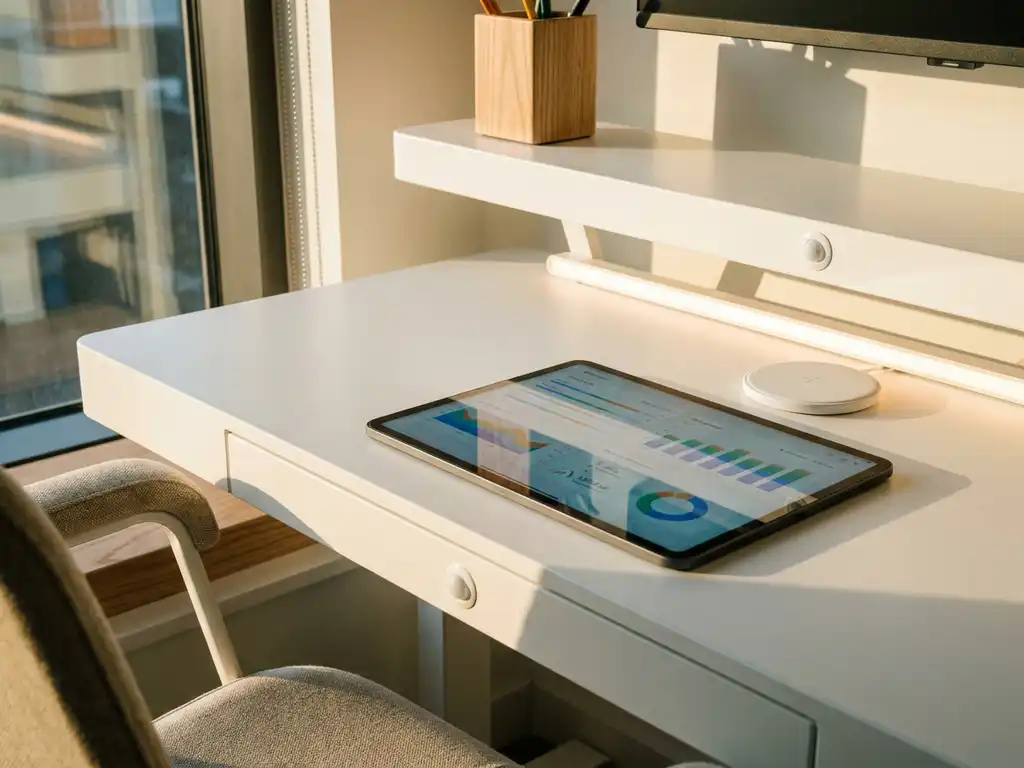
Smart displays and touchscreen devices serve as user interaction points throughout the workspace. Interactive booking panels at meeting rooms allow real-time reservations and status updates, while desk-mounted devices enable check-ins and personalised settings. For example, the GoBright Interact combines touchscreen functionality with NFC check-in capabilities and automatic desk height adjustment through integrated partnerships with manufacturers such as Linak.
LED indicator systems provide instant visual feedback about space availability across the office. These compact devices work alongside booking systems to show real-time status through colour-coded lights, helping employees quickly identify available workspaces. Power management hardware, such as smart plugs, can control energy consumption by activating workstations only when checked-in users are present, typically saving around £24 per desk annually through reduced standby power consumption.
How do software platforms tie smart office components together?
Centralised management platforms integrate various smart office systems through unified dashboards, mobile applications, and cloud-based analytics tools that enable coordinated control and comprehensive data analysis across all workplace components.
The software layer serves as the brain of smart office infrastructure, collecting data from hardware sensors and devices, processing this information, and triggering appropriate responses. Booking systems manage room and desk reservations while synchronising with calendar applications such as Microsoft Outlook and Google Workspace to prevent conflicts and streamline scheduling processes.
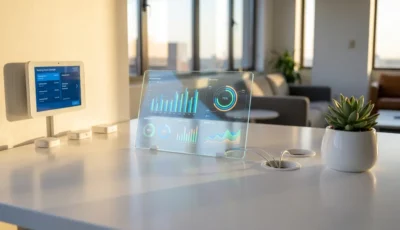
Analytics dashboards provide facility managers with comprehensive insights into space utilisation, occupancy patterns, and resource efficiency. These platforms generate reports on peak usage times, underutilised areas, and energy consumption patterns that inform strategic planning decisions. Smart office control extends to mobile applications that enable employees to book spaces, locate colleagues, and access building services from their devices.
Integration capabilities ensure the platform works seamlessly with existing organisational tools and systems. Native integrations with productivity suites, helpdesk systems such as TOPdesk, and communication platforms create a unified ecosystem. The software also manages digital signage content, visitor registration processes, and parking allocation, providing a single interface for all workplace management functions while maintaining data consistency across all connected systems.
What role do connectivity and networking play in smart office infrastructure?
Connectivity and networking provide the communication backbone that enables real-time data exchange between smart office components through Wi‑Fi 6, ethernet infrastructure, cellular connectivity, and edge computing capabilities supported by enterprise-grade security protocols.
Reliable network infrastructure ensures consistent communication between sensors, displays, mobile devices, and central management platforms. Wi‑Fi 6 technology supports the high density of connected devices typical in smart offices while maintaining low latency for real-time responses. Power-over-Ethernet (PoE) solutions simplify installation by delivering both power and data through single cables to devices such as smart displays and sensors.
Edge computing capabilities process data locally to reduce latency and improve response times for critical functions such as access control and emergency systems. This distributed approach ensures smart office productivity continues even during network disruptions while reducing bandwidth requirements for cloud-based analytics.
Security protocols protect sensitive workplace data and prevent unauthorised access to building systems. Enterprise-grade security includes encrypted communications, secure authentication methods, and compliance with standards such as ISO 27001 and GDPR requirements. Network segmentation isolates smart office systems from other corporate networks, while regular security updates maintain protection against evolving threats. Redundant connectivity options, including cellular backup connections, ensure continuous operation of critical systems such as access control and emergency communications.
How do you choose the right smart office infrastructure for your workplace?
Choosing the right infrastructure requires assessing organisational needs, evaluating scalability requirements, considering integration capabilities with existing systems, planning the budget, and selecting products that align with specific workplace goals and hybrid work strategies.
Begin by conducting a thorough assessment of current workplace challenges and future requirements. Consider factors such as office size, employee count, work patterns (hybrid, activity-based, traditional), and existing technology infrastructure. Identify specific pain points such as underutilised meeting rooms, difficulty locating colleagues, or inefficient visitor management processes that smart office solutions should address.
Evaluate scalability requirements to ensure the chosen infrastructure can grow with organisational needs. Consider licensing models that offer flexibility, such as per-desk or per-room pricing rather than per-user models, which can be more cost-effective for organisations with varying occupancy levels. Assess whether the platform supports multiple locations and can integrate additional functionality as requirements evolve.
Integration capabilities with existing systems significantly impact implementation success and user adoption. Prioritise solutions that offer native integrations with current productivity tools, calendar systems, and communication platforms. Consider the technical requirements for implementation, including network infrastructure needs and hardware installation requirements.
Budget planning should encompass initial setup costs, ongoing licensing fees, maintenance requirements, and potential expansion costs. Factor in the total cost of ownership, including energy savings from smart power management and efficiency gains from optimised space utilisation. Evaluate vendors based on their track record, security certifications, data hosting locations, and ongoing support capabilities to ensure the long-term success of your smart office transformation. For expert guidance throughout this process, contact specialists who can help assess your specific requirements and recommend tailored solutions.
How GoBright helps with smart office infrastructure
GoBright provides a comprehensive smart office platform that transforms workplace operations through integrated hardware and software solutions. Our complete ecosystem addresses every aspect of smart office infrastructure:
- Hardware solutions: Smart displays, occupancy sensors, LED indicators, and NFC devices that provide real-time workspace management
- Software platform: Unified dashboard for booking management, analytics, and system control with native integrations to Microsoft 365, Google Workspace, and enterprise tools
- Analytics and insights: Detailed reporting on space utilisation, occupancy patterns, and energy consumption to optimise workplace efficiency
- Scalable implementation: Flexible deployment options from single-location setups to enterprise-wide installations across multiple buildings
- Professional support: Expert consultation, implementation planning, and ongoing technical support to ensure successful smart office transformation
Ready to transform your workplace with smart office infrastructure? Contact GoBright today to schedule a consultation and discover how our integrated solutions can optimise your workspace for the future of work.