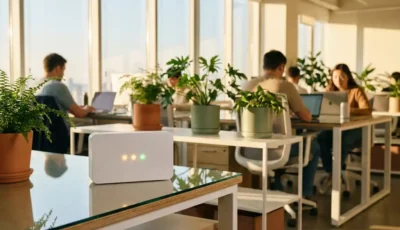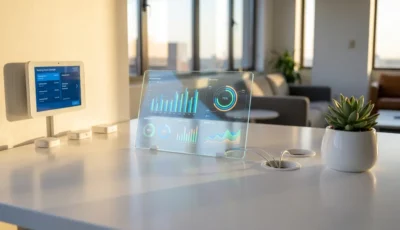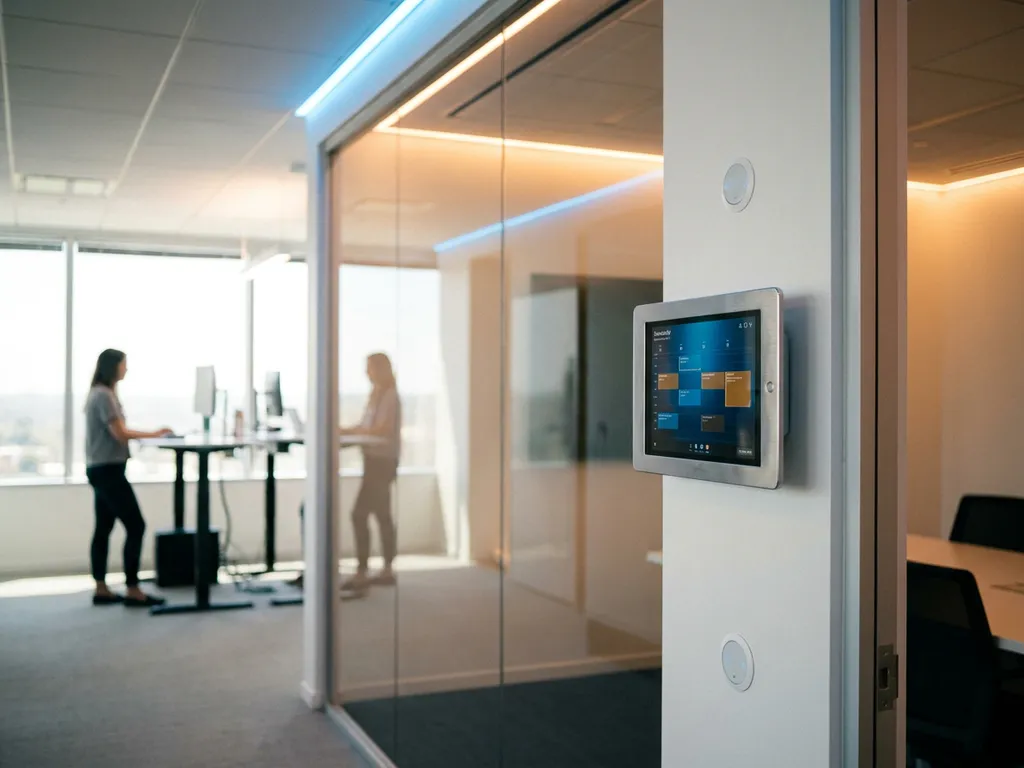
Smart office infrastructure encompasses an interconnected ecosystem of technology solutions that transform traditional workspaces into intelligent, data-driven environments. This includes IoT sensors, workplace management platforms, automated systems, and digital interfaces that work together to optimise space utilisation, enhance the employee experience, and provide real-time insights for facility management. Modern organisations use these integrated systems to support hybrid work models while reducing operational costs and improving productivity.
What exactly is smart office infrastructure and why does it matter?
Smart office infrastructure is a comprehensive network of connected technologies that digitises and automates workplace operations through real-time data collection and intelligent responses. Unlike traditional offices that rely on manual processes and static layouts, smart offices use sensors, software platforms, and automated systems to create dynamic environments that adapt to actual usage patterns and employee needs.
The infrastructure combines physical hardware components with cloud-based software platforms to create what is known as the smart office experience. This includes everything from occupancy sensors that detect when spaces are being used, to interactive displays that show real-time availability, to automated environmental controls that adjust lighting and temperature based on presence detection.
This technology matters because it addresses the fundamental challenges facing modern workplaces. Organisations transitioning to hybrid work models need visibility into how their spaces are actually being used, not just how they are booked. Traditional office management relies on assumptions and periodic surveys, while smart office infrastructure provides continuous, objective data about space utilisation, employee preferences, and operational efficiency.
The business value becomes clear when you consider the costs involved in office real estate. Most organisations use less than 60% of their available workspace effectively, yet continue paying for the full footprint. Smart office transformation enables data-driven decisions about space planning, energy consumption, and resource allocation, typically resulting in significant cost reductions and improved employee satisfaction.
What are the essential technology components of a smart office?
The essential components of smart office infrastructure include occupancy sensors, workplace management platforms, interactive hardware devices, environmental controls, digital signage systems, and integration layers that connect with existing business tools. These elements work together to create a unified ecosystem that monitors, manages, and optimises the entire workplace experience.
Occupancy sensors form the foundation of smart office monitoring by detecting when desks, meeting rooms, and common areas are actually being used. These sensors provide the real-time data that drives all other smart office functions, from availability displays to automated environmental controls. Modern sensors can distinguish between brief visits and actual occupancy, ensuring accurate usage data.
Workplace management platforms serve as the central brain of the smart office, processing sensor data and coordinating responses across all connected systems. These platforms typically include booking systems for desks and meeting rooms, visitor management capabilities, and analytics dashboards that provide insights into space utilisation patterns and employee behaviour.
Interactive hardware devices bridge the gap between digital platforms and physical spaces. This includes touchscreen panels for room and desk booking, LED indicators that show availability status, and smart desk controllers that remember individual height preferences. We have developed products like the GoBright Interact, which combines booking functionality with NFC check-in and automatic desk adjustment capabilities.
Environmental control systems integrate with occupancy data to automatically adjust lighting, heating, and ventilation based on actual space usage rather than fixed schedules. This approach to smart office control reduces energy consumption while maintaining optimal comfort levels for employees who are actually present.
Digital signage and wayfinding systems provide dynamic information displays throughout the office, showing everything from meeting room availability to company announcements. These systems can integrate with booking platforms to show real-time information and help employees navigate to available spaces quickly.
How do smart office systems actually work together?
Smart office systems work together through integrated data flows where sensors collect occupancy and usage information, central platforms process this data in real time, and connected devices respond automatically to optimise the workplace experience. The integrations create a continuous feedback loop that learns from actual usage patterns and adjusts system responses accordingly.
The process begins with smart office monitoring through various sensors placed throughout the workspace. These sensors detect presence, movement, environmental conditions, and equipment usage, sending this information to the central workplace management platform. Modern sensor technology can differentiate between different types of activity, such as brief visits versus extended work sessions.
The central platform processes incoming sensor data alongside booking information, calendar integrations, and user preferences to create a comprehensive picture of workplace activity. This processing happens in real time, enabling immediate responses to changing conditions while also building historical data for longer-term analysis and planning.
Connected devices throughout the office respond to processed data automatically. For example, when someone books a desk and checks in, the system can adjust the desk height to their preferred setting, activate power to connected monitors, and update availability displays. Environmental systems receive occupancy data and adjust lighting and climate controls accordingly.
Integration with existing business tools ensures that smart office scheduling works seamlessly with familiar applications. Employees can book spaces through Microsoft Outlook, Google Workspace, or dedicated mobile apps, with all bookings synchronised across the entire system. This integration eliminates the need for employees to learn new tools while providing facility managers with comprehensive data.
The continuous data flow enables predictive capabilities, where the system learns usage patterns and can suggest optimal space allocation, predict peak usage times, and identify underutilised areas. This intelligence supports strategic planning for smart office digitisation and helps organisations make informed decisions about space planning and resource allocation.
What should you consider when planning smart office infrastructure?
When planning smart office infrastructure, consider scalability requirements, integration capabilities with existing systems, security and compliance needs, budget allocation across hardware and software components, and phased implementation approaches that minimise disruption while building toward comprehensive smart office transformation.
Scalability represents a critical planning consideration because workplace needs evolve rapidly. Your infrastructure should accommodate growth in employee numbers, additional office locations, and expanded functionality over time. This means choosing platforms and hardware that can scale without requiring complete system replacement. Consider whether the solution charges per user or per space, as this significantly impacts long-term costs as your organisation grows.
Integration capabilities determine how well your smart office infrastructure will work with existing business tools and processes. Essential integrations include calendar systems (Microsoft Outlook, Google Workspace), communication platforms (Microsoft Teams), and IT service management tools. Native integrations typically provide better reliability and user experience than third-party connections.
Security and compliance requirements vary by industry and location but generally include data protection standards like GDPR, security certifications such as ISO 27001, and considerations about where data is stored and processed. European organisations often prefer solutions that host data within EU boundaries and maintain strict privacy controls.
Budget planning should account for both initial implementation costs and ongoing operational expenses. Hardware components like interactive displays and sensors require upfront investment, while software platforms typically involve recurring licence fees. Consider the total cost of ownership over three to five years, including potential expansion and system updates.
Implementation strategy affects both user adoption and system effectiveness. Phased rollouts often work better than organisation-wide deployments, allowing you to refine processes and address issues before full-scale implementation. Start with high-visibility areas like meeting rooms or popular desk zones, where smart office productivity benefits will be immediately apparent to users.
Technical infrastructure requirements include network capacity, power availability for connected devices, and IT support capabilities. Many modern solutions offer both Wi-Fi and Power-over-Ethernet connectivity options, providing flexibility in deployment while ensuring reliable operation.
Change management considerations are equally important, as smart office infrastructure requires employees to adopt new behaviours around booking, checking in, and interacting with workplace technology. Clear communication about benefits, comprehensive training, and responsive support during the transition period significantly impact long-term success.
How GoBright helps with smart office infrastructure
GoBright provides comprehensive smart office infrastructure solutions that transform traditional workspaces into intelligent, data-driven environments. Our integrated platform delivers the complete technology ecosystem organisations need to optimise space utilisation and enhance employee experiences:
- Complete sensor ecosystem: Advanced occupancy sensors that provide real-time data on desk, meeting room, and space utilisation patterns
- Interactive hardware solutions: Touchscreen panels, LED indicators, and smart desk controllers that bridge digital platforms with physical spaces
- Unified management platform: Cloud-based software that processes data, manages bookings, and provides actionable analytics for facility management
- Seamless integrations: Native connections with Microsoft Outlook, Google Workspace, and other business tools for effortless user adoption
- Scalable architecture: Infrastructure that grows with your organisation across multiple locations and expanding functionality
Ready to transform your workplace with intelligent infrastructure? Contact our team to discuss your specific requirements and discover how GoBright can optimise your office environment.