Digital Signage
Begeistern Sie Ihr Publikum und kommunizieren Sie effektiv mit GoBright Digital Signage. Zeigen Sie Ankündigungen, interaktive Inhalte oder wichtige Leistungsdaten an – alles zentral verwaltet und optisch ansprechend.
- Stellen Sie sicher, dass Nachrichten die richtige Zielgruppe zur richtigen Zeit erreichen.
- Dynamische Inhalte über Büros oder Campus hinweg bereitstellen;
- Reduzieren Sie interne Kommunikationsprobleme und verbessern Sie die Transparenz.
- Integrationen und Sicherheit auf Unternehmensniveau.
Wir stellen Ihnen den nächsten Schritt im Bereich Digital Signage vor
Mit neuen Funktionen und neuen Beschilderungsoptionen, die der Plattform hinzugefügt wurden, können Unternehmen nun in allen Bereichen des Arbeitsplatzes effektiver kommunizieren. Von IPTV und webbasierter Anzeige (über URL) bis hin zur Unterstützung der neuen Template Store Premium Library und In Room Signage – Digital Signage entwickelt sich ständig weiter, um eine intelligentere und ansprechendere Kommunikation im Büro zu ermöglichen.
IPTV
GoBright ermöglicht es Unternehmen, Live-Fernsehen und Rundfunkinhalte auf Bildschirmen am gesamten Arbeitsplatz anzuzeigen. Dadurch entsteht ein zusätzlicher Kommunikationskanal für Nachrichten, Updates oder Live-Informationen. Durch die Integration von IPTV in die Arbeitsumgebung können Unternehmen die interne Kommunikation verbessern und ihre Mitarbeiter über vorhandene Bildschirme auf dem Laufenden halten. IPTV unterstützt ein dynamisches und ansprechendes Büroerlebnis, ohne die Komplexität zu erhöhen.
Webplayer-Ansicht (URL-basiert)
Mit Webplayer View können Unternehmen GoBright digital signage jedem Gerät anzeigen, das Web-URLs unterstützt. Wenn ein Bildschirm im Besprechungsraum inaktiv ist, zeigt Webplayer View automatisch digital signage eine einfache Web-URL an.
BrightSign-Player
GoBright unterstützt nun BrightSign-Player und bietet damit noch mehr Flexibilität beim digital signage . Unternehmen können BrightSign-Bildschirme direkt über die GoBright verwalten und so eine zuverlässige und skalierbare Beschilderungslösung für Arbeitsbereiche schaffen, vom Empfangsbereich bis hin zu Gemeinschaftsräumen. Die ersten BrightSign-Modelle, deren Zertifizierung erwartet wird, sind LS5 und XT2145. Damit unterstreicht GoBrightEngagement für eine offene Plattform und nahtlose Hardware-Integration.
Neuer Vorlagen-Shop Premium-Bibliothek
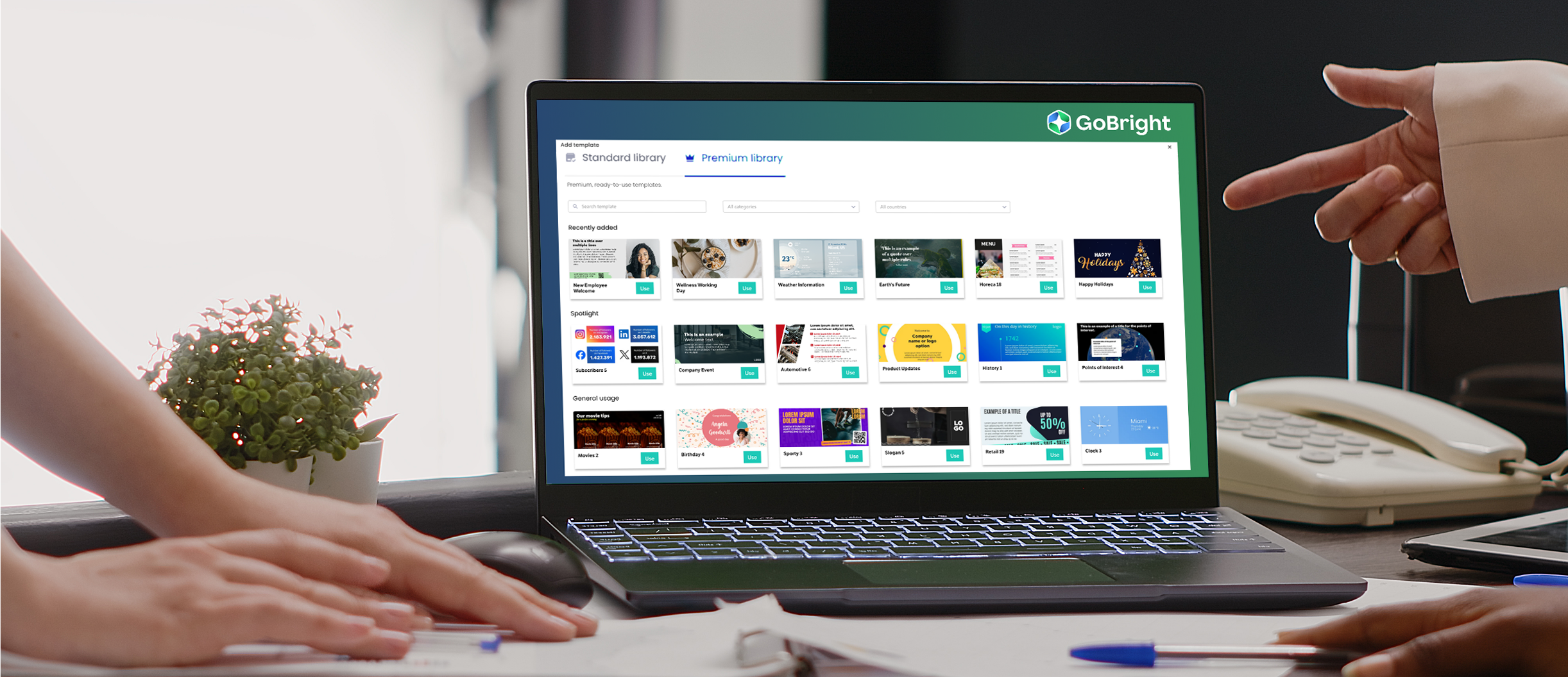
Mit der neuen Premium-Bibliothek GoBright es einfach, hochwertige digital signage Designaufwand zu erstellen. Der GoBright bietet Zugriff auf über 600 vorgefertigte Vorlagen, die für eine Vielzahl von Kommunikationszwecken entwickelt wurden. Mit Digital Signage Vorlagen können Unternehmen schnell einheitliche, professionelle Inhalte auf ihren Bildschirmen veröffentlichen. Dies reduziert die Abhängigkeit von Designressourcen und hilft Unternehmen, durch digital signage effektiver zu kommunizieren.
Digital Signage Aktion
Sehen Sie sich unser Digital Signage an, um zu erfahren, wie GoBright die Kommunikation GoBright , Mitarbeiter und Besucher einbindet und sich nahtlos in Ihre bestehenden Arbeitsplatzsysteme integriert.
Warum sollten Sie sich für GoBright Digital Signage entscheiden?
Auswahl GoBright Digital Signage bedeutet, die Kommunikation zu optimieren und das Engagement in Ihrem gesamten Unternehmen zu steigern. Dank effektiver Kommunikation können Sie Ankündigungen, KPIs und Nachrichten sofort auf den richtigen Bildschirmen anzeigen und so alle auf dem Laufenden halten. Die Plattform fördert ein verstärktes Engagement durch interaktive Inhalte und Live-Updates, die Aufmerksamkeit erregen und die Zusammenarbeit fördern. Außerdem ist sie kosteneffizient, da Sie Inhalte zentral verwalten und so Druckkosten, unnötige E-Mails und verschwendete Kommunikationsaufwände reduzieren können. Die nahtlose Integration mit Microsoft Teams, Outlook und anderen Plattformen vereinfacht die Planung und Verwaltung von Inhalten, während die Zeitersparnis für Administratoren dafür sorgt, dass die Aktualisierung und Überwachung der Anzeigen nur minimalen Aufwand erfordert.
Möchten Sie mehr erfahren?
Mühelose Digital Signage GoBright
Binden Sie Ihren Arbeitsplatz mühelos ein. GoBright Inhalte einfach verwalten, dynamische Informationen anzeigen und Ihr Publikum an mehreren Standorten erreichen. Reduzieren Sie Kommunikationsprobleme, verbessern Sie die Sichtbarkeit und optimieren Sie die interne Kommunikation – alles nahtlos in Ihre bestehenden Systeme integriert.
Einfaches Content Management
Erstellen, planen und aktualisieren Sie Inhalte über das GoBright , die App oder Integrationen mit Microsoft Teams und Outlook. Lizenzen werden pro Bildschirm und nicht pro Benutzer vergeben, wodurch GoBright ist.
Vollständige Plattform
Unsere All-in-One-Plattform vereint Digital Signage, Raumbuchung, Schreibtischreservierung, Besuchermanagement und Parkverwaltung. Die Zertifizierung nach ISO 27001, die Einhaltung der DSGVO, die Integration von Entra ID sowie sichere europäische Server schützen Ihre Daten. Analysieren Sie die Nutzerinteraktion und die Leistung Ihrer Inhalte mit leistungsstarken Analyse- und Berichtstools.
Zertifizierte Hardware
In Zusammenarbeit mit weltweit anerkannten Hardware-Herstellern GoBright zuverlässige, hochwertige Bildschirme und interaktive Displays. Die gesamte Hardware wird ferngesteuert verwaltet und automatisch aktualisiert, um einen reibungslosen Betrieb und Kompatibilität zu gewährleisten.
Vorlagen-Shop Premium
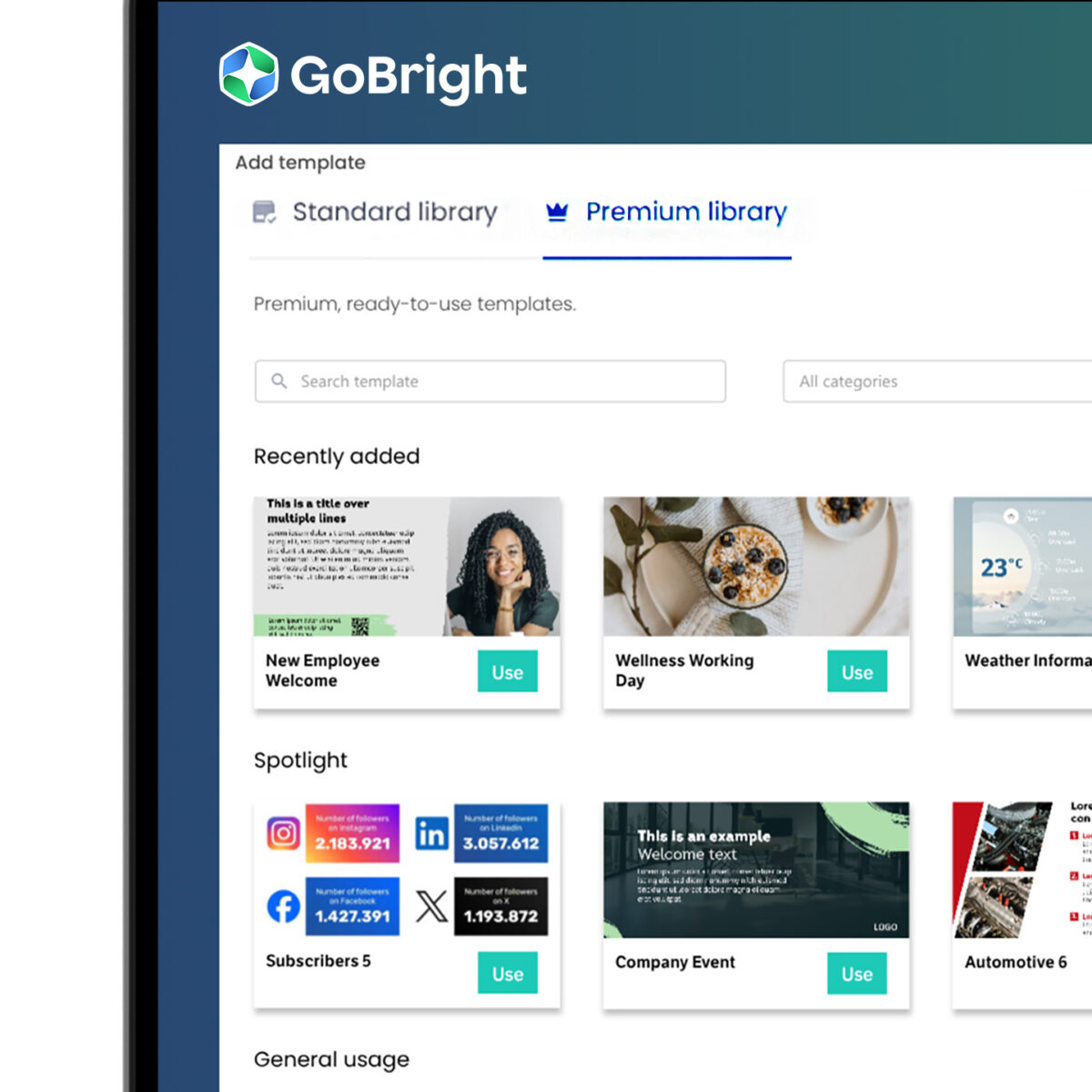
Erwecken Sie Ihre digital signage mit über 600 vorgefertigten, professionell gestalteten Vorlagen sofort digital signage Leben. MitTemplate Store Premium kann jeder in Ihrem Unternehmen innerhalb weniger Minuten ansprechende, markengerechte Inhalte erstellen – ganz ohne Designteam.
Von Besprechungsplänen und Sicherheitshinweisen bis hin zu Unternehmensnachrichten und Sonderveranstaltungen – mit Template Store Premium können Sie Ihre Bildschirme ganz einfach aktuell, relevant und ansprechend gestalten. Wählen Sie einfach eine Vorlage aus, passen Sie sie mit Ihren Inhalten an und veröffentlichen Sie sie direkt auf ausgewählten Bildschirmen.
Dieses Upgrade sorgt für ein einheitliches Branding auf allen Beschilderungen und verwandelt ungenutzte Bildschirme in leistungsstarke Kommunikationsmittel, die eine bessere Interaktion mit Teams, Kunden und Besuchern ermöglichen, ohne dass zusätzliche Hardware oder Designressourcen erforderlich sind.
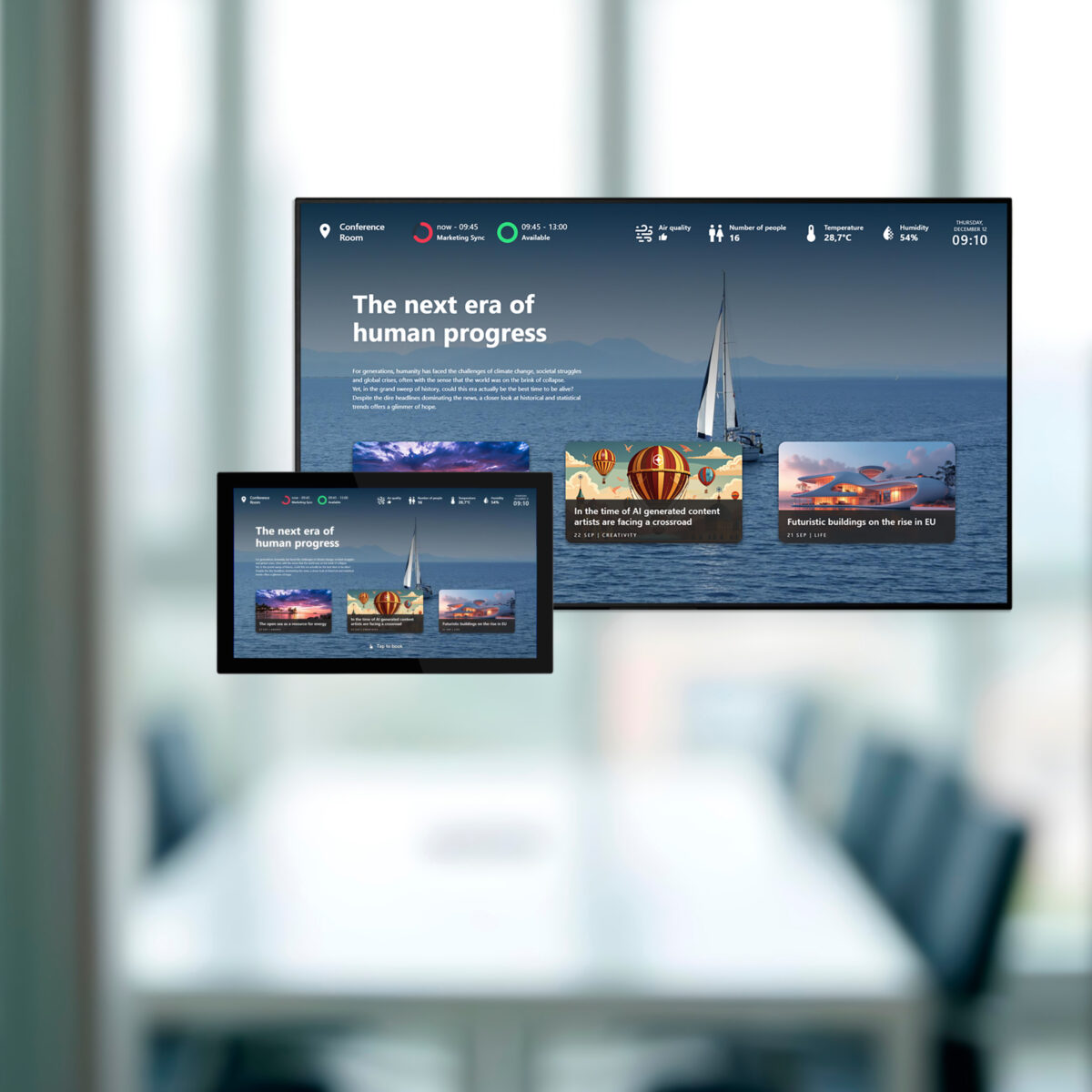
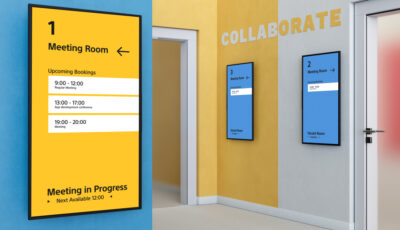
Zimmerbeschilderung
Nutzen Sie die vorhandenen Bildschirme in Ihren Besprechungsräumen optimal.
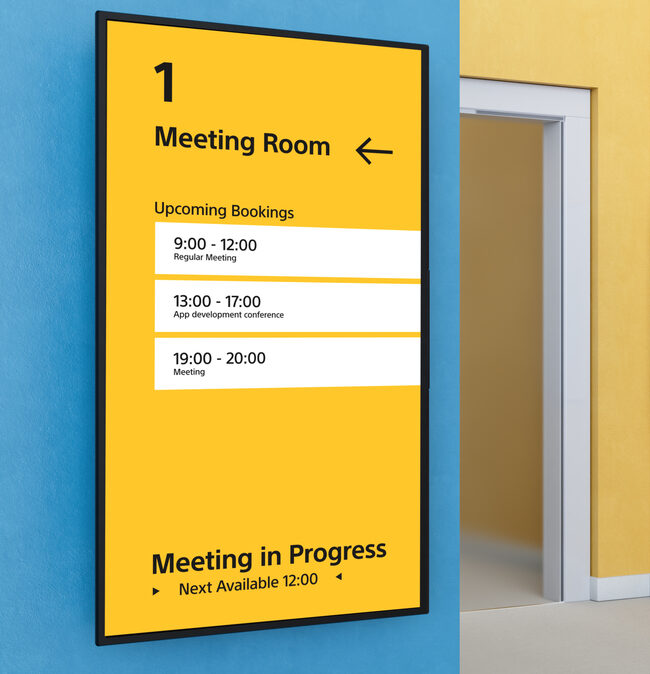
Steigern Sie den ROI der vorhandenen Bildschirme in Ihren Besprechungsräumen. Diese Bildschirme können eine Vielzahl von Informationen über Ihr Unternehmen oder praktische Details zur Nutzung des Besprechungsraums anzeigen.
Darüber hinaus können Sie mit In Room Signage Inhalte auf den Raumtafeln außerhalb Ihrer Besprechungsräume anzeigen, ohne in neue Hardware investieren zu müssen.
Dieser Ansatz stärkt die Kommunikation in stark frequentierten Bereichen, die die Mitarbeiter täglich passieren. Bildschirme, die sonst ungenutzt bleiben würden, können nun aktiv die interne Kommunikation unterstützen.
Wenn Sie derzeit noch keine digital signage haben, können Ihre vorhandenen Raumtafeln sofort umfunktioniert werden, sodass Sie einen intelligenteren, zukunftssicheren Arbeitsplatz schaffen können.
- Ein Bildschirm, zwei Funktionen.
- Teilen Sie Updates dort, wo Mitarbeiter sie am häufigsten sehen.
- Steigern Sie den Wert bestehender Bildschirme und Panels.
- Keine zusätzliche Hardware erforderlich
Wenn Sie mehr erfahren möchten, lesen Sie weiter auf unserer Produktseite zu „In-Room Signage“ oder vereinbaren Sie eine kostenlose Demo.
Digital Signage
Vorlagen-Shop
Interaktive Inhalte
Bildschirmzonen
Kanäle
Reaktionsfähige Folien
Automatische Fernaktualisierung
Nachtmodus
Analytik und Berichterstattung
Zimmerbeschilderung
Hardware Digital Signage
Zertifizierte Hardware
Lassen Sie uns gemeinsam Ihren Arbeitsplatz
intelligenter gestalten
Wenden Sie sich an Chris
unser CCO

Digital Signage

Mehr lesenWir sind sehr zufrieden mit den GoBright . Als wir beispielsweise das Raumbuchung in den neuen Räumlichkeiten installiert hatten, wurde uns sofort klar, dass es unerlässlich war, es auch auf die historischen Räumlichkeiten der Universität auszuweiten.

Mehr lesenGoBright hat sich auf unsere Bedürfnisse eingestellt und war in der Lage, sich mit uns in einer gemeinsamen Partnerschaft anzupassen. Die Plattform ist einfach zu bedienen, hat eine großartige Schnittstelle zur Verwaltung von Buchungen und GoBright entwickelt proaktiv die Endnutzererfahrung und Datensätze.

Mehr lesenUnsere Partnerschaft hilft uns, die Komplexität unserer Organisation erfolgreich zu bewältigen.

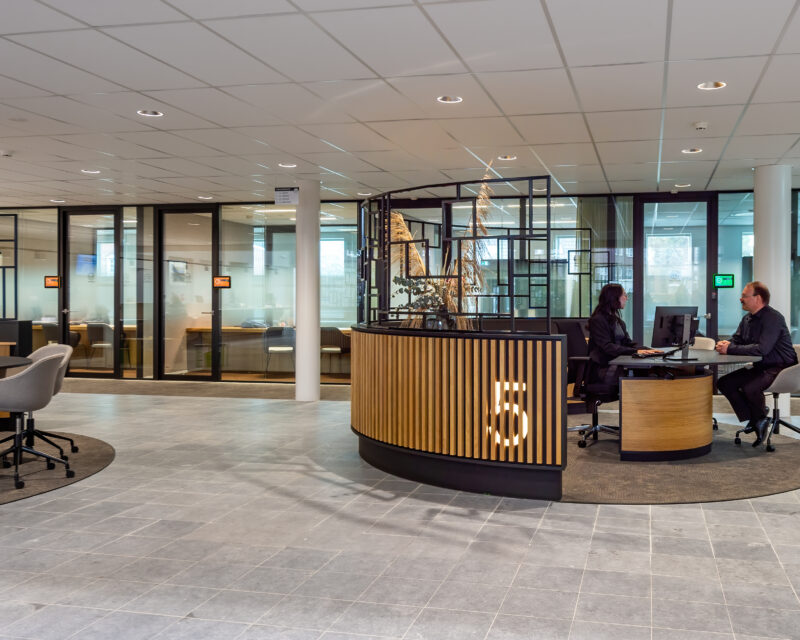
Mehr lesenFreiheit bei der Arbeit und die Möglichkeit, den Tag nach eigenen Wünschen zu gestalten. GoBright macht unser Büro zu einem inspirierenden Ort.
Häufig gestellte Fragen zu Digital Signage
In unseren FAQs finden Sie schnelle Antworten auf häufig gestellte Fragen zu Digital Signage, Funktionen und Dienstleistungen.
Was ist Digital Signage?
Warum ist Digital Signage wichtig?
Wofür wird Digital Signage eingesetzt?
Was sind Beispiele für Inhalte auf Digital Signage in Büros?
Tauchen Sie ein in unsere 'ROI' & Digital Signage Ressourcen
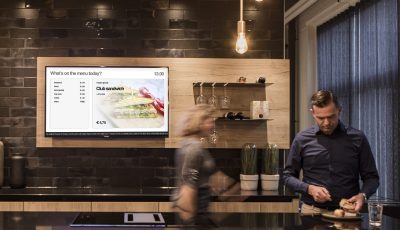
5 Möglichkeiten für den Einsatz von Digital Signage im Büro

Der ROI eines intelligenten Arbeitsplatzes 2025
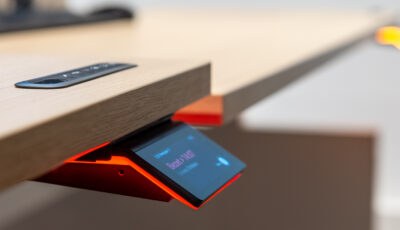
Der ROI von Smart Office leicht gemacht
Eine glänzende Display-Partnerschaft mit Sony Professional Displays

Ein strahlender Wandel: der Weg zu unserer neuen Markenidentität