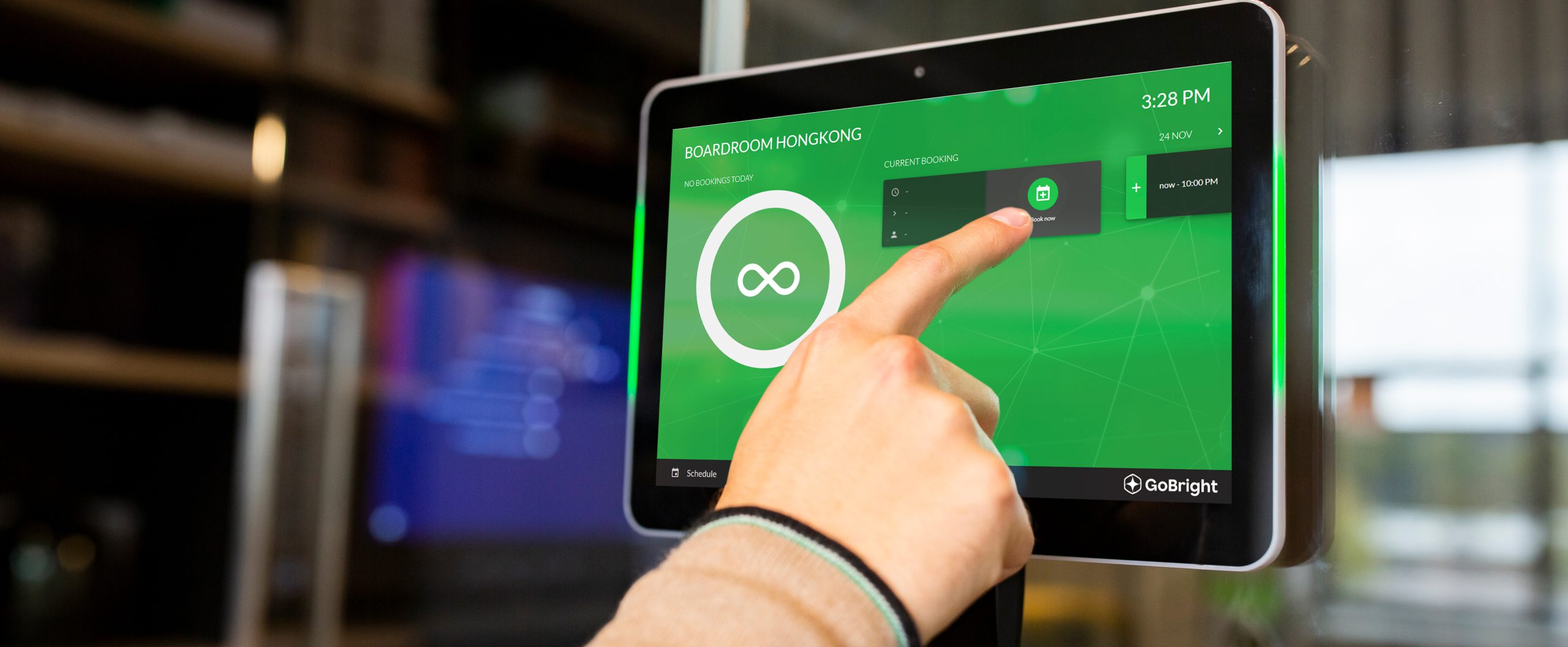
Room Panel
Check the availability of a room and make an instant booking.
Room Panel features
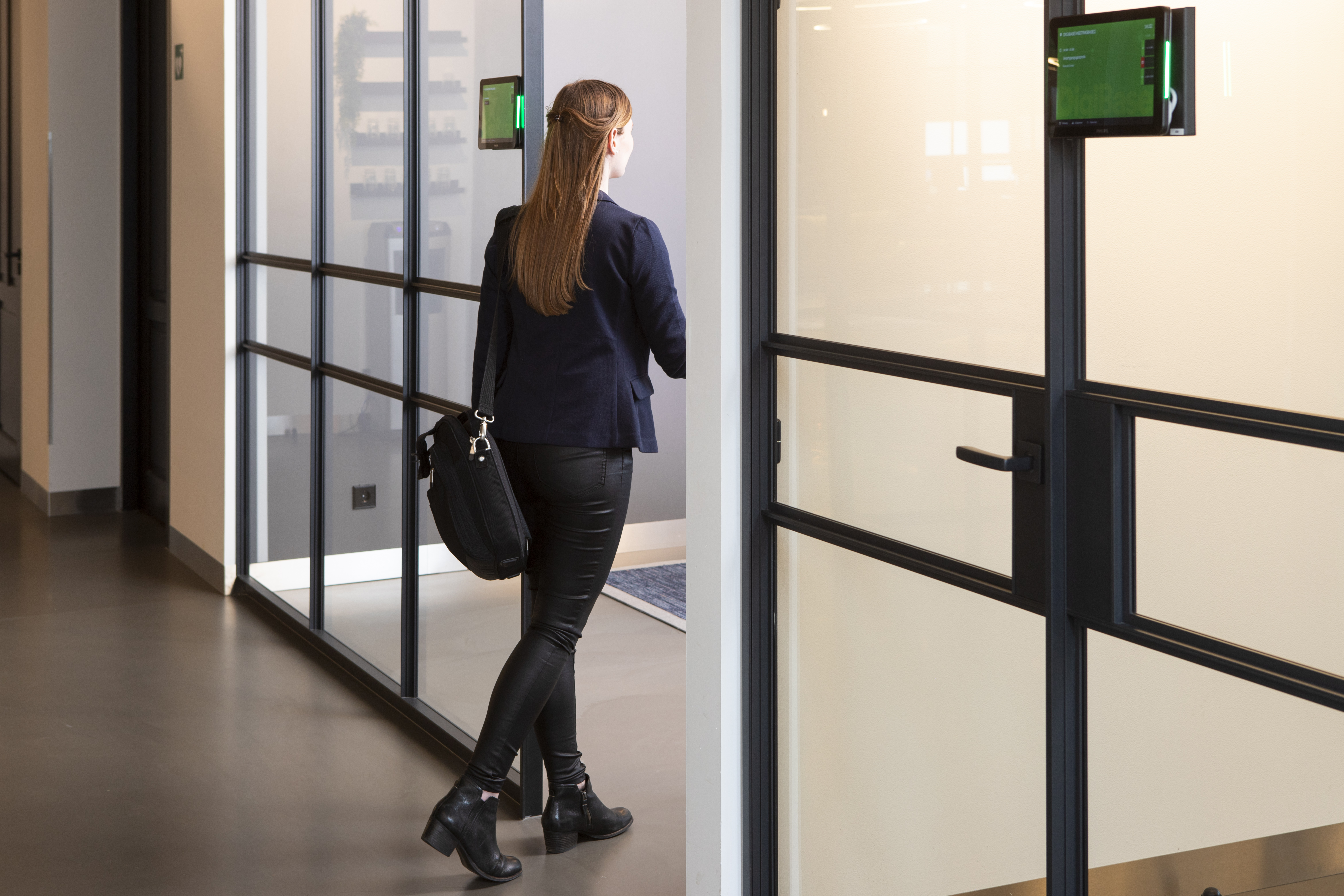
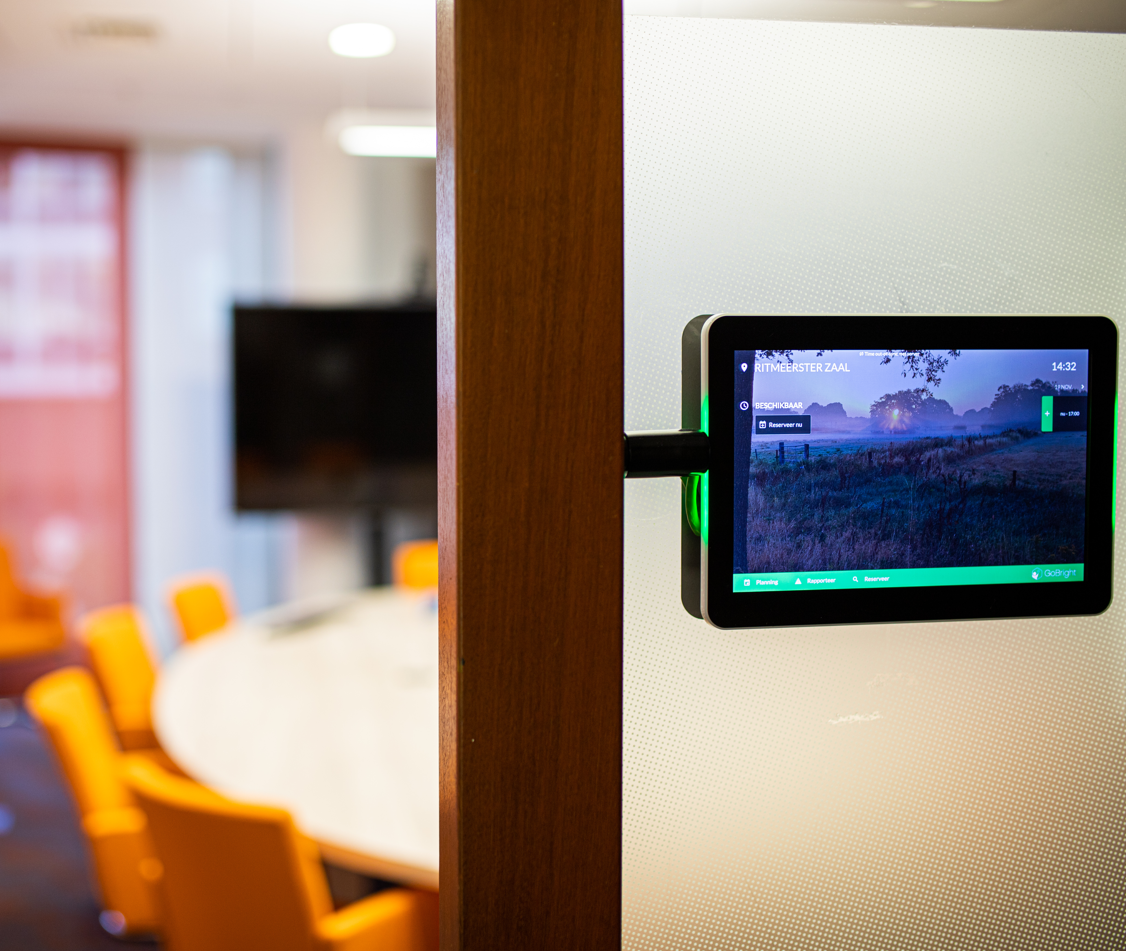
Imagine this. You are in a serious meeting with customers and other colleagues walk in several times to check if your meeting room is available. Or you are searching for a free space to quickly discuss something with a colleague. You cannot see if a room is available or occupied from the outside of a closed door. You know it is annoying, but you need to open the door, to check it out.
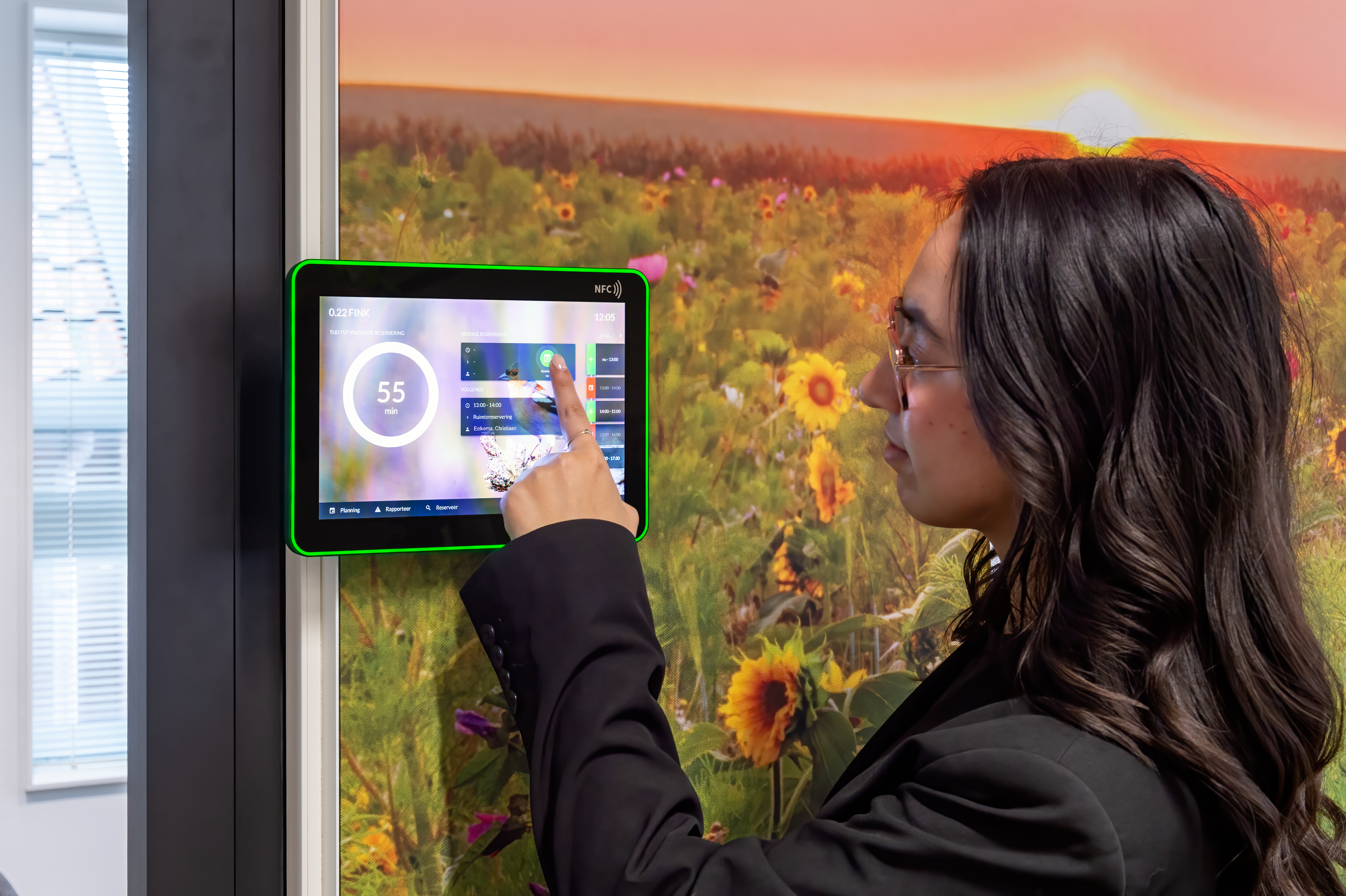
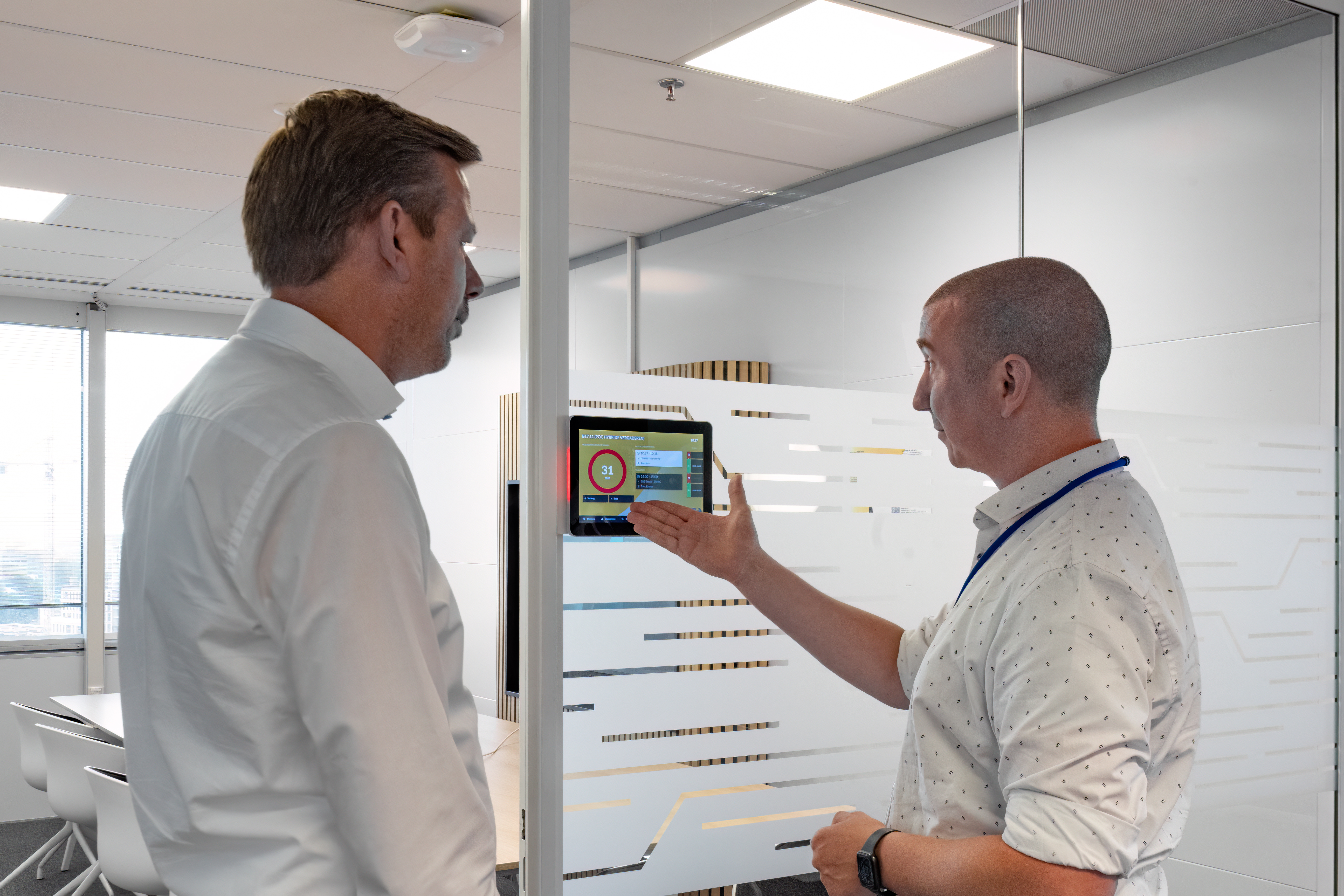
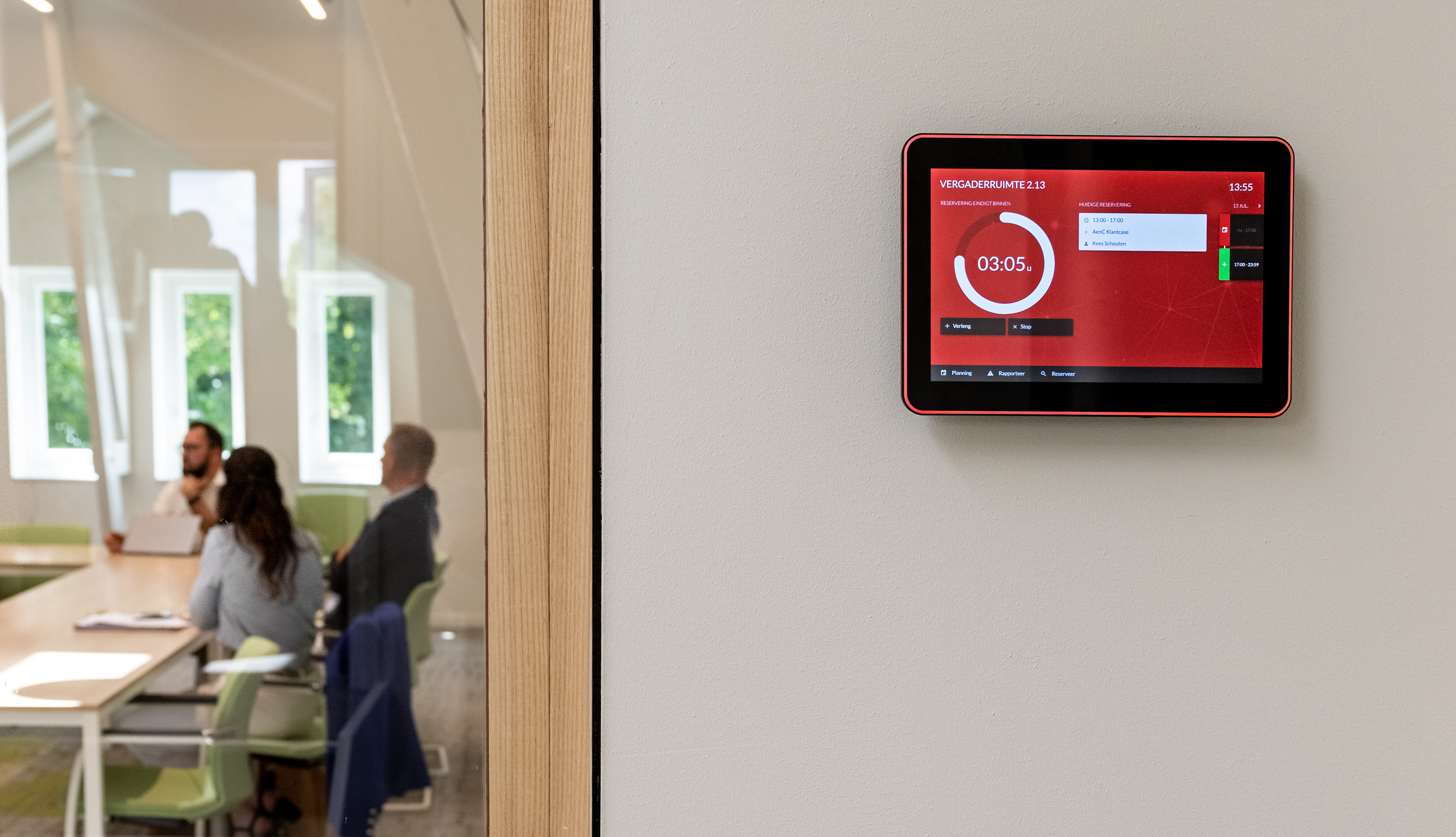
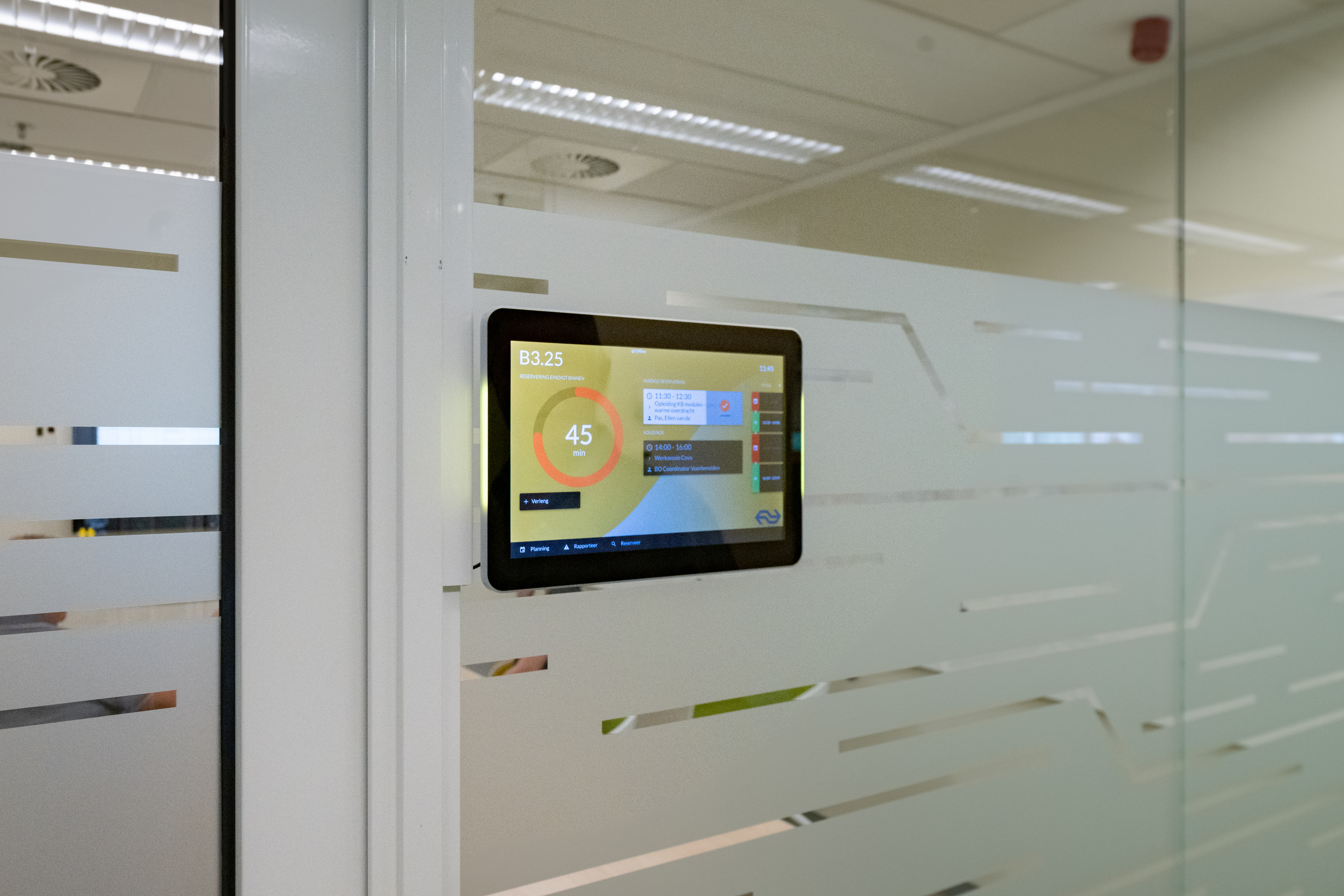
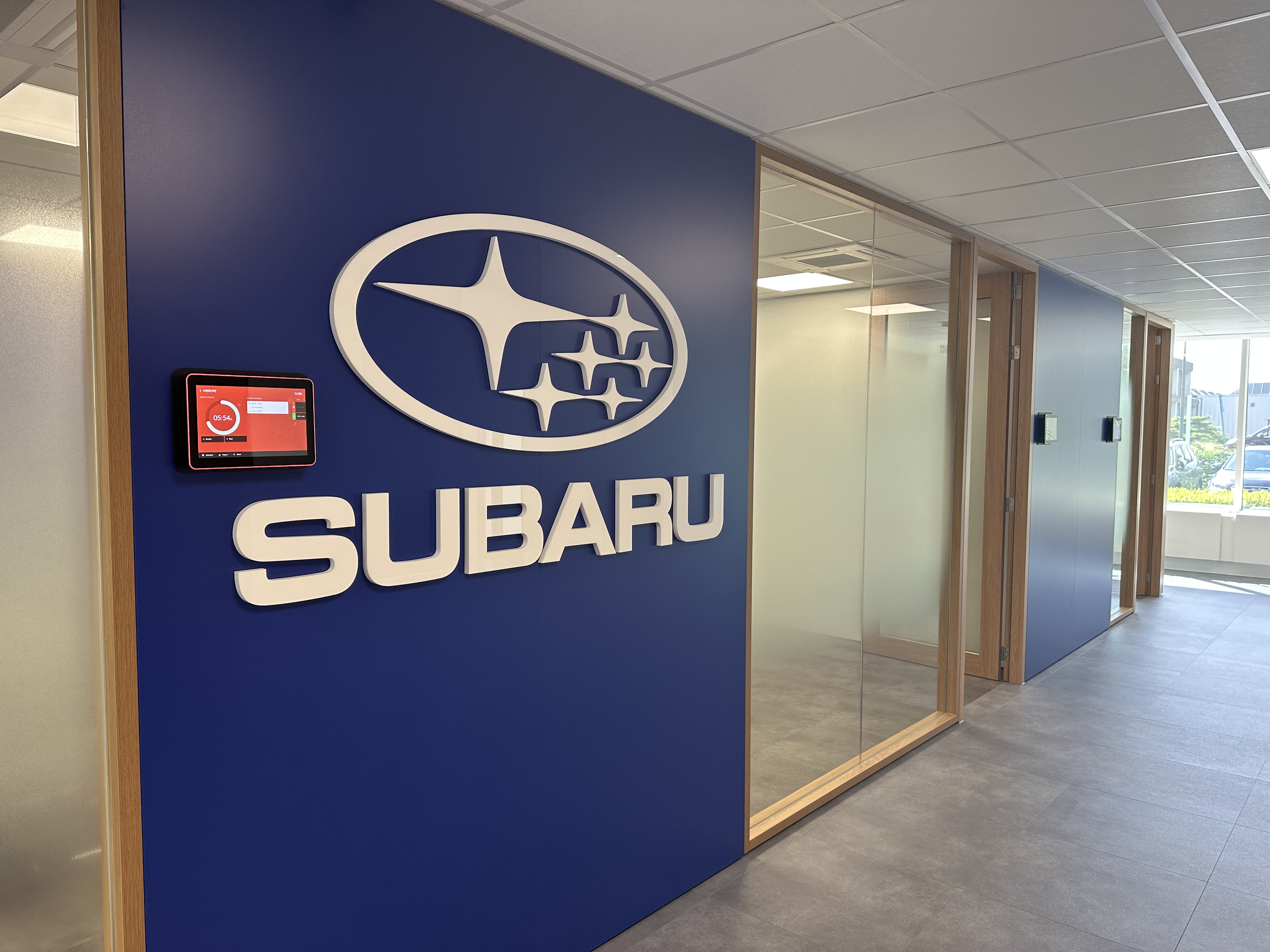
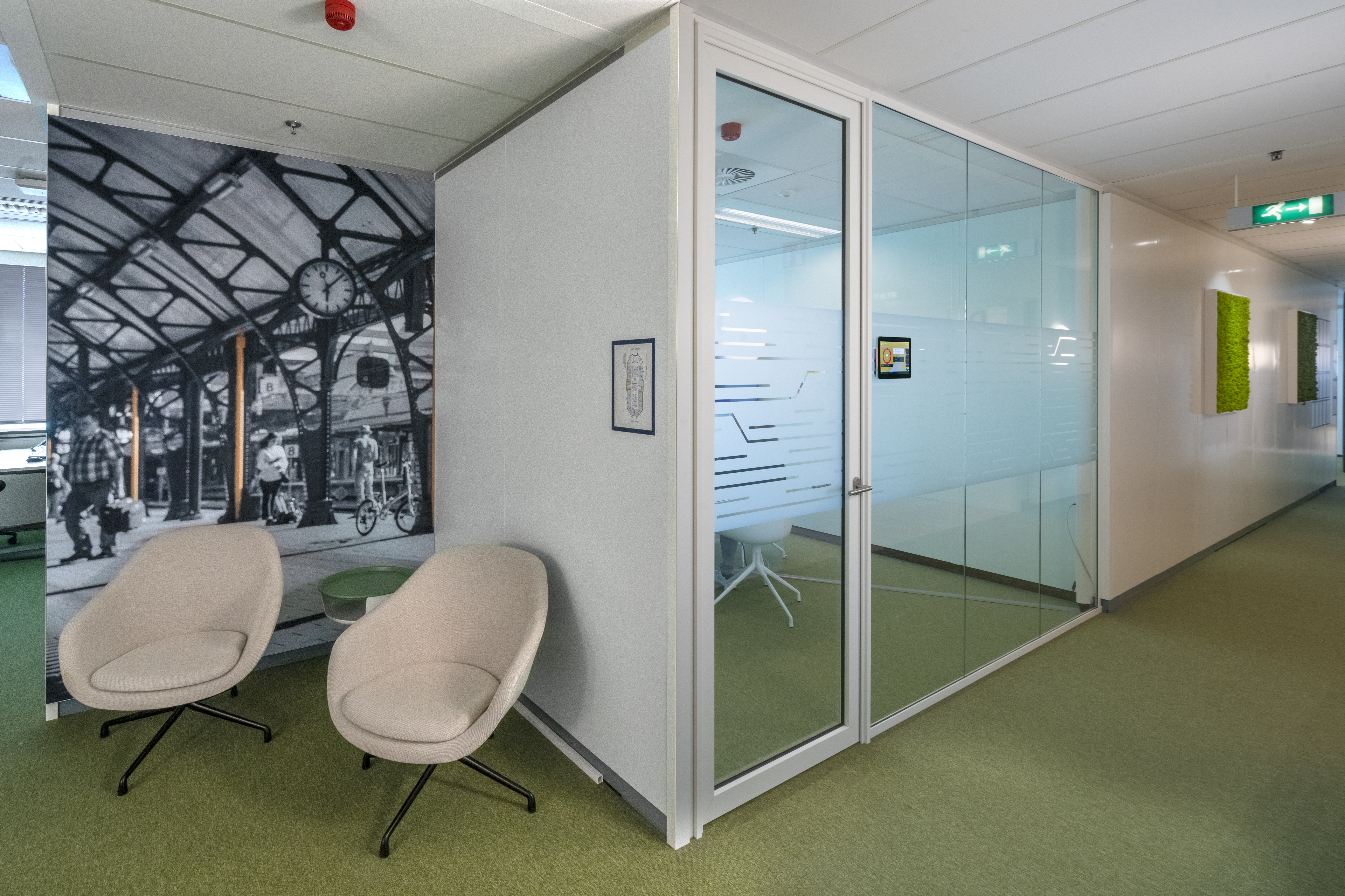
We all know these situations. But those are a thing of the past thanks to the GoBright Room Panel. Place this touch screen on the outside of the meeting room and see immediately whether the room is free (green) or occupied (red). And you can also see how long the meeting will last and if a next meeting is scheduled afterwards.
Are you looking for a meeting room spontaneously? Just make an ad hoc room booking via the Room Panel. Did your meeting end earlier than planned? Check out via the Room Panel and make the room available again for other colleagues. The use of a Room Panel has many advantages and gives the employees clarity and convenience.
Room Panel

ready for more?
Get in contact with Simon, our Channel Development Manager.