Sensori
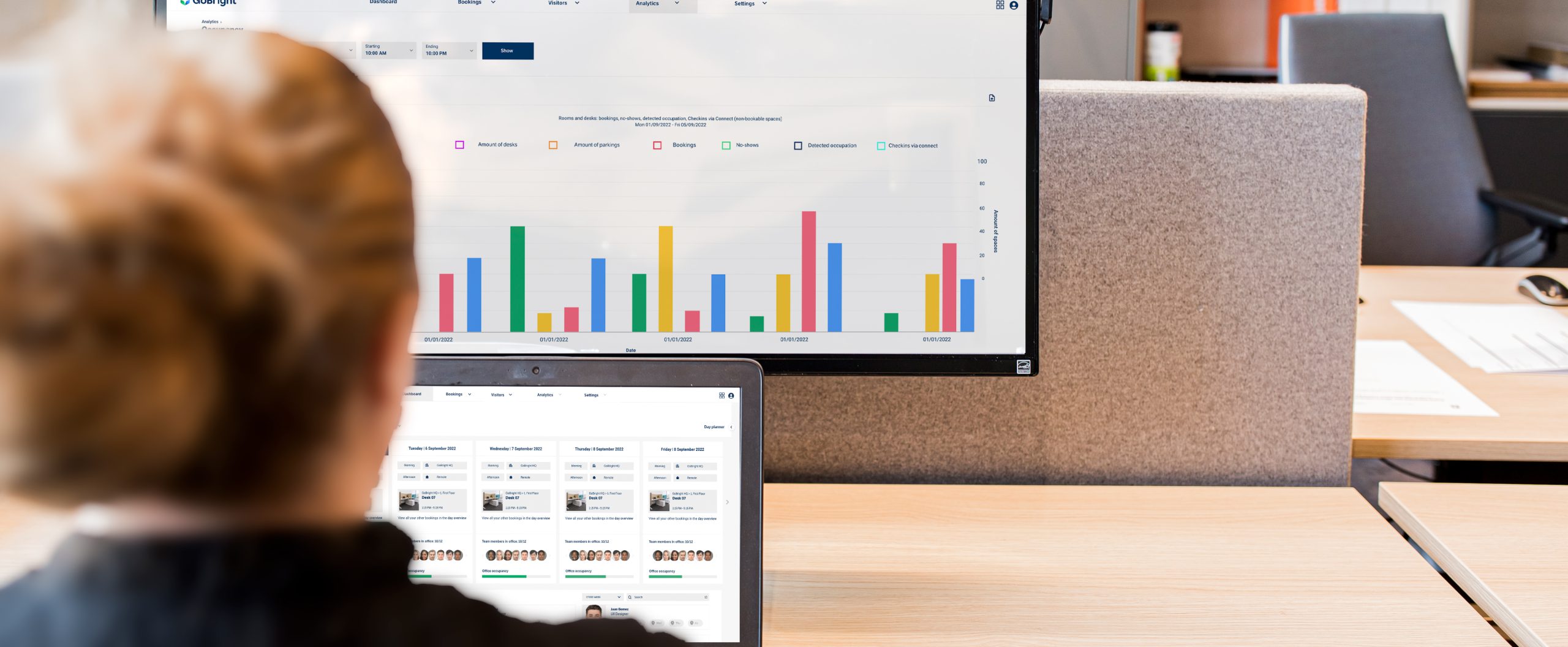
Collega le tue soluzioniGoBright ai sensori che raccolgono dati sulla presenza, sul conteggio delle persone e sulle condizioni sale riunioni , e visualizzali proprio dove i dipendenti sono già abituati a cercarli.
- Ottieni dati precisi e in tempo reale sull'occupazione;
- Scopri quante persone stanno effettivamente utilizzando un sale riunioni, non solo se è prenotato;
- Monitorare i livelli di CO₂, l’umidità e la temperatura per garantire il comfort degli ambienti;
- Garantire un utilizzo efficiente dello spazio di lavoro.
I vantaggi dell'utilizzo dei sensori
I sensori migliorano l'esperienza lavorativa in ufficio in due modi. Innanzitutto, rilevano quando gli spazi vengono utilizzati senza prenotazione preventiva, impedendo che altri li prenotino per errore. In secondo luogo, individuano gli spazi che sono stati prenotati ma mai utilizzati, rendendoli così disponibili per qualcun altro. Ciò fornisce dati precisi per prendere decisioni sull’utilizzo degli uffici basate sui fatti, non su supposizioni.
GoBright ora offre tre tipi di sensori: sensori "sale riunioni ", sensori "Desk" e sensori per il conteggio delle persone e il monitoraggio ambientale. I sensori " sale riunioni " e "Desk" rilevano se uno spazio è occupato. I sensori per il conteggio delle persone e il monitoraggio ambientale vanno oltre, indicando quante persone si trovano in un sale riunioni e quali sono le condizioni all'interno.
Sensori di occupazione
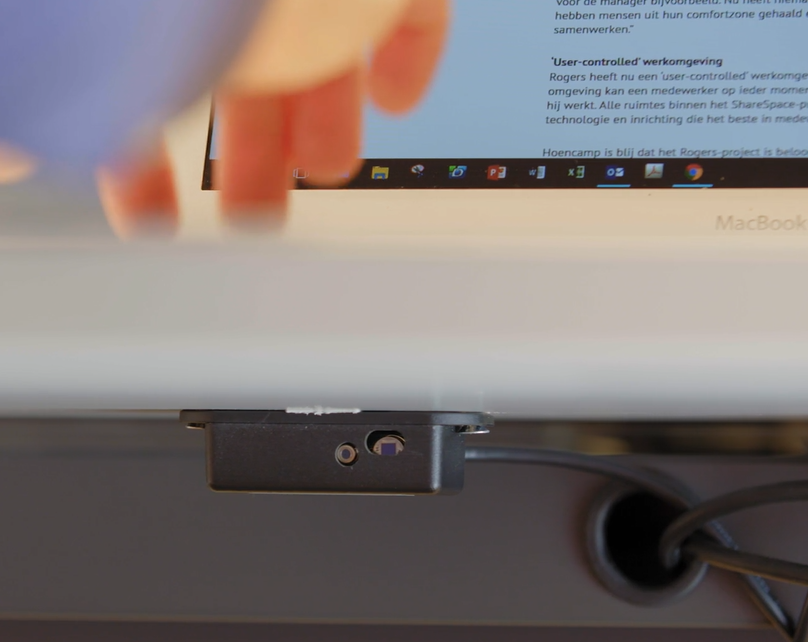
Perla prenotazione tramite GoBright sale riunioni , offriamo sensori di presenza sale riunioni basati sulletecnologieERS eRF. Entrambi i tipi di sensori possono essere installati in sale riunioni, spazi di incontro informali e cabine. Quando rileva un movimento, invia un segnale alla piattaformaGoBright , che contrassegna l’ sale riunioni come occupata. Dopo un periodo di inattività, il sensore comunica alla piattaforma di rendere disponibile l’ sale riunioni affinché altri possano prenotarla.
Il sensoreGoBright sale riunioni funziona tramite radiofrequenza, quindi non richiede alcuna connessione Wi-Fi o PoE. Ciò consente di mantenere semplice la vostra infrastruttura hardware.

Sensori da tavolo
Peril servizio “ GoBright ” (Prenotazione postazioni),offriamo un’ampia gamma di sensori; la scelta del modello più adatto dipende dalla configurazione del vostro ufficio.
Sensore RF:
Il sensore RF è posizionato sotto il piano del tavolo e rileva la presenza tramite il rilevamento del movimento e la misurazione termica. È disponibile in due opzioni di alimentazione: una versione alimentata a batterie, che funziona con tre batterie AAA, e una versione che si alimenta tramite cavo dall'GoBright Connect . Entrambe comunicano in modalità wireless con un gatewayGoBright .
Sensore LoRa:
Il sensore di presenza LoRa sale riunioni (serie ERS) utilizza il rilevamento a infrarossi per rilevare il calore corporeo sotto la scrivania, fornendo informazioni automatiche e in tempo reale sullo stato di presenza senza alcun cablaggio. Funziona con una singola batteria AA, con una durata di almeno cinque anniin condizioni di utilizzo normale e comunica tramite un gatewayGoBright , quindi non è necessario installare alcuna connessione PoE o Wi-Fi. La configurazione avviene direttamente dall’app mobile GoBright scansionando il tag NFC del sensore; inoltre, si integra perfettamente negli uffici che già utilizzano sensori basati su LoRa per il monitoraggio degli ambienti o delle stanze.
Sensore interno, Interact:
Se si utilizza l’GoBright Interact, in genere non è necessario un sensore separato, poiché l’Interact ne ha uno integrato. Questo sensore funziona tramite vibrazione e rileva direttamente l’utilizzo della scrivania.
Sensore esterno per Interact:
In alcune configurazioni, il sensore integrato di Interact non si adatta alla disposizione dell’ufficio, ad esempio quando due postazioni di lavoro condividono una scrivania. Poiché funziona tramite vibrazioni, potrebbe rilevare entrambe le postazioni come occupate anche quando ne è in uso solo una. In questi casi, un sensore esterno fornisce risultati più accurati. Questo sensore è ora disponibile.
Per ulteriori informazioni tecniche, visita la pagina “Sensori” del Centro assistenza.
Conteggio delle persone
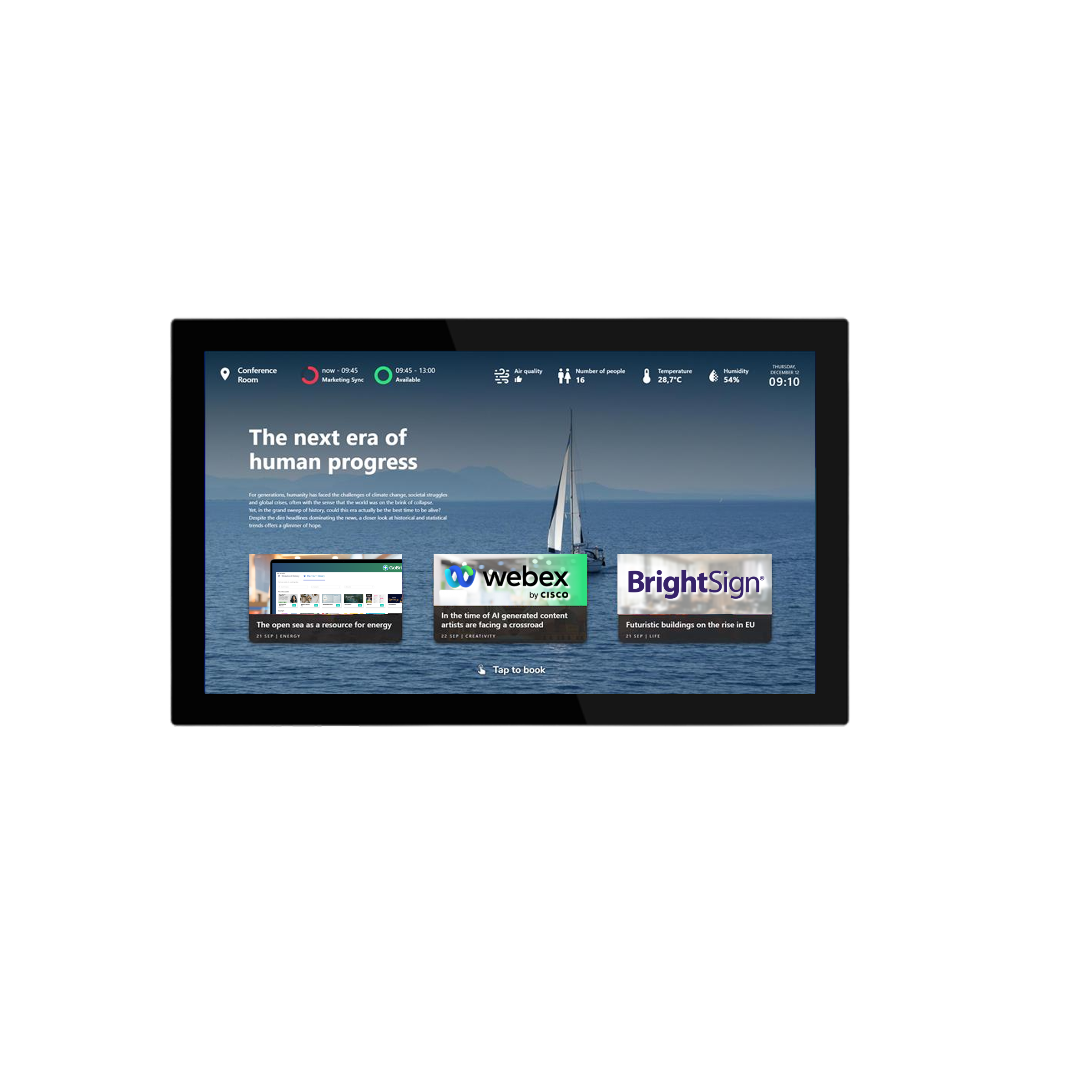
Oltre a indicare se una postazione “ sale riunioni ” è occupata, i nuovi sensori di GoBrightconsentono di sapere quante persone vi si trovano e quali sono le condizioni sale riunioni . Misurano il numero di persone presenti, oltre ai livelli di CO₂, all’umidità e alla temperatura, e i dati vengono visualizzati sui displaysale riunioni e nel Mapviewer, in modo che i dipendenti possano consultarli prima di prenotare.
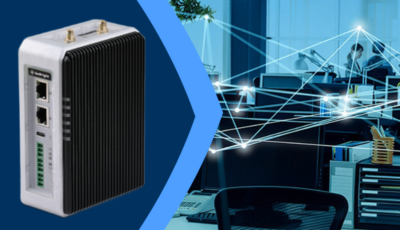
I sensori funzionano su LoRaWAN, una rete a basso consumo con una portata in ambienti interni di circa 100 metri, e comunicano tramite un gateway GoBright . Data è compatibile con i sensori di GoBrighte con quelli certificati di Cisco, Pointgrab e bGrid, in modo da non vanificare gli investimenti già effettuati in hardware.
Questi dati vengono inseriti nel sistema di analisi di GoBright, aiutando i team delle strutture a capire non solo se un sale riunioni viene utilizzato, ma anche in che misura soddisfi le esigenze delle persone che lo frequentano.
DOMANDE FREQUENTI sul posto di lavoro guidato dai dati
Esplorate le nostre FAQ per trovare risposte rapide a domande comuni sui nostri prodotti, soluzioni e servizi.
Che cos'è un ambiente di lavoro basato sui dati?
Quali sono i vantaggi di un ambiente di lavoro basato sui dati?
Cosa sono i Workplace Analytics?
Quali sono i vantaggi della misurazione dell'occupazione del posto di lavoro?
Come si monitora l'occupazione del posto di lavoro?
rendiamo il tuo posto di lavoro
più intelligente, insieme
Contatta Chris
il nostro CCO


GoBright all’AVTECH Summit 2026
GoBright Advanced Gateway (AGW): una rete di sensori più semplice e più sicura
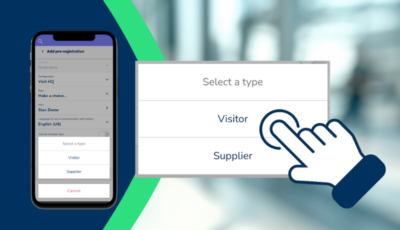
Pre-registrazione e gestione dei visitatori tramite l’app mobile “ GoBright ”

Il modello di lavoro ibrido: tipologie, vantaggi ed esempi

GoBright all’Orgatec 2026
GoBright all'Expo Real 2026
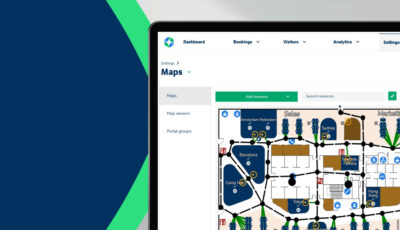
Editor di mappe: disegna le tue planimetrie

GoBright PropTech Connect 2026
Occupazione degli uffici: perché i dati sono importanti in un ambiente di lavoro ibrido

Cosa significano realmente le nuove modalità di lavoro e come metterle in pratica