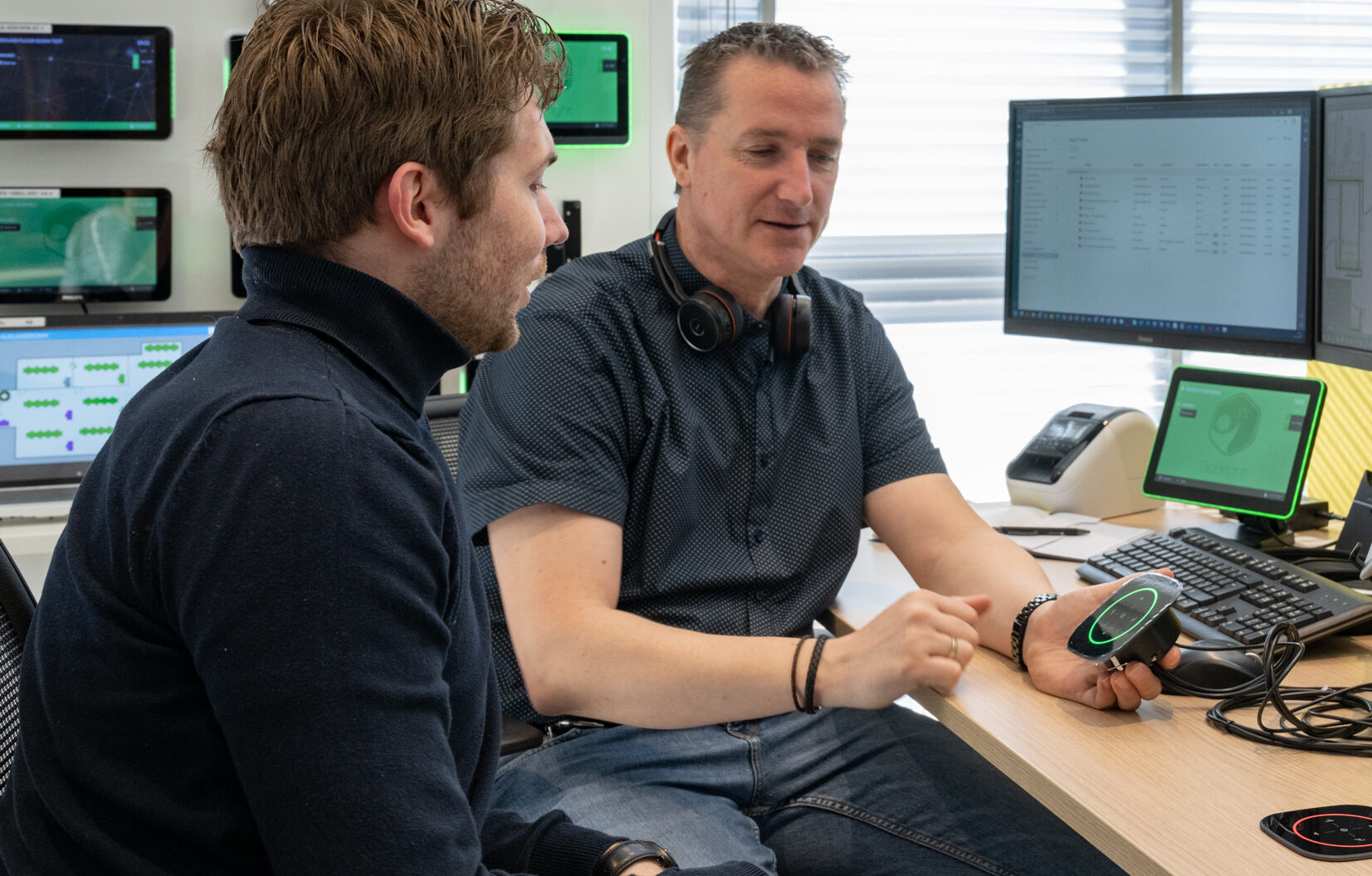
When you walk into the office, it is important that it is easily visible which desks are occupied and which are available. This is why most offices have a Mapping screen near the entrance, which provides a visual overview of the occupation status of all desks.
Additionally, every desk can be provided with a GoBright Connect and Glow. Both additions light up, dependent on the desk’s status. When the Connect and Glow are green, the desk is available and when it is red, it is occupied. Blue means that the person at the desk does not want to be disturbed and purple indicates that the desk needs cleaning. Covid-19 proof working environment!