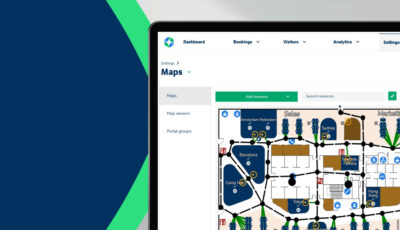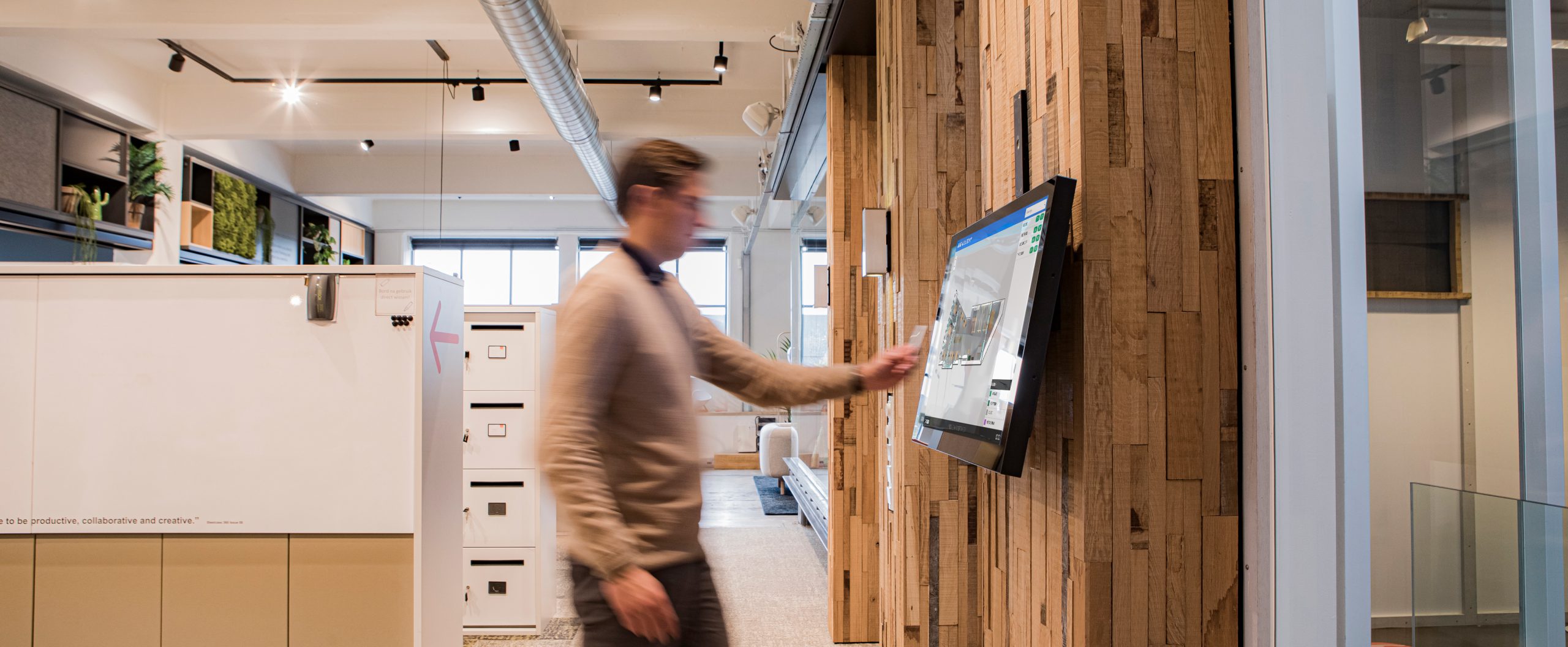
GoBright Mapping bietet Mitarbeitern eine visuelle Darstellung des gesamten Büros. Es handelt sich dabei um eine interaktive Karte, die aktuelle Informationen auf der Grundlage von Arbeitsplatzbuchungen, Check-Ins und der Erkennung von Schreibtischen/Zimmern liefert. Mapping kann in jedem Teil des GoBright Portals gefunden werden. Der Map Viewer ist jedoch ein separates Produkt, das Mapping auf einem Touchscreen anzeigt, der in jeder Abteilung platziert ist und es für den Benutzer interaktiver macht.
Wir entwickeln ständig neue Funktionen für Mapping und Map Viewer, um die Benutzerfreundlichkeit und Zugänglichkeit zu verbessern. Beim nächsten Upgrade geht es um ein komplett neues Layout, das Sie erwarten können:
Umfangreiche Suchoptionen
Im nächsten Quartal werden wir die Suchmöglichkeiten erweitern. Das bedeutet, dass Sie nach dem Upgrade sogar in der Kartenansicht nach Räumen und Arbeitsbereichen suchen können. Es wird auch möglich sein, Abteilungen zu markieren, und wir verbessern die Navigation zu Räumen und Arbeitsplätzen.
Verbesserte Funktionalität
Mit dem nächsten Update können Sie Ihr eigenes Logo in die obere linke Ecke von Mapping einfügen, und wir fügen einen Home-Button hinzu, um die Navigation noch einfacher zu machen.
Letzte Aktualisierungen
Q4 2024
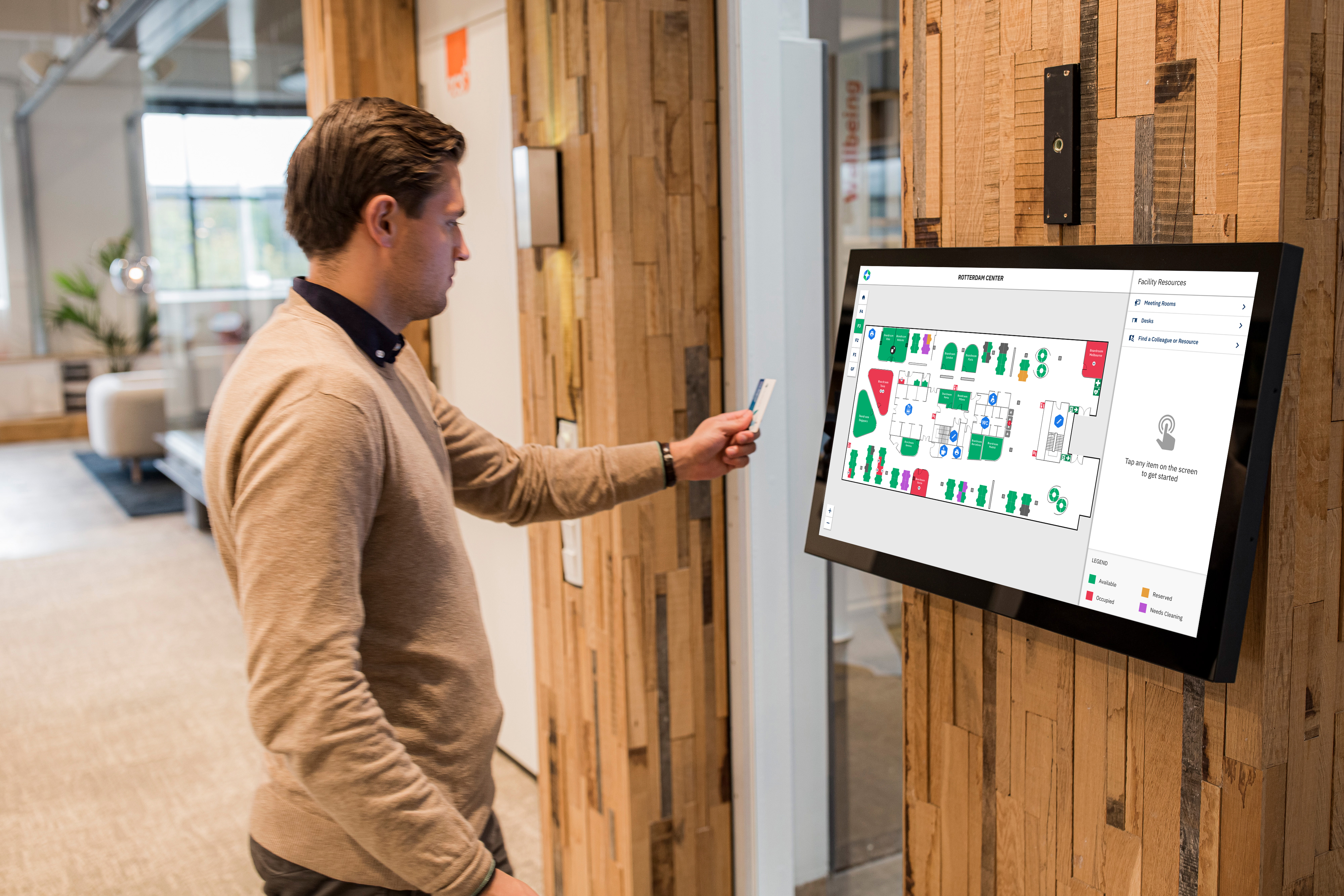
Wir haben das visuelle Erlebnis in der Karte verbessert. Sie können jetzt ganze Besprechungsräume auf der Karte einfärben. In der vorherigen Version von Mapping hat jeder Besprechungsraum einen Tisch, der je nach Verfügbarkeit entweder rot oder grün gefärbt ist. Im neuen Layout ist es möglich, den gesamten Raum rot oder grün zu färben. Zusätzlich können Sie die Namen der Besprechungsräume in die Karte einfügen, um eine bessere Übersicht zu erhalten.
Wir haben auch eine Legende in der unteren rechten Ecke des Bildschirms hinzugefügt, die kurz die Bedeutung der Farben auf der Karte erklärt. Außerdem wird es einfacher sein, anhand der Initialen oder Profilbilder der Nutzer zu erkennen, wer welchen Schreibtisch oder Raum besetzt.
Q1 2024
Wir haben unsere eigenen nicht-interaktiven Symbole hinzugefügt. Diese dienen der Visualisierung von Points of Interest, wie z. B. Toiletten oder Notausgänge. Vor der Aktualisierung mussten diese Symbole manuell in den Grundriss eingezeichnet werden. Jetzt haben wir eine Reihe von nicht-interaktiven Symbolen erstellt, die ausgewählt und an beliebiger Stelle auf der Karte platziert werden können.
Q4 2023
Mapping unterstützte anfangs nur SVG-Dateien, aber wir haben jetzt auch PNG-Dateien unterstützt. Die maximale Größe der Dateien wurde ebenfalls erhöht: GoBright Mapping kann nun Dateien mit einer Größe von 1 MB anstelle der derzeitigen 300 KB verarbeiten. Dies ermöglicht eine detailliertere Karte.