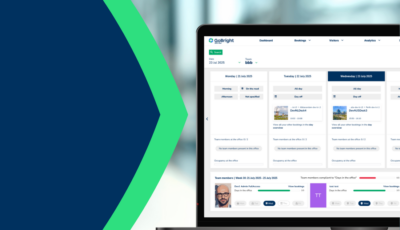
While the GoBright Connect has been a trusty companion for many for the past few years, and will remain being so, we realised the market was asking for something else. This is why we introduced its cousin, the GoBright Interact.
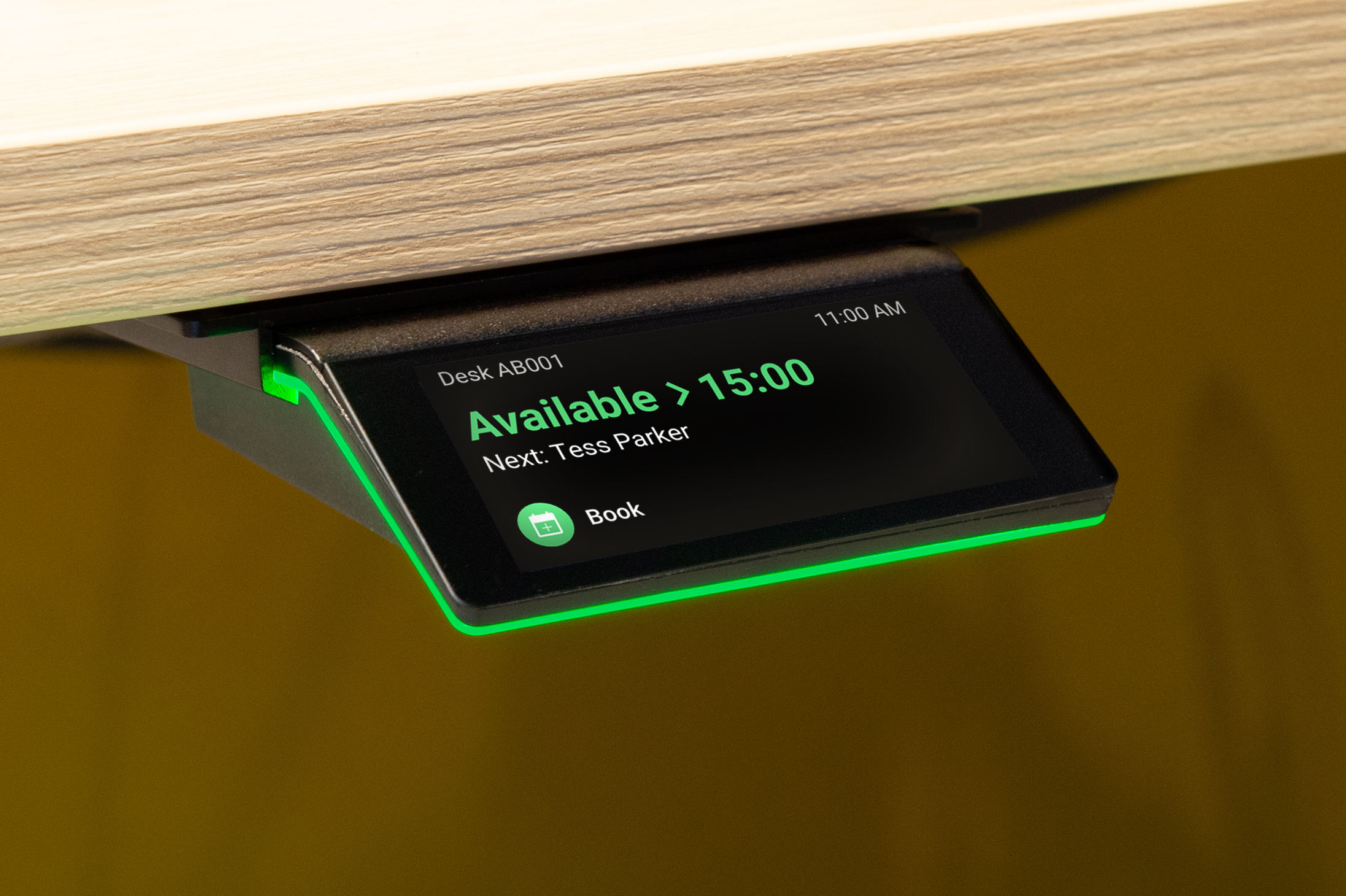
Features of the Interact
Height-adjustable Desks
As we spend a large portion of our time behind our desks, it is extremely important to have a healthy working environment. Many employers therefore provide their employees with height-adjustable desks. Instead of having to manually set the desk each time you want to change your position, we programmed the Interact to remember your height preferences. This means your personal settings need to be installed once. After this, you can load and control your personal standing and sitting height into any desk via the Interact with one click. It seamlessly integrates with LINAK, Jiecang, and LOGICDATA.
GoBright Glow
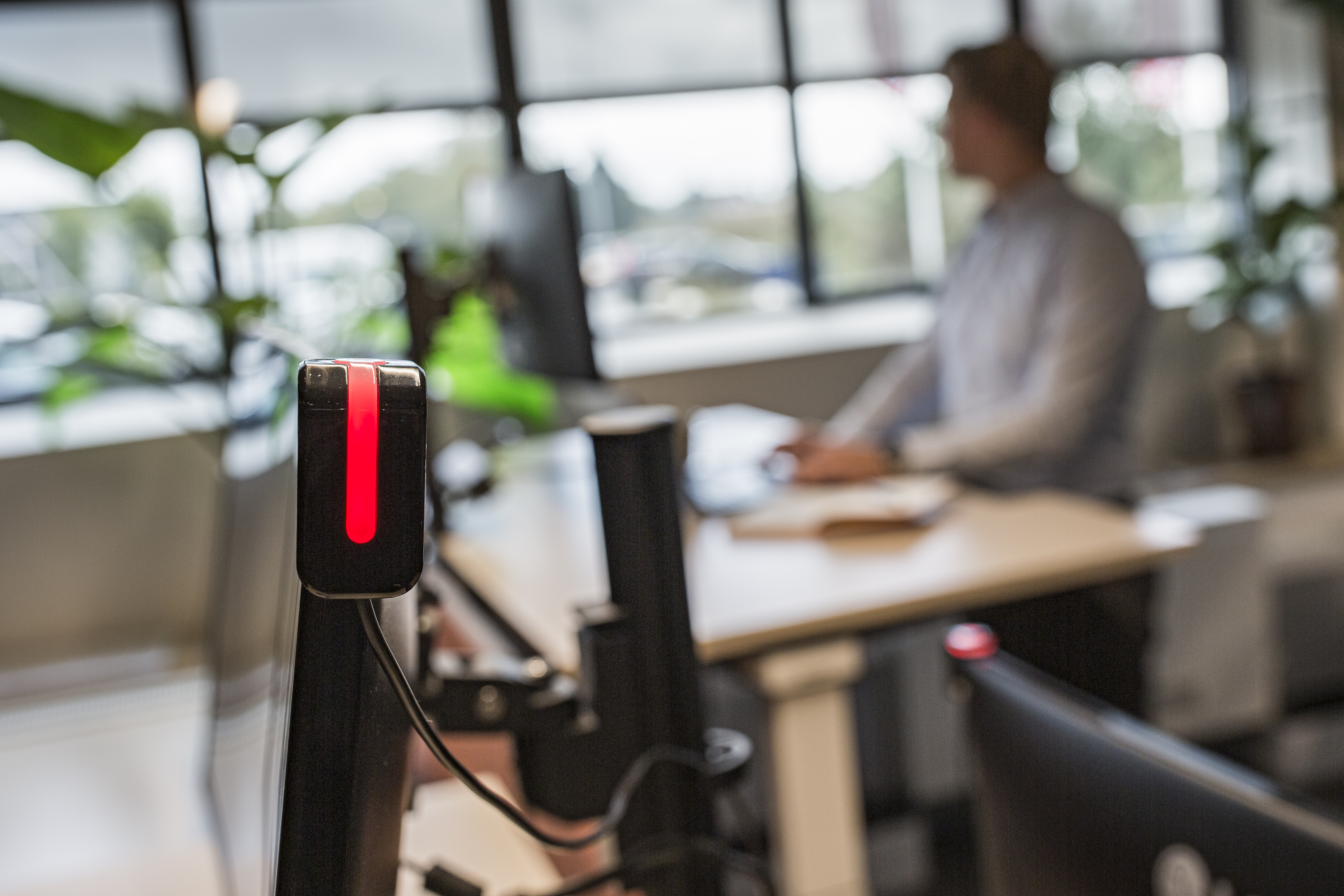
The GoBright Glow is fully compatible with the Interact. This device can be mounted on monitors or desk separators at the office and emits a coloured LED-light according to the desks’ status. A green Glow means that the workspace is available, red means unavailable, and orange means that a booking is starting soon. Besides availability, Glow can also display different colours. Users can turn the device blue if they don’t wish to be disturbed, and the purple mode means that the desk therefore needs cleaning.
Sensors
While the Connect can be used in combination with external sensors, the Interact has one already built in. This built-in sensor detects whether a desk is occupied, providing a more accurate overview of the office’s occupancy. When, for example, a desk is booked but nobody shows up to check-in, the Interact will release the desk for somebody else’s use. Vice versa, when a person uses a desk without making a prior booking, the sensor will make sure that the desk will show as ‘occupied’ throughout the entire GoBright Platform. No more no-shows and inaccurate occupancy overviews! Learn how to activate this sensor in this Help Center article.
In some cases, the built-in sensor of the Interact does not fit the office’s needs, for example when you have two different workspaces on the same desktop. Because the built-in sensor works on vibrations, it may communicate that both workspaces are occupied when only one of them is in use. In these types of situations, it is best to use an external sensor for the most accurate information. We are currently developing such a sensor, and expect it to launch in 2025.
PoE
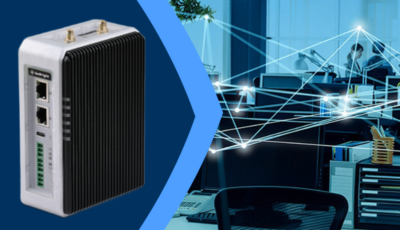
With the use of GoBright’s Expansion Box, the Interact works on both Wi-Fi and Ethernet, with PoE-support. This will make sure that the Interact receives its power and internet over the same cable.
About the GoBright Interact
The Interact is a versatile and interactive hardware device developed by GoBright that can be used for both Room Booking and Desk Booking. It allows the user to create detailed bookings and view existing bookings.
Do you want to know more about the GoBright Interact?